
Google AI Mode sidebar is coming to the most-visited page on the internet. Google is rolling out a collapsible sidebar on its desktop homepage that lists your recent AI searches — so you can pick up a conversation with AI Mode exactly where you left it.
Robby Stein, Google’s vice president of product for Search, announced the change on November 19, 2026. “New on the Google desktop homepage globally: we’re rolling out a collapsible sidebar to easily find & jump back into your recent AI searches,” he wrote, sharing a video of the feature in action.
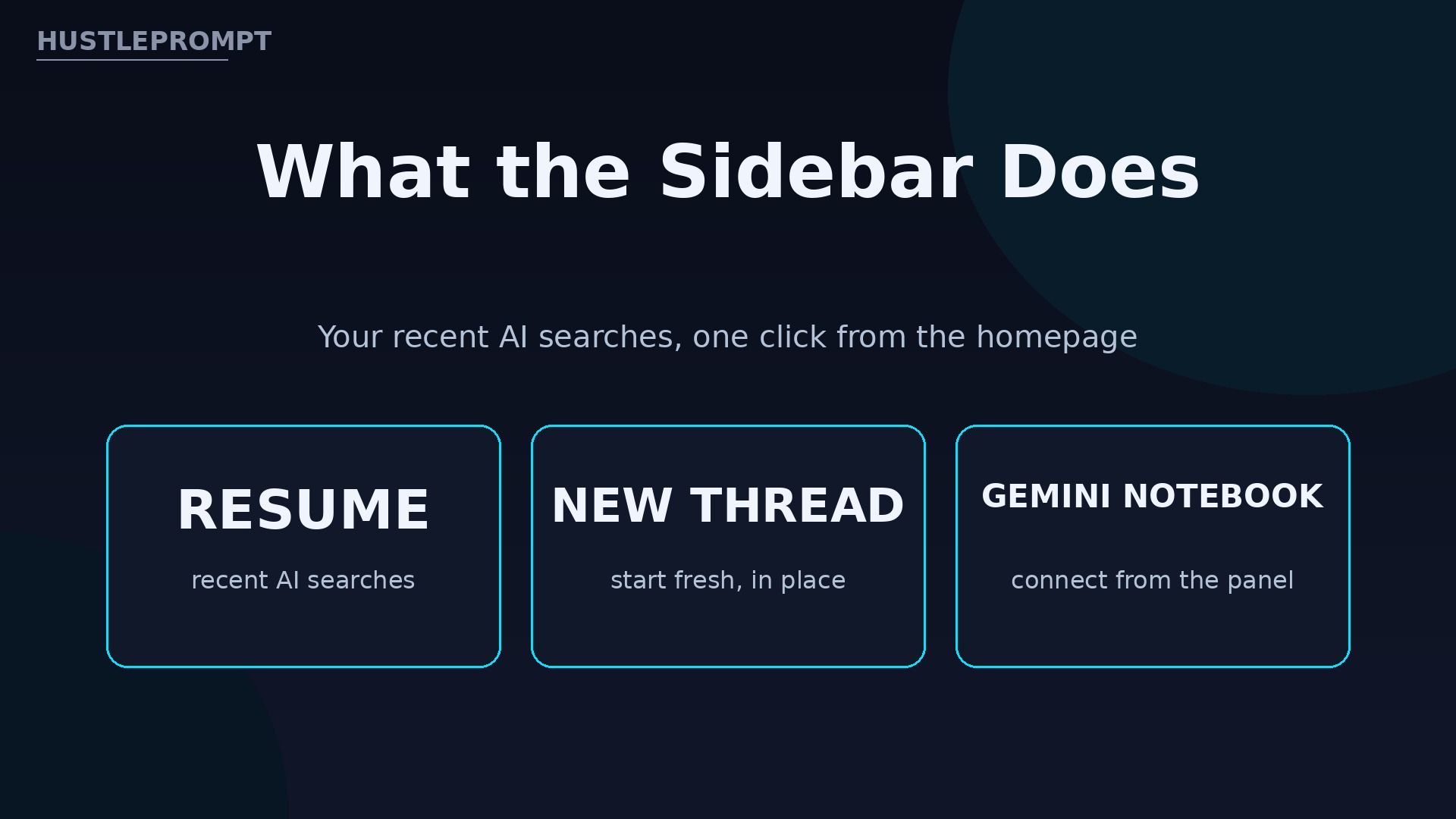
What the sidebar actually does
The panel opens from a gray bar on the left edge of the desktop homepage. Once it slides out, it shows the searches you have run through AI Mode — Google’s chatbot-style search experience that answers with AI-generated responses and links to web sources.
From the panel you can:
- Resume a thread. Open any recent AI Mode search and continue it, instead of starting over.
- Start a new thread. Begin a fresh AI Mode conversation without leaving the homepage.
- Search your threads. Find an old conversation by keyword.
- Connect a Gemini Notebook. Link a notebook so your research travels with you.
Continuity depends on your account settings. Google says to enable history and personalized recommendations for the best experience — without them, AI Mode still works, but it cannot resume previous searches. You can delete individual searches or your entire AI Mode history from the history panel.
| Feature | Status | What to know |
|---|---|---|
| AI Mode sidebar | Rolling out globally, desktop | Collapsible panel on the homepage; reaches accounts at different times |
| Temporary threads | Live globally since Nov 17 | Conversations that do not stay in history — they will not appear in the sidebar |
| Gemini 4 Hydrogen | Default in AI Mode since Nov 12 | Google’s largest model upgrade to Search so far |
| Gemini 4 Carbon | On Google AI Pro since Nov 16 | The top-tier Gemini 4 model for Pro subscribers |
| Mobile sidebar | Not announced | Google has described a desktop feature only |
Why Google is doing this now
Stein put it plainly: “people are coming to Search with more questions that aren’t just one and done.” In testing, he said, “this sidebar made a big difference for making progress & continuing to explore the web.”
Search is becoming a conversation, not a single query. A question about the best laptop becomes a comparison, then a price check, then a store visit — spread over days. Until now, each visit started from zero. The sidebar turns the homepage into a workspace where research accumulates.

What it means for your money
For anyone who makes money from search traffic, this is a shift worth watching. Google’s own research found that AI answers cut outbound clicks to websites by about 40% in a randomized experiment. A sidebar that keeps users inside AI Mode threads could push that number further — more answers inside Google, fewer visits to publishers.
But there is a flip side. AI Mode answers cite web sources, and a user who resumes a thread is a user who is still researching — comparing products, checking prices, reading reviews. Sites that give AI Mode something worth citing can still win the click, especially on commercial questions.
Three moves for site owners and marketers:
- Write for the follow-up question. AI Mode threads are multi-step. Content that answers the second and third question — not just the first — is what gets cited.
- Keep your facts checkable. AI Mode links to sources it can verify. Clear dates, prices and specs, stated plainly, travel further than vague claims.
- Watch your AI Mode traffic. As the sidebar rolls out, compare your Search Console clicks against AI Mode referrals. If clicks fall while impressions hold, your content is being read — just not visited.
How to use the new sidebar
1. OPEN
Click the gray bar on the left edge of the desktop Google homepage.
2. PICK A THREAD
Choose a recent AI Mode search to resume, or start a new one.
3. KEEP GOING
Ask follow-ups — the thread remembers the context of your research.
4. CLEAN UP
Delete single searches or your whole AI Mode history from the history panel.
Watch: Google explains how AI Mode works (Google, official channel; embedded from Google’s official AI Mode support page).
FAQ
What is the Google AI Mode sidebar?
A collapsible panel on the desktop Google homepage that lists your recent AI Mode searches, so you can resume threads, start new ones, search old ones, or connect a Gemini Notebook.
When is the AI Mode sidebar rolling out?
Google announced the global desktop rollout on November 19, 2026. Rollouts reach different accounts at different times, so you may not see it yet.
Is the sidebar available on mobile?
No. Google has described a desktop feature only, and has not said whether a mobile version is planned.
Do temporary threads show up in the sidebar?
No. Temporary threads, which rolled out globally on November 17, do not remain in your history, so they will not appear in the sidebar.
Can I delete my AI Mode history?
Yes. You can delete individual searches or your entire AI Mode history from the history panel, or remove AI Mode activity through Search History.
Does the sidebar work without history enabled?
AI Mode still works, but it cannot resume previous searches without history and personalized recommendations enabled.
What model powers AI Mode now?
Gemini 4 Hydrogen became the default model in AI Mode on November 12, 2026, with Gemini 4 Carbon available to Google AI Pro subscribers.
Keep Reading
Sources: Search Engine Land, quoting Robby Stein’s announcement (Nov 19, 2026); Search Engine Roundtable; Google Support: AI Mode in Google Search; Unite.AI. The announcement was made by Google’s VP of Product for Search in a post on X; no Google blog post was published at the time of writing.