
Your client wants a reaction GIF that matches their brand, not a random clip from a GIF library. Until this week, that meant a design tool or a motion designer. Now the Gemini app makes the GIF itself.
Google rolled out GIF generation in Gemini on November 20, 2026. You type a plain-language prompt, or attach a photo or video, and Gemini returns a short looping GIF of about three seconds. It is free in eight launch countries, including the United States, and it runs on Google’s newest video model, Gemini Omni 1.2 Flash.
For creators and social media freelancers, that is a new billable service inside an app you already use.
What Gemini GIFs actually do
A Gemini GIF is a silent, looping animation of about three seconds. Describe the scene in words, or upload a photo and ask Gemini to animate it, or use a video clip as a reference.
Google’s help page gives a simple example prompt: “Create a GIF of a dog riding a surfboard.” The result arrives as a GIF you can copy and paste into documents, emails, messages, and social media, or download to your device as a .gif file.
“Say hello to GIFs in Gemini. Say goodbye to searching for the perfect one.”
— Google Gemini (@GeminiApp), launch post, November 20, 2026
Reaction GIFs used to mean scrolling a library and settling for something close enough. Now the GIF can show the client’s product, their mascot, or their founder, doing exactly the thing the post needs.
GIF generation in Gemini at a glance
| Feature | What Google confirms | Source |
|---|---|---|
| Output | Short looping GIF, about 3 seconds, silent | Gemini Apps Help |
| Inputs | Text prompt, image, or video as reference | Gemini Apps Help |
| Engine | Gemini Omni 1.2 Flash video model | Google Gemini on YouTube |
| Launch countries | US, Japan, Korea, Australia, Canada, UK, Germany, France | Gemini Apps Help |
| Cost | Free of charge in the 8 launch countries | Google Gemini on YouTube |
| Sharing | Copy and paste into apps, or download as .gif | Gemini Apps Help |
| Age rule | Editing images is not available under 18 | Gemini Apps Help |
How to make a GIF in Gemini
Google’s official video shows the process in three steps.
- Open Gemini and start a chat, or select the image or video creation tool.
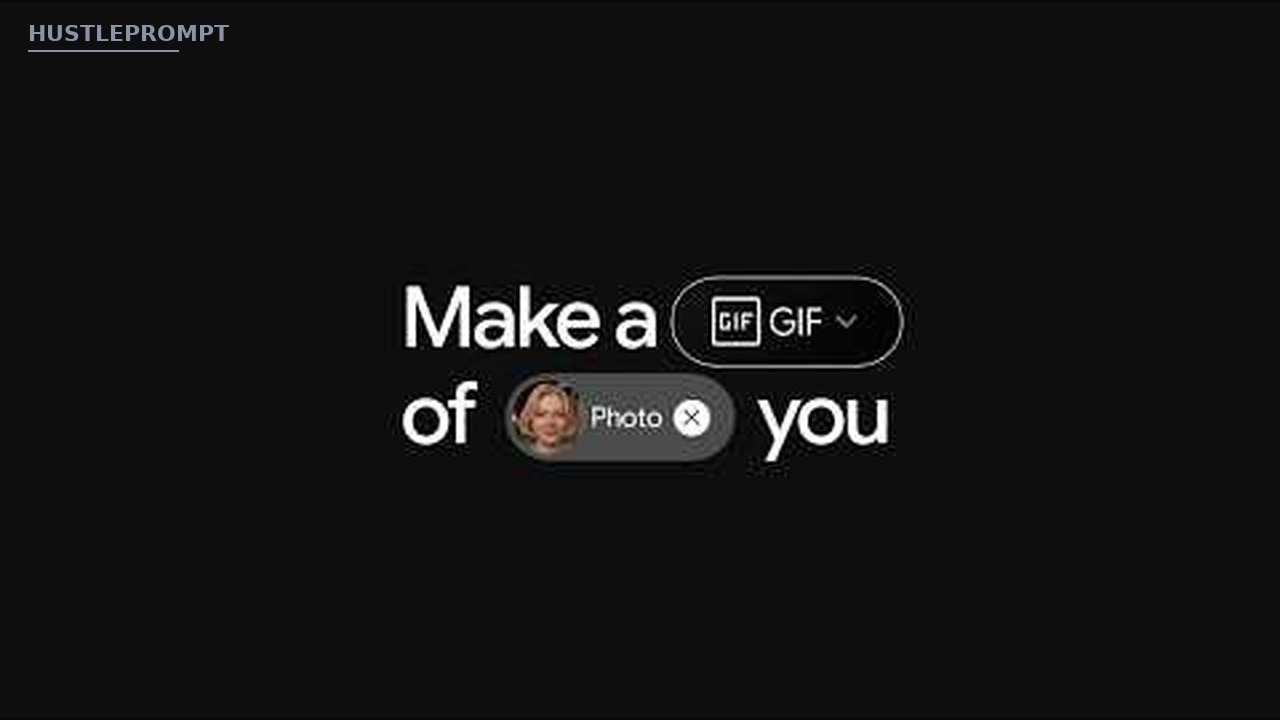
- Choose GIF in the format selector. This switches the output from a still image to a looping animation.
- Describe the scene, and attach a photo or video if you want Gemini to animate your own material.
Then copy the result into a post, or download it as a .gif file. The rollout is gradual, so the GIF format may not show up in your account yet.
Prompting well is the skill here. Name the subject, the motion, and the style in one sentence, and ask for motion that returns to its starting frame so the repeat looks seamless.
How creators and freelancers can make money with Gemini GIFs
A three-second loop is short, but it is exactly the format social feeds reward. Motion stops the scroll, and a custom GIF stops it harder than a stock clip because nobody has seen it before.
- Reaction GIF packs for brands. Build a set of 10 branded reactions from a client’s mascot, product, or founder. The client drops them into replies, comments, and community posts instead of generic GIFs.
- Looping product ads. Animate a product photo: steam rising, a lid spinning open, a logo pulsing. Short loops work as paid social creative and as organic posts.
- Animated social headers and email art. A looping GIF gives a newsletter header or a launch announcement motion without video production costs.
- Meme and moment marketing. When a trend breaks, a custom GIF posted within the hour can outperform a polished video posted the next day.
- Client onboarding extras. Add a GIF pack to a social media retainer as a low-cost extra that looks premium.
Price the work by the pack, not by the minute. A set of 10 custom GIFs, delivered as .gif files with a usage note, is a clear product a small business can buy. Keep each prompt and source photo so you can regenerate a variant in seconds when the client asks for a tweak.

What it costs, and the fine print
GIFs are free of charge in the eight launch countries, according to Google’s own video description: the United States, Japan, Korea, Australia, Canada, the UK, Germany, and France. No subscription is needed there.
One wrinkle: Google’s help page also notes that GIFs are created by Gemini Omni, which requires a Google AI plan. In practice, the launch markets get the feature free, while users outside those eight countries should expect a paid plan to be the route in.
For heavier work, the engine behind the feature has a published API price: Gemini Omni 1.2 Flash costs $0.07 per second for 720p video, after a 30 percent price cut. The consumer feature in the Gemini app is the free path for creators, not the API.

Gemini Omni 1.2 Flash vs the previous version
| Capability | Gemini Omni 1.1 Flash | Gemini Omni 1.2 Flash |
|---|---|---|
| Longest clip | 10 seconds | 15 seconds |
| 720p video price (API) | Higher; 1.2 is 30% cheaper | $0.07 per second |
| Duration control | Fixed lengths | 3 to 15 seconds, in 1-second steps |
| Editing | Single-turn generation | Multi-turn conversational editing |
| Reference following | Basic | Stronger character, product, and style consistency |
| Watermark | SynthID | SynthID (imperceptible) |
| Status | Previous generation | Generally available since Nov 5, 2026 |
That upgrade is why the GIF feature exists now. The model holds a subject’s look steady across frames, which is what makes a three-second loop feel smooth instead of wobbly. Google also notes that outputs carry an imperceptible SynthID watermark.
From prompt to paycheck: the workflow
The 5-step GIF client workflow
Ask the client for 3 moments worth animating: a reaction, a product motion, a celebration.
Prompt Gemini, or animate the client’s own photo, until the loop runs clean.
Watch the loop 3 times. Faces, logos, and text must stay stable, not drift.
Send .gif files plus a one-page usage note: where each GIF fits.
Save every prompt. Next month’s pack reuses the winners and swaps in new moments.
The loop check in step three is the quality gate. A GIF that morphs a logo mid-loop is worse than no GIF at all, so watch each one repeat at least three times before it goes to a client.
Limits to know before you promise a client
- About three seconds, no sound. GIFs are silent by design. If the idea needs dialogue or music, make a video instead.
- Eight countries at launch. Clients outside the US, Japan, Korea, Australia, Canada, UK, Germany, and France may not have access yet, even with a paid plan.
- Gradual rollout. Google says the feature is rolling out gradually and may not be available to you yet. Confirm access before quoting a delivery date.
- Age 18 and over for image editing. Animating your own photo counts as image editing, so younger accounts cannot use that part.
- Daily quotas exist. Google’s help page notes a daily quota for image generation, but it does not publish the number. Batch your GIF work instead of generating one at a time all day.
- Keep it original. Google’s terms bar violating others’ copyright or privacy rights. Animate your own photos and your client’s brand, not someone else’s face or artwork.
Frequently asked questions
Are Gemini GIFs really free?
Yes, in the eight launch countries, including the US. Google’s official video says GIFs are free of charge there, with no subscription needed. Google’s help page notes that Gemini Omni requires a Google AI plan, so users outside the launch countries should expect a plan to be required.
How long is a Gemini GIF?
About three seconds, looping, and silent. That is the fixed format in the Gemini app. Longer clips up to 15 seconds are possible with the same model through the Gemini API and other Google tools, but the app’s GIF output stays at about three seconds.
Can I turn my own photo into a GIF?
Yes. Attach your photo, pick the GIF format, and describe the motion you want. Google’s video shows turning a selfie into a looping GIF. You must be 18 or over to edit your own photo this way.
Which countries can make GIFs in Gemini?
Australia, Canada, France, Germany, Japan, Korea, the UK, and the US. The rollout is gradual, so the feature may not appear in your account immediately even if you are in one of those countries.
Can I use Gemini GIFs for client work and ads?
Yes, as long as you follow Google’s terms: do not violate others’ copyright or privacy rights, and use your discretion before publishing generated content. For client work, animate the client’s own photos, products, and brand assets.
What model powers Gemini GIFs?
Gemini Omni 1.2 Flash, Google’s latest video model, launched November 5, 2026. It also powers 15-second video generation in the Gemini API, Flow, Google Vids, and Google Ads, at $0.07 per second for 720p video through the API.
How is this different from ChatGPT GIFs?
ChatGPT added GIF generation a couple of weeks earlier, according to news coverage of that launch. Gemini’s version is built on its Omni 1.2 Flash video model and is free in its eight launch countries, with the GIF format built into the main Gemini chat.
Google’s official video shows the GIF feature in action: pick the image or video tool, choose GIF, and describe your scene. Source: Google Gemini on YouTube.
Keep Reading
- Gemini Tool Retrieval Cuts Agent Token Waste
- Gemini Can Now Run Your Mac Apps for You
- Gemini Can Now Read Your Wallet and Audit Your Spending