
OpenAI just turned your ChatGPT subscription into an API budget. The new OpenAI API credits benefit gives eligible ChatGPT Pro and Business subscribers up to $500 a month to spend on OpenAI’s developer platform, and if you already pay for Pro, that money is sitting there waiting to be claimed.
Announced on October 28, 2026, through OpenAI Developers and an update to OpenAI’s Help Center, the benefit links two billing systems that used to be separate. Until now, a ChatGPT subscription bought chat access, and API usage was billed separately by token. Now the subscription itself funds API work.
Evidence, from OpenAI’s own announcement: “Starting today, eligible ChatGPT Pro and Business subscribers can claim up to $500 per month in API credits to build apps and agents.”
Pro plans get $100, $200, or $500 per month by tier. Business plans get $20 per paid Standard seat or $100 per paid Premium seat, pooled up to $500 per workspace, per coverage of OpenAI’s API credits announcement.
What you actually get
For Pro subscribers, the credit equals the plan price. That is the simplest way to think about it: the monthly fee comes back as API spending power, on top of the chat access you already had.
| Plan | Monthly API credit | Cap |
|---|---|---|
| Pro 100 | $100 | $100 per subscriber |
| Pro 200 | $200 | $200 per subscriber |
| Pro 500 | $500 | $500 per subscriber |
| Business Standard | $20 per paid seat | $500 per workspace |
| Business Premium | $100 per paid seat | $500 per workspace |
Do the Business math before adding seats: 25 Standard seats, or just 5 Premium seats, reach the $500 cap, and seats beyond that add nothing. Annual workspaces get the full annual credit upfront, up to $6,000, expiring at the end of the annual cycle.

How to claim your credits
1. Check eligibility. Your subscription must have been active for at least 7 days, and you must own both the subscription and the API organization receiving the credits.
2. Open billing. Pro subscribers claim under Settings, then Billing. Business subscribers use workspace billing settings or the Admin Console.
3. Confirm the API organization. The ChatGPT account and the API account must use the same email address, and you pick which organization gets the grant.
4. Spend inside the cycle. The first grant is prorated to the time left in your billing cycle, and unused credit expires when the cycle ends.
You do not need to add an API payment method to spend the grant, according to coverage of OpenAI’s documentation. Free credits are applied before any purchased credits. When the free balance is gone and no other balance exists, requests fail with HTTP 429 and the error code credit_balance_exhausted, so build a usage alert before you ship anything to clients.
The fine print that eats your credit
Not everyone qualifies, and the exclusions are specific. Plus, Free, Enterprise, and Edu plans are out, as are free trials, gifted subscriptions, and legacy Codex seats. If you are on Plus, this announcement gives you nothing, no matter how long you have subscribed.
What the credits cover is broad: the Responses API, Agents API, Decisions API, GPT-Live and Realtime API, and Images API, plus built-in tools such as web search, file search, and Code Interpreter, including associated fees. What they do not cover is Codex usage through an API key, and they do not raise your usage limits inside ChatGPT or Codex.
The expiry rule will cost people money: credits do not roll over. An unused $500 grant at the end of a cycle is gone, not banked.
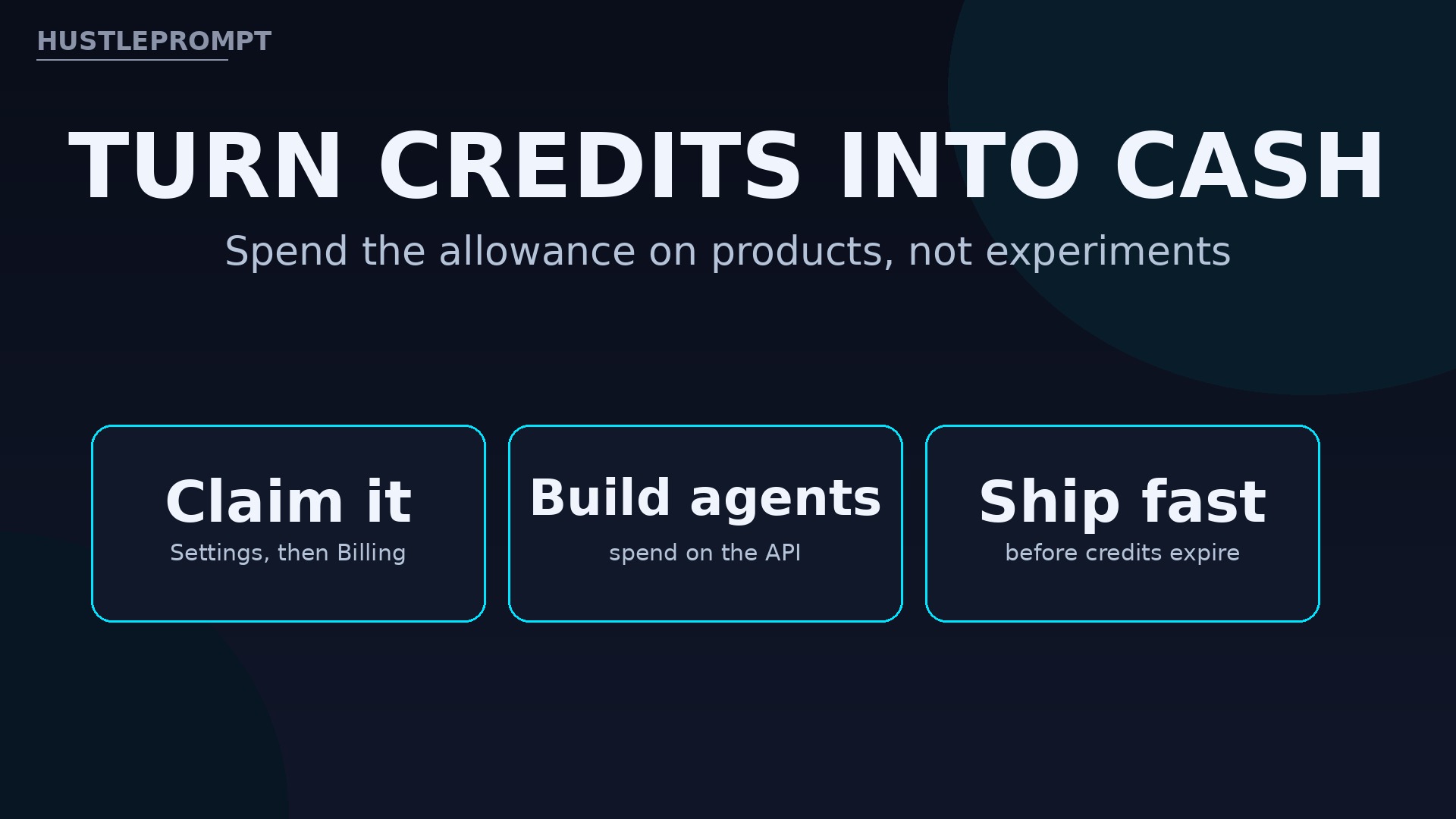
How to profit from OpenAI API credits
The credit is not cash, and it cannot be withdrawn. Its value appears only when it becomes a product someone pays for. Here is the practical path.
- Claim on day one, every cycle. Set a renewal-day reminder; an unclaimed or expired grant is how this benefit most often goes to zero.
- Build one sellable agent first. A customer-support agent, a document-processing workflow, or a lead-qualification bot for one niche beats five half-finished demos. Use the credit to run it for a real client.
- Charge for the build, not the tokens. Price a fixed setup fee plus a monthly service fee. The credit covers your API cost while the client pays for the outcome, which is where the margin lives.
- Prototype with images and voice too. The credit covers the Images API and realtime voice, so a demo that talks and shows beats a text-only demo when you pitch.
- Track burn weekly. A $100 or $500 monthly budget disappears fast on heavy agents. Log spend per client, and move a client to paid API billing before the free balance hits zero mid-job.
Frequently asked questions
Who gets OpenAI API credits?
Eligible ChatGPT Pro and Business subscribers only. Plus, Free, Enterprise, Edu, trial, gifted, and legacy Codex subscriptions are excluded.
How much credit do Pro subscribers get?
$100, $200, or $500 per month, matching the Pro tier price. Business workspaces pool $20 per Standard seat or $100 per Premium seat, capped at $500 a month.
How do I claim the credits?
Pro subscribers go to Settings, then Billing. Business subscribers use workspace billing settings or the Admin Console, and confirm the API organization that will receive the credits.
Do unused credits roll over?
No. Unused credit expires at the end of each billing cycle, and the first grant is prorated to the time remaining in the cycle.
What can I spend the credits on?
API Platform usage including the Responses, Agents, Decisions, GPT-Live, Realtime, and Images APIs, plus built-in tools such as web search, file search, and Code Interpreter.
Do the credits cover Codex?
No. Codex usage through an API key is excluded, and the credits do not increase ChatGPT or Codex usage limits.