
What if the fastest way to win a new client is not to write something new, but to fix something they already own? That is the promise of AI blog refresh services: you take a site owner’s tired, outdated posts and turn them into current, readable, search-friendly pages.
What AI Blog Refresh Services Actually Are
A blog refresh is a structured update to an existing post. It is not a rewrite for its own sake, and it is not a quick date change.
A typical refresh includes new facts, clearer headings, better keywords, fresh examples, working links, and internal links to newer pages. It may also add a short FAQ, a stronger introduction, and one clear call to action.
AI helps you move faster in this process. It can summarize a long post, suggest missing subtopics, draft new sections, and rephrase clunky sentences. You still check every fact, because the client is paying for accuracy, not speed alone.
Why Site Owners Will Pay for This
Evidence: old posts can outperform new ones
HubSpot’s historical optimization work is the classic example. In the first nine months of systematically updating old posts, HubSpot more than doubled the monthly leads generated by those posts and increased their monthly organic search views by an average of 106%, as reported in HubSpot’s own training material and summarized by Databox.
Source: Databox: A Beginner’s Guide to Historical Blog Post Optimization, summarizing HubSpot’s historical optimization results.
That does not guarantee the same result for any client. It does show why owners should care about posts they already published.
Evidence: Google rewards people-first content
Google Search Central states that its ranking systems are designed to prioritize helpful, reliable information created to benefit people, not content created to manipulate search rankings. A refresh that answers the reader’s question better fits that standard far more than a cosmetic update.
Source: Google Search Central: Creating Helpful, Reliable, People-First Content.
Step 1: Find the Right Clients and Posts
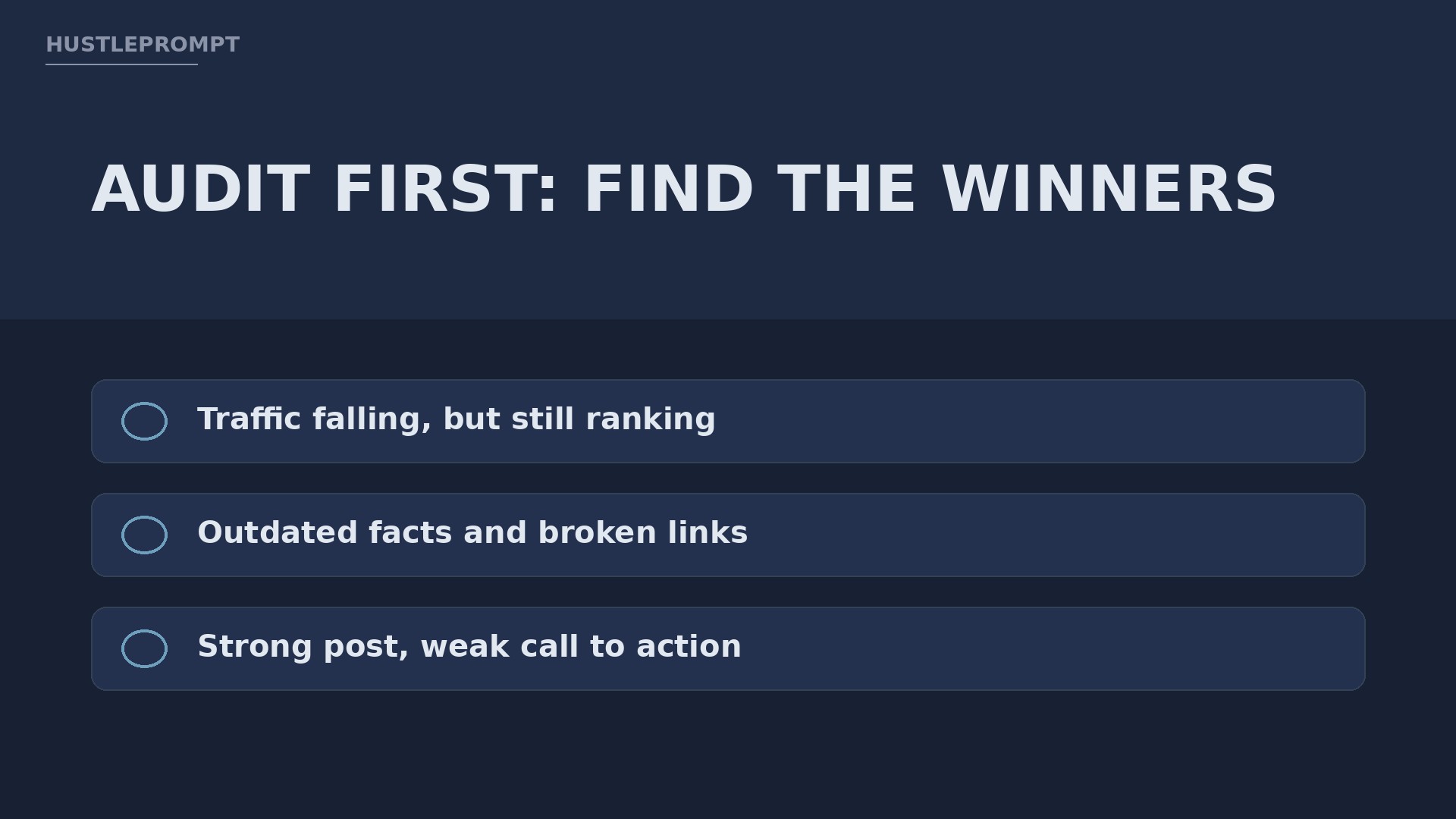
Look for clear signs of decay. Outdated prices, discontinued tools, broken links, and screenshots from years ago are easy to spot. So are posts that rank on page two for a useful keyword but never quite break through.
Where to look for prospects
- Small business blogs in one niche you understand, such as dentists, gyms, or local services.
- Creators and coaches with a large archive but no time to maintain it.
- Agencies that need a reliable freelancer for content maintenance.
When you reach out, name one specific post and one specific problem. For example, say that a 2021 guide still recommends a tool that no longer exists. That beats a generic pitch every time.
Step 2: Run a Short, Honest Audit
For each post, record the publish date, the main keyword, the current ranking if you can see it, and the biggest problems. Use free tools first: Google Search Console for queries and clicks, and a simple spreadsheet for notes.
Step 3: Refresh With AI, Then Verify by Hand
This is the core of the service, so build a repeatable workflow. Clients pay for consistency, not improvisation.
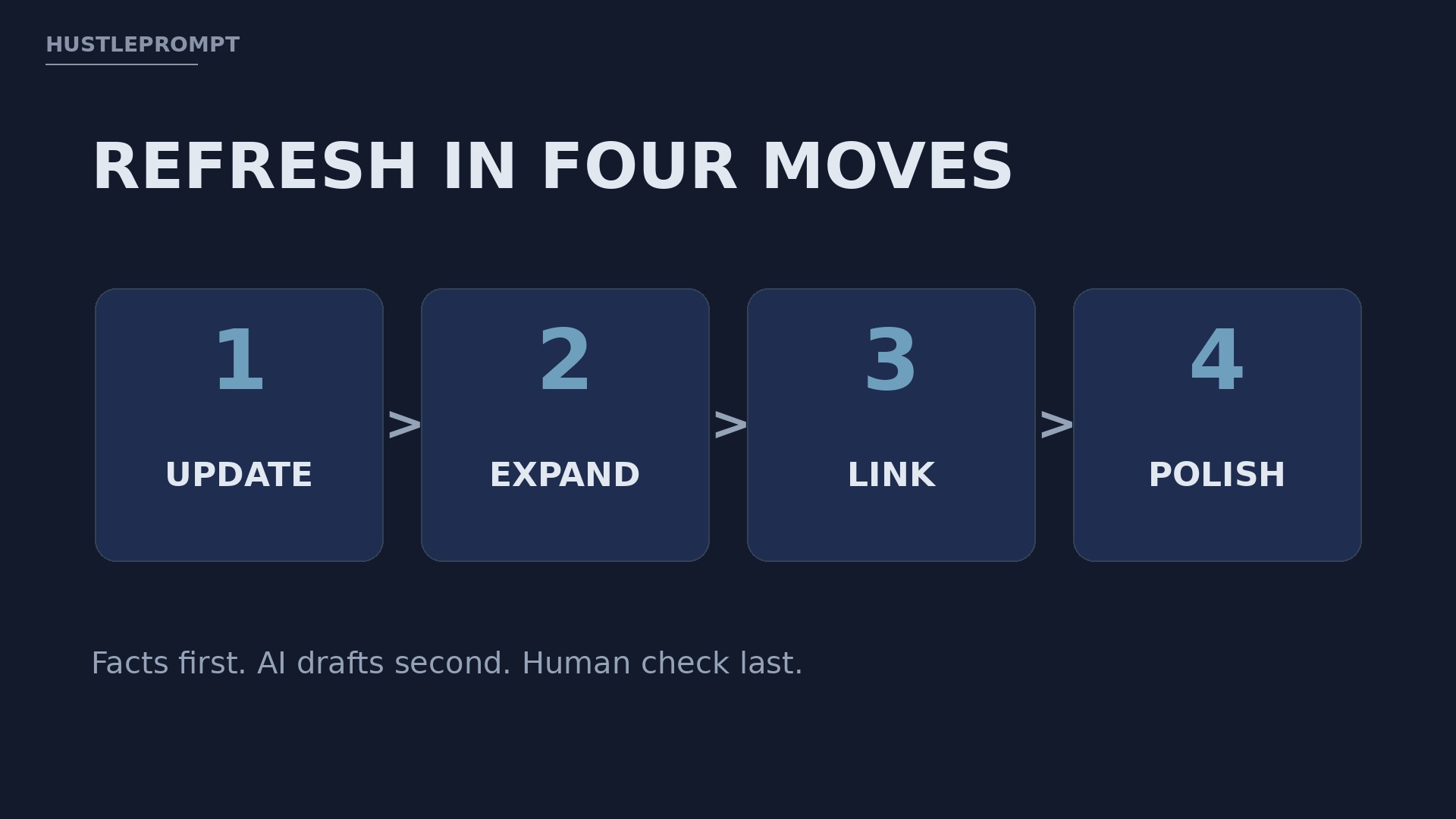
Update the facts first
List every claim that could be outdated: prices, dates, tool names, statistics, and step-by-step instructions. Check each one against the official source before you write anything new.
AI can help you spot gaps, but it cannot verify a price for you. If you cannot confirm a fact, cut it or replace it with something you can source.
Expand what is thin
Add a section the original post missed. A good example is a short worked example, a common mistake to avoid, or a comparison of two options the reader must choose between.
Fix keywords, headings, and links
Check whether the original keyword still matches what searchers want. Sometimes the wording has shifted, and a small heading change makes the post clearer.
Improve readability last
Break long paragraphs into short ones. Turn comma-heavy lists into bullets. Add subheadings so a busy reader can scan the page in seconds.
Before and after: what a real refresh changes
BEFORE
Old prices and dead tools.
One long wall of text.
No links to newer posts.
Weak ending, no next step.
AFTER
Verified facts and current examples.
Short paragraphs and clear headings.
Internal links to related guides.
One clear call to action.
The goal is not a longer post. The goal is a more useful post.
Step 4: Package and Price the Service
Sell packages, not hours. Clients understand a fixed deliverable much better than an open-ended hourly rate.
A simple three-tier structure works well for most freelancers. Keep the tiers easy to compare, and state exactly how many posts each tier includes.
All prices above are illustrative examples only, not an income promise. Your actual price should reflect your experience, your market, and the time each post takes.
How to Profit Without Overpromising
Profit comes from repeatable work, not from one large project. A monthly refresh retainer is more valuable than a single batch, because you learn the client’s voice and archive over time.
Do the math in gross terms before you celebrate a price. If a $500 batch takes ten hours, and your AI tool costs $20 for that month, your gross is $500 before tool costs, taxes, and other expenses. Track that honestly from your first client.
Here is a simple path to your first paid work:
- Pick one niche and audit ten posts on three real sites, without contacting anyone yet.
- Refresh one public post as a sample, using only facts you can verify.
- Send three short pitches, each naming one post and one fix.
- Deliver the first batch early, with a one-page before-and-after summary.
- Offer a monthly plan only after the client sees the first report.
Never promise a ranking, a traffic number, or a sales result. Promise a process, a deadline, and a clear report. That honesty is what turns a one-time refresh into a long-term client.
Step 5: Deliver, Report, and Retain the Client
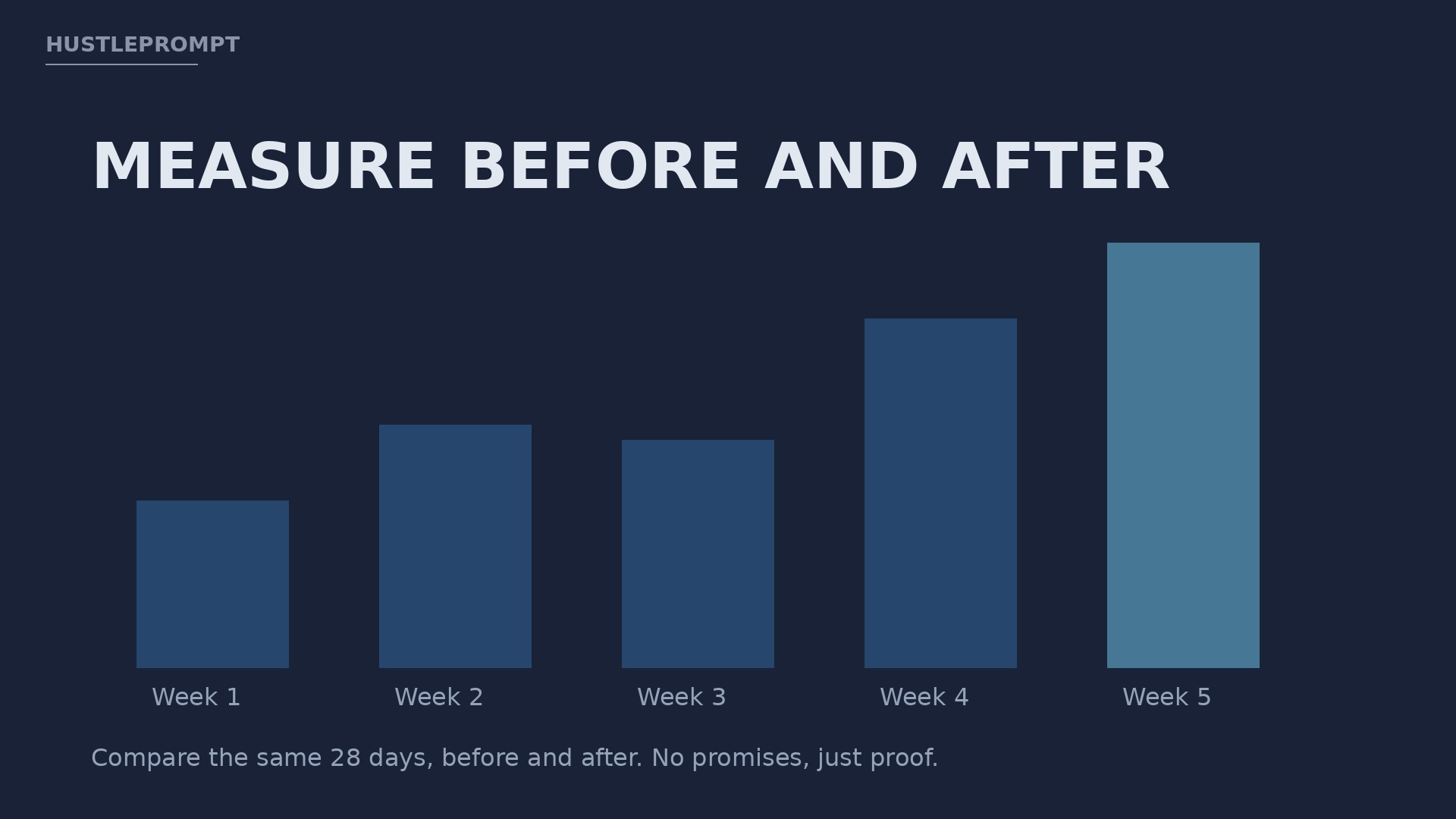
Wait at least four weeks before judging traffic. Search engines need time to recrawl a page, and a single week of data can mislead both you and the client.
When you report, compare the same period before and after. Use the same 28 days, the same metric, and the same source. If traffic fell, say so, and explain what you will test next.
Watch This: How to Update Old Blog Posts
The video below walks through a practical update process, from a mini content audit to SEO checks and ongoing monitoring. It is a general content-refresh guide, not an AI-specific tutorial, but its audit questions match the workflow in this article closely.
Frequently Asked Questions
How many posts should I refresh first?
Start with five. That is enough to show a pattern, but small enough to deliver well and learn how long each post really takes.
Do I need the client’s login to offer this service?
Not at first. You can deliver refreshed text in a document. Ask for publishing access only after trust is established, and only if the client prefers it.
Should I change the publish date?
Update the date only when the changes are substantial, such as new sections and verified facts. For tiny fixes, keep the original date to avoid misleading readers.
Can AI write the whole refresh?
No. AI can draft and suggest, but you must verify facts, check links, and keep the client’s voice intact. Unchecked AI output is the fastest way to lose a client.
What if a post should not be refreshed?
Say so. Some posts are better merged, redirected, or retired. Recommending against a refresh, when that is the honest answer, builds far more trust than selling work nobody needs.
How do I find my first client?
Pick a niche, find outdated posts with clear problems, and send a short, specific pitch. One named post and one concrete fix will outperform a long generic message.
Keep Reading
Next, explore how to price freelance AI services without underselling your time, how to audit a website’s content in under an hour, and how to turn one-time projects into monthly retainers.
A blog refresh service rewards careful work. You are not chasing trends. You are helping a site owner get more value from work they already paid for, one verified update at a time.