
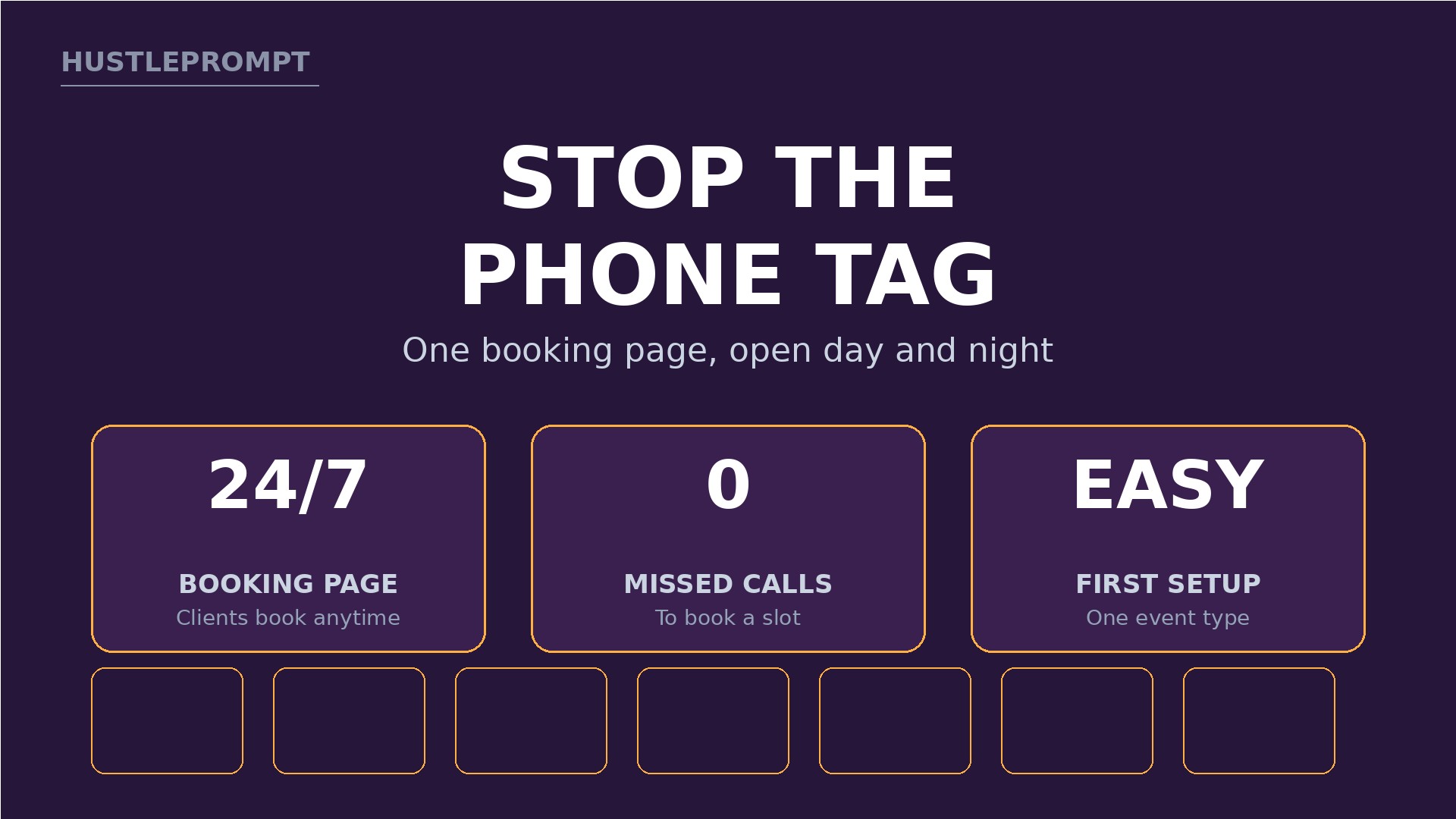
What if a salon chair sat empty today because nobody answered the phone? A 2018 systematic review covering 105 studies found an average no-show rate of about 23% in healthcare appointments, and commonly reported ranges for salons run 15% to 25%. That is why AI appointment booking automation is such a sellable service: you turn missed calls and forgotten appointments into booked, confirmed visits.
Most small service businesses still run on phone tag: a client calls mid-haircut, nobody picks up, and the booking never happens.
Your offer fixes that: you build the booking page, connect the calendar, automate reminders, and add no-show follow-up.
Why Service Businesses Will Pay for Booking Automation
A booking page is a web page where a client picks a service, picks a time, and confirms without calling. It checks real availability first, so it never double-books.
Owners pay because an empty slot is lost revenue. A missed appointment is not a delayed sale. It is a hole in the day.
Three problems make the pitch easy to explain:
- Missed calls during working hours, when staff are busy serving clients.
- Forgotten appointments, because no reminder ever went out.
- Awkward rescheduling, because clients must call again to change a time.
Solve those three, and you have a service owners can see working in week one.
The Evidence: No-Shows Are Common, Reminders Help
Start every pitch with numbers, not hype — repeated carefully, with their limits.
Stat highlight 1: A 2018 systematic review in Health Policy (Dantas et al.), covering 105 studies, found an average no-show rate of about 23%, with wide variation by specialty and region.
Stat highlight 2: A Cochrane review (Gurol-Urganci et al., 2013) found that text reminders improved attendance at healthcare appointments compared with no reminder.
Stat highlight 3: Commonly reported ranges put salons at 15% to 25% and home services at 12% to 18%. Outside healthcare these are rough guides from surveys and vendor reports, not precise averages.
Source: SchedulingKit, “Average No-Show Rates by Industry: 2026 Data,” which cites both reviews and states the limits above.
The lesson is practical: many no-shows are forgotten appointments and bookings with no easy way to reschedule. Automation fixes exactly that.
How It Works: The Booking Flow Clients Experience
Keep the journey short — every extra step loses bookings. The whole system is five moves.
From first click to kept appointment
Client picks a service and time on the booking page.
The tool checks real availability and blocks double-bookings.
Client and owner get instant confirmation with the details.
Automated messages go out before the visit, with a reschedule link.
The client shows up prepared, or reschedules instead of vanishing.
If a client cancels or no-shows, follow-up kicks in: a polite message, a new booking link, and a note on the record.
Notice what is missing: phone calls and a front desk guessing at availability. The system coordinates. Humans do the service.
Tools and Real Costs
Keep the stack small: a booking tool, a calendar, and an automation tool. ChatGPT helps draft copy, but never sends messages on its own.
Prices change, so confirm the live price on each official pricing page before you buy or quote a client.
| Tool | Entry plan | What it does here |
|---|---|---|
| Calendly Free | $0, always free | One event type, one calendar, booking page |
| Calendly Standard | $10 per seat per month, billed yearly ($12 monthly) | Unlimited event types, reminders, payments |
| Calendly Teams | $16 per seat per month, billed yearly ($20 monthly) | Team scheduling, round-robin, lead routing |
| Zapier Free | $0, 100 tasks per month | Simple two-step automations between apps |
| Zapier Professional | From $19.99 per month, billed yearly | Multi-step workflows, premium apps, webhooks |
| Zapier Team | From $69 per month, billed yearly | Shared workflows, 25 users, priority support |
Sources: Calendly pricing (captured October 2026) and Zapier pricing (verified November 2, 2026). Google Calendar, free with a Google account, sits underneath.
Build the System Step by Step
Step 1: Pick one niche and one service menu
Choose salons, clinics, contractors, or home services, not all four. List five to eight services with real durations and prices.
Step 2: Set up the booking page
Create one event type per service in Calendly, with a plain description, location, and only essential questions: name, phone, service, one note.
Step 3: Connect and protect the calendar
Connect the owner’s Google Calendar, set working hours and buffers, then test it: book a slot yourself, then try to book it again.
Step 4: Automate confirmations and reminders
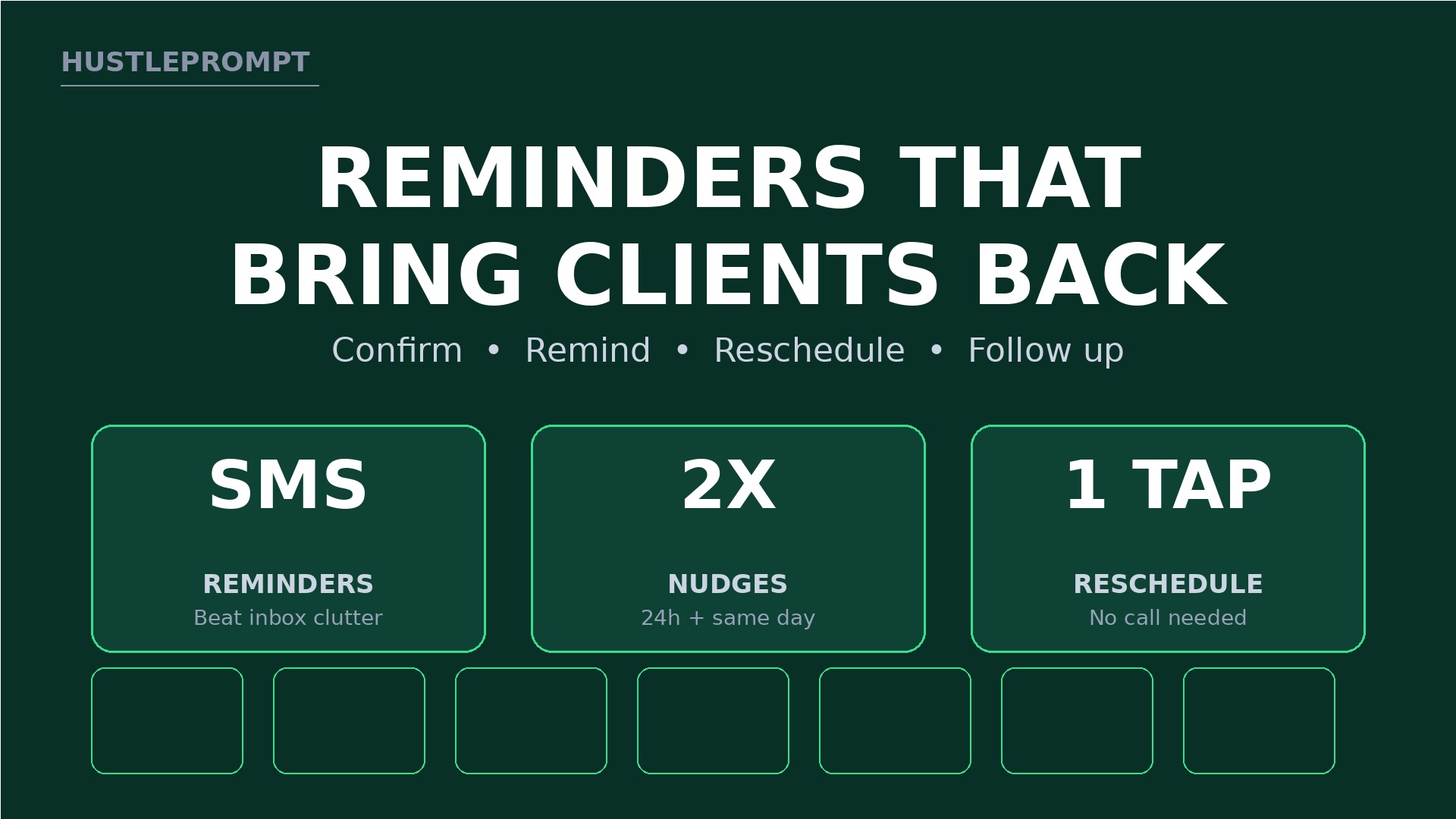
Send a confirmation at booking, a reminder 24 hours before, and a short reminder hours before. Put a reschedule link in every message.
Step 5: Add no-show and cancellation follow-up
Build a Zapier workflow for cancellations and no-shows. On cancellation, send a fresh booking link within the hour. On a no-show, send one friendly check-in offering two new times.
Step 6: Test the whole journey as a client
Book, confirm, reschedule, and cancel using a test address. Read every message on a phone, and fix broken links before launch.
Step 7: Launch with existing clients first
Add the booking link to the website, Google Business Profile, social bios, and email signature. Current clients book first.
Reminder and Follow-Up Copy That Gets Replies
Good reminders are short, specific, and easy to act on. Rewrite these for each owner.
- Confirmation: “You’re booked with Maya on Tuesday at 10:30 a.m. Reply if anything changes.”
- 24-hour reminder: “See you tomorrow at 10:30 a.m. Need a different time? Reschedule here, no call needed.”
- Same-day reminder: “Today at 10:30 a.m. — bring your reference photos if you have them.”
- Cancelled-slot message: “A slot just opened tomorrow at 2 p.m. Want it? Book here before it fills.”
- No-show follow-up: “We missed you today — everything okay? Here are two times this week to rebook.”
Never threaten a client, and never invent a fee the owner has not approved. State any deposit rule plainly at booking.
How to Profit
Price setup once and care monthly. Setup is a project; reminders and calendar changes are the steady retainer.
The packages below are ILLUSTRATIVE only. All figures are gross, before tool costs and taxes, and they are not income promises.
| Package (ILLUSTRATIVE) | What is included | Illustrative price |
|---|---|---|
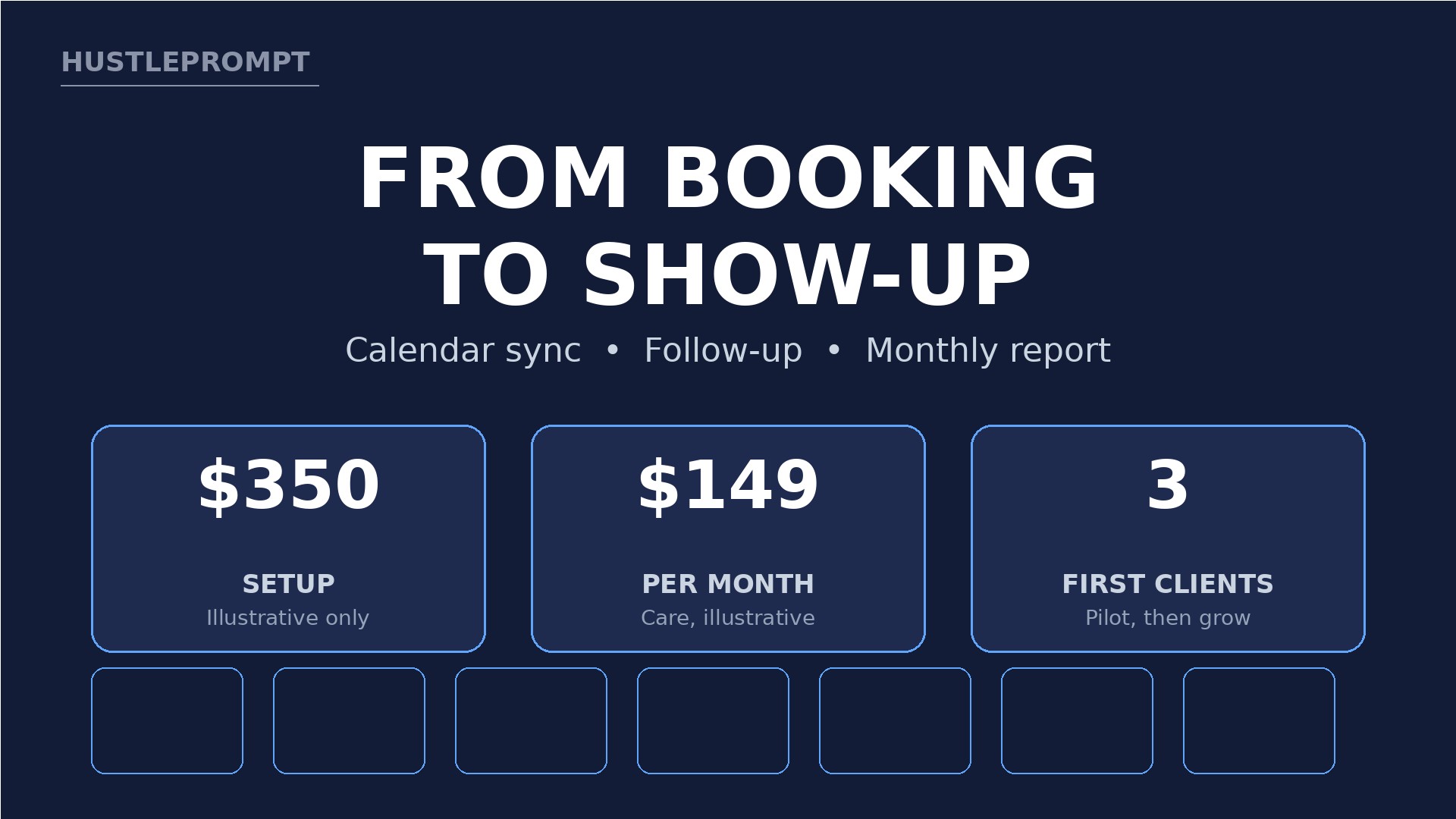
| Booking Setup | Booking page, calendar sync, reminders, one test run | $350 one-time |
| Booking Care | Monthly tweaks, reminder updates, no-show report | $149 per month |
| Booking Growth | Care plus follow-up workflows, waitlist, quarterly review | $299 per month |
Illustrative math, gross before costs and taxes: four Care clients at $149 equal $596 per month; two Growth clients at $299 equal $598 per month. If care takes four hours per client, $149 equals about $37 per hour gross.
Find Your First Three Clients
Start with businesses you already visit: a salon with a full voicemail box, a clinic that only books by phone, a contractor answering estimates at midnight.
Offer a short audit first: count missed calls and check whether reminders go out. Then offer a two-week pilot with one service and one staff member.
Mistakes That Kill Booking Services
- Skipping the test booking: one broken link destroys trust faster than any pitch builds it.
- Too many intake fields: every extra question drops completed bookings.
- Reminders without a reschedule link: clients who cannot move a booking simply vanish.
- Ignoring the calendar: personal events and holidays must block booking, or double-bookings follow.
- Promising zero no-shows: no system eliminates them; promise fewer, faster rebooking, and clear data.
Watch: Set Up Calendly for Appointments
The tutorial below walks through Calendly signup, Google Calendar linking, availability, and event types. Watch it before your first build.
Frequently Asked Questions
Do I need paid tools to start?
No. Calendly Free and Zapier Free cover a first pilot for many solo businesses. Upgrade for unlimited event types or multi-step workflows.
What if the owner already uses a booking tool?
Audit it first. Often the fix is reminders, a reschedule link, and follow-up, not a new platform.
How do I handle deposits and cancellation fees?
Only with the owner’s written policy, stated at booking. You set up payment; the owner sets the amount and refund rule.
Can this work for teams with several staff members?
Yes, with team scheduling: each staff member connects a calendar, and clients book a person or the next available slot.
What about clients who prefer to call?
Keep a phone option. The booking page serves clients who want speed at midnight. Both paths should end in the same calendar.
How do I prove the system is working?
Send a monthly one-page report: bookings, cancellations, no-shows, and rebooked slots. Compare it with pre-system numbers.
Keep Reading
Explore more free tools and step-by-step guides at HustlePrompt Tools and HustlePrompt Courses to keep building AI services clients renew.
Empty chairs are a systems problem first. Build the booking page, protect the calendar, automate reminders, and follow up when life gets in the way. Do that well for three local businesses.