
The company that guards your passwords just got robbed — and the thieves walked out with the customer list. On November 25, 2026, 1Password disclosed that an attacker had used a hijacked employee GitHub account to push malicious code into its services and download customer records. The 1password breach took names and email addresses from a subset of customers. Vaults, passwords, and Secret Keys were never touched.
The disclosure, published on 1Password’s blog, is a case study in what modern breaches steal. The attacker did not break encryption. They broke a developer’s account — and from there, the build pipeline.
How one GitHub account opened the backend
On November 19, 2026, 1Password began investigating signs that an attacker had gained access to an employee’s corporate GitHub account. The company has not said how the attacker got in.
From there, the chain was short:
- Access source code. The attacker used the account to reach 1Password’s private repositories.
- Push malicious code. The attacker injected code into backend services.
- Download records. The compromised services pulled down customer administrative data.
The attacker also copied source code and gained access to the company’s CI/CD system — the pipeline that builds, tests, and deploys software. 1Password says its source code holds no user secrets, and it has rotated or revoked every possibly exposed credential.
What 1Password said
“At no time were customer vault contents accessed by, or available to, the attacker.”
— 1Password, “Update on a security incident involving 1Password’s backend systems,” November 25, 2026
What was taken — and what was not
1Password has not said how many customers were affected — only that the attacker downloaded records for “a subset of our users.”
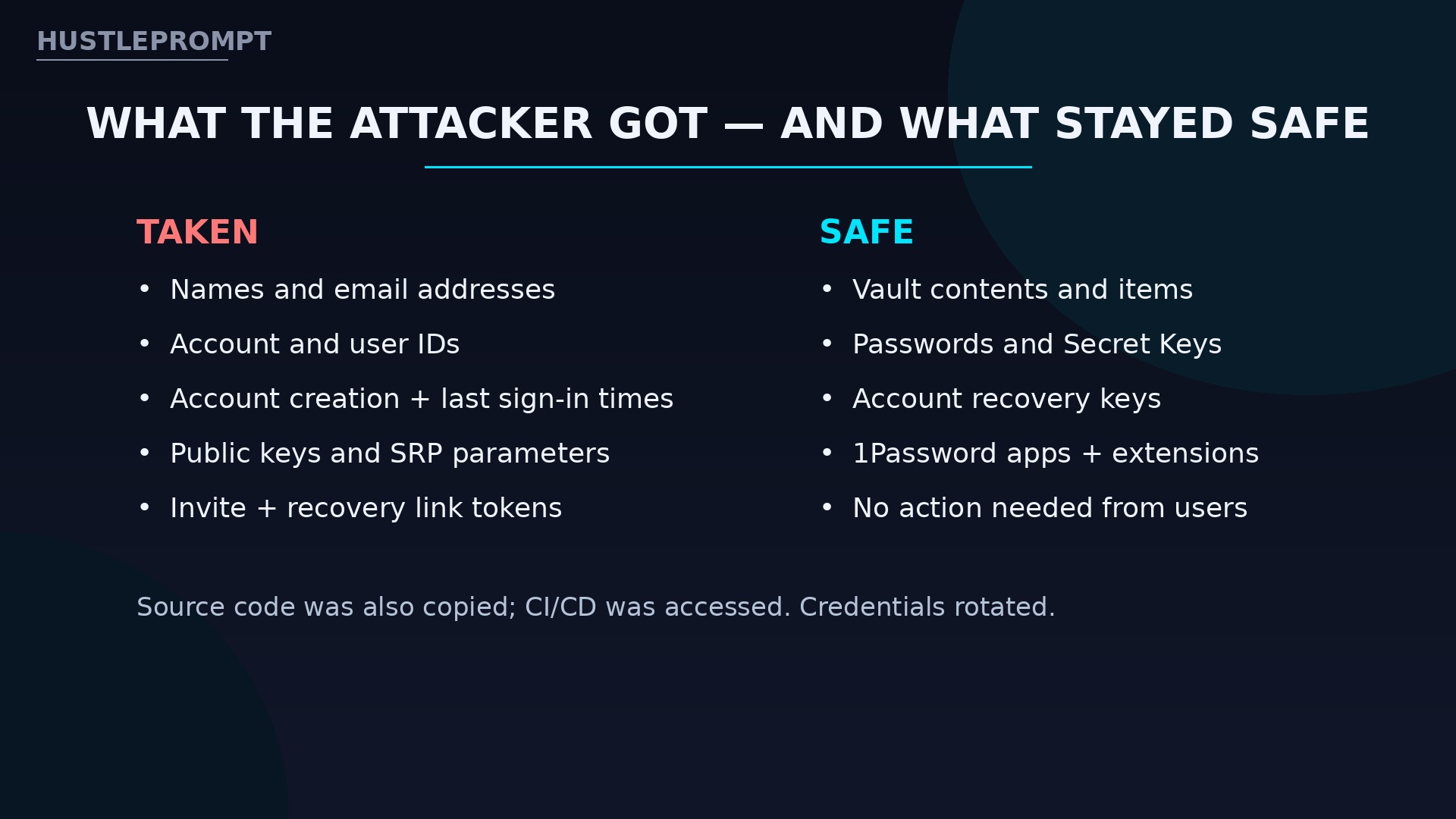
| What the attacker took | What stayed safe |
|---|---|
| Names and email addresses | Vault contents and items |
| Account and user IDs | Passwords and Secret Keys |
| Account creation + last sign-in times | Account recovery keys |
| Public keys and SRP parameters | 1Password apps and extensions |
| Invite + recovery link tokens | Your Secret Key (never stored) |
Public keys are public by design, and SRP parameters cannot open an account, per 1Password. The tokens are the interesting one.
The tokens that worried everyone
When 1Password emails you about a provisioning invite or account recovery, the link contains a token. The attacker downloaded some — but they cannot open an account alone: the process also needs an SSO sign-in or a six-digit code sent to your registered email.
Only a small number of users were in that state, and 1Password says they have been specifically notified. As a precaution, the codes grew from six digits to ten alphanumeric characters — making brute-force guessing “practically impossible.”
1Password says it has found no internal evidence of account takeovers using any exposed token, and has hired independent cybersecurity experts to validate its response.
What 1Password did next
- Disabled the GitHub account, revoked the stolen token, and removed the attacker’s access.
- Rotated or revoked all possibly exposed internal credentials.
- Lengthened invitation and recovery codes from six to ten characters.
- Tightened GitHub, CI/CD, and endpoint controls, and added new detections.
- Restored clean versions of the affected services.
- Brought in independent experts to validate the response.
The money angle: stolen emails are phishing fuel
The vaults held — and that is real: 1Password cannot see your passwords, so neither can an attacker inside its servers. But the stolen data still has a price.
Names plus verified 1Password login emails are a phishing kit: everyone on that list is a known password-manager user — the perfect target for a fake “your vault is locked” message.
For businesses, the lesson is the build pipeline. The crown jewels were not the vaults — they were a developer’s GitHub account and the CI/CD system behind it. The same pattern hit Microsoft’s Agent Framework this month.
For the password-manager market, trust is the product. 1Password disclosed within six days and named exactly what was taken.
How to profit — and how to protect yourself
If you use 1Password, the company says you do not need to update anything in your account. Do this instead:
- Treat every “1Password” email with suspicion. 1Password will never ask for your account password or Secret Key — only enter them in the official app or website.
- Watch for phishing. Unexpected messages about invitations or account recovery are the exact lures this stolen data enables.
- Keep your Secret Key safe. It is only needed the first time you sign in on a new device or browser.
- Report anything suspicious to support@1password.com.
If you sell to businesses, this breach is a service catalog: GitHub hardening audits, short-lived CI/CD credentials, and phishing-resistant authentication.
Frequently asked questions
Was my password stolen?
No. No vault content or the keys protecting it was accessed. 1Password does not store your password or Secret Key.
Do I need to change anything?
No. 1Password says you do not need to update anything. Be extra cautious about phishing messages mentioning 1Password.
How many customers were affected?
1Password has not disclosed a number. It says the attacker downloaded account records for “a subset of our users.”
What are SRP parameters?
Parameters for the Secure Remote Password protocol, which verifies your identity without ever seeing your password.
Could the stolen tokens open my account?
Not on their own. An invitation or recovery also needs an SSO sign-in or a code sent to your email.
Is 1Password still safe to use?
The company says yes: vaults are encrypted with keys only you hold, and no vault data was accessed.