
U.S. banks are now detecting AI agents operating inside customer accounts — and Chase is warning customers not to share logins. 1Password for Agents, launched October 22, 2026, is the industry’s answer: a platform that lets personal AI agents sign in to your accounts without ever seeing your password.
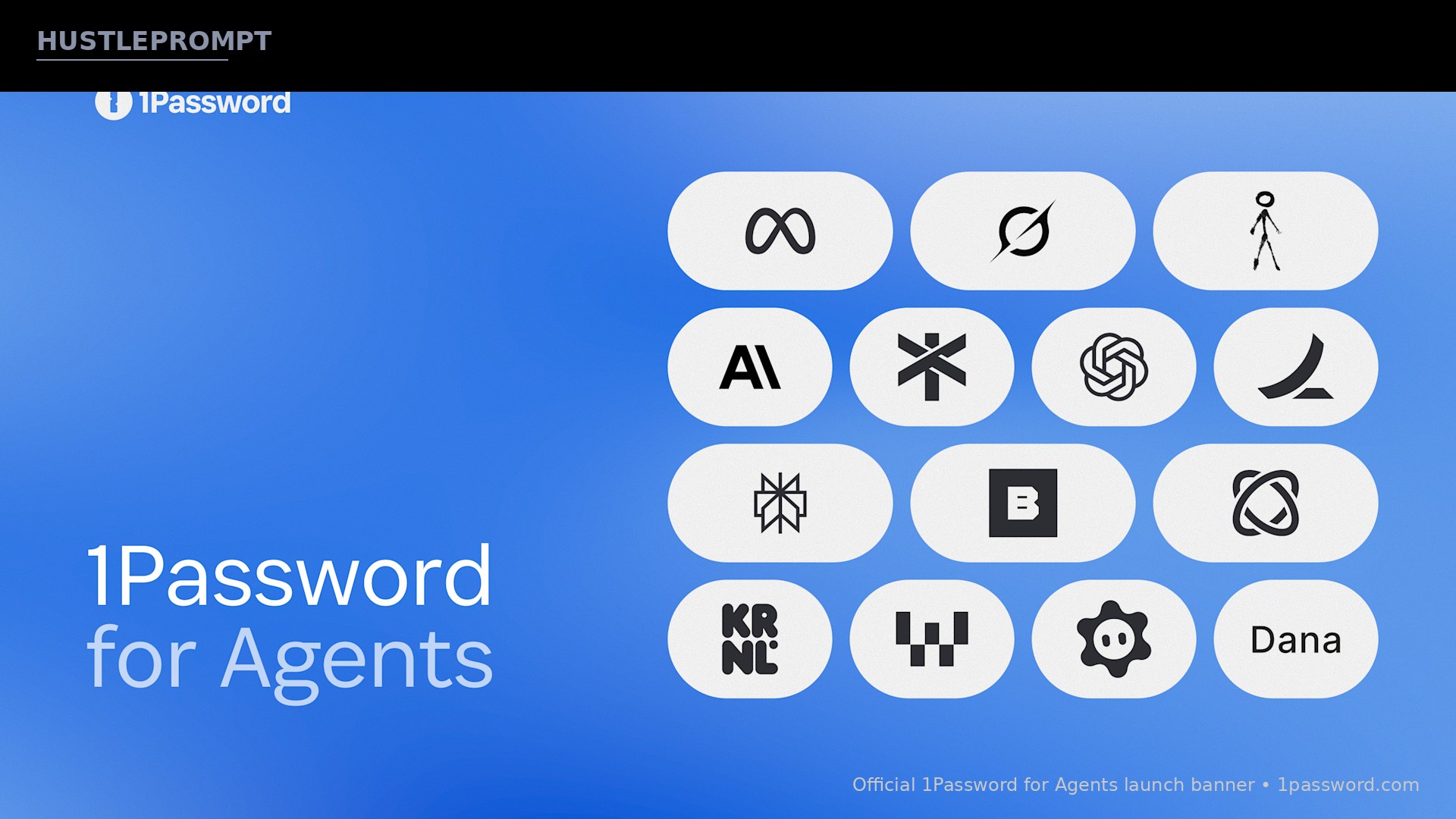
It’s backed by essentially the entire personal-agent ecosystem. Meta’s Muse, Anthropic’s Claude Duet, OpenAI’s ChatGPT Work and dots, SpaceXSI’s Grok Bot, and startup Town are all building on it, according to 1Password’s official announcement.
Why This Launch Matters Now
Personal AI agents have moved past answering questions. They now plan vacations, pay recurring bills, and prepare expense reports — jobs that all sit behind a login screen. Until now, users had two bad options: type the password themselves, or paste it into the agent’s chat and hope it doesn’t end up somewhere it shouldn’t.
Pasted credentials can be saved in chat logs, model context, or third-party systems — copies the user no longer controls. The timing is pointed: TechCrunch reports that on launch day, Axios revealed U.S. banks have begun detecting agentic activity inside customer accounts — and Chase told customers they “should not give their usernames and passwords to anyone.”
“Agents are starting to do real work on our behalf. The old model where you hand over a credential and hope for the best doesn’t work. An agent should be able to do the job it’s been asked to do without getting permanent access to everything behind the account, and 1Password provides the trust layer that makes this possible across personal agent experiences.”
How 1Password for Agents Works
The design goal is simple: the password never travels to the agent at all. Here is the exact sign-in flow 1Password describes:
Agent reaches a login
The AI agent hits a sign-in form while doing your task
Agent proves identity
It verifies itself to 1Password with a unique digital key — not your password
You see the request
Which credential it wants and why, shown on your own device
You approve or deny
Approval happens on your device, confirming the permission came from you
1Password fills it in
The credential goes straight into the form — the agent never receives or stores it
Once signed in, the agent continues the task while the password stays protected in your 1Password vault. Access is granted per session, for only the specific items you approve.
Who’s Building On It: The Launch Partners
| Agent | Company | What the integration does |
|---|---|---|
| Muse | Meta | Turns goals into action plans; requests logins from 1Password when the integration is on |
| Claude Duet | Anthropic | Proactive agent for professionals; asks before signing in, 1Password completes the sign-in |
| ChatGPT Work and dots | OpenAI | Sign into sites across the internet; passwords never exposed to the AI model |
| Grok Bot | SpaceXSI | AI teammates across tools and inboxes; sign in without pasted passwords |
| Townie | Town | Learns from email/calendar; employees approve logins, Townie keeps working without seeing passwords |
Additional partners working on integrations include Browserbase, Browser Use, Dana, Instinct, KERNEL, Perplexity, Ramp, Tomo, and Wajo, with more to come, per the official announcement.
“Personal AI agents have the potential to help millions of people get more done. Reaching that many people takes the industry working together to build agents people actually trust with their lives and work.”

What the Agent Makers Themselves Say
Every major agent vendor put a named executive on the record — a sign of how badly the industry wants the trust problem solved:
- Meta (Nat Friedman, Head of Product, Superintelligence Labs): “I’ve been using 1Password since 2007 and I’m so happy to have it integrated directly into Muse.”
- Anthropic (Ami Vora, CPO): “Most of the work people want help with lives inside their accounts, and we know an agent has to earn its place there.”
- OpenAI (Glen Coates, Head of App Platform): “As agents take on more complex tasks for users, security and user control need to be built in from the start.”
- SpaceXSI (Tido Carriero, Head of Product): “With 1Password, Grok Bot can sign in when it needs to without asking people to share or paste their passwords.”
- Town (Jean-Denis Greze, Co-Founder and CEO): “With 1Password, a Townie can securely access those tools while keeping your credentials protected, so security teams can say yes.” Town raised $108 million this week, per SiliconANGLE.
Notably, 1Password says only partners that agree to shared security principles and pass a security review can offer the integration — a gate that could become a real moat.
What This Means for Your Money
This is the trust layer for the agent economy — and it unlocks concrete ways to save time and money:
- Freelancers: delegate invoice reminders, expense reports, and bill payments to an agent without handing over bank or accounting logins. The agent does the chore; credentials never leave the vault.
- Small businesses: give an assistant like Town’s Townie approved access to the tools it needs — and your security team can actually say yes.
- Side hustlers: agents that can safely log in can run price checks, manage listings, and handle customer follow-ups across your accounts while you sleep.
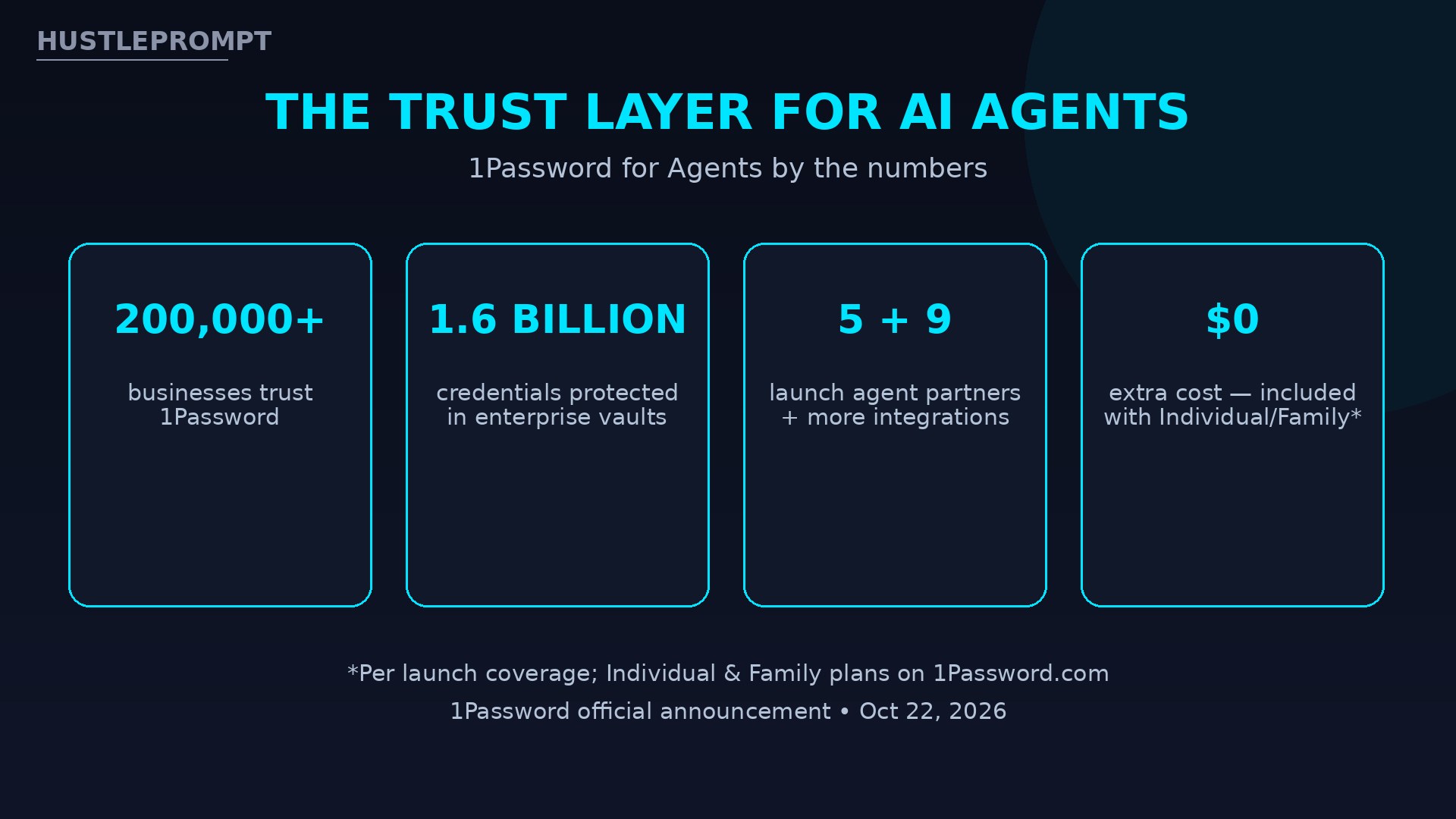
- The business angle: identity for agents is becoming its own category. 1Password already protects 1.6 billion credentials for 200,000+ businesses; whoever owns the agent trust layer sits in the middle of every automated transaction.
Watch: The Official Launch Video
Frequently Asked Questions
What is 1Password for Agents?
1Password for Agents is a platform launched October 22, 2026, that lets personal AI agents sign in to your accounts and complete tasks without ever seeing or storing your passwords, secrets, or credentials.
How does 1Password for Agents keep my password safe?
When an agent reaches a login page, it verifies its identity to 1Password with a unique digital key. You approve the request on your own device, and 1Password fills the credential directly into the sign-in form. The password never travels to the AI model.
Which AI agents work with 1Password for Agents?
Launch partners include Meta’s Muse, Anthropic’s Claude (including Claude Duet), OpenAI’s ChatGPT Work and dots, SpaceXSI’s Grok Bot, and Town’s Townie. Additional partners include Browserbase, Browser Use, Dana, Instinct, KERNEL, Perplexity, Ramp, Tomo, and Wajo.
Does the agent get permanent access to my accounts?
No. Access is granted per session for only the specific items you approve, and the agent cannot approve its own access. You decide which credentials an agent can use, for which task, and for how long.
How much does 1Password for Agents cost, and when do integrations arrive?
Per launch coverage, it’s included with 1Password Individual and Family plans on 1Password.com at no extra charge. Accounts on European (.eu) and Canadian (.ca) domains are not yet supported. Rollout is staged: Muse and Grok Bot integrations arrive over the coming days, while Claude Duet, ChatGPT Work and dots, and Town are listed as “coming soon.”
Why did 1Password launch this now?
Agents are moving from chat to real chores — booking trips, paying bills, filing expenses — that all require logins. On launch day, Axios reported U.S. banks had begun detecting agentic activity inside customer accounts, and Chase warned customers not to share credentials with third-party tools.
Can I use it to make money or save time?
Yes — that’s the point. Freelancers and small businesses can delegate bill payments, invoice follow-ups, expense reports, and customer outreach to agents without handing over logins, reclaiming hours per week while keeping credentials in the vault.