
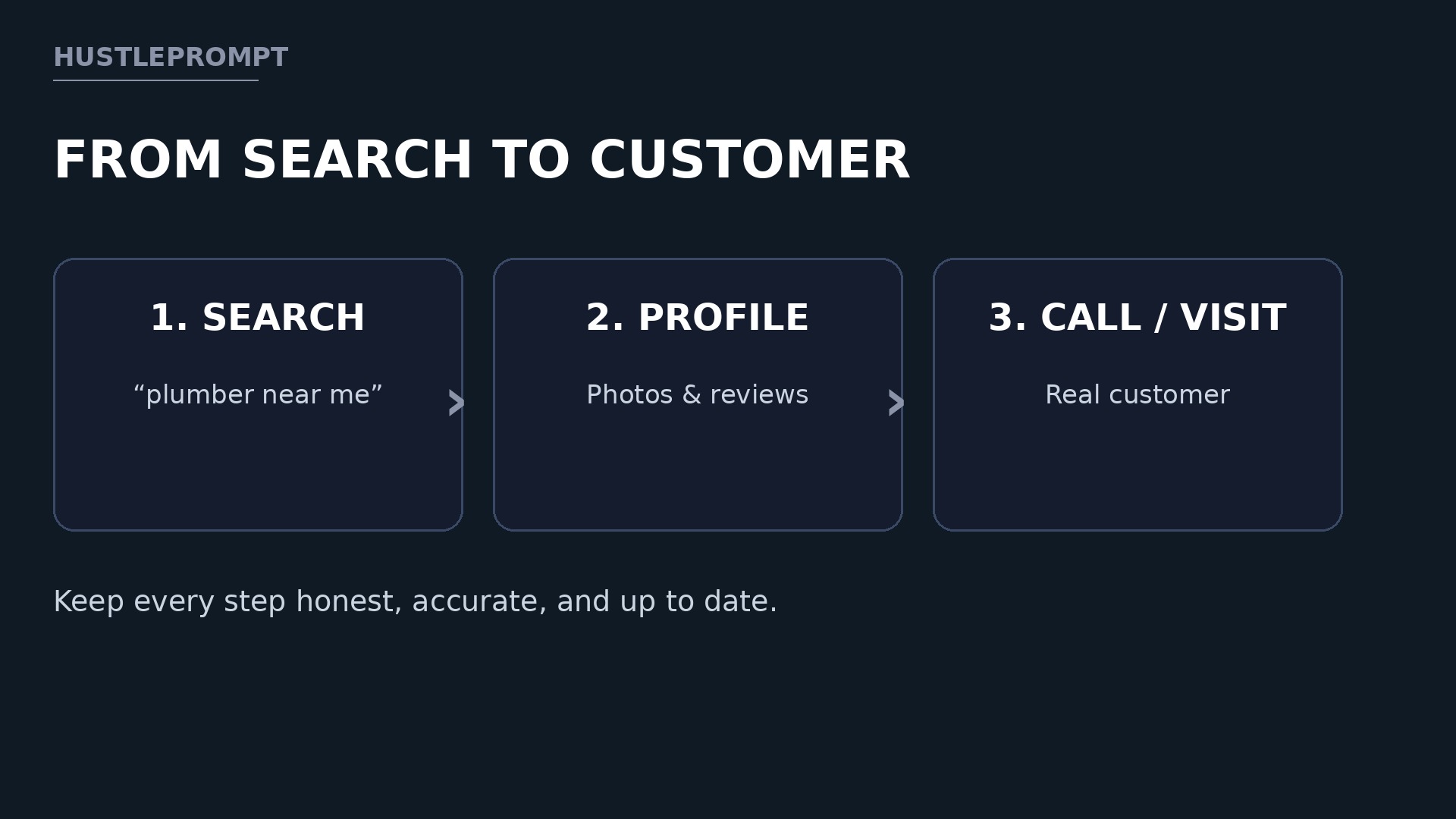
When a customer searches for “pizza near me,” they rarely click a website first. They tap a map listing, check photos, read reviews, and call. That is why AI Google Business Profile services are such a practical offer for freelancers: you help local shops look trustworthy exactly where customers decide.
Many owners never update theirs: hours go stale and reviews sit unanswered. Fix that with a weekly system, using AI to draft faster — without faking anything.
Why Local Shops Will Pay for This Service
A Google Business Profile is the free listing a business controls on Search and Maps, showing its name, hours, photos, services, posts, and reviews.
For a restaurant, salon, clinic, or trade business, that listing often works harder than a homepage: a searcher can call or get directions at once.
Owners pay because the work is constant. When nobody owns the profile:
- Holiday hours stay wrong, so customers arrive to a closed door.
- New services never get added, so searchers cannot find them.
- Customer questions sit unanswered in the Q&A section.
- One negative review, left alone, shapes every future visit.
Your service solves a visible problem, and you can show that work each month.
What You Actually Manage
Do not sell “SEO magic” or promise a top ranking. Sell clear, checkable work. Google is direct: “You can add or claim your business at no charge.” Your fee is for your time, writing, photos, and consistency — not for the listing itself.
Use this table to define your offer before you pitch anyone:
| Profile area | What you do each month |
|---|---|
| Core details | Check name, category, hours, phone, and website |
| Photos | Add real, recent owner-approved photos |
| Posts | Publish offers, news, and seasonal updates |
| Reviews | Draft replies for owner approval; flag violations |
| Q&A | Answer common questions; flag wrong answers |
| Monthly report | List posts, replies, and changes |
You never invent reviews, photos, services, or hours. Every fact must come from the owner.
The AI Workflow That Saves You Hours
AI helps you draft and organize — it does not replace checking facts. Turn one owner update into a post, a Q&A answer, and a review-reply draft.
Your weekly AI-assisted profile workflow
Gather the owner’s news, photos, and questions.
Draft posts and replies from verified facts only.
Fix names, prices, and tone. Get approval before publishing.
Post, reply, then log changes for the report.
Rule: if you cannot verify a fact, leave it out.
Watch this checklist walkthrough:
The video is a general optimization tutorial, not a guide to selling this service.
Build Your Service From Scratch: Step by Step
Follow these steps in order, so you never take on a client before you know who controls the listing.
Step 1: Pick one niche to start
Choose restaurants, salons, clinics, or trades — not all four. One niche lets you reuse ideas while customizing every fact.
Step 2: Learn the setup path
If no profile exists, the owner creates one at business.google.com/add. If an unverified profile exists, the owner claims it from Google Maps and selects “Manage now.” Never create a duplicate.
Step 3: Confirm ownership and access
Ask the owner to invite you as a manager through their own account, so the business stays in their control. If someone else verified the profile, the owner requests ownership from them. Put access, approval, and payment in a short written agreement first.
Step 4: Run a profile audit
Check every field against the storefront sign, website, and price lists. Note what is missing or wrong. That audit is your first deliverable.
Step 5: Fix the foundation first
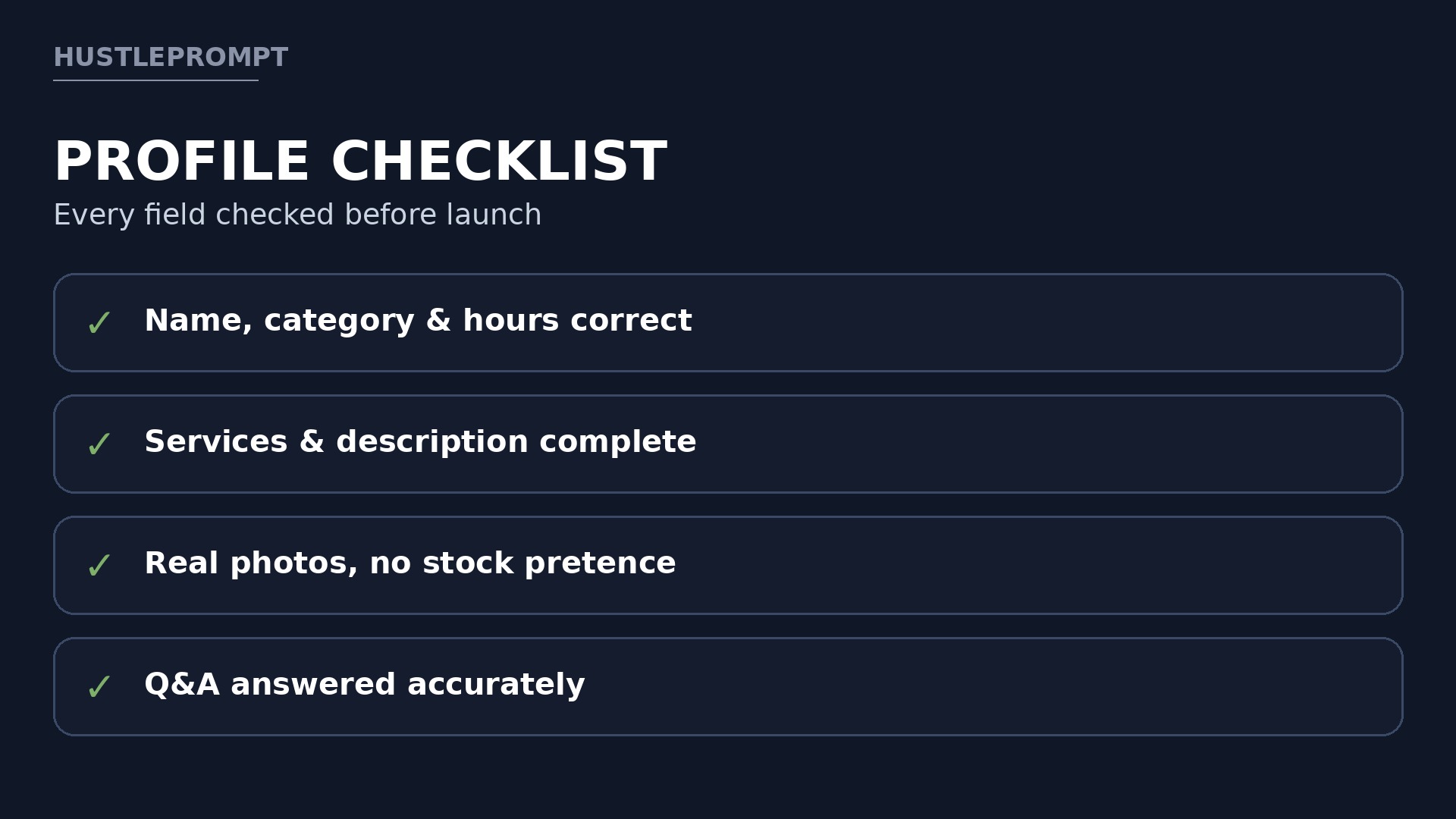
Correct the name, category, hours, phone, website, and service area. Use the real business name only, with no added keywords. Add real services, a plain description, and genuine photos.
Step 6: Set up the weekly rhythm
Agree on a routine: the owner sends one update and two photos each Monday, you draft by Wednesday, and the owner approves before anything goes live. Keep a shared folder of approved photos and offers.
Step 7: Launch, then report monthly
Publish the first fixes and posts, then send a one-page report of posts, replies, and corrections. Ask what changed: more calls, bookings, or repeat questions.
Posts, Reviews, and Q&A: The Weekly System
Weekly work is where clients see value. Rotate four post types:
- Offers and seasonal news, with exact dates and terms from the owner.
- Behind-the-scenes updates, such as a new dish, service, or team member.
- Helpful local tips, such as how to book or what to bring to an appointment.
- Events and holiday hours, published before customers need them.
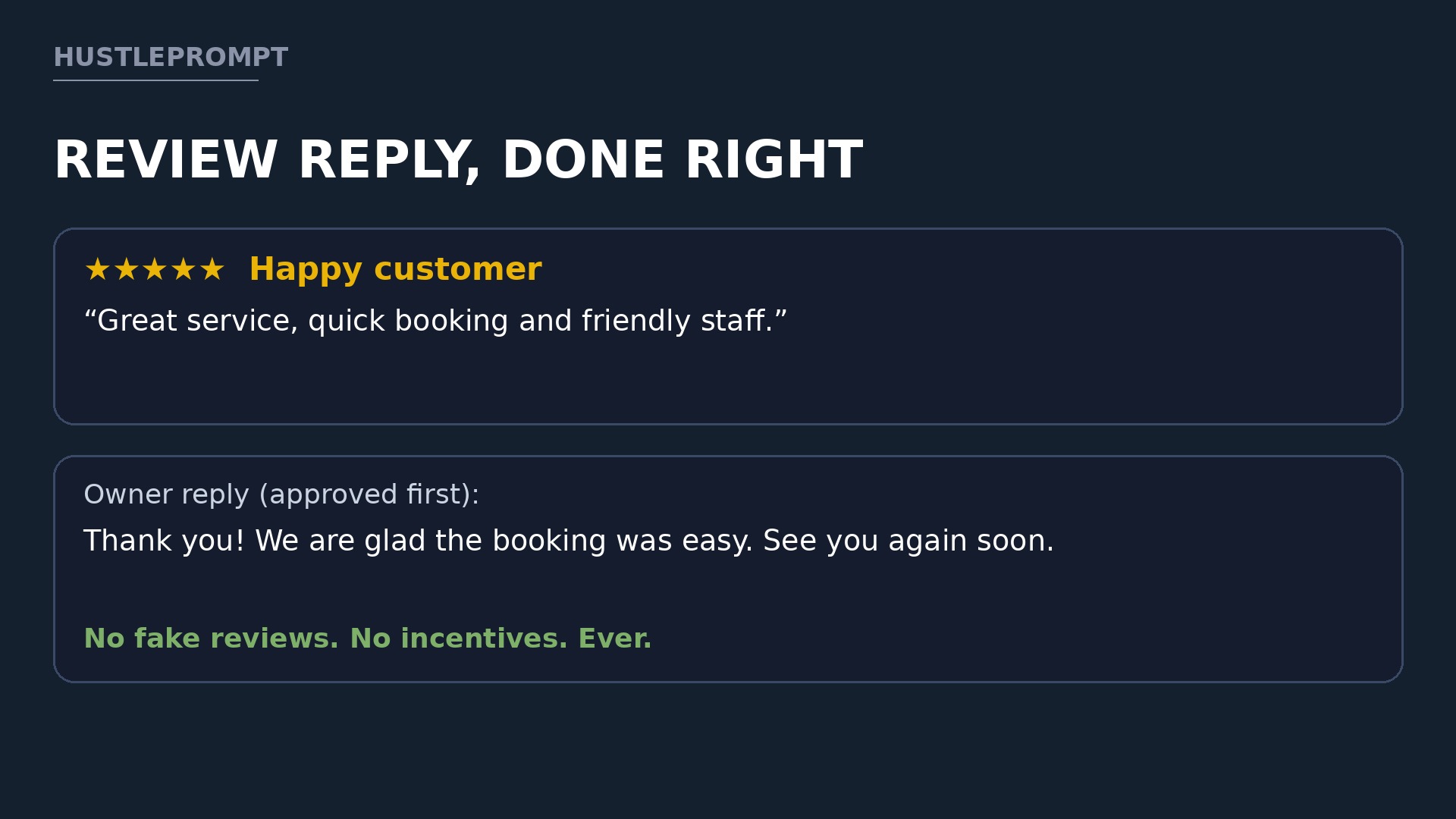
For reviews, reply to every review the owner asks you to handle. Thank happy customers, and answer criticism calmly, without arguing in public.
For Q&A, answer only what you know — “Do you take walk-ins on Saturdays?” needs the owner’s real answer, not a guess. Flag wrong answers from strangers, and add one true detail if an AI draft sounds generic.
How to Profit
Price for recurring work, not a single setup. Setup is a project; management is the steady retainer.
The packages below are ILLUSTRATIVE examples only. They show gross revenue before tool costs, taxes, payment fees, and your time. They are not income promises, and your local market may support lower or higher prices.
| ILLUSTRATIVE package | What it includes | ILLUSTRATIVE monthly price |
|---|---|---|
| Starter | 2 posts, review replies, monthly details check | $149 |
| Growth | 4 posts, replies, Q&A monitoring, photos, monthly report | $299 |
| Full care | 8 posts, replies, Q&A, photo refresh, quarterly audit | $499 |
Five Growth clients at the ILLUSTRATIVE $299 rate would total $1,495 per month gross — before costs and taxes, and only if all five stay and pay. That is a planning example, not a forecast.
Charge a separate setup fee for audits and fixes. Track your time per client for a month; if the work takes longer than your price allows, raise the price or cut the post count.
Stay Compliant: What Never to Do
Breaking Google’s policy can cost your client their listing. Its prohibited-content page states: “Contributions to Google Maps should reflect a genuine experience at a place or business.” Fake engagement, it says, is not allowed and will be removed.
That means you must never:
- Write, buy, or trade fake reviews, even if a client asks you to.
- Offer discounts, gifts, or payment in exchange for a review, a better rating, or removing a negative review.
- Ask only happy customers for reviews while hiding unhappy ones.
- Post stock photos as if they were the client’s own premises, food, or work.
- Stuff keywords into the business name or invent services and locations.
- Promise a ranking, a map position, or a specific number of calls.
You can ask every real customer for an honest review, with no incentive or pressure, and help the owner report reviews that clearly break policy. Put this note in your client agreement.
Find Your First Three Clients
Start close to home. List ten businesses with outdated profiles: no recent posts, old photos, or unanswered reviews.
Send each owner a short note naming one fix you spotted, such as wrong holiday hours, and offer a free audit. Show the missed opportunity, not criticism.
Offer your first three clients a two-week trial at a reduced setup fee, then a clear monthly price. Ask for a testimonial about your process — not rankings — once the work is done well.
Frequently Asked Questions
Do I need to be a Google expert to sell this service?
No. You need a reliable process, careful fact-checking, and respect for Google’s rules. Learn one niche deeply and document every step.
Does a Google Business Profile cost the business anything?
No. Google says a business can add or claim its profile at no charge. Your client pays for management, not the listing itself.
Can AI write review replies for me?
AI can draft replies, but a human must check every fact and tone first. Never let AI invent an apology, refund, or unconfirmed detail.
How many clients can one person manage?
It depends on post volume and approval speed. Start with three, measure your weekly hours, and add more only when reports stay on time.
What if a client asks me to remove a negative review?
Only reviews breaking policy can be reported for removal. A genuine negative review stays, so reply calmly and fix the issue behind the scenes.
Should I guarantee a top map ranking?
No. Rankings depend on competition and searcher location, outside your control. Promise checkable work instead: accurate details, fresh posts, answered reviews, and clear reports.
Keep Reading
You may also like: our guides to selling local services with AI and building a freelance offer around one niche.
Start with one niche, one audit, and one weekly rhythm you can keep. Do that well for three local businesses, and you will have a service worth renewing.