
People now create 4 billion images per week with OpenAI’s tools — more than half a billion a day. That is the scale behind ChatGPT Images 2.6, the update OpenAI announced on November 4, 2026, and its headline feature is one creators have wanted for years: native GIFs.
Images 2.6 turns a prompt or a photo into a looping animation, keeps characters and products consistent across edits, and generates images 50% faster than before. It is live in ChatGPT and Codex across all tiers, on web, desktop, and mobile.
Everything in this article comes from OpenAI’s official Images 2.6 announcement and OpenAI’s official API pricing page. No third-party rumor, no guessed price.
What OpenAI announced
Images 2.6 is not a side feature. It is the image engine inside ChatGPT, Codex, and the API, upgraded in one release.
The three changes that matter most are:
- Native GIFs. Turn a prompt or an uploaded image into an animated GIF, adjust the speed, edit individual frames, and share it on repeat.
- Reference images. Save images of yourself, pets, and characters once, then reuse them in new creations without uploading again.
- Faster, more consistent generation. Images arrive 50% faster, with better layout for posters and product imagery and stronger consistency across repeated edits.
GIFs: how they work
Start with words or a picture. Describe the motion in plain language, or upload a sketch, a product shot, or a character design.
Then refine the loop instead of starting over. You can change the playback speed and edit frames one by one, which matters when a mascot’s expression or a product’s logo must stay exactly right.
OpenAI cites Town, an AI work-assistant startup, which used Images 2.6 in the API to explore animated characters for everyday work interactions.
Flare vs Sunburst: pick the right API model
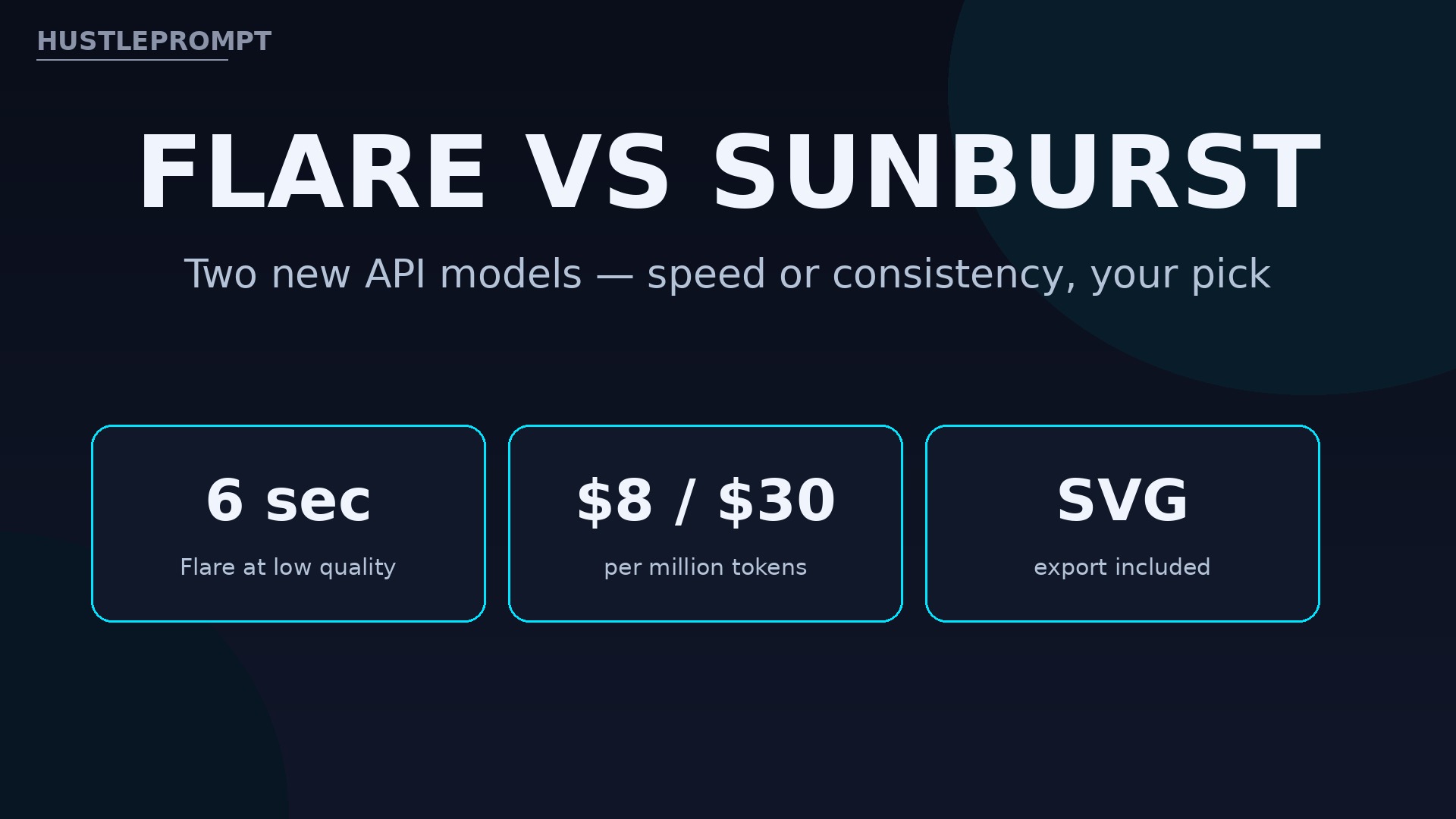
Developers get two new API models, and the choice is simple: speed or polish.
| API model | Built for | Key fact (official) |
|---|---|---|
| GPT-Image-2.6 Flare | Fast, everyday generation | Images in as little as 6 seconds at low quality; better poster and product layouts |
| GPT-Image-2.6 Sunburst | Detail and edit consistency | Higher-quality generation, greater consistency across edits at medium or high quality |
API pricing: speed went up, rates did not
Here is the part developers should bookmark. OpenAI’s pricing page lists both 2.6 models at the same token rates as Images 2.5 — the upgrade is speed and features, not a price hike.
| Model (per 1M tokens) | Image input | Image output | Text input / cached image input |
|---|---|---|---|
| gpt-image-2.6-flare | $8.00 | $30.00 | $5.00 / $2.00 |
| gpt-image-2.6-sunburst | $8.00 | $30.00 | $5.00 / $2.00 |
| gpt-image-2.5-flare / sunburst | $8.00 | $30.00 | $5.00 / $2.00 |
Three developer tools worth learning this week
Images 2.6 also brings practical controls to the API:
- Image markup. Already available in ChatGPT, now in the API: pinpoint exactly where a change should happen instead of describing a region in words.
- SVG export. Carry designs into websites, apps, and print without a blurry raster workaround.
- Complexity parameter. Control how much planning the model does before generating. OpenAI recommends low complexity for most edits, and medium or high for scenes with many elements or constraints.
How to profit from Images 2.6 this week
Store the client’s mascot, product, and pet once, reuse forever.
Generate variants in seconds at low quality.
Lock consistency, fix frames, export SVG.
10 looping GIFs a month, per client, on retainer.
Concrete services you can sell right now:
- Animated product ads. Turn a static product shot into a looping GIF for Instagram, TikTok, and email — charge per pack, not per hour.
- Brand mascot packs. One saved reference character, dozens of reactions, memes, and seasonal loops for a brand’s social team.
- Storyboard previews. Animate a character’s movement before expensive video production, so clients approve motion early.
- API image pipelines. Build Flare-first, Sunburst-finish workflows for agencies that need volume without losing brand consistency.
Demo first: Images 2.6 is available across all ChatGPT and Codex tiers, so you can show a prospect a GIF today, before spending on API tokens.
What to watch next
Watch GIF adoption for ads, whether reference images become the brand standard, and what early API customers report on real per-image costs.
Frequently asked questions
What is ChatGPT Images 2.6?
It is OpenAI’s upgraded image generation model, announced November 4, 2026, for ChatGPT, Codex, and the API, with native GIFs, reference images, and 50% faster generation.
How do I make a GIF in ChatGPT with Images 2.6?
Describe the motion in a prompt or upload a photo, then adjust the speed, edit individual frames, and share the loop. Even a simple sketch can become an animated character.
Is Images 2.6 available on the free plan?
Yes, per OpenAI: Images 2.6 is available globally in ChatGPT and Codex across all subscription tiers, on desktop, mobile, and web.
What is the difference between Flare and Sunburst?
Flare is built for speed — images in as little as 6 seconds at low quality. Sunburst is built for higher quality and greater consistency across edits at medium or high quality.
How much do GPT-Image-2.6 Flare and Sunburst cost?
On OpenAI’s pricing page, both models list $8.00 per million image input tokens, $30.00 per million image output tokens, $5.00 per million text input tokens, and $2.00 cached image input — the same rates as Images 2.5.
Can developers export Images 2.6 designs?
Yes. The API adds SVG exports for use across websites, apps, and print, plus image markup to pinpoint edits and a complexity parameter to control planning effort.