
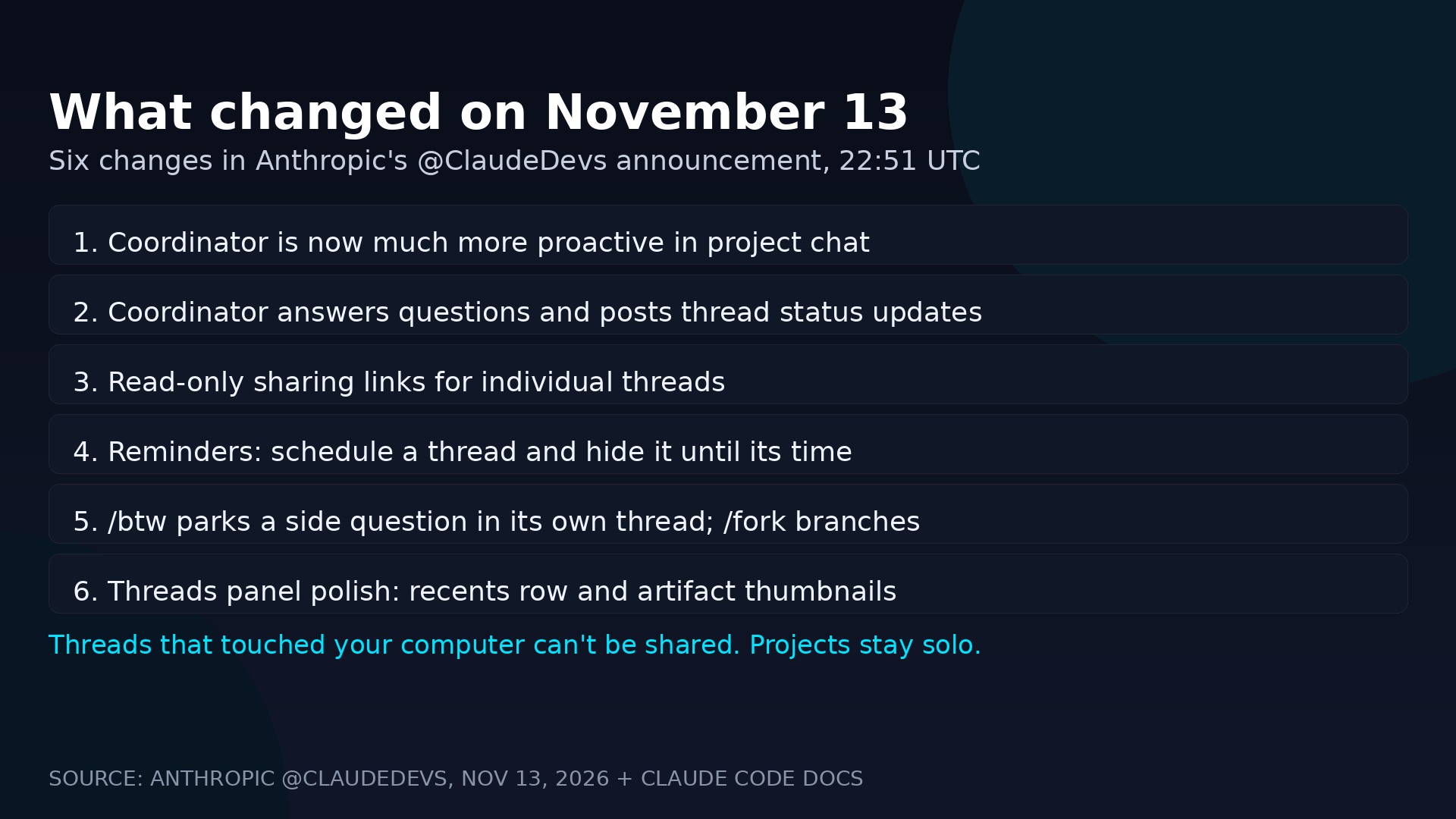
Claude Code Projects just got a busier foreman. Late on Friday, November 13, 2026, Anthropic’s ClaudeDevs account announced a round of updates to Projects — the feature that turns one long-running conversation into a team of parallel coding threads. The headline change is simple: the coordinator is now proactive. It answers questions directly in the project chat and posts status updates as threads progress, instead of waiting to be asked. Alongside it come read-only sharing links for individual threads, reminders, the /btw and /fork commands inside projects, and a tidier threads panel.
Projects launched in redesigned form on September 17, 2026, and the idea has not changed: you describe a stream of related work in one conversation, Claude scopes it, splits it into threads, and runs each thread as a full cloud session on its own branch. What changed on Friday is how much babysitting that takes. Before, the coordinator waited for you to check in. Now it reports in.
The November 13 Projects update, at a glance
| Announced | November 13, 2026, 22:51 UTC, by Anthropic’s @ClaudeDevs account |
| Coordinator | Now much more proactive: answers questions in project chat and posts status updates on running threads |
| Sharing | Read-only links for individual threads, for anyone signed in to Claude (threads that touched your computer excluded) |
| Commands | /btw parks a side question in its own thread; /fork branches a new thread from the current one |
| Reminders | Schedule a thread and hide it until its time |
| Panel | Threads panel gains a recents row and artifact thumbnails |
| Availability | Public beta on Pro, Max, and Ultra plans, rolling out gradually; Team and Enterprise not yet |
| Reaction | Both announcements passed 9,000 likes overnight |
Source: Anthropic — Claude Code Docs: Let Claude coordinate ongoing work with Projects; November 13 changes per Anthropic’s @ClaudeDevs announcement.
What the proactive coordinator actually does
The coordinator is the project conversation itself: one long-running session where Claude takes what you send, decides what becomes a thread, and keeps track of every thread it started. It sees what threads report back, not every step they take. Until Friday, that conversation was mostly quiet unless you spoke first. Now it talks back.
Anthropic’s demo shows the new behavior in one request: a user pastes a batch of work, and the coordinator splits it into three threads at once — fix a flaky test, add rate limiting, upgrade a library — then promises to report back when something is ready. That is the whole pitch: you hand Claude a stream of work and stop managing the queue yourself. The Overview pane still shows which threads finished, which pull requests are ready for review, and which thread is waiting on your answer — but the coordinator now pushes the news to you instead of making you go looking for it.
The other changes fill the gaps around that core. Read-only thread links let you show a colleague or a client what one thread did, without handing over the project. Reminders let you park a thread until a set time. The /btw command moves a tangent into its own thread so the current one stays on topic, and /fork starts a new thread from the one you are in to try another approach. The threads panel gets a recents row and artifact thumbnails, so finding the thread you need gets faster as projects grow.
How a project works — and what it costs you
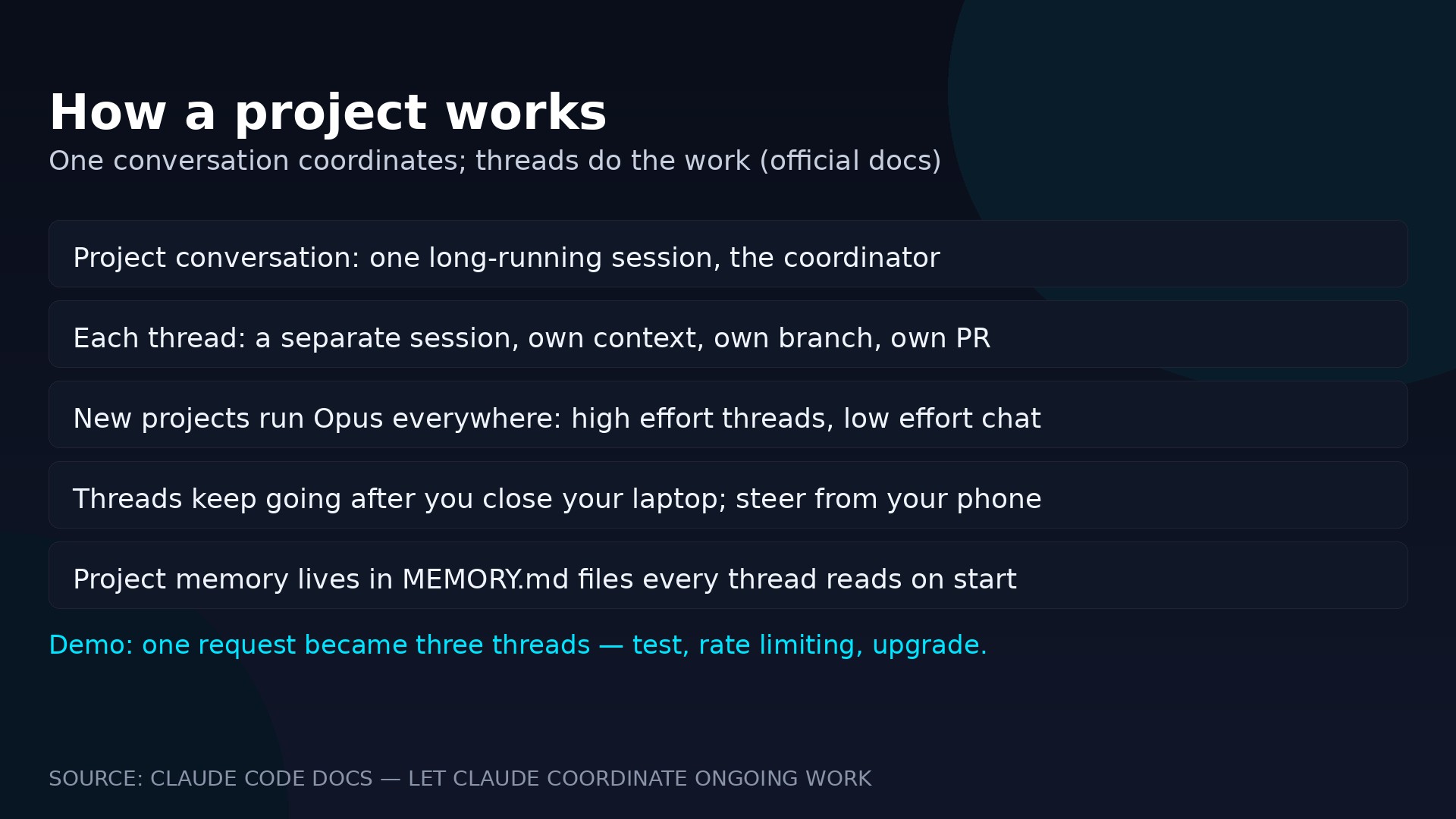
A project is one coordinating conversation plus the threads it starts. Each thread is a separate session with its own context window that does one piece of work and reports back when it finishes. A cloud thread works on its own branch and opens a pull request when the work calls for one — and watches that pull request with auto-fix turned on, pushing fixes when CI fails and addressing review comments.
Projects mechanics, per Anthropic’s docs
| Coordinator | One long-running session; routes messages, starts threads, tracks them all |
| Threads | Separate sessions, own context window, own branch, own pull request; keep going after you close your laptop |
| Default model | A new project runs Opus everywhere — high effort for threads, low effort for the conversation |
| Memory | Project memory lives in MEMORY.md files; every cloud thread reads them on start |
| Thread limit | 500 new threads per day across your projects, enforced (some coverage says 200 — the docs say 500) |
| Instructions | Project instructions up to 16,000 characters, sent to every new thread |
| Uploads | Up to 1,000 files and 2 GB at a time; single file up to 480 MB; up to 10 folders |
| Where it runs | claude.ai/code, the desktop app’s Code tab, and the mobile app — not the terminal CLI, VS Code extension, or JetBrains plugin |
Source: Anthropic — Claude Code Docs: Let Claude coordinate ongoing work with Projects.
The cost side is where the update bites. Project usage counts against the same plan limits as your other Claude Code sessions — and a project uses them faster, because several full sessions can run at once. A new project runs every thread on Opus at high effort, which draws on your plan fastest. Anthropic is explicit about it in the docs: on a Pro plan in particular, expect to reach your limit sooner on days you run a project. A thread that hits the five-hour or weekly limit waits and, by default, continues on its own when the limit resets.
There are levers. You can tell the coordinator to run fewer threads at a time, to answer small questions itself instead of starting a thread, or to use a smaller model or lower effort for threads. But the levers are instructions the coordinator keeps to, not hard caps — the only enforced number is the 500-new-threads-a-day limit. If you want a hard stop, set it in project instructions and check the Usage view in Project settings.
Who gets it — and what is still missing
Projects are in public beta on Pro, Max, and Ultra plans and rolling out gradually. The rollout started with accounts that have used cloud sessions and do not already have projects in claude.ai chat or Cowork. If you do not see Projects in the sidebar at claude.ai/code or in the Code tab of the desktop app, the rollout has not reached your account yet — there is a waitlist. Team and Enterprise plans do not have it yet.
The prerequisites are specific, and they trip people up. Your code must be on github.com — not GitHub Enterprise Server, GitLab, or Bitbucket. Your connected GitHub account needs push access, and the Claude GitHub App must be installed on the repositories. If you connected GitHub with /web-setup, that token lets your other cloud sessions reach a repository but is not enough for a project’s cloud threads, which need the GitHub App.
And the sharing news has a boundary worth stating plainly. The November 13 update adds read-only links for individual threads — but the docs’ standing rule is that a project belongs to one user: you cannot share a project or its threads with another user, and there are no organization-level controls during the beta. The thread link is a carve-out for showing one thread’s work, not team collaboration. Threads that had access to your computer cannot be shared at all. If you need several people giving Claude work together, Anthropic points to Claude Tag in Slack, not Projects. The same Friday batch also brought desktop app themes, per Anthropic’s posts — a small change, but a sign of how fast the desktop surface is moving.

How to profit: sell the project setup, not the tool
Projects are free inside a Pro, Max, or Ultra plan — but setting one up well is skilled work, and most teams will pay someone else to do it. The November update makes the pitch easier: the coordinator now reports in, so the value of a well-built project is visible to the client every day. Here is the play, step by step:
- Offer a fixed-price project setup. A realistic package: $800 to $2,500 per codebase, covering the GitHub App install and push-access fix, the project instructions brief (branch rules, test commands, what needs approval), a first batch of threads run live, and a handoff doc. The setup is the product — Anthropic’s docs list every prerequisite that trips people up, and your job is to clear them all in one visit.
- Sell the instructions brief as a standalone service. Charge $400 to $1,000 to write a client’s project instructions: the goal, the repositories, the branch and pull-request rules, how a thread checks its own work, and what needs a human go-ahead. A 16,000-character brief that actually gets followed is worth more than the plan it runs on.
- Run the first migration as a showcase. Offer to move one real piece of work — a dependency upgrade, a lint-config rollout across services, a test-suite fix — into a project and run it in front of the client. The demo from Anthropic’s announcement (one request, three threads) is your template. Charge $1,500 to $4,000 for the migration, and let the threads’ pull requests sell the retainer.
- Charge a monthly retainer for project operations. Offer $750 to $2,000 a month to keep a client’s projects healthy: review thread output, fix the setup gaps that make threads guess or stall, manage usage so the plan limits do not bite mid-sprint, and keep the MEMORY.md files current. The docs warn that a project burns plan limits faster — your retainer is the guarantee it burns them on real work.
- Teach the usage discipline. A 60-minute team workshop ($300 to $800) on the three settings that control cost: thread model and effort, how many threads run at once, and when the coordinator answers in place instead of starting a thread. Teams that learn this on day one do not hit their weekly limit on day three.
The market signal is the direction of the feature: Anthropic is turning Claude Code from a tool you drive into a team you manage. The businesses that learn to set up and run that team for clients will eat first — and the November update, with its reporting coordinator and shareable threads, just made the work visible enough to sell.
The honest limits
Four things to keep straight before you build on this update:
- It is a beta, rolling out gradually. Not every Pro, Max, or Ultra account sees Projects yet, and Team and Enterprise plans do not have it at all. If it is missing from your sidebar, you are on the waitlist — there is no way to force it.
- Sharing is threads, not projects. The read-only links cover individual threads. Projects themselves stay single-user, with no organization-level controls during the beta, and threads that touched your computer cannot be shared.
- The 500-a-day limit is real, and so is the burn rate. The enforced cap is 500 new threads per day across your projects — not the 200 figure some coverage repeats. And because every thread is a full session, a busy project day can exhaust a Pro plan’s limits fast.
- The announcement came as a thread, not a blog post. The November 13 changes were announced in an @ClaudeDevs thread on X, not in a launch post — so the docs are the authority for mechanics and limits, and the thread is the authority for what is new.
Frequently asked questions
What is new in Claude Code Projects on November 13?
Anthropic’s @ClaudeDevs account announced six changes: a much more proactive coordinator that answers questions in project chat and posts status updates on running threads; read-only sharing links for individual threads; reminders; the /btw and /fork commands inside projects; and threads-panel polish with a recents row and artifact thumbnails.
What is a Claude Code Project?
A project is one ongoing conversation where Claude coordinates a stream of related work. You describe what needs doing, and Claude starts a thread for each task. Each thread is a separate Claude Code session — usually in the cloud — with its own context window, working on its own branch and opening a pull request when the work calls for one. Projects launched in redesigned form on September 17, 2026.
Can I share a Claude Code Project with my team?
Not the project itself. A project belongs to one user, with no organization-level controls during the beta. The November 13 update adds read-only links for individual threads, so you can show someone what one thread did — but threads that had access to your computer cannot be shared, and nobody else can send work to your project. For team use in Slack, Anthropic points to Claude Tag.
How many threads can a project run per day?
The enforced limit is 500 new threads per day across your projects, per Anthropic’s official docs. There is no fixed number of simultaneous threads — Claude starts as many as the work calls for. Some coverage repeats a 200-a-day figure; the docs say 500.
Which plans include Claude Code Projects?
Projects are in public beta on Pro, Max, and Ultra plans, rolling out gradually. Team and Enterprise plans do not have it yet. You also need your code on github.com, a connected GitHub account with push access, and the Claude GitHub App installed on the repositories.
Does running a project cost extra?
There is no separate fee, but project usage counts against the same plan limits as your other Claude Code sessions — and a project uses them faster, because several full sessions can run at once. A new project runs every thread on Opus at high effort, which draws on your plan fastest. A thread that hits a limit waits and, by default, continues on its own when the limit resets.
Where can I use Claude Code Projects?
At claude.ai/code, in the Code tab of the desktop app, and in the Claude mobile app for iOS and Android. Projects are not available in the terminal CLI, the VS Code extension, or the JetBrains plugin, and not through Amazon Bedrock, Google Cloud’s Agent Platform, or Microsoft Foundry.
Keep Reading
- Self-Host Claude Managed Agents in Private Beta — The enterprise cousin of Projects: run Claude agents on your own infrastructure, with the controls a team actually needs.
- Claude for Manufacturing: 17 Skills Hit the Factory Floor — Anthropic’s other November launch: 17 skills and 4 connectors that take Claude into the factory, with the same agent-coordination idea applied to physical work.
- Claude Down: Login Outage on November 13, 2026 — The same day Projects got its update, Claude’s login went down — a reminder that the cloud half of the stack can disappear for hours.
Sources: Anthropic — Claude Code Docs: Let Claude coordinate ongoing work with Projects. November 13 changes per Anthropic’s @ClaudeDevs announcement, November 13, 2026, 22:51 UTC. Setup, migration, retainer, and workshop prices in the “How to profit” section are suggested service packages, not Anthropic prices.