
GitHub’s trending chart is not topped by a new model today. It is topped by two folders of configuration files. AI agent skills — the instruction files that tell coding agents how to work — just became the most starred thing on GitHub. One repo holds a TypeScript educator’s personal agent setup. The other holds the Y Combinator CEO’s. Together they have more than 450,000 stars, and they point to a market most developers have been ignoring: your workflow is a product.
This is not hype about a tool launch. It is proof that people will pay — with attention first, money second — for a better way to run their AI agents. Here is what happened, what a skill actually is, and how to turn your own setup into income.
What Just Happened on GitHub
On November 6, the top of GitHub’s trending chart belonged to configuration, not code. The AI Daily Report’s trending roundup puts two agent-config repositories at the very top, ahead of every model release and framework of the day. The numbers below were verified directly against GitHub’s API on November 6:
Evidence: The two repos ruling GitHub Trending (GitHub API, Nov 6, 2026)
| Repository | Stars | What it is |
|---|---|---|
| mattpocock/skills | 316,616 | Matt Pocock’s personal agent skills — “Skills for Real Engineers” |
| garrytan/gstack | 140,418 | Garry Tan’s exact Claude Code setup — 23 opinionated tools |
Sources: GitHub API (star counts and repo descriptions, checked Nov 6, 2026) and the Smartotics AI Daily Report for November 6, which ranks both repos at the top of GitHub Trending.
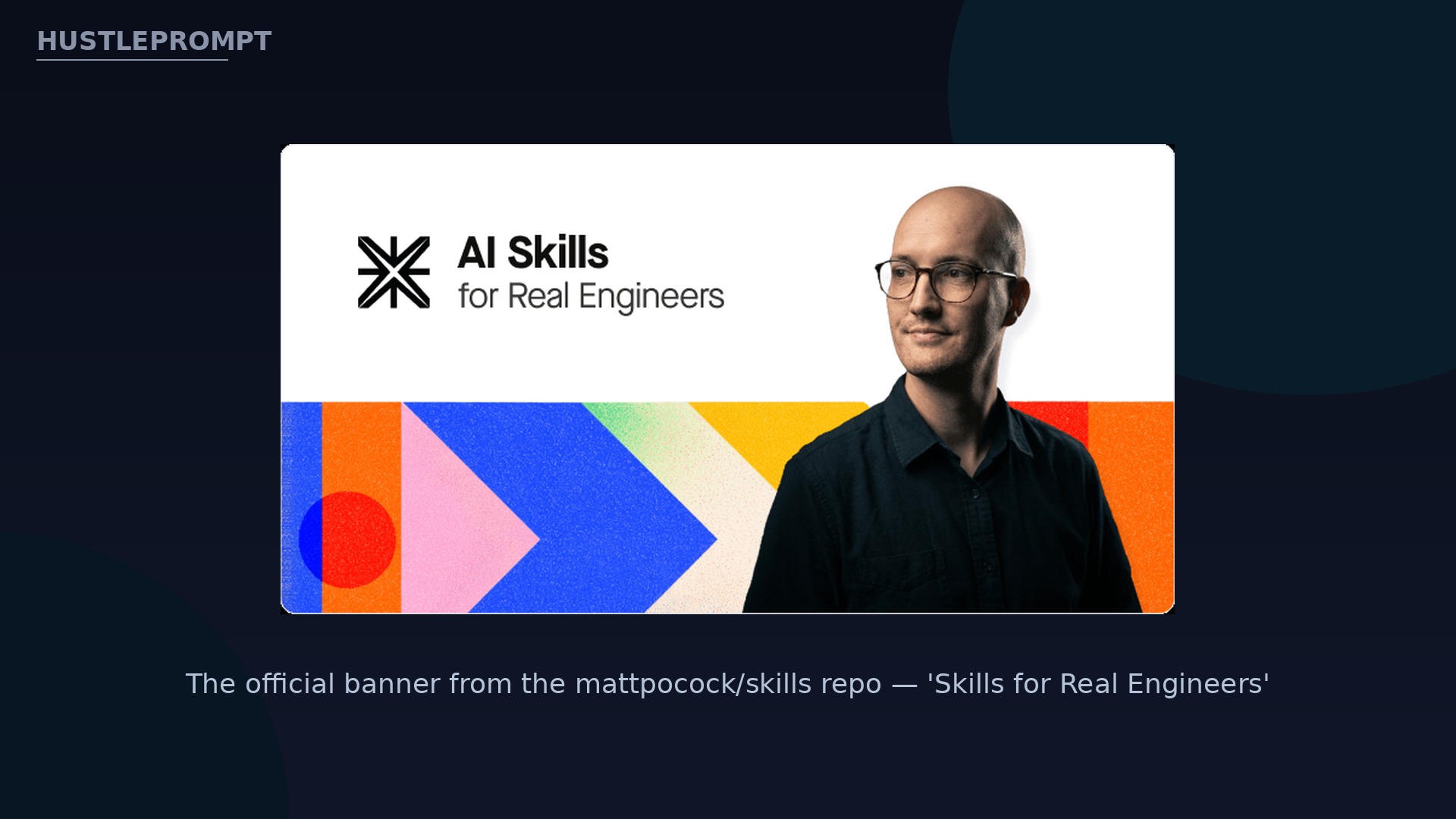
Matt Pocock is a TypeScript educator best known for Total TypeScript. Garry Tan is the president and CEO of Y Combinator. Neither repo contains an app. Both contain the exact instructions their authors’ AI coding agents read every day — and hundreds of thousands of developers want a copy.
What Is an AI Agent Skill, Exactly?
An agent skill is a small set of instructions — usually a SKILL.md file — that lives in your agent’s configuration folder (for Claude Code, the .agents directory) and tells it how to do a specific job. Think of it as a job description, a checklist, and a style guide for your AI coworker, all in one file.
The skills in Pocock’s repo are deliberately small and composable. His own README says they are “designed to be small, easy to adapt, and composable” and that they “work with any model.” His pitch is aimed at working engineers, not vibe coders: “My agent skills that I use every day to do real engineering — not vibe coding.” He contrasts them with heavier frameworks like GSD, BMAD, and Spec-Kit, which he says “take away your control and make bugs in the process hard to resolve.”
Tan’s gstack takes the same idea further. It is his full Claude Code configuration: 23 opinionated tools mapped to organizational roles — CEO, Designer, Engineering Manager, Release Manager, Documentation Engineer, and QA. Install it, and your coding agent stops being one generic assistant and starts behaving like a small team with job titles.
Why developers care now
- Agents are the workflow. The model matters less than the instructions around it. A great skill makes a mid-tier model act like a senior engineer.
- Setup is the hard part. Writing good skills takes real engineering judgment — the exact thing beginners lack and busy teams will not spend a week building.
- Configs are portable. A skill is a text file. It installs in seconds, updates itself as a plugin, and works across Claude Code, Codex, and GitHub Copilot.
Why This Is a Market, Not a Meme
Stars are vanity. But 450,000 of them, on repos that contain no software, is a demand signal. Here is what the numbers actually say:
Evidence: The demand behind the trend
- 457,034 combined stars across the two repos (316,616 + 140,418, GitHub API, Nov 6).
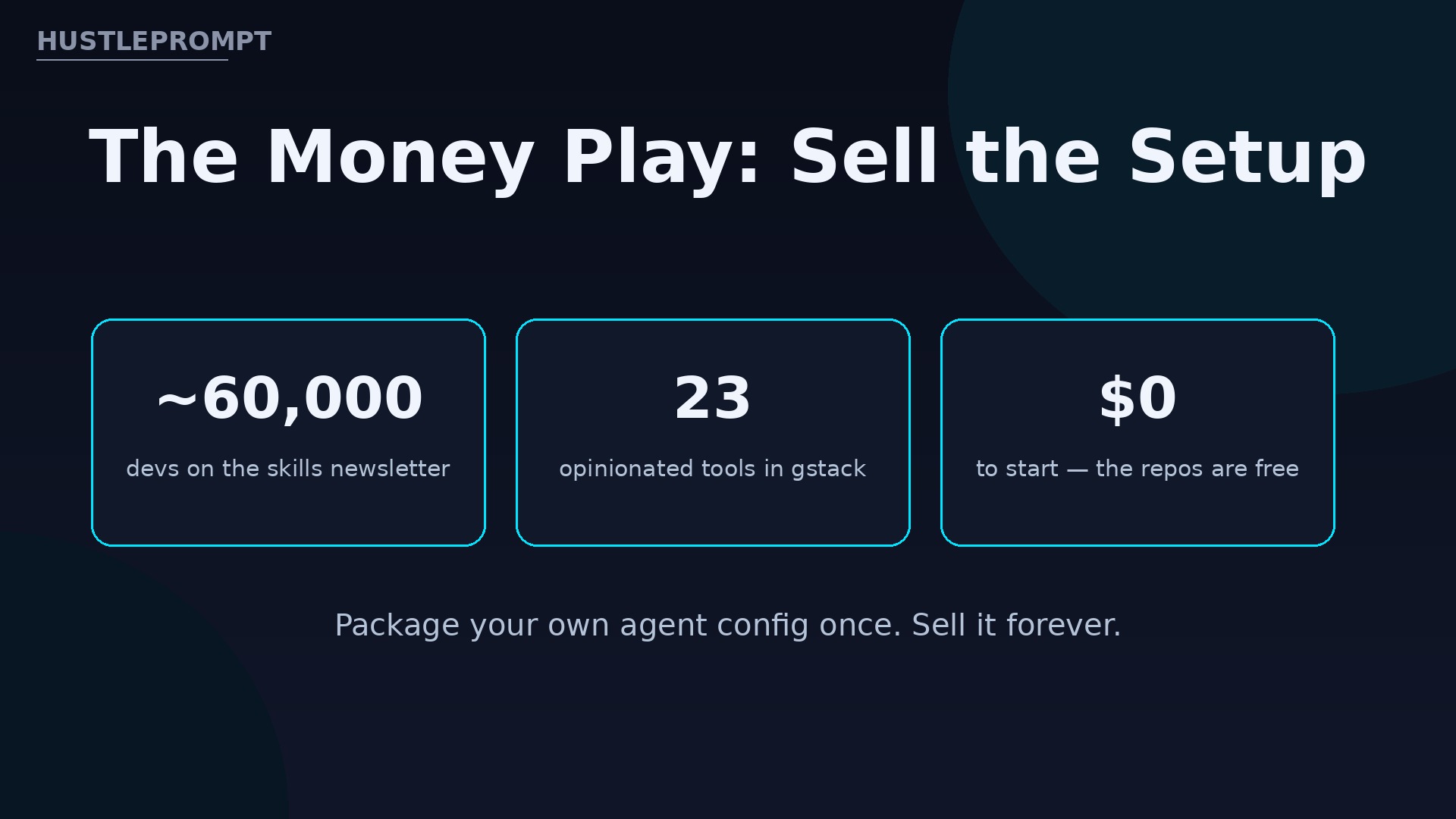
- ~60,000 developers subscribe to Pocock’s skills newsletter, according to the repo README — an audience that already opted in to hear about new skills.
- 23 roles in one install. gstack ships a whole org chart — CEO to QA — as a single configuration, showing buyers want complete systems, not single prompts.
- Created months ago, trending now. mattpocock/skills dates to February 3, 2026 and gstack to March 11, 2026. The surge is about timing: agentic coding went mainstream this year, and the setup became the product.
The pattern has a name in the developer world: the “dotfiles era” of agentic AI. Developers used to share their dotfiles — editor configs, shell setups. Now they share, and sell, the configs that run their AI agents.
The money angle is simple. If 60,000 developers join a newsletter to get one engineer’s skills, a focused skill pack that solves a painful workflow — code review, database migrations, test generation — has a real audience. The repos are free, which means the paid version is curation, support, and specialization, not the files themselves.
How to Profit: Package Your Own Setup
You do not need a famous name. You need one workflow you have genuinely tuned. Here is the path from your .agents folder to a product:
From config folder to product in 4 steps
Pick one job your agent does weekly — reviews, migrations, scaffolding — and list every instruction you repeat.
Turn those instructions into small, composable SKILL.md files. Small beats big: each skill should do one job well.
Ship as a plugin or a public repo with a 30-second install. Free tier builds stars; paid tier adds depth and support.
Charge for the niche pack, team onboarding, or custom skills for a client’s stack. The files are free; your judgment is the product.
Pocock’s own funnel shows the shape: a free repo, a newsletter of ~60,000 developers, and paid depth behind it. Start with the free repo and let the audience arrive.
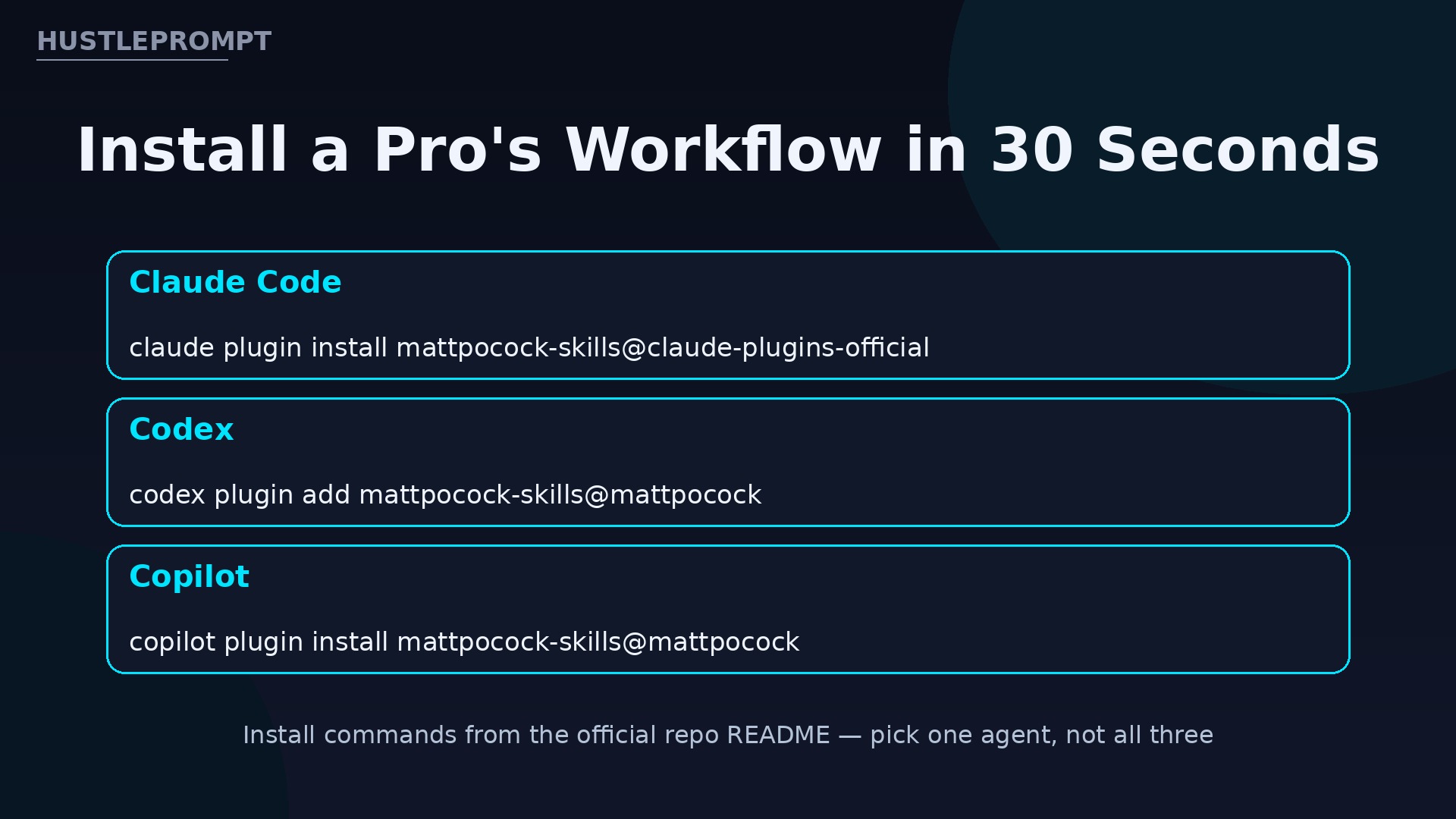
- Install the leaders first. Run one of the commands above and use the skills for a week. You cannot sell a setup you have never lived in.
- Find the gap. Notice what the big repos do not cover — your framework, your compliance rules, your team’s review style. That gap is your niche.
- Document real results. A skill that cut your review time in half is a product. A skill you wrote in an afternoon is a demo. Ship the first one.
- Price the outcome, not the files. Teams pay for hours saved and mistakes avoided. A $49 pack that saves a team five hours a week sells itself.
The Catch: Don’t Copy, Build
Two warnings before you start. First, the READMEs are explicit: install the skills for one agent, not all three at once — installing both the plugin and the file copy gives you every skill twice. Second, a copied config is not a product. Pocock’s repo works because it carries a decade of engineering judgment; Tan’s works because it encodes how Y Combinator’s CEO actually runs engineering. Your edge is your own workflow, documented honestly, not someone else’s files with your name on them.
Frequently Asked Questions
What is an AI agent skill?
A small instruction file (usually SKILL.md) that lives in your coding agent’s config folder and tells it how to do a specific job — the prompts, rules, and checklists the agent reads at runtime.
How many stars do mattpocock/skills and gstack have?
316,616 and 140,418 respectively, verified against GitHub’s API on November 6, 2026 — over 457,000 combined. Both sit at the top of GitHub Trending today.
Are these repos free?
Yes. Both are free on GitHub, and installation takes about 30 seconds via a plugin command for Claude Code, Codex, or GitHub Copilot.
Can I sell my own agent skills?
Yes. The files are text, so the paid product is curation, specialization, and support: niche skill packs, team onboarding, and custom skills for a client’s stack.
Which agent do the skills work with?
Pocock’s skills install on Claude Code, Codex, and GitHub Copilot, and the README says they work with any model. gstack is built for Claude Code specifically.
What’s the difference between a skill and a prompt?
A prompt is a one-off instruction. A skill is a persistent, reusable definition — with context, rules, and procedures — that your agent loads every time it does that job.
Do I need to be an expert to build skills?
You need one workflow you have genuinely tuned. If you have solved a painful, repeatable job with your agent, you have a skill worth packaging.