
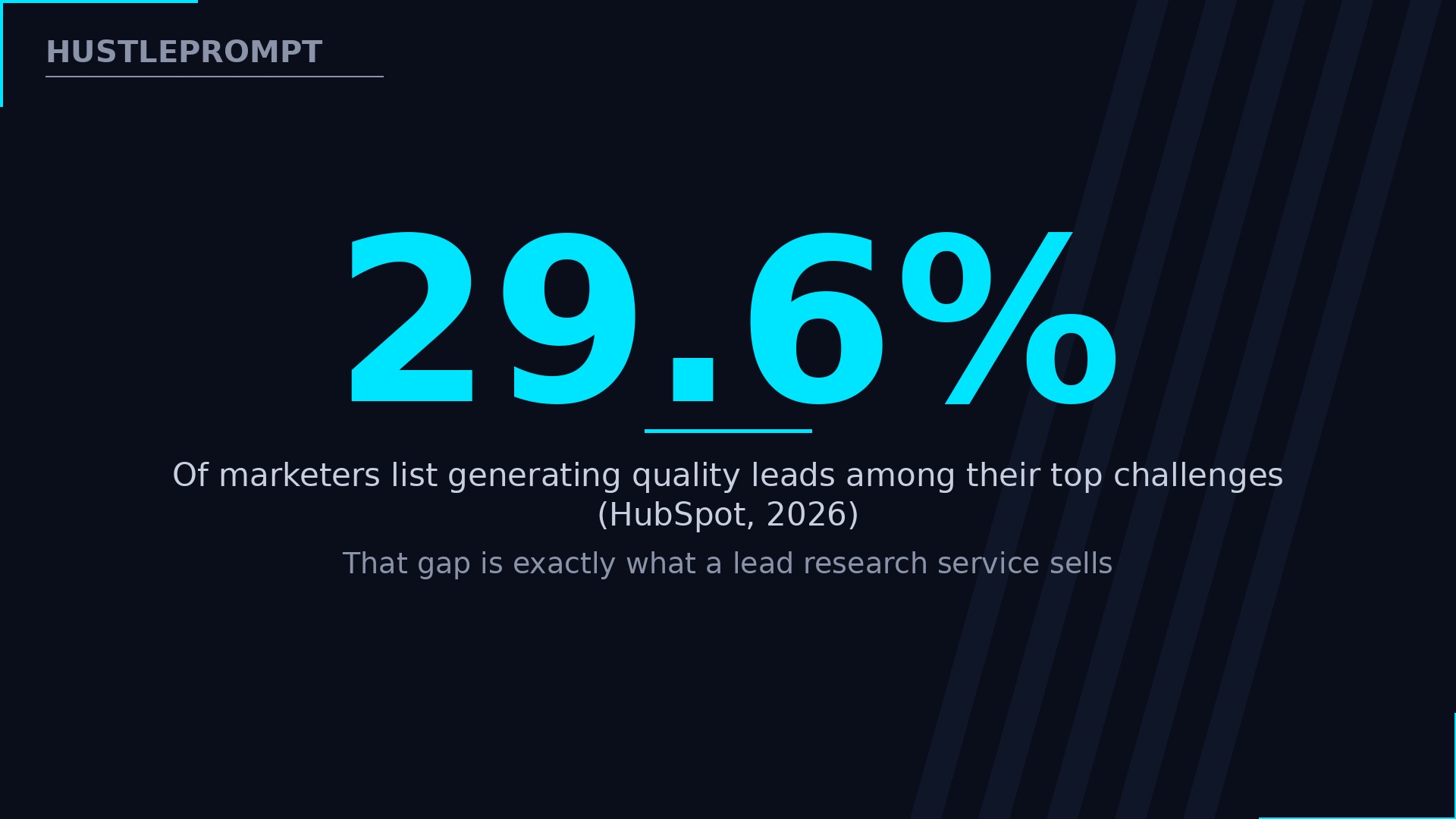
Nearly 3 in 10 marketers list generating quality leads among their top challenges, according to HubSpot’s 2026 State of Marketing report. That is the market for AI lead research: finding ideal customers, verifying their details, scoring them, and handing over a list sales can use.
B2B companies and agencies buy this work because their salespeople hate doing it. Research is slow and easy to get wrong. A freelancer who delivers clean, verified lists on schedule solves a painful, recurring problem.
What an AI lead research service actually sells
A prospect list is a structured file of potential buyers. Each row is one person at one company, with the fields sales needs to start a conversation.
A good list includes:
- Full name, job title, and seniority level
- Company name, industry, size, and location
- Verified business email and, where lawful, a business phone
- LinkedIn profile URL and company website
- A fit score and a short note on why they match
Lead enrichment fills missing fields on a list a client already has. Lead scoring ranks prospects so sales calls the best fits first. Both are upsells on every order.
The numbers behind the demand
Why companies pay for researched lists
29.6%
Of marketers list generating quality leads among their top challenges (HubSpot 2026, as reported).
1B+
LinkedIn members: the largest professional prospecting pool (LinkedIn via SalesMotion).
95%
Email accuracy guarantee from UpLead, verified in real time at export (UpLead).
$53,088
Maximum FTC penalty per CAN-SPAM violation email (FTC guidance, as reported).
The takeaway: demand is proven, data sources exist, and sloppy work carries legal risk. A researcher who verifies every row has a genuine edge.
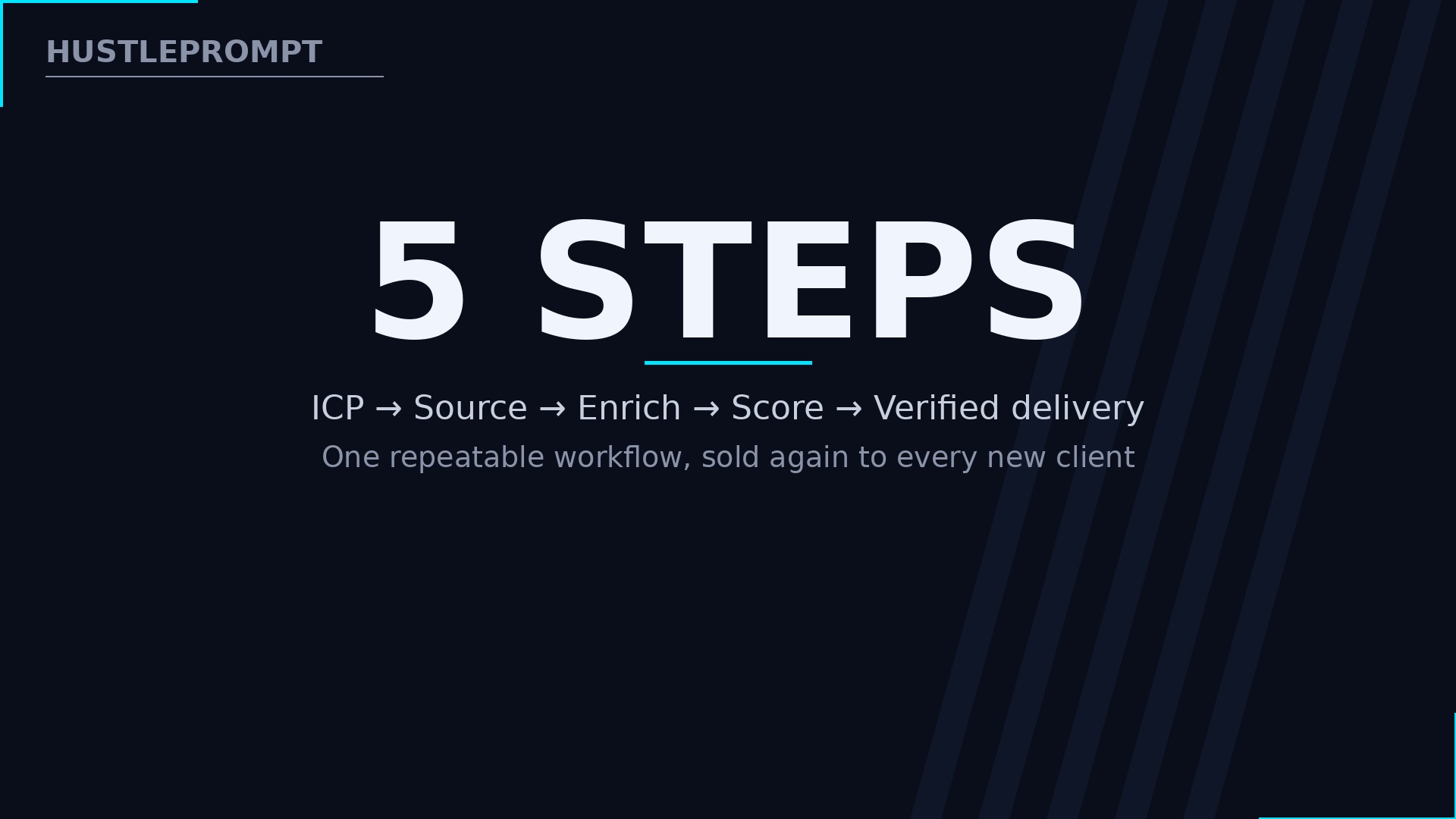
The 5-step delivery workflow
From brief to verified list
STEP 1
Define the ICP
Industry, size, titles.
STEP 2
Source prospects
Databases and LinkedIn.
STEP 3
Enrich and verify
Fill gaps, drop bad rows.
STEP 4
Score and rank
Fit score, one-line reason.
STEP 5
Deliver and report
Clean sheet, QA summary.
Step 1: Build the ideal-customer profile with the client
An ideal-customer profile (ICP) describes the companies most likely to buy. Never search without one.
Ask the client for:
- Their 10 best customers, with industry and size
- The titles that usually sign the deal
- Geographies served, and any excluded
- Deal-breakers, such as companies too small to afford them
Turn the answers into one brief. Example: “US SaaS companies with 11 to 200 employees, hiring a VP of Sales.”
Use AI to sharpen the brief
Paste the client’s best-customer list into an AI assistant and ask it to spot shared patterns, then confirm every pattern against real customers before you search.
Step 2: Source prospects from databases, not guesswork
Start with a contact database, then cross-check on LinkedIn, which confirms the person still holds the title today. Filter in this order:
- Industry and geography, to match the ICP
- Company size, to match buying power
- Job title and seniority, to reach decision-makers
- Buying signals, such as recent funding, hiring, or a job change
Source more than you need: for a 100-lead order, pull 150 to 200. Verification will remove a chunk, and you never want to deliver short.
Step 3: Enrich, verify, and clean every row
This step is your quality moat. Anyone can export a list; few verify one.
- Verify every email. Drop anything that bounces or reads as risky.
- Fill the gaps. Add missing titles, sizes, and LinkedIn URLs from a second source.
- Remove duplicates. Deduplicate by email and by LinkedIn URL, not by name alone.
- Spot-check manually. Open 10 random profiles and confirm title and company match your sheet.
Keep a simple QA note: rows sourced, rows removed, final count. Transparency turns one-time buyers into retainer clients.
Step 4: Score leads so sales calls the best first
Lead scoring is a simple points system. Assign points for fit, then sort highest first. A starter model:
- Right industry and size: 30 points
- Decision-maker title: 30 points
- Recent buying signal, like hiring: 20 points
- Verified email plus phone: 20 points
Label 80 to 100 points “Tier A: call first,” 50 to 79 “Tier B,” below 50 “Tier C.” Add a one-line reason per Tier A lead, such as “Hiring 3 sales roles.” That note turns a spreadsheet into a service.
Step 5: Deliver a list the client can use on day one
Deliver a clean spreadsheet: one tab for the list, one for QA. Columns: Name, Title, Company, Industry, Employees, Location, Email, Phone, LinkedIn URL, Score, Tier, Reason.
Include a short delivery note stating:
- Leads delivered and how many were verified
- Rows replaced, if any failed verification
- Next refresh date, if the client is on a retainer
Offer free replacements for any email that bounces within 14 days. That guarantee removes the buyer’s biggest fear.
Tools compared: what to use and what it costs
Tool prices change often. Confirm every price at checkout before quoting a client. Published pricing checked October 2026:
| Tool | Starting price | Best for in this workflow |
|---|---|---|
| Apollo.io | Free; Basic $49/user/mo annual ($65 monthly) | Contact database plus enrichment in one seat |
| LinkedIn Sales Navigator | Core from $119.99/mo, or $1,079.88/yr | Title and signal filtering on LinkedIn |
| UpLead | Essentials $99/mo (170 credits), $74/mo annual | Real-time email verification |
| Hunter.io | Free (50 credits); Starter $49/mo (2,000 credits) | Finding and verifying business emails |
| Clay | Confirm at checkout | Multi-source enrichment; pricing changed March 2026 |
Sources: Apollo via CloudTalk; Sales Navigator via SalesFarmer; UpLead via UpLead; Hunter via SyncGTM; Clay via SmartKeys. ZoomInfo is quote-only, so it is not in this starter stack.
Start free with Apollo and Hunter.
Pricing ladder: per-list orders versus retainers
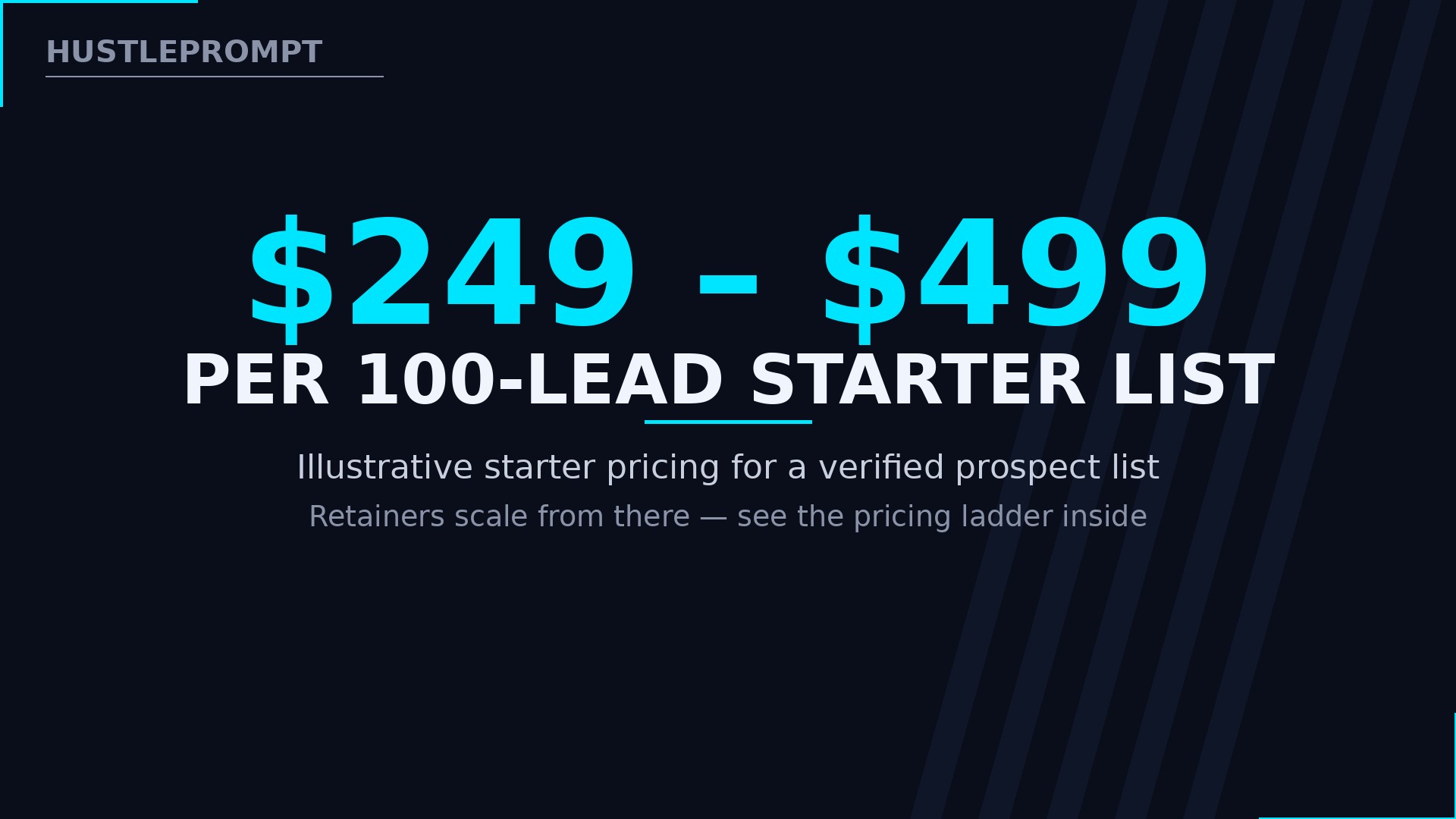
Price the work, not the tool. The figures below are illustrative examples, not a market standard.
| Package | What the client gets | Illustrative price |
|---|---|---|
| Starter list | 100 verified, scored leads | $249 to $499 one-time |
| Growth list | 300 verified leads, plus list enrichment | $749 to $1,499 one-time |
| Monthly retainer | Fresh list plus monthly data refresh | $750 to $2,000 per month |
Retainers are the goal. Lists go stale as people change jobs, so a monthly refresh is a real need. As a pure arithmetic illustration, not an income promise: 4 retainer clients at $1,000 per month equals $4,000 per month before tool costs and taxes.
Outreach scripts that win the first client
Sell with a sample: build a free 10-lead sample for a real prospect’s ICP, then send one of these:
Script 1, for a B2B company:
“Hi [Name], I build verified prospect lists for [industry] companies. I made 10 sample leads matching your ideal customer, verified and scored. Want me to send the sample over?”
Script 2, for an agency:
“Hi [Name], agencies lose hours to list building between campaigns. I deliver verified, scored lists per client — happy to run a 10-lead sample for your next campaign.”
Send the sample only after the prospect replies. Never attach a full list unsolicited.
Compliance: the rule that protects your business
Use only lawfully obtained business contact data from licensed databases and public profiles. Never scrape personal emails or bypass platform protections.
For client outreach that follows your list, the rules that matter include:
- Respect opt-outs immediately and keep a suppression list
- Honor CAN-SPAM opt-outs within 10 business days, with accurate sender details and a postal address
- For EU prospects, check GDPR rules before outreach, since consent requirements differ from the US
- Follow each data provider’s terms, including limits on reselling raw data
This section is general information, not legal advice. When in doubt, ask a lawyer before selling into a regulated industry or a new country.
Watch: build a prospect list with LinkedIn Sales Navigator
Video: Find 1000+ HOT LEADS with LinkedIn SalesNav & lemlist: COMPLETE Guide! — lemlist’s official guide to finding leads with LinkedIn Sales Navigator filters and enriching them into a list – it teaches the sourcing and enrichment steps this lead-research service sells, without being a cold-email-writing tutorial. (lemlist)
The video shows sourcing in action: filtering Sales Navigator, then enriching results into a usable list.
Frequently asked questions
How is lead research different from cold email?
Cold email is outreach. Lead research is everything before it: finding, verifying, and ranking prospects.
How many leads should a first order include?
Start with 100 verified leads: enough to test quality, small enough to deliver carefully.
Do I need paid tools to start?
No. Apollo’s free plan and Hunter’s free credits cover a first sample list. Upgrade once paying orders dwarf the cost.
What makes a lead “verified”?
A verified lead has a checked business email, a title confirmed against a current profile, and no duplicate in the list.
Can I sell the same list to two clients?
Only if both clients agree in writing and your provider’s terms allow it. In practice, build each list per client.
How do I handle bounced emails after delivery?
Replace bounced addresses free within 14 days and log them in the QA tab.
What niche should I pick first?
Pick one industry you already understand. Deep knowledge of one ICP beats shallow coverage of ten.