
Sell AI Meeting Notes Automation to Busy Teams
The average employee now spends 11.8 hours every week in meetings — and 70% of the decisions made in those meetings are forgotten within 24 hours when no one captures them. That is not a productivity footnote. That is a business bleeding money in broad daylight.
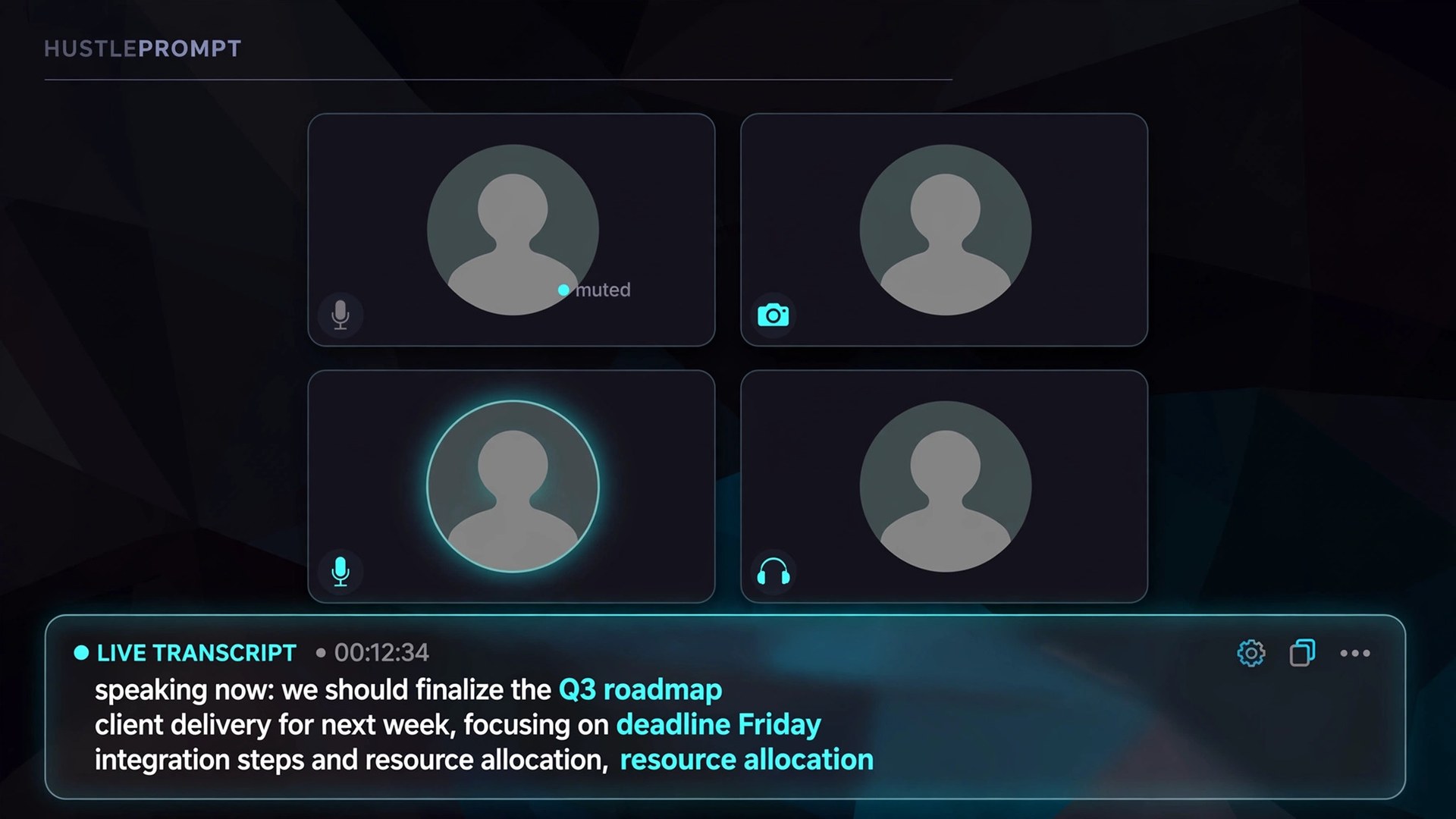
AI meeting notes tools — apps that auto-record, transcribe, summarize, and push action items into a CRM — have turned this problem into a product. Freelancers package the setup of these systems and sell it to agencies, sales teams, and consultants for setup fees of $500 to $3,000+ plus monthly retainers. Here is exactly how to build the system and sell it.
Video: How to Connect Fireflies to Claude AI and ChatGPT (Free Setup 2026) — a free setup walkthrough connecting an AI meeting assistant to ChatGPT and Claude. (Ahmed Tech Hub)
The Hidden Cost of Manual Meeting Notes
Before you sell anything, you need to speak the client’s language: money lost. The 2026 numbers are brutal.
- 21.7 meetings per week — the average for a knowledge worker, consuming 11.3 hours, or 28% of the workweek (Laxis, State of Meetings 2026).
- 52.9% of employees name “too many meetings” their single biggest work challenge (Reclaim.ai 2026 Work Trends Report).
- 40% of meetings end with no clear, documented follow-ups — the decisions just evaporate (Laxis).
- Unproductive meetings cost organizations an estimated $29,000 per employee per year (Flowtrace, via Speakwise 2026).
Your pitch is not “I install AI.” Your pitch is “I recover the hours and decisions your team loses every week.”
The Tools: Real 2026 Pricing
Four tools cover virtually every client scenario. Prices below are per user per month, from 2026 review guides that checked the vendor pricing pages directly.
| Tool | Free plan | Entry paid (annual) | Team/CRM tier (annual) | Best for |
|---|---|---|---|---|
| Fireflies.ai | $0 (400 min storage/team, unlimited transcription) | Pro: $10/user | Business: $19/user — CRM sync included | Multi-platform teams, searchable archive, 100+ languages |
| Otter.ai | $0 (300 min/month, 30-min cap per meeting) | Pro: $8.33/user | Business: $19.99/user — unlimited meetings | Live transcription, budget-friendly entry |
| Fathom | $0 (unlimited recordings, 5 advanced summaries/month) | Premium: $16/user | Team: $15/user; Business: $25/user — CRM field sync | Zoom-first teams, generous free tier, sales teams |
| Granola | $0 (unlimited notes, only last 30 days visible) | Business: $14/user (no annual discount published) | Enterprise: $35/user — SSO, admin controls | Bot-free capture (no “notetaker joined” moment) |
Sources: Fireflies pricing via Javis Review (Oct 2026); Otter pricing via MeetGeek (Sept 2026); Fathom pricing via Fireflies blog comparison (Sept 2026); Granola pricing via Max Productive (Sept 2026).
Build the System: Step by Step
This is the system you install for clients. Run it once on your own account, then repeat it for every client.
The AI Meeting Notes Pipeline
Bot joins Zoom/Meet/Teams or records device audio
Speech-to-text with speaker identification
AI pulls decisions, topics, and key points
Tasks with owners and deadlines extracted
Pushed to CRM (HubSpot/Salesforce) + Slack + tasks
Step 1: Audit the client’s meeting stack
Ask three questions before you touch anything:
- Which platform hosts 80% of their calls — Zoom, Google Meet, or Teams? (Pick Fathom for Zoom-heavy teams; Granola if the client hates bots; Fireflies or Otter for multi-platform.)
- Where must the output land — a CRM, Slack, Notion, Asana? (This decides which paid tier they eventually need, since real CRM sync starts at the team/business tiers.)
- Who takes notes today, and how long does it take? (This becomes your ROI proof.)
Step 2: Connect calendar, but keep auto-join off
Install the tool on the team lead’s account first and connect Google or Outlook calendar. Turn off auto-join for the first week — manually add the notetaker to test meetings so it never appears uninvited.
Step 3: Set up summary templates per meeting type
Sales calls, project syncs, and 1:1s need different outputs. Configure one template per type: decisions + next steps for sales; blockers + owners + deadlines for project syncs.
Step 4: Build the action-item → task flow
This is the part clients cannot do themselves, and the reason you get paid. Route extracted action items with the tool’s native integrations or a Zapier/Make bridge:
- To Slack — a #meeting-notes channel so nothing hides in one inbox.
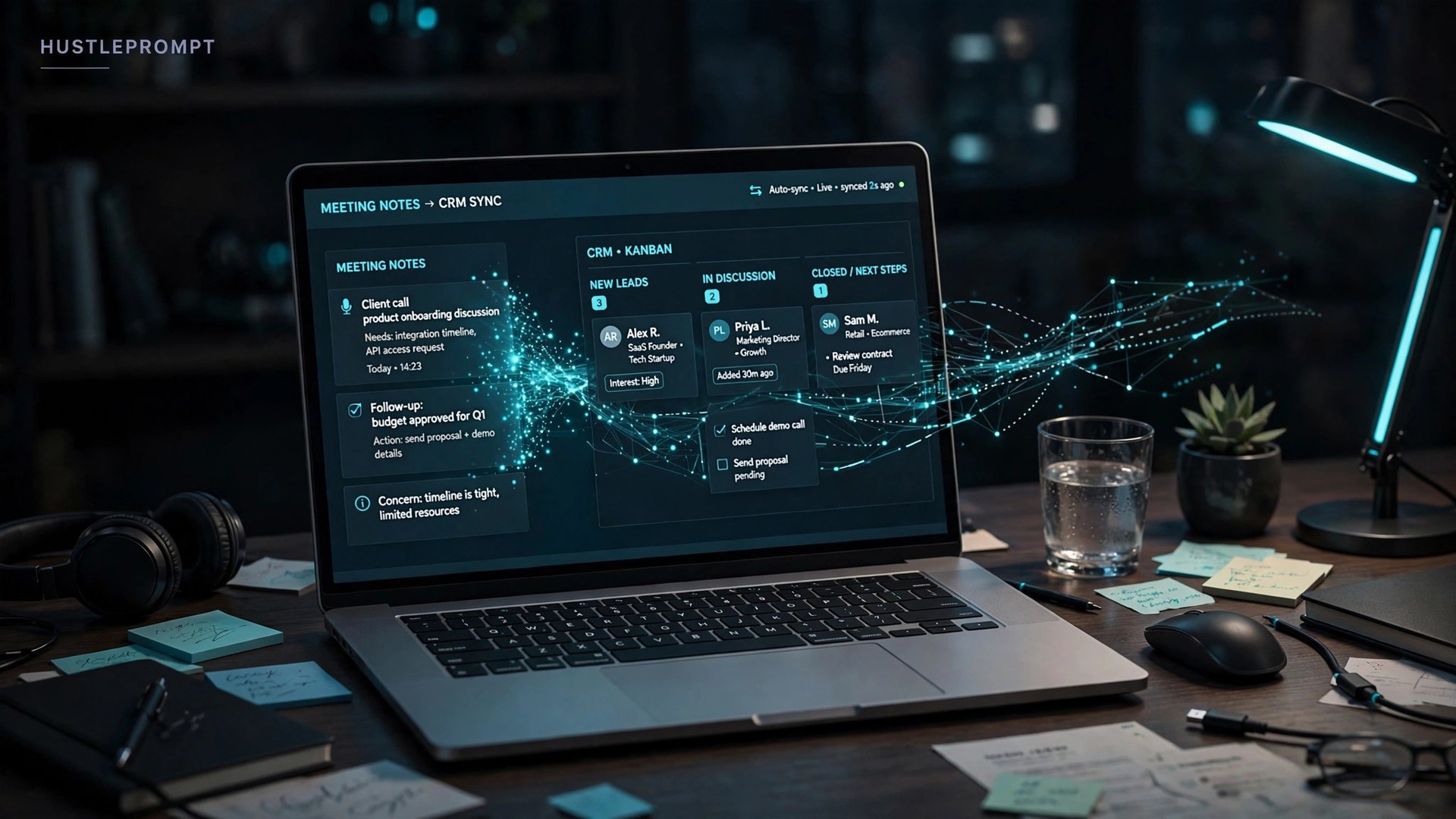
- To the CRM — Fireflies and Fathom Business write summaries and action items into HubSpot/Salesforce contact and deal records automatically.
- To the task manager — Asana, ClickUp, or Notion tasks with owner and due date.
Step 5: Add the two-hour review habit
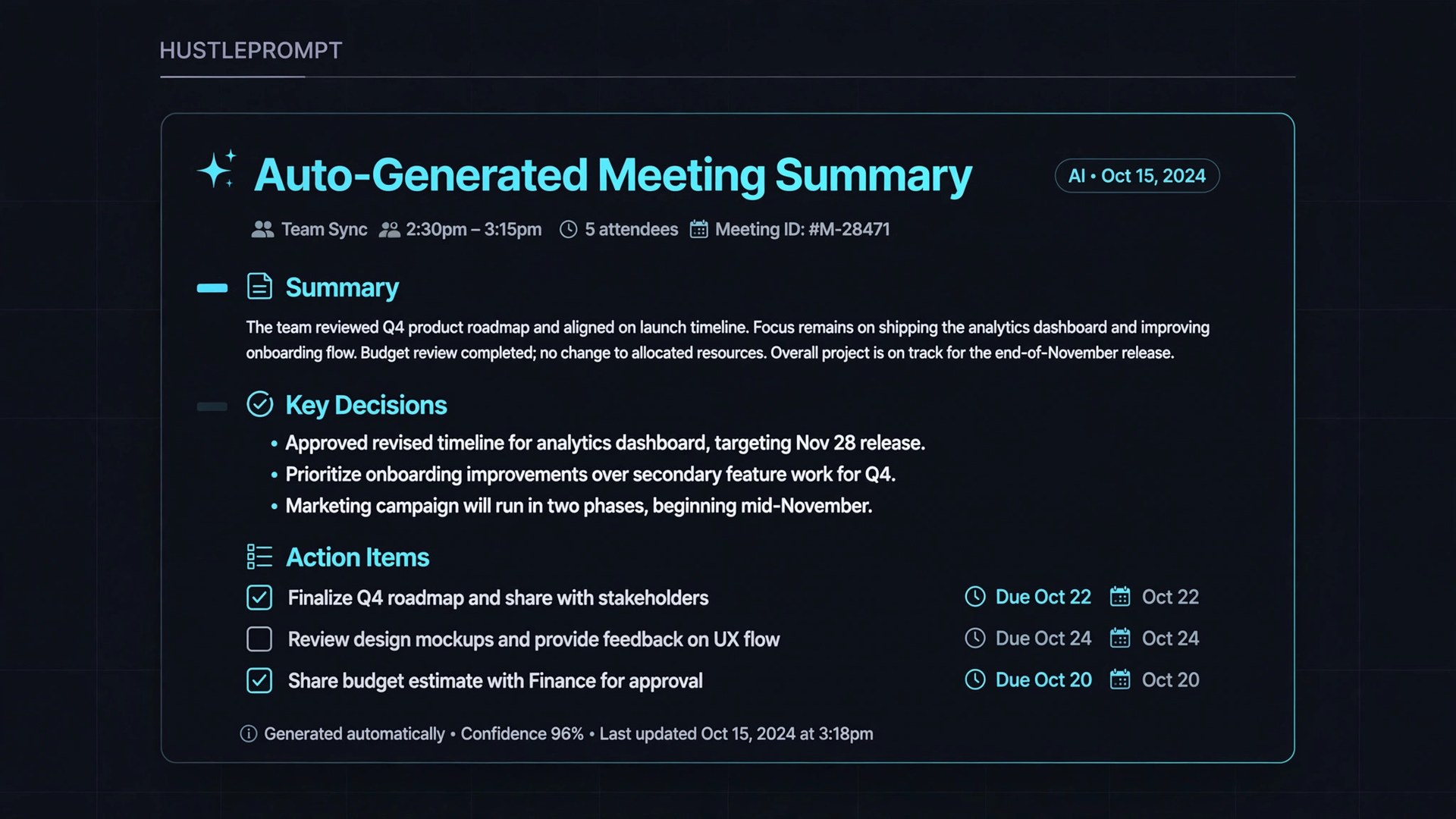
AI transcripts mishear names and blur caveats. Set a standing rule: the meeting owner opens the notes within two hours and adds what was agreed, what is still open, what is next. AI generates transcripts; humans generate context.
Step 6: Run a two-week pilot, then measure
Measure: notes created per meeting, action items completed, and time saved by whoever used to take notes. That one-page report sells the company-wide rollout.
The Legal Part: Recording Consent Rules
This section separates professionals from amateurs. Recording a meeting without proper consent can break the law depending on where participants are.
- In the US, some states require one-party consent (one person on the call knows) and others require all-party consent (everyone must know). Participants may be in different states.
- Announce the recording every time. The bot appearing as a visible participant is itself a signal.
- Granola is bot-free — it records from device audio with no visible participant. The verbal announcement matters more here, not less.
- Healthcare, legal, and finance clients may need HIPAA-level controls — that means Fireflies Enterprise or equivalent tiers, never a consumer plan.
Deliver a one-page consent policy template with every install. It costs you an hour once and removes the biggest objection clients raise.
How to Sell This as a Service
You are not selling software. You are selling setup + ongoing workflow management. Here is the package structure that matches what automation freelancers charge.
Package 1: The Pilot Setup ($750–$1,500)
Tool selection, calendar connection, templates for three meeting types, Slack/CRM routing, consent policy, and a two-week pilot report. Most clients start here.
Package 2: The Team Rollout ($2,000–$3,000+)
Everything in the pilot across the full team, CRM field mapping, staff training, and documentation. On Upwork, multi-step business workflows land at $800–$3,000 per project (Upwork, 2026).
The Retainer ($300–$800/month)
Template tuning, new-hire onboarding, and monthly accuracy audits. Five clients at $500/month is $2,500 in recurring revenue for a few hours of maintenance.
Where to find your first clients
- Marketing agencies (5–20 people) — drowning in client calls, zero process, and the founder feels the pain directly.
- Sales-led SaaS startups — every call is revenue, and they already pay for HubSpot. CRM sync sells itself.
- Independent consultants and coaches — they record everything and follow up on nothing.
Your outreach line writes itself: “I set up AI meeting notes for agencies like yours — summaries and action items auto-filed into your CRM. Pilot takes two weeks.”
FAQ
Which tool should I recommend to a sales team?
Fathom Business or Fireflies Business. Both push call summaries and action items into Salesforce and HubSpot automatically. On a budget, Otter Pro at $8.33/user/month on annual billing covers 1,200 minutes a month.
Do I need permission to record meetings with AI?
Yes — announce it every time. Consent rules vary by state and country, and some require all-party consent. Bot-free tools like Granola make the announcement even more important, because no visible participant signals the recording.
What happens when the AI gets something wrong?
It will — misheard names, mixed-up speakers, dropped caveats. That is why the system includes a human review step: the meeting owner confirms decisions, owners, and deadlines before anything syncs to the CRM.
Can I sell this service if I am not technical?
Yes. Connecting a calendar, choosing templates, and turning on integrations needs no code, and the Zapier/Make bridges are no-code too. Clients pay for your knowledge of which tool fits their stack and your discipline in building the follow-up workflow.
How much should I charge for the first project?
Start with a $750–$1,500 pilot for one team. Single workflow automations go for $300–$800 on Upwork and multi-step workflows for $800–$3,000.
Does the client pay for the software subscription?
Yes — say so upfront. Your fee covers setup and management; the subscription is theirs. The good news: most clients start on a free tier (Fathom’s free plan gives unlimited recordings), so there is often zero software cost during the pilot.