
Here’s a stat for every freelancer: 75% of online shoppers say product photos sway their buying decision, per Photoroom’s 2025 survey of 1,000+ e-commerce brands. That’s why AI product photography is one of the most practical AI services you can sell right now.
Ten years ago, this required Photoshop skills and an hourly rate to match. Today, tools like Photoroom, Pebblely, and Flair.ai do it in seconds: background removal, AI-generated studio scenes, realistic shadows, and upscaling — from your browser or phone.
This tutorial walks you through the workflow: shooting usable source photos, isolating the product, generating professional backgrounds, exporting at the right size — then packaging it as a paid service for Etsy sellers, Shopify stores, and small brands.
Why this is a real money opportunity
Photoroom’s survey of 1,000+ e-commerce brands across the US and UK found:
- 34% of sellers name flawless product quality as their #1 struggle
- 38% handle their entire photo workflow alone, from shooting to export
- 23% edit 100+ images every single month
- 15% hire external service providers — often at agency rates
Pebblely reports more than 25,000,000 images generated by creative companies on its platform, with over 1,000,000 creatives using its tools. Most sellers would rather pay a freelancer than learn the tools — and the before-and-after demo sells itself.
The tool lineup: what each one does best
Three tools cover nearly every workflow. Every number below was verified on the official pricing page:
| Tool | Entry point (verified) | Mid-tier (verified) |
|---|---|---|
| Pebblely | Lite: US$9/mo — 30 images/mo, 40+ themes, custom prompts | Basic: US$19/mo — 200 images/mo; Pro: US$39/mo — 500 images/mo, bulk generate (yearly = 2+ months free) |
| Photoroom | Free plan (limited); paid tiers: Pro, Max, Ultra, Enterprise | Core tools (Background Remover, Retouch, AI Fill, Image Enhancer) carry no AI-credit cost on paid plans; exports up to 2K |
| Flair.ai | Free: US$0 forever — 1 custom model, 5 generated images, 1 video generation | Pro+ tier: up to 150 generated images, image upscales, company commercial license |
Sources: pebblely.com/pricing · photoroom.com/pricing · flair.ai/pricing — confirm live prices at checkout.
You can start on free tiers and subscribe only when client volume demands it.
Step 1: Shoot source photos that AI can work with
AI can’t fix a blurry, dark photo. But it doesn’t need a masterpiece — it needs a clean, sharp, well-lit source:
- Shoot near a window. Soft daylight beats any lamp; place the product 2–3 feet from a large window, never in direct sun.
- Use a plain backdrop. White poster board or a plain wall works — you will remove the background anyway.
- Fill the frame. The product should occupy at least 60% of the image.
- Lock focus and exposure. Tap the product on screen and hold.
- Capture three angles: straight-on hero, 45-degree view, detail close-up. Brands mix three to five styles per listing.
Props and location don’t matter yet — a ring on poster board becomes “on marble beside silk” in the AI step. Your phone is just a scanner for the product’s shape and detail.
Step 2: Remove the background and isolate the product
Background removal is the highest-volume task in product photography — AI does it in one click, and it was the most common AI editing task (17% of usage) in Photoroom’s survey.
- Upload your source photo to Photoroom (app or web) and run Background Remover. On paid plans this is a core tool with no AI-credit cost.
- Zoom in on the edges. Check thin edges, transparent packaging, and reflective metal.
- Use Retouch to clean any remaining halo or fragments.
Save the cutout at the highest resolution available. Photoroom exports go up to 2K, and a clean cutout library lets you re-stage the same product for different seasons without re-shooting.
Step 3: Generate AI studio backgrounds
This is where the magic becomes visible — your isolated product dropped into scenes that would cost thousands to stage.
Option A: One-click templates (fastest)
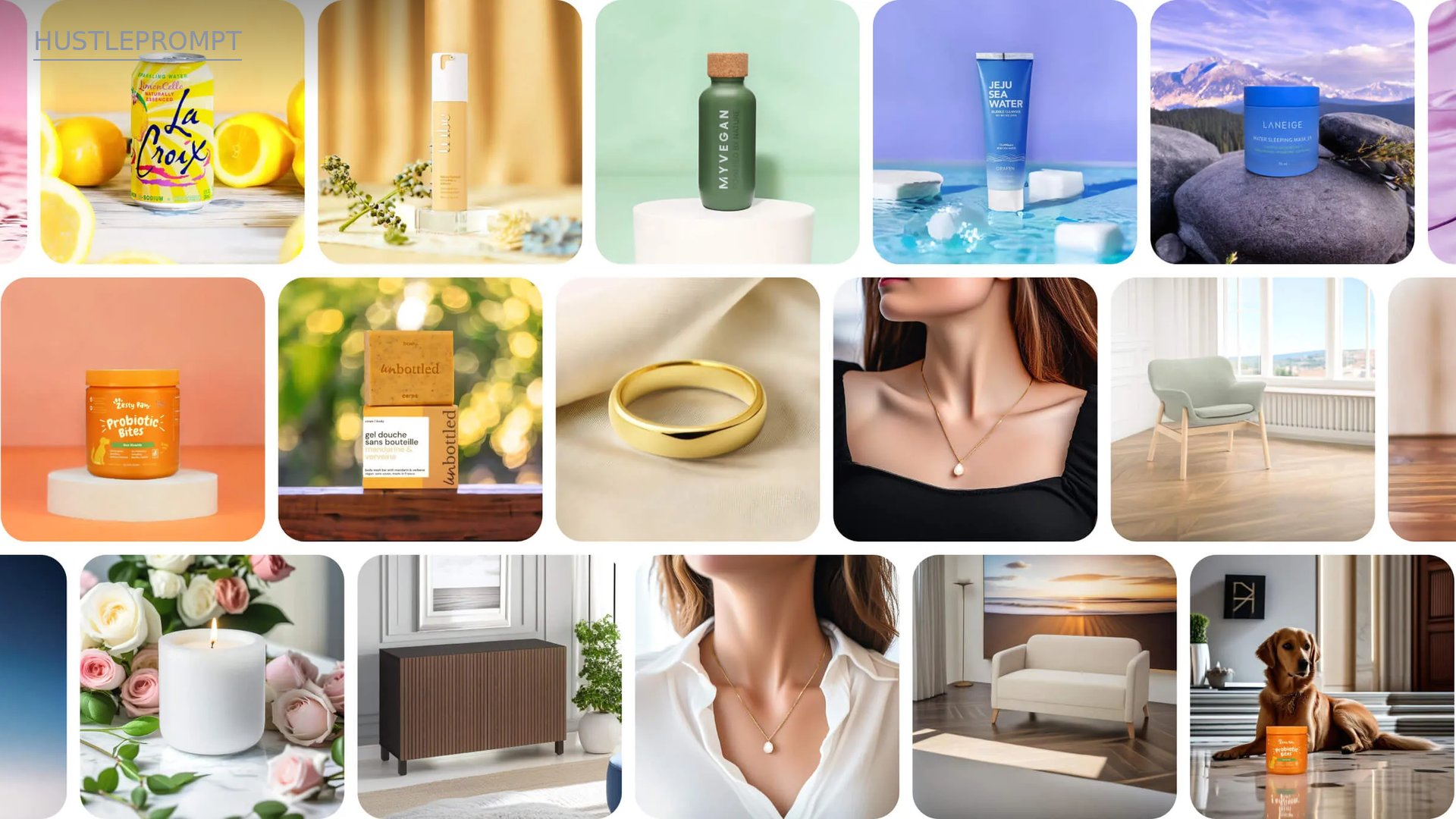
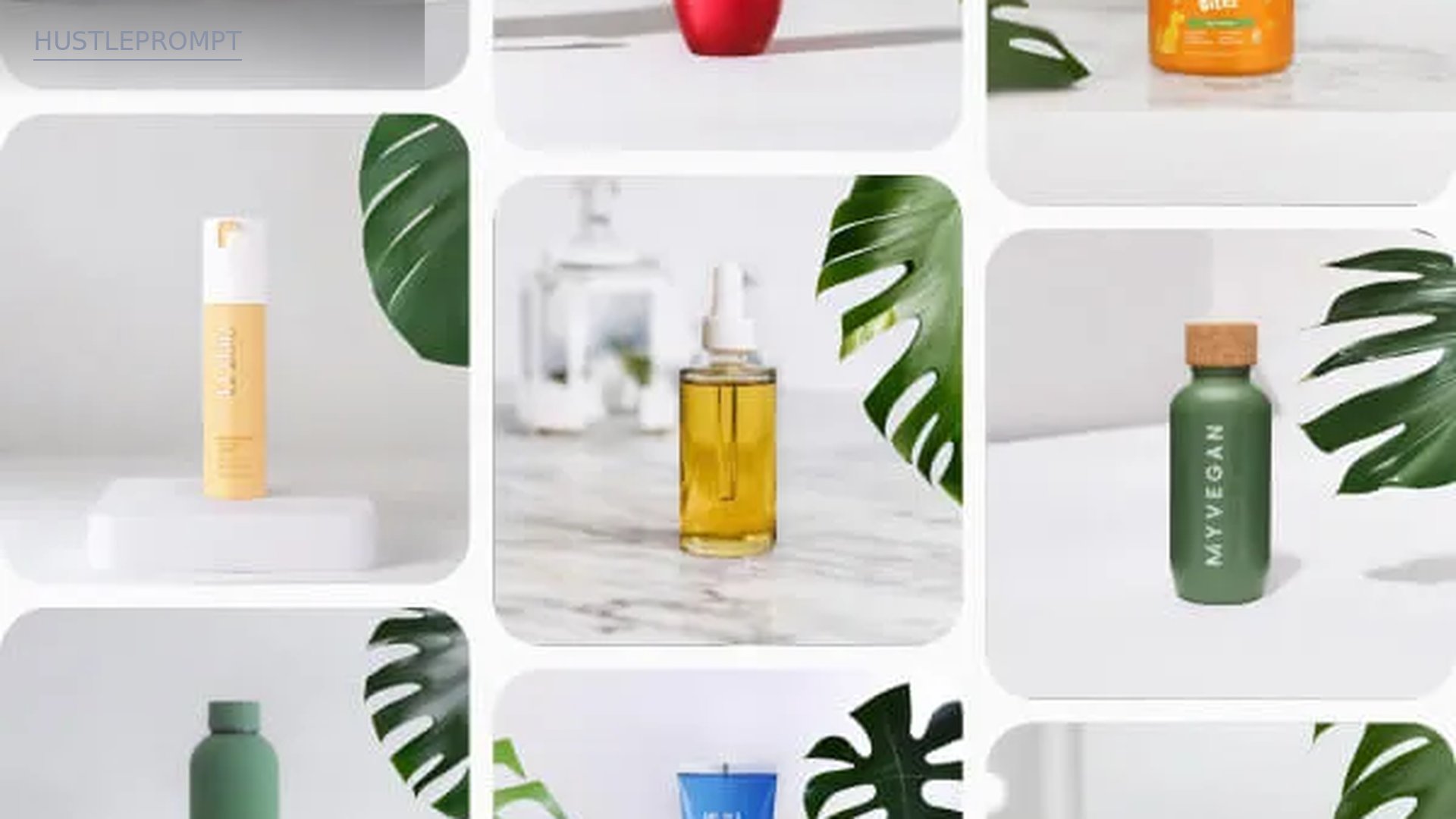
Pebblely ships with 40+ background themes plus 100+ starter templates — studio sweeps, marble, rippling water, lifestyle rooms. Pick a matching theme and the AI generates lighting and shadows around your product.
Option B: Custom prompts (most control)
Describe the scene: “luxury skincare product on wet black stone, soft morning light, editorial product photography.” Custom prompts are included on every Pebblely plan — specify surface, lighting, and mood. For catalog consistency, Flair.ai trains a custom model on the product itself (one included on the free tier), keeping shape, label, and logo consistent across dozens of scenes.
Generate 2–3 background variants per product. Sellers can A/B test them and often buy more angles than the brief asked for.
The 5-step AI product photography workflow
STEP 1
Phone photo
Window light, plain backdrop, three angles.
STEP 2
Clean cutout
Remove background, refine edges, retouch.
STEP 3
AI background
Templates, custom prompts, or product model.
STEP 4
Enhancement
Upscale, fix lighting, add shadows.
STEP 5
Export
Marketplace size, organized files.
Step 4: Enhance, upscale, and export at the right size
Small refinements separate “AI-generated” from “studio quality”:
- Add realistic shadows. Photoroom’s instant shadows ground the product — a floating cutout is the #1 giveaway of AI work.
- Fix lighting direction. If the scene light comes from the left but the product was lit from the right, re-generate or adjust.
- Upscale for delivery. Photoroom’s Image Enhancer is a core tool on paid plans with no credit cost. Export up to 2K resolution so listings stay crisp on retina displays.
- Check text and logos. AI can garble packaging text. Compare every label against the original product.
Export one master file per image plus marketplace-ready copies, using consistent filenames (brand_product_angle_v1.jpg).
How to profit: selling AI product photography as a service
You are not selling “AI prompts” — you are selling listing-ready product photos with fast turnaround. Typical freelance packages (examples, not standards):
- Starter batch: 5 products × 3 shots each = 15 images — how most clients test the waters
- Catalog refresh: monthly packages for sellers launching products regularly
- Add-ons: seasonal background swaps, lifestyle scenes, square and vertical crops for social
Your costs stay tiny — Pebblely’s Basic plan (US$19/month for 200 images) covers multiple clients. Frame your price against the studio shoot you’re replacing, not the tool cost.
Concrete outreach steps
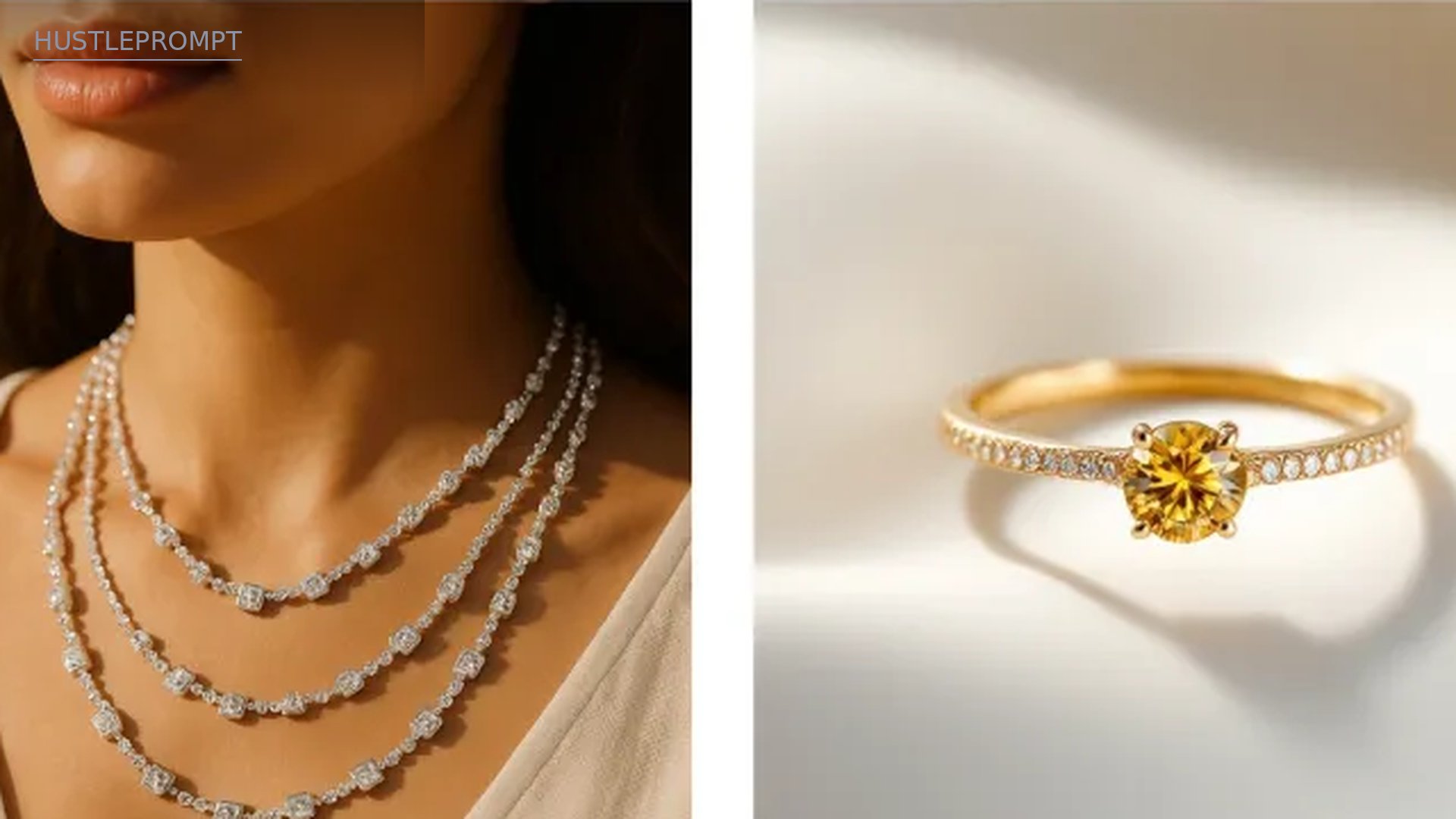
- Pick a niche. Jewelry, skincare, candles, pet products — small, shippable, photogenic. One Etsy jewelry seller reports increased sales after switching to AI-generated images.
- Build a 10-image demo portfolio. Buy five cheap products from a dollar store, shoot them on your phone, produce before/after pairs.
- Find prospects on Etsy. Search your niche and save the weakest-looking listings.
- Send the before/after pitch. Message 10 sellers a day with their own product re-shot: “I recreated your listing photo — here’s the difference.”
- Close on a starter batch. Offer a 48-hour turnaround — sellers hate waiting on agency revisions.
- Convert to monthly. Propose a monthly retainer. 43% of brands refresh product images at least quarterly — recurring revenue on a calendar.
Frequently asked questions
How much does AI product photography cost to start?
Close to zero. Flair.ai’s free tier is US$0 forever with 1 custom model, 5 generated images, and 1 video generation — enough to learn the workflow and build demos. When volume grows, Pebblely’s Lite is US$9/month for 30 images.
Can AI product photos really match a hired photographer?
For catalog and marketplace images, usually yes — 85% of jewelry brands already lean on AI tools to boost efficiency, per Photoroom’s survey. For tricky cases (reflective jewelry, transparent packaging), AI needs careful human review. You are the quality-control layer.
Who actually buys this service?
Etsy and Shopify sellers, small DTC brands, Amazon sellers, and agencies lacking photo capacity. Per Photoroom’s survey, 15% of brands hire external providers and 38% handle photos alone while overwhelmed — both are your buyers.
Do I need to disclose that photos are AI-edited?
Yes, as best practice. Tell clients exactly what you do, keep original source photos on file, and never alter the product itself — color, shape, and packaging must match reality. Marketplace AI-image policies vary, so check each platform’s current rules.
Who owns the images I create for clients?
It depends on each tool’s license terms — read them before taking paid work. Flair.ai’s Pro+ tier includes a company commercial license, while some free tiers restrict commercial use. Put ownership and usage rights in writing in every client agreement.
What turnaround time should I promise?
Small batches (5–10 products) comfortably ship in 48 hours once your workflow is set — that’s your edge over agencies. Promise 48 hours for starter batches, one week for large catalogs.
Watch: phone photo to studio shot, step by step
This video shows the full transformation with Photoroom — background removal, realistic shadows, and AI background generation in one workflow: