
OpenAI is retiring custom GPTs — and that is exactly why you should build one this week. A custom GPT for proposals is a personalized version of ChatGPT that you configure once with your own instructions, past proposals, and pricing, then reuse every time a client asks for a quote.
Here is the honest part up front: as of October 2026, new GPT creation is closed on personal ChatGPT accounts. Only Business, Enterprise, and Edu workspaces can still create them. The prompt-engineering system you build now transfers directly to whatever replaces custom GPTs — so this tutorial is really two skills in one.
The 2026 Reality Check: Who Can Actually Build One
OpenAI’s own help center states it plainly:
“New GPT creation and publishing are not available on personal ChatGPT accounts, including Free, Go, Plus, and Pro.” — OpenAI Help Center
- You can build inside a Business, Enterprise, or Edu workspace where your settings allow it.
- You cannot build on a personal Free, Go, Plus, or Pro account — though GPTs you already made remain usable and editable.
- Retirement is planned for December 11, 2026 in affected Enterprise workspaces, with other plans expected to follow. OpenAI recommends moving workflows to plugins and plans a migration flow.
Plan prices verified on OpenAI’s official pages:
| Plan | Price / month | Create new custom GPTs? |
|---|---|---|
| Free | $0 | No — use only |
| Plus | $20, billed monthly | No — use and edit existing |
| Pro (100 / 200 / 500) | $100 / $200 / $500 | No — higher limits only |
| Business Standard | $25 per user, or $20 billed annually | Yes, if workspace settings allow |
Sources: Plus pricing, Pro tiers, Business overview, GPT creation rules — all OpenAI official, checked October 2026.
What You Need Before You Build
- An eligible workspace. ChatGPT Business, Enterprise, or Edu with GPT creation enabled. On a personal plan, use the Projects feature instead to organize proposal work.
- A desktop web browser. GPT creation works on the web only — mobile apps can use GPTs but cannot create them.
- Your raw material: past proposals, a pricing sheet, portfolio proof, and tone rules (see Step 1).
Step 1: Gather Your Training Material
A proposal GPT is only as good as what you feed it. Collect four items:
- 3–5 winning proposals as PDF, DOCX, or TXT. Strip anything truly confidential — client names you cannot share, private financials.
- A one-page pricing sheet. Every package, deliverable, and price in one file. This is the single source of truth your GPT will quote.
- Portfolio proof. Short case studies with real numbers and testimonials you have permission to use.
- Tone rules. One page on your voice: confident, plain-spoken, no hype. List banned words and your preferred structure.
Keep files clean and text-forward — complex layouts are harder for the GPT to use. And remember: behavior rules belong in the instructions field, not buried in documents.
Step 2: Build It in the GPT Builder
Open Explore GPTs in the ChatGPT sidebar (or chatgpt.com/gpts) and select Create, then choose Configure for full control.
Name and description
Name it clearly — “Proposal Writer — [Your Business]”. Add a one-line description of who it serves and what it drafts.
Instructions (the important part)
Instructions govern every conversation. Use explicit steps and concrete directions. Copy and adapt this starter block:
# Role
You are my proposal writer. Draft client proposals in my voice, using only my services, pricing, and proof.

# What you know
- Services and prices come ONLY from the uploaded pricing sheet. Never invent a price.
- Proof comes ONLY from the uploaded case studies. Never invent results or client names.
- If a detail is missing, write [FILL IN] and keep going.

# Structure every proposal like this
1. Hook: one sentence mirroring the client's goal.
2. Plan: 3-5 bullet steps of what I will do.
3. Proof: one relevant past win with a real number.
4. Price: quote exactly from the pricing sheet, with the package name.
5. Next step: one clear call to action with a timeline.

# Tone rules
- Confident and plain-spoken. Never use "revolutionize," "game-changer," or "cutting-edge."
- Short sentences. No paragraph longer than 3 sentences.
- American English.

# Before you finish
Check every price and claim against the uploaded files. List anything you could not verify.
Conversation starters and knowledge
Add 3–4 realistic starters you will actually click (“Draft a proposal for a Shopify redesign, $3k budget”). Then upload your Step 1 files: up to 20 files per GPT, 512 MB each, in most common document, spreadsheet, image, text, and code formats. Enable only the capabilities your workflow needs — web search if you want it to check a prospect’s site first.

Step 3: Test It With Real Scenarios
Use the built-in Preview pane before saving. Run three tests: your dream client (real anonymized brief), the price shopper (confirm it quotes your sheet exactly — no invented discounts), and the vague brief (it should ask clarifying questions, not hallucinate). When something is off, tighten the instructions first — that fixes most issues faster than adding tools.
The 6-Step Build Flow at a Glance
Step 4: Share It and Lock Down Privacy
Select Share in the editor to review the sharing options for your workspace. After creation, the more-options menu (•••) lets you copy the GPT link or roll back with version history.
On privacy: strip client-identifying details from knowledge files, and opt out of training-data use before uploading anything sensitive — OpenAI allows this at any time. When in doubt, anonymize: “a DTC skincare brand” trains just as well as a real name.
How to Profit From a Proposal-Writing GPT
First, win more work by responding faster. Most freelancers take a day or two to send a proposal; by then the client has hired someone else. Paste the brief, get a first draft in minutes, spend 15 minutes personalizing it, and send it the same day.
Second, sell the setup itself. Agencies and busy freelancers hate writing proposals and rarely configure GPTs well. Offer a “proposal system in a week”: you gather their materials, build and test the GPT in their workspace, and hand over documentation — for a setup fee plus a quarterly tune-up retainer.
Capability highlights, verified on OpenAI’s help pages:
- Knowledge capacity: up to 20 files per GPT, 512 MB each.
- Creation surface: web only; mobile apps can use GPTs but cannot build them.
- Retirement timeline: planned December 11, 2026 in affected Enterprise workspaces; a plugin migration flow is planned.
- Training opt-out: you can exclude conversations from model training at any time.
Frequently Asked Questions
Which plan do I need to build a custom GPT?
A Business, Enterprise, or Edu workspace with creation permission. Personal plans (Free, Go, Plus, Pro) cannot create new GPTs. Business Standard is $25 per user per month, or $20 billed annually.
Do clients see that AI wrote the proposal?
Only if you tell them. The GPT produces a first draft — structure, pricing, proof points — and you personalize every line before sending.
Is it safe to upload my past proposals?
Upload carefully: strip client names and confidential details first, and opt out of training-data use before uploading anything sensitive.
Custom GPT vs. Projects — what is the difference?
Projects organizes your chats, files, and instructions for one topic. A custom GPT is a standalone, shareable assistant with its own instructions, knowledge files, and conversation starters.
Can I share my proposal GPT with my team?
In an eligible workspace, yes — use Share in the editor and copy the GPT link. Available options depend on your workspace settings and permissions.
Does this replace my writing skill?
No — it multiplies it. The GPT handles structure and recall; you bring strategy and the personal touches that close deals.
What if the GPT hallucinates a price?
Keep one pricing file as the single source of truth, instruct the GPT to quote only from it, and proofread every number. Test pricing accuracy in Preview before saving.
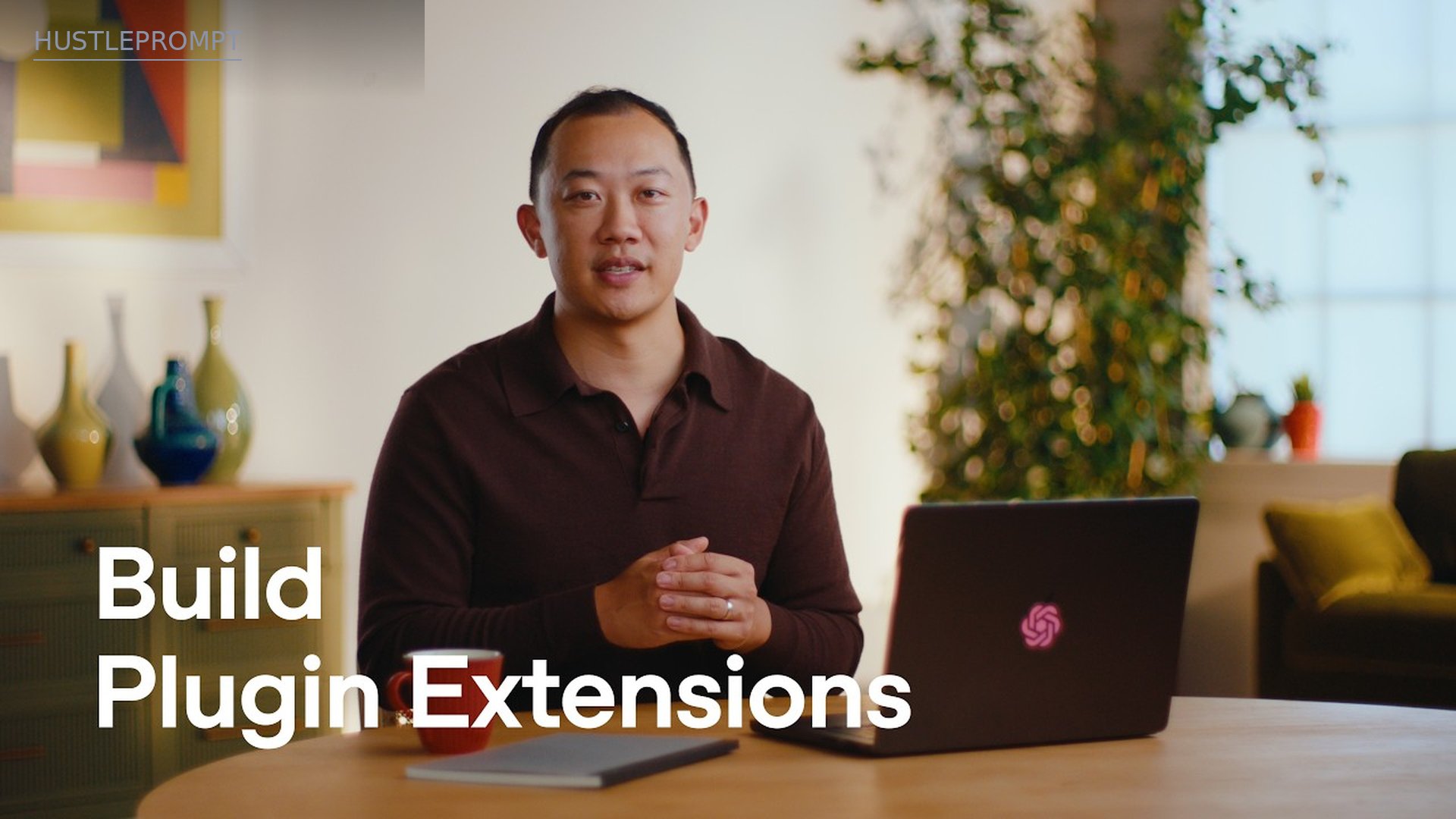
Watch: Build Plugins for ChatGPT
OpenAI is moving custom GPT workflows toward plugins. Watch their official walkthrough to see where this exact skill set is heading: