
FLUX 3 Image Klein just made high-end AI image generation free for most of the business world. Black Forest Labs released the 5.6-billion-parameter model on October 15, 2026 — with native 4K output, pixel-perfect editing, and weights you can run on a gaming GPU with just 8 GB of VRAM. And if your business makes under $5 million a year, commercial use costs you nothing.
For freelancers, creators, and small agencies, this is the most important image-model release of the year. Here’s exactly what it does, what it costs, and how to build revenue on it starting today.
What Black Forest Labs released
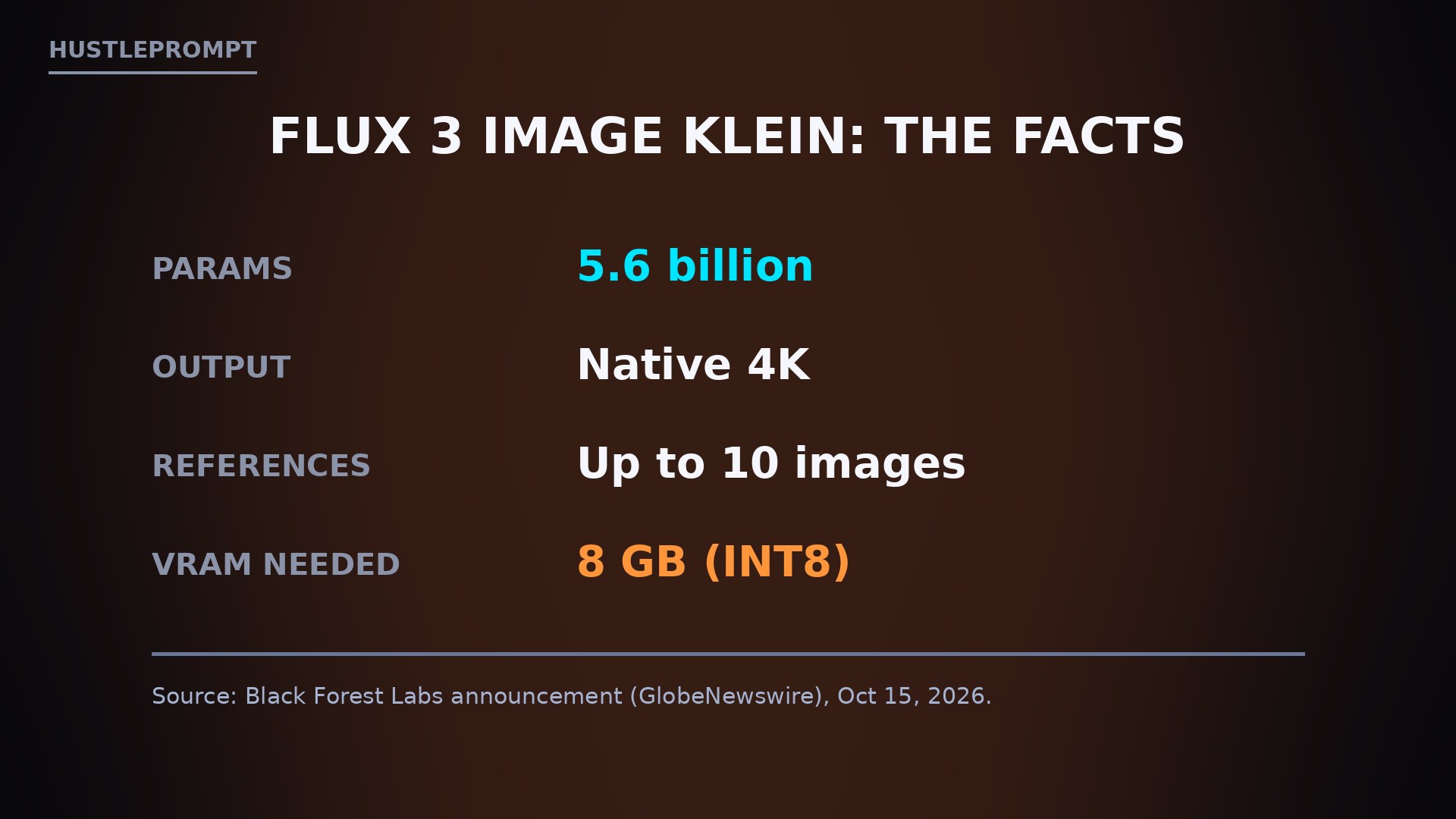
The German AI lab announced the open-weights release from Freiburg on October 15, calling Klein its “most capable open weights image model to date.” The verified facts:
| Spec | FLUX 3 Image Klein | Source |
|---|---|---|
| Parameters | 5.6 billion | Black Forest Labs |
| Capabilities | Text-to-image, image editing, up to 10 reference images | BFL / VentureBeat |
| Max resolution | Native 4K | BFL |
| Editing controls | Bounding boxes, pixel-perfect editing | BFL |
| Weight size | 11.2 GB (BF16) / 5.6 GB (FP8) | Technobezz |
| Min hardware | NVIDIA RTX with 8 GB VRAM (INT8 build) | BFL |
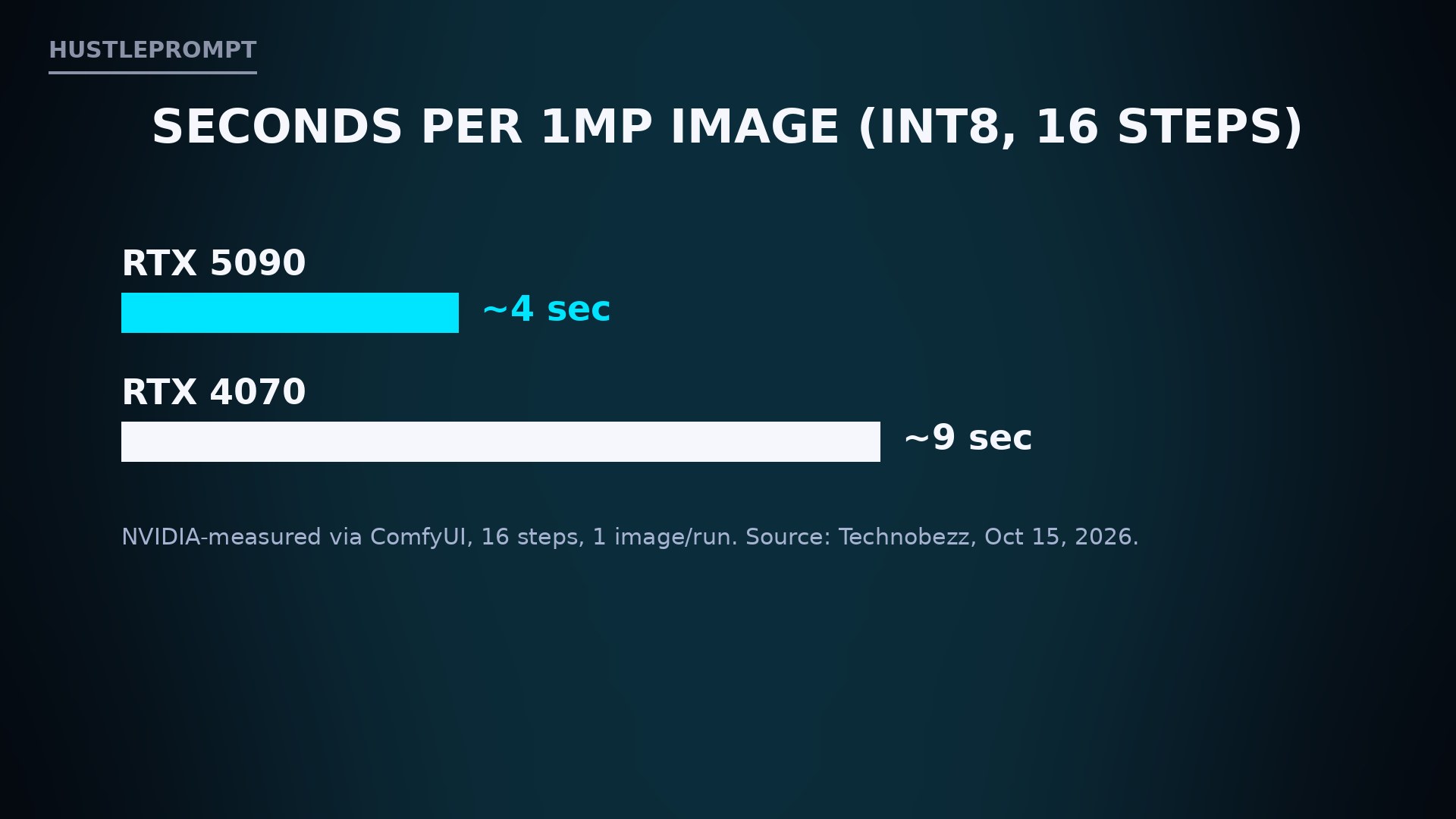
| Speed | ~4 sec per 1MP image (RTX 5090), under 9 sec (RTX 4070) | NVIDIA-measured |
Klein is the compact sibling of the full FLUX 3 Image model BFL announced in July. It carries 38% fewer parameters than its predecessor, FLUX.2 klein 9B — yet BFL’s internal testing shows it gaining 91 Elo points over that model and ranking highest among all open models, ahead of closed competitors like Ideogram V4.5 and even BFL’s own FLUX.2 [pro]. Treat Elo claims from the vendor with the usual skepticism, but the direction is clear: smaller, faster, better.
The release ships in multiple flavors: a base model for fine-tuning, a step-distilled version for low-latency generation, and quantized FP8, INT8, and NVFP4 builds developed with NVIDIA. It plugs into ComfyUI and Diffusers, and LoRA training works from day one through the Diffusers library, Ostris’s AI Toolkit, and NVIDIA’s NeMo AutoModel recipes.
The license is the real story
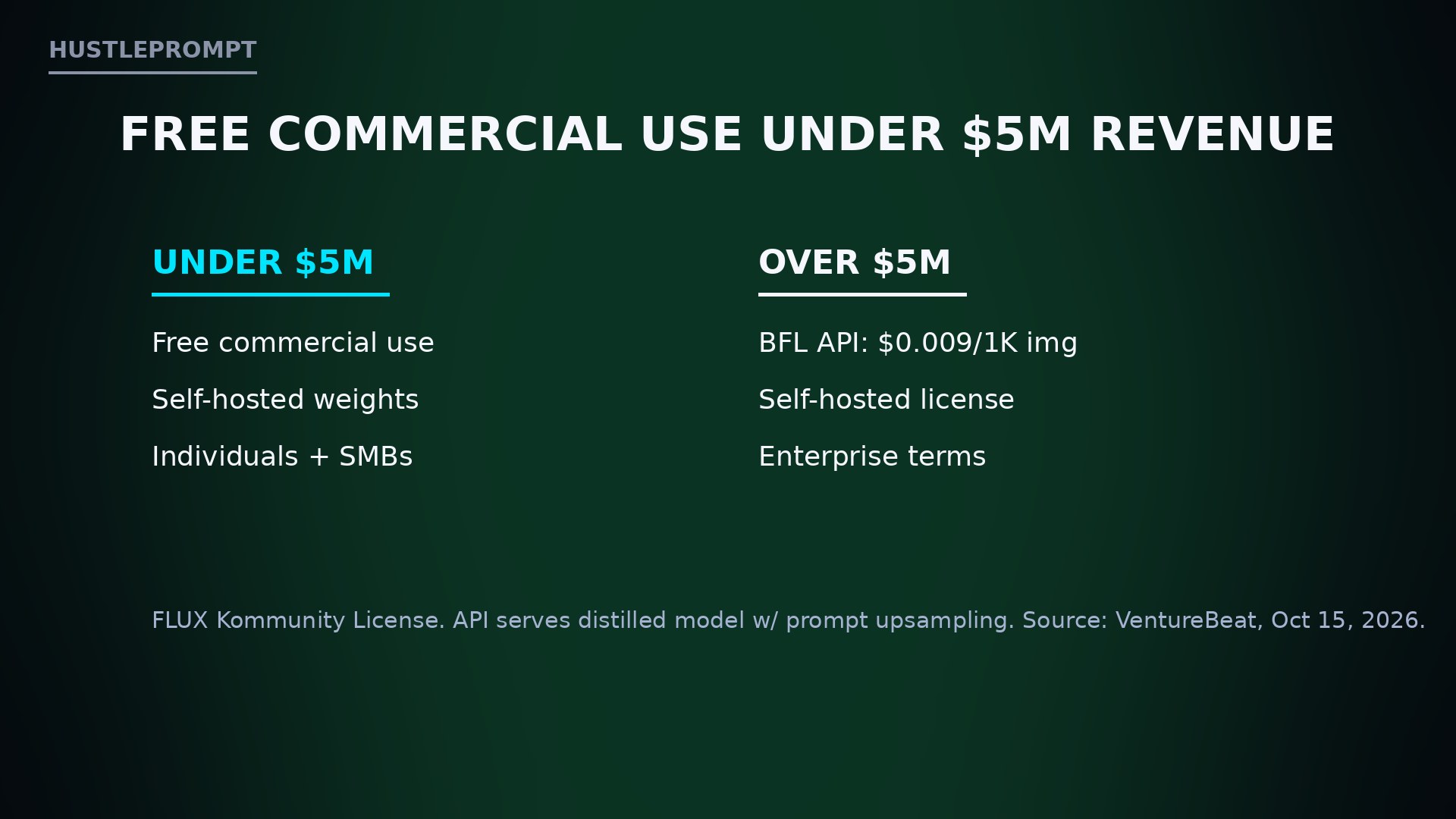
Most open-weights releases bury the commercial terms. BFL put them front and center:
| Your revenue | What you get |
|---|---|
| Under $5M/year | Free commercial use of the weights — individuals and businesses, self-hosted, no charge |
| Over $5M/year | BFL API ($0.009 per 1K-resolution image) or a paid self-hosted license |
| Research / non-commercial | Free, no revenue questions asked |
That $5 million line covers virtually every freelancer, creator, Etsy seller, and small agency reading this. Under the FLUX Kommunity License, you can generate client work commercially — product shots, ad creatives, thumbnails, book covers — with zero licensing cost and zero per-image fees if you run it locally. The API option, at $0.009 per 1K image, exists for anyone above the line or anyone who’d rather not manage GPUs; it serves the distilled model with prompt upsampling and pixel restoration that keeps untouched regions of an edited image exactly intact.
How to profit: the local image studio playbook
The money angle is brutally simple: professional image generation at $0 marginal cost, on hardware you already own. Four concrete plays:
Your first-week checklist
- Install the INT8 build. If you have any RTX card with 8 GB+ VRAM, the INT8 version runs locally through ComfyUI — under 9 seconds per image on a mid-range RTX 4070.
- Confirm you’re under the line. Under $5M annual revenue means free commercial use. Over it? Use the $0.009/image API instead of self-hosting.
- Build a reference library. Klein accepts up to 10 reference images per generation — collect product shots, brand assets, and style references now.
- Learn bounding boxes first. The layout control is the feature stock-photo workflows can’t match: draw a box, tell the model what goes there. That’s the demo that sells clients.
Klein vs. the field
| FLUX 3 Image Klein | FLUX.2 klein 9B | |
|---|---|---|
| Parameters | 5.6B (38% fewer) | 9B |
| Internal Elo delta | +91 over FLUX.2 klein | baseline |
| Min VRAM | 8 GB (INT8) | higher |
| Native 4K | Yes | No |
| Reference images | Up to 10 | Multi-reference |
| Commercial license | Free under $5M revenue | Kommunity license |
BFL has released open weights consistently through 2026 — the FLUX.2 klein family in January, FLUX 3 Action for robotics in September — and says more FLUX 3 family releases are coming. Klein is the one aimed squarely at working creatives: frontier-ish quality, laptop-friendly footprint, and a license that lets small businesses keep every dollar they make with it.
No official launch video from Black Forest Labs was available at publication time, so there’s no embed here — we’d rather skip than show you someone else’s re-upload.
FAQ
What is FLUX 3 Image Klein?
Black Forest Labs’ open-weights image model released October 15, 2026: 5.6B parameters for text-to-image generation and image editing, with native 4K output and up to 10 reference images per generation.
How much GPU do I need to run FLUX 3 Image Klein?
An NVIDIA RTX GPU with 8 GB of VRAM runs the INT8 build via ComfyUI or Diffusers. The FP8 weights need 5.6 GB; full BF16 weights need 11.2 GB.
Is FLUX 3 Image Klein really free for commercial use?
Yes, if your annual revenue is under $5 million — the FLUX Kommunity License permits free commercial self-hosted use below that line. Above $5M, use the BFL API ($0.009 per 1K image) or buy a self-hosted license.
How fast is FLUX 3 Image Klein?
NVIDIA-measured figures: about 4 seconds per 1-megapixel image on an RTX 5090 and under 9 seconds on an RTX 4070, using the distilled INT8 model at 16 steps.
How does Klein compare to FLUX.2 klein 9B?
Klein has 38% fewer parameters (5.6B vs 9B) but BFL reports a 91-point Elo gain over it in internal testing, plus native 4K output the older model lacks.
Where can I download FLUX 3 Image Klein?
Weights are on Hugging Face and GitHub, with ComfyUI and Diffusers support. It’s also available through the BFL API (model ID flux-3-image-klein), a web Playground, and Hugging Face Spaces. LoRA training works via Diffusers, Ostris AI Toolkit, and NVIDIA NeMo AutoModel.
Keep Reading