
Online education is a roughly $199 billion market in 2026 (Statista) — and AI just removed the biggest barrier to entering it. An AI online course no longer takes months of writing, a studio, or a film crew: outline it with ChatGPT or Claude, narrate it with an AI voice, and publish on Teachable, Gumroad, or Podia in days.
Here is the exact workflow: pick a topic, generate the curriculum with AI, produce the lessons fast, choose a platform, price for profit, and launch. Every fee below comes from official pricing pages, and the math shows what you actually keep.
Watch: Create & Publish Your First Course in 3 Days — from Teachable’s official channel (@TeachableTV).
The 4-phase process at a glance
Why an AI online course is the right move now
Three forces are converging. First, demand: Statista projects online education revenue at about $199 billion in 2026, rising to roughly $228 billion by 2031. Second, Teachable’s built-in AI tools now generate a course outline, lesson text, and sales page from one description. Third, buyers pay for outcomes, not production value.
The numbers behind the opportunity
- $199 billion — projected 2026 global online education revenue (Statista, via online-learning statistics compilations).
- 150,000+ creators — now teach on Teachable; Teachable and Hotmart creators have earned more than $10 billion to date (Teachable’s official blog).
- 2.1x revenue — Podia creators who started with a course earn on average 2.1x the monthly revenue of those who started with another product type (Podia’s official data).
The takeaway: a huge market, cheap tools, and the highest-revenue first product a creator can launch. What took a team now takes one focused weekend.
Step 1: Pick a topic people already pay to learn
AI can write about anything — your job is choosing something worth writing about. Pick a topic where the student has a painful, specific problem: “Excel for real estate agents” beats “productivity tips” every time.
Validate before you build:
- Search demand: ask ChatGPT or Claude to list 10 paid courses in your niche with prices. If nobody sells it, be suspicious.
- Ask humans: poll your audience or ask 10 people in the niche what they’d pay to learn.
- Pre-sell: offer a founding-member discount before recording. Even 3–5 takers prove demand.
Teachable’s own guide says the same: pitch 5 ideal learners, offer 50% off for feedback and a testimonial.
Step 2: Build the curriculum with AI
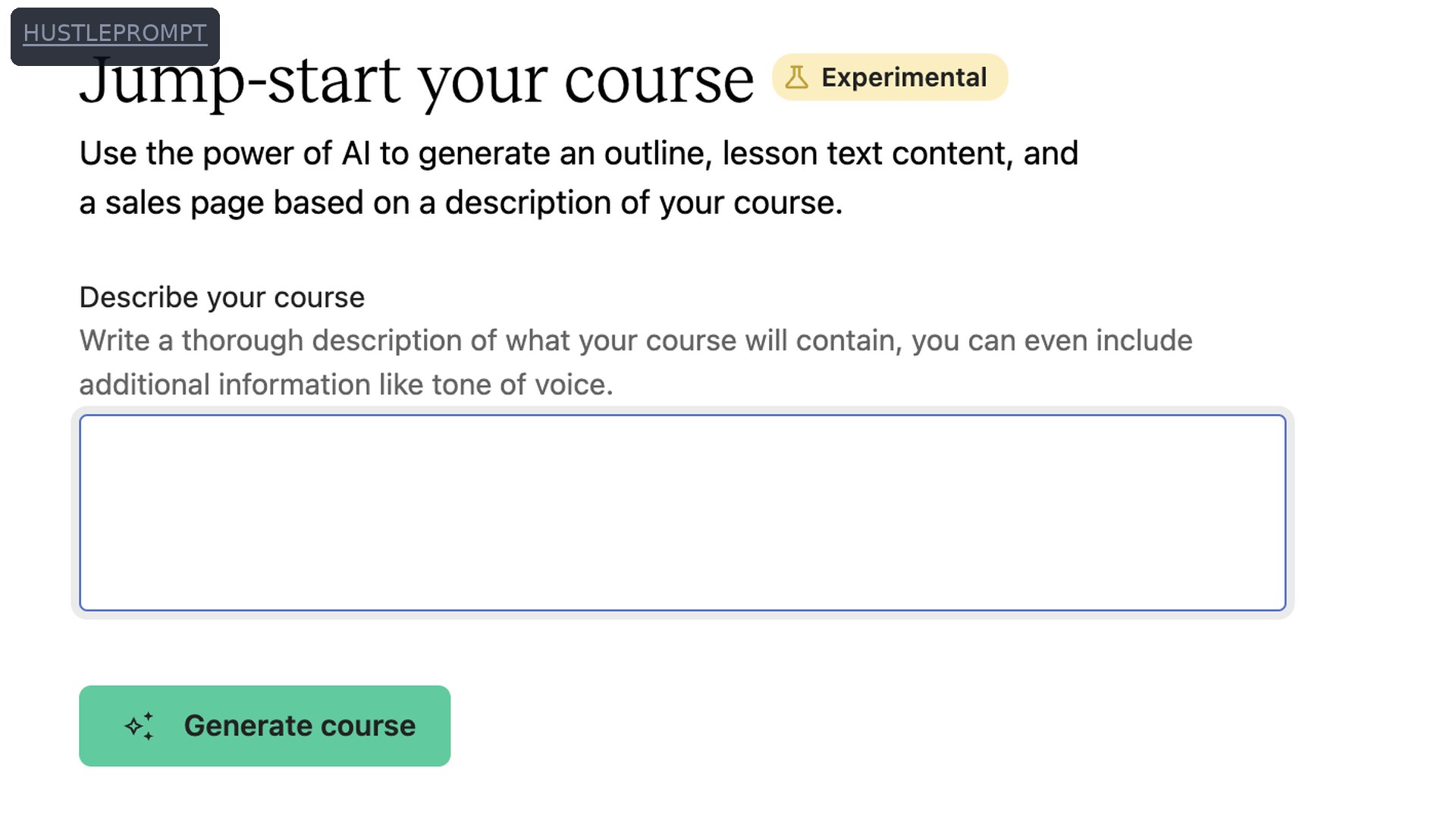
This is where AI does the heavy lifting. Describe your course to ChatGPT, Claude, or Teachable’s built-in AI Curriculum Generator — it returns a module-by-module outline with lesson titles in seconds, like the official tool shown above.
A prompt that works
Copy it, fill in the blanks, iterate:
“I want to create a course titled ‘[TITLE]’ about [SUBJECT] for a [beginner/intermediate/advanced] audience of [WHO] that will help them [OUTCOME] in [TIMEFRAME]. Give me 6 modules with 4–5 lessons each, and one clear learning objective per lesson.”
Then edit like a pro: cut what doesn’t serve the outcome, merge overlaps, add your own stories. AI writes the skeleton — your experience is the muscle. Aim for 5–8 modules, 3–6 hours.
Generate quizzes and workbooks too
Ask the AI for a 5-question quiz per module and a one-page worksheet per lesson. These completion assets raise perceived value and justify a higher price for almost zero extra effort.
Step 3: Produce lessons without a studio
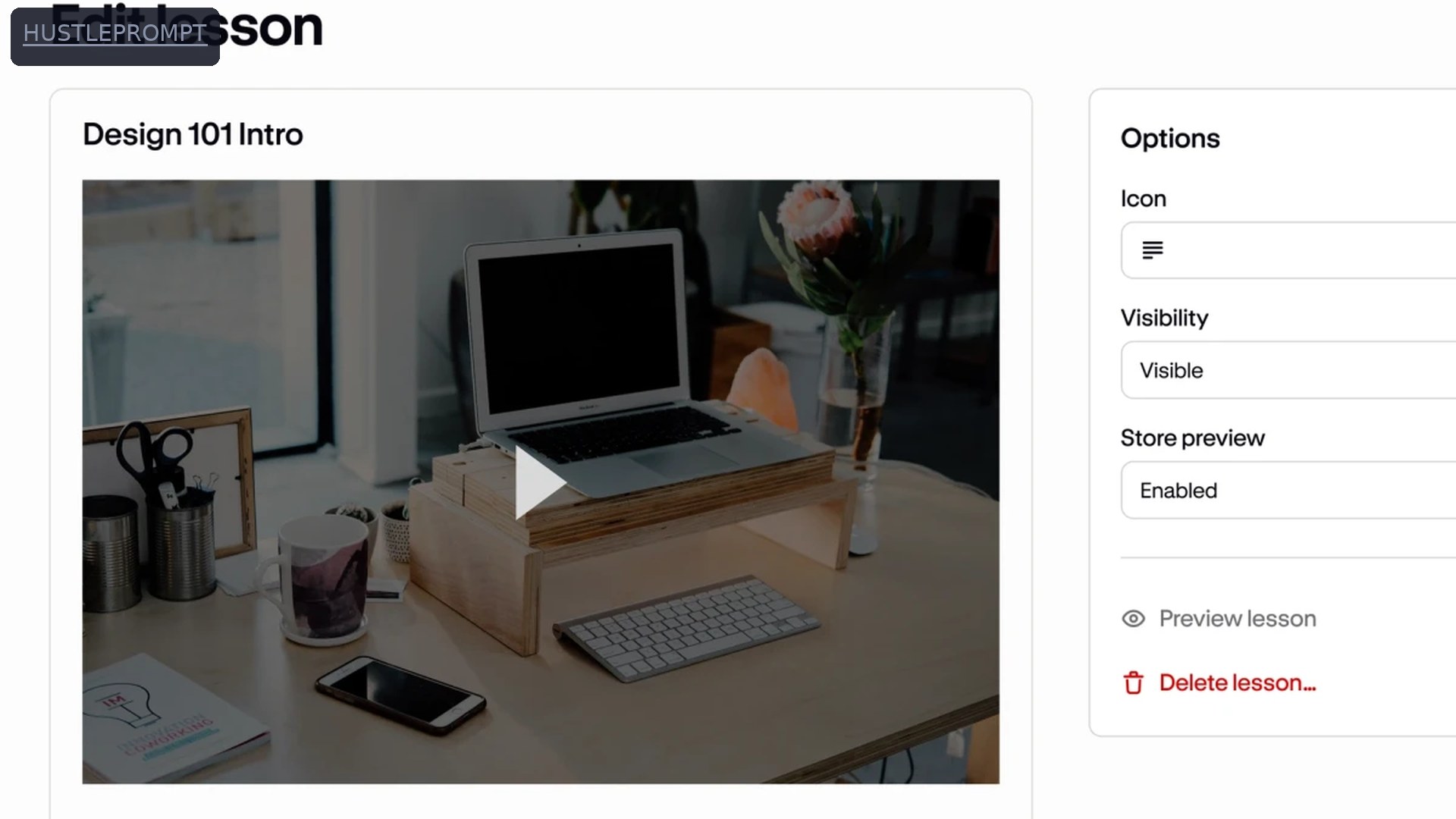
You need a screen, a voice, and an editor. For most first courses, screen-share lessons — you talking over slides or a live demo — beat talking-head video and take a fraction of the time. Record free with OBS or Loom; a $30 USB mic beats any laptop mic.
Three production paths, fastest first
- Screen-share + your voice: fastest, most personal. Best for tutorials and software.
- Slides + AI voiceover: script with AI, narrate with text-to-speech like ElevenLabs. No recording, no retakes.
- Talking head: highest trust, slowest. Your phone camera is enough.
Batch it: script with AI on day one, record on day two, edit on day three — Teachable’s official guide follows this rhythm.
Step 4: Choose your platform — Teachable vs Gumroad vs Podia
A course platform hosts your videos, handles checkout, and delivers content to students. The three beginner-friendly options differ mostly in how they charge:
| Platform | Entry plan | Transaction fee | Monthly cost | Free trial | Best for |
|---|---|---|---|---|---|
| Teachable | Starter | 7.5% per sale | $39/mo ($29/mo annual) | 7 days | Dedicated course schools with quizzes & certificates |
| Gumroad | — (no plans) | 10% + $0.50 per sale | $0 | n/a | Testing an idea with zero upfront cost |
| Podia | Mover | 5% per sale | $49/mo ($42/mo annual) | 14 days | All-in-one: courses + email + community |
Pricing verified October 2026: Teachable via current pricing guides and its official blog; Gumroad via its official Help Center (card processing excluded; Discover sales are a flat 30%); Podia via pricing guides. Builder ($89/mo) and Shaker ($99/mo) plans drop platform fees to 0%.
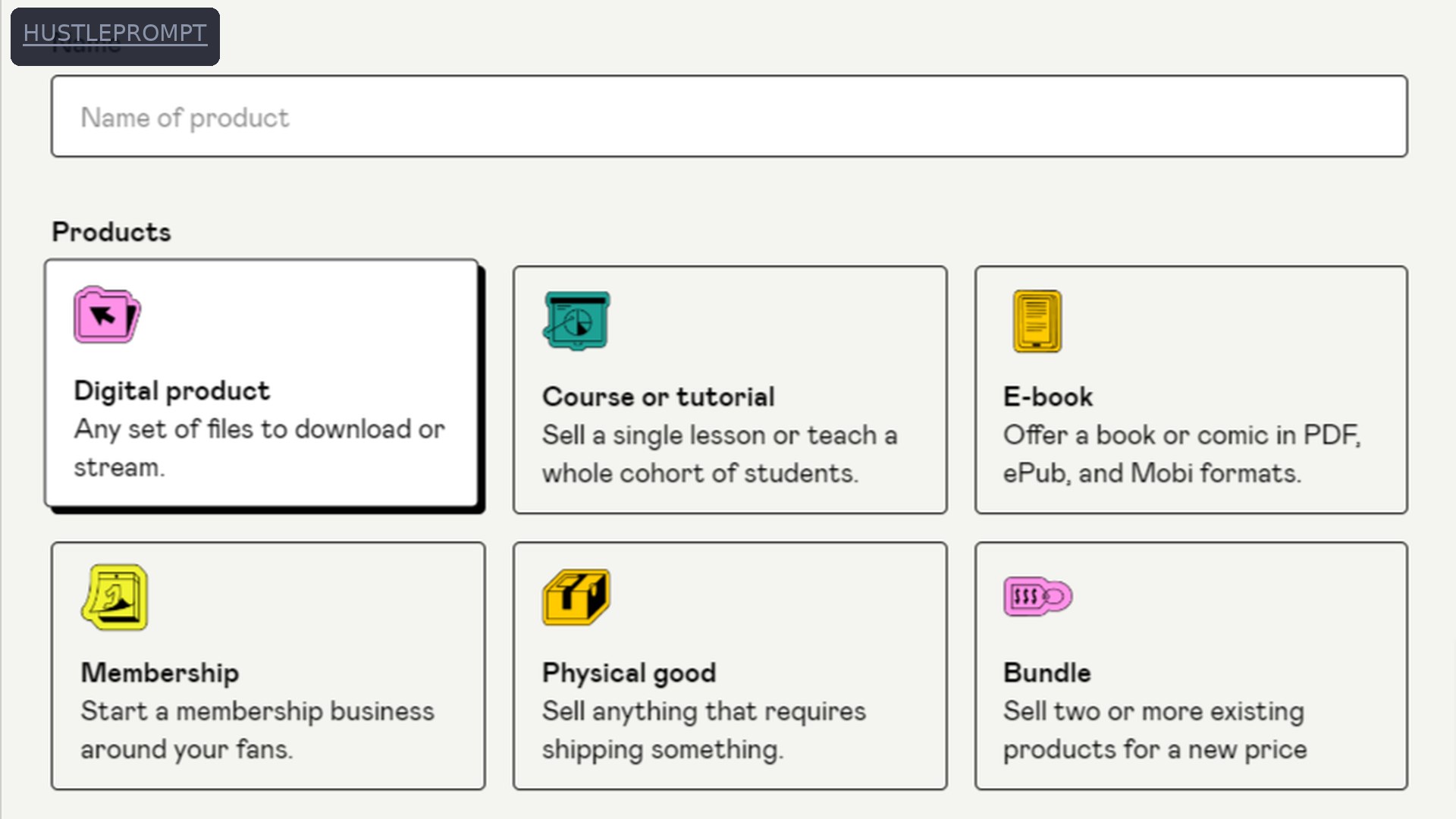
Rule of thumb: Gumroad for zero cost while validating; Podia Mover for the cheapest monthly all-in-one; Teachable for the most mature course tooling. Upgrade when the math says so — Teachable’s blog puts the Starter-to-Builder break-even near $533/month.
Step 5: Price it like a business
Price on the value of the outcome, not video hours. Working ranges for a first course:
- $29–$49: mini-course — impulse-buy territory.
- $79–$149: standard first course with worksheets and quizzes.
- $197–$497: flagship with community, coaching, or certification.
How to profit: the real math on a $49 course
100 copies at $49 = $4,900 revenue. What you keep on each entry plan (estimates: card payments, annual billing):
| Gumroad | Teachable Starter | Podia Mover | |
|---|---|---|---|
| Revenue (100 × $49) | $4,900 | $4,900 | $4,900 |
| Platform fee | −$540.00 | −$367.50 | −$245.00 |
| Card processing (~2.9% + $0.30) | −$172.10 | −$172.10 | −$172.10 |
| Monthly subscription | $0 | −$29.00 | −$42.00 |
| You keep (est.) | $4,187.90 | $4,331.40 | $4,440.90 |
At this volume the gap is a few hundred dollars — pick the workflow you like. Past roughly $500–$800/month, the flat-fee plans (Builder, Shaker) start winning. Bonus: Gumroad is your merchant of record, handling global sales tax for you.
Step 6: The launch checklist
Work top to bottom. Nothing ships until every box is checked:
- Outline finalized, every lesson recorded.
- Sales page live with an outcome headline (“Go from X to Y in Z weeks”).
- Pricing set: one main offer plus one order bump (templates, workbook).
- Checkout tested with a real $1 test purchase.
- Welcome email and login instructions automated.
- Founding-member testimonials collected.
- Launch emails written: announcement, reminder, last call.
- One free lesson published where your niche hangs out.
- Refund policy published (30 days is the trust standard).
- Analytics connected.
Get your first 10 sales
First sales come from people, not algorithms. Email your list with a founding-member offer, share the free lesson in 2–3 niche communities, and ask every buyer for a testimonial. Outreach to just 5 ideal learners can land first paying students.
Then go evergreen: publish free content, collect emails with a free mini-lesson, and let an automated sequence sell while you build course two.
FAQ
How much does it cost to create an AI online course?
Under $100: a USB mic (about $30), a platform free trial, and free ChatGPT or Claude. Gumroad costs $0 until you sell.
Do I need to appear on camera?
No. Screen-share lessons are the standard, and AI voiceover can narrate scripts you never record. Camera presence helps, but it’s optional.
Which platform is best for a first AI online course?
Gumroad for zero upfront cost, Podia Mover for the cheapest monthly all-in-one, Teachable Starter for the most course features. Pick one and launch.
How long should my first course be?
3–6 hours across 5–8 modules. Students buy outcomes, not runtime — a tight 4-hour course beats a rambling 20-hour one.
Can AI create the whole course for me?
AI drafts outlines, scripts, quizzes, and workbooks — but it can’t supply your experience and judgment. Pure-AI courses feel generic and get refunded. AI for speed, you for value.
How much should I charge for my first course?
$49–$149 is the sweet spot. Start lower, collect testimonials, then raise the price.