
Niji 8 is live, and it fixes anime creators’ oldest complaint: keeping the same character looking the same. Midjourney launched its new anime model on November 24, 2026, and the headline is not prettier pictures: a new edit feature takes your character from one image and puts them into another scene — same face, same hair, same outfit. For anyone who sells comics, manga, or game art, that is the whole ballgame.
Niji is Midjourney’s anime and illustration line, built with Spellbrush. Niji 8 is the first new version since Niji 7 (January 2026), and Midjourney calls it the fastest and most coherent Niji yet.
What Niji 8 actually is
Niji 8 is Midjourney’s dedicated model for anime-style characters and scenes, on the same subscription — no new plan, no price change. Select it with –niji 8 in Discord, or “Niji 8” in the Version dropdown on the web.
The team’s design goal, in one line: Niji 7’s aesthetics combined with Niji 6’s variety. Niji 7 kept your character the same as long as you typed the same words; Niji 8 will not — it offers a wide variety of options for the same words, like Niji 6 did. The team held the launch back until characters could be reproduced reliably another way: the edit feature.
| Niji 8 | Niji 7 | Midjourney V8.2 | |
|---|---|---|---|
| Built for | Anime + illustration | Anime + illustration | Photos + general images |
| Character consistency | Edit feature with reference images | Repeat the same prompt words | Character reference tools |
| Same prompt, same character? | No — variety by design | Yes, mostly | Varies |
| Speed | Fastest Niji yet, HD included | Standard | Default model since July 24 |
| Access | –niji 8 or Version dropdown | –niji 7 | Default |
Midjourney publishes no Niji benchmark scores, so the speed claims are the company’s own. Short prompts produce more variety, long prompts less — the team reads prompt length as intent.
The edit feature
Many users missed Niji 6’s character-reference feature. Niji 8 brings it back rebuilt: instead of a reference slot, you edit a finished image. Press the quick edit button on the bottom right of a generation, attach one or two pictures, and describe the change. The team’s favorite example: “take the character from image 1 and put it into image 2, lying down.”
One picture works too — “take the character from image 1 and pose them lying down into a sunny meadow” — but two give the most control. The same tool handles small touch-ups, like adding a hair bun. One warning: output quality depends on input quality, so reference pictures must not be blurry or pixelated. Style references and moodboards were improved too.
Prompt following: the suitcase test
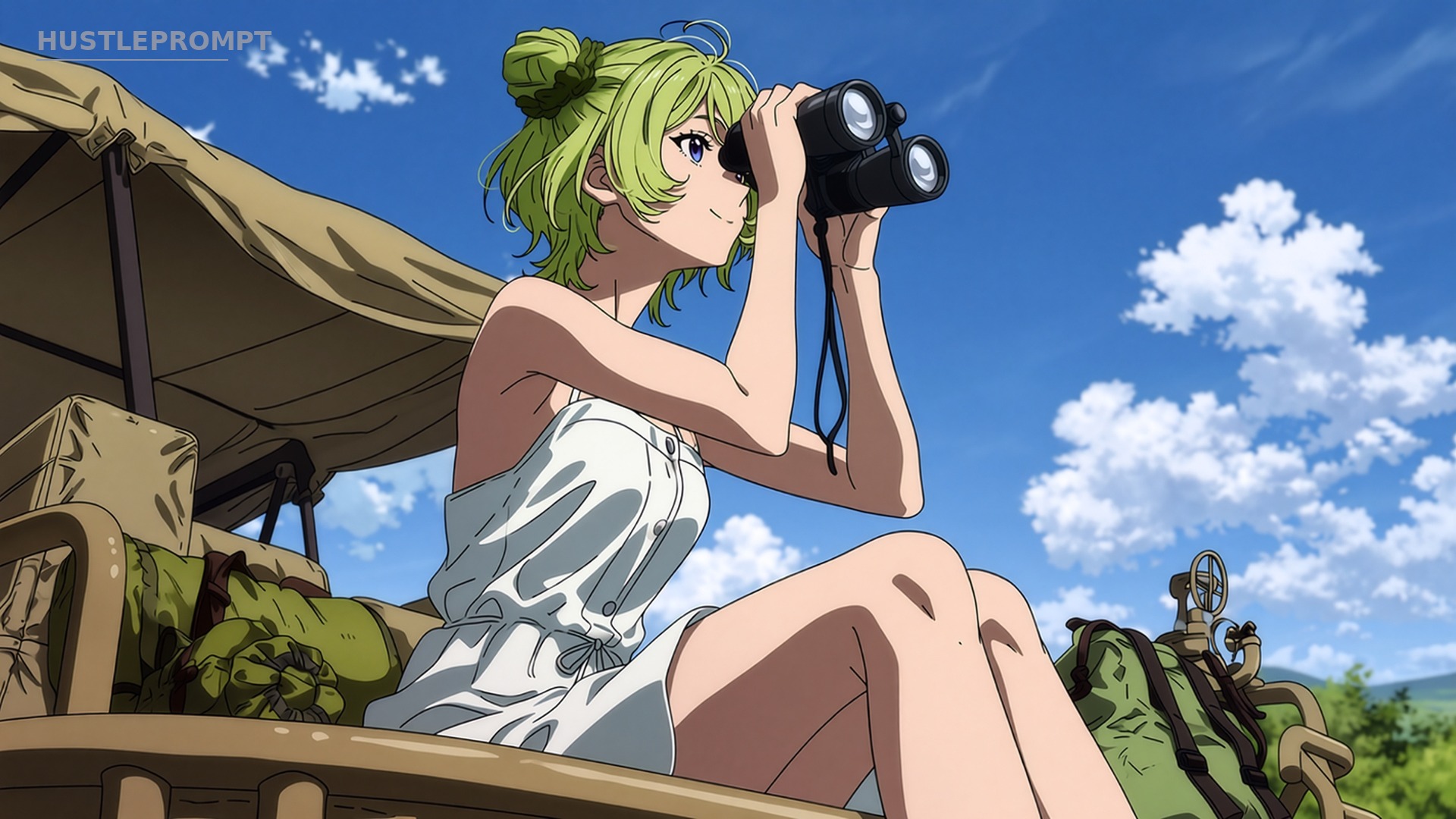
Niji 8’s demo prompt is a stress test: “anime screenshot, a woman with short, lime green hair, blue eyes, white shirt, sitting on a bed, packing a white sundress into a teal suitcase, pink flamingo inner tube in the background.” Every object lands in the right place. That spatial control makes comic pages possible: one prompt builds three panels.
The philosophy in one line
“If I have to describe the philosophy behind Niji 8, it’s Niji 7 aesthetics combined with Niji 6 variety.”
— Midjourney, in the official “Welcome to Niji 8!” announcement, November 2026
The HD feature is described as very beautiful and very fast.
How to use Niji 8 today
How to profit from it
- Sell manga and comics: Niji 8 makes a full issue feasible solo.
- Sell character sheets: design once, sell packs in different poses and scenes.
- Sell game art: one character in dozens of poses. Consistency is the product.
- Sell brand mascots: one mascot, identical in every ad and post.
- Sell the workflow: teach short-prompt-then-edit to creators fighting Niji 7’s repetition.
The honest caveats
Niji 8 breaks old workflows: repeating the same prompt no longer brings back the same character — move to reference images and the edit feature. There is no free tier: Niji 8 runs on paid Midjourney plans, Basic starting at $10 a month. It covers anime and illustration only; photos still run on V8.2. Midjourney has announced no standalone API and no benchmark numbers, so “fastest Niji yet” is the company’s claim until creators test it at scale. Try it on a small project first.
Sources: the official Niji Journey blog and Midjourney’s pricing page.
Frequently asked questions
What is Niji 8?
Midjourney’s new anime model, built with Spellbrush, launched November 24, 2026, succeeding Niji 7 from January 2026.
How do I use Niji 8?
Type –niji 8 in Discord, or pick “Niji 8” in the web Version dropdown.
How does the edit feature work?
Press the quick edit button on the bottom right of a finished generation, attach one or two reference pictures, and describe the change. Clean input pictures give the best results.
Why doesn’t the same prompt give me the same character anymore?
Deliberate: Niji 8 trades Niji 7’s prompt repetition for variety. Use the edit feature with reference images to lock a character once you have chosen one.
How much does Niji 8 cost?
It runs on your existing Midjourney subscription, with no price change announced. Basic plans start at $10 a month.
Can Niji 8 make photorealistic images?
No. Niji 8 is the anime and illustration lane; photos still run on V8.2, the default since July 24, 2026.