
The best AI tools for freelancers are not the ones with the longest feature lists — they are the ones that pay for themselves in the first month. This guide picks them by task: writing, design, video, voice, and money. Every tool below links to a full review, comparison, or guide on this site, with the price our review verified, so you can check the detail before you spend anything. Start with the free stack at the bottom if your budget is zero; add one paid tool per task only when the work you already do makes it pay.
How to choose: three rules before you buy anything
Rule 1: one tool per task, not one tool per idea. A freelancer does five jobs — writing, designing, editing video, recording voice, and getting paid — and each one deserves exactly one main tool. Two writing tools means two subscriptions and two places to look for the same draft. Pick the best fit per task below and stop there.
Rule 2: the free version must do real work. If a tool’s free tier only lets you look at it, it is a demo, not a tool. Every paid pick below has a free tier or trial that covers genuine freelance work, and the free stack in the last section covers all five tasks at zero cost.
Rule 3: price it against one job, not against your month. A $20 tool is cheap if it saves you two hours on a single client deliverable and expensive if you open it twice a month. Before paying, name the next job it will touch. If you cannot name one, wait.
The six tasks at a glance
1. Writing & editing
Grammarly, $12 a month — the proofreader that catches what tired eyes miss.
2. AI assistant
ChatGPT Plus or Claude, $20 a month — one assistant for everything else.
3. Design
Canva, $18 a month — social posts, proposals, and thumbnails in one place.
4. Video & audio
CapCut, $19.99 a month — the editor for short-form video.
5. Voice
AI Voice Cloner, free — clone your voice in your browser, nothing uploaded.
6. Money & admin
The pricing guide first — set your rates before you buy any tool.
Task 1: Writing and editing
Writing is where most freelancers lose the most hours, and it is where AI helps the most — drafting, tightening, and proofreading before the client ever sees the text.
- Grammarly Review 2026: Worth $12/Month? — the proofreader that catches what your tired eyes miss. Our review puts it at $12 a month and tests it on real freelance copy, not marketing samples. Buy this first if clients pay you for words.
- Jasper vs Copy.ai vs Anyword: Best AI Writer 2026 — the three-way comparison for drafting marketing copy at volume. Pick one of the three, not all three: the comparison walks through which one fits which kind of writing work, so you buy the writer that matches the work you actually sell.
If you write for a living, these two links are the whole decision. A general assistant (Task 2) drafts; these tools finish.

Task 2: The AI assistant that does everything else
Every freelancer needs one general-purpose AI assistant — the tool you open for research, outlining, brainstorming, summarizing calls, and the dozen small jobs that do not belong to any other task.
- ChatGPT vs Claude vs Gemini: Which Makes You Money? — the comparison that matters, judged on freelance work rather than benchmarks. Read it before you pay for any of the three.
- DeepSeek vs ChatGPT 2026: 10 Real Freelance Tasks, Evaluated Side by Side — the budget question, answered with ten real tasks instead of opinions. If money is tight, this is the first link to open.
- ChatGPT Plus Review 2026: Worth $20/Month? — the $20 plan, tested for freelance work.
- Claude Review 2026: Worth $20/Month for Work? — the same question for Claude, at the same $20.
- Perplexity Pro Review 2026: Worth $20/Month for Research? — the research-first assistant, at the same $20. Pick it if your work starts with a question that needs a cited answer, not a blank page.
- 15 ChatGPT Workflows That Save Freelancers 10 Hours a Week — fifteen copy-paste workflows organized by freelance task, from client communication to invoicing. The assistant only pays when you use it this way.
- 7 Claude Workflows That Save Freelancers 10 Hours a Week — the same idea for Claude users: seven prompt patterns for proposals, research, and repurposing, each designed to run in minutes.
One assistant, one subscription. The comparisons above exist so you can choose once and stop comparing — switching assistants every month costs more in lost habit than any of them costs in money.
Task 3: Design without a designer
Clients expect decent visuals even when they did not hire a designer. One design tool covers social posts, presentations, proposals, and thumbnails.
- Canva Review 2026: Worth $18/Month for Creators? — the design tool most freelancers actually end up using, at $18 a month in our review. Templates, brand kits, and the AI features that matter for client work are all covered in the review.
- Leonardo AI Review 2026: Worth $10/Month for Images? — AI image generation for thumbnails and client visuals, at $10 a month billed annually. Use it when Canva’s stock library is not enough and you need an image that does not exist yet.
- Gamma Review 2026: Worth $9/Month for AI Decks? — presentations and pitch decks from a prompt, at $9 a month billed annually. The tool for the proposal that has to look designed when you have an hour, not a day.
Design is the task where the free tier goes furthest: if you only make a few graphics a month, the free version of the same tool may be all you need, and the review says exactly where the paid line falls.
Task 4: Video and audio editing
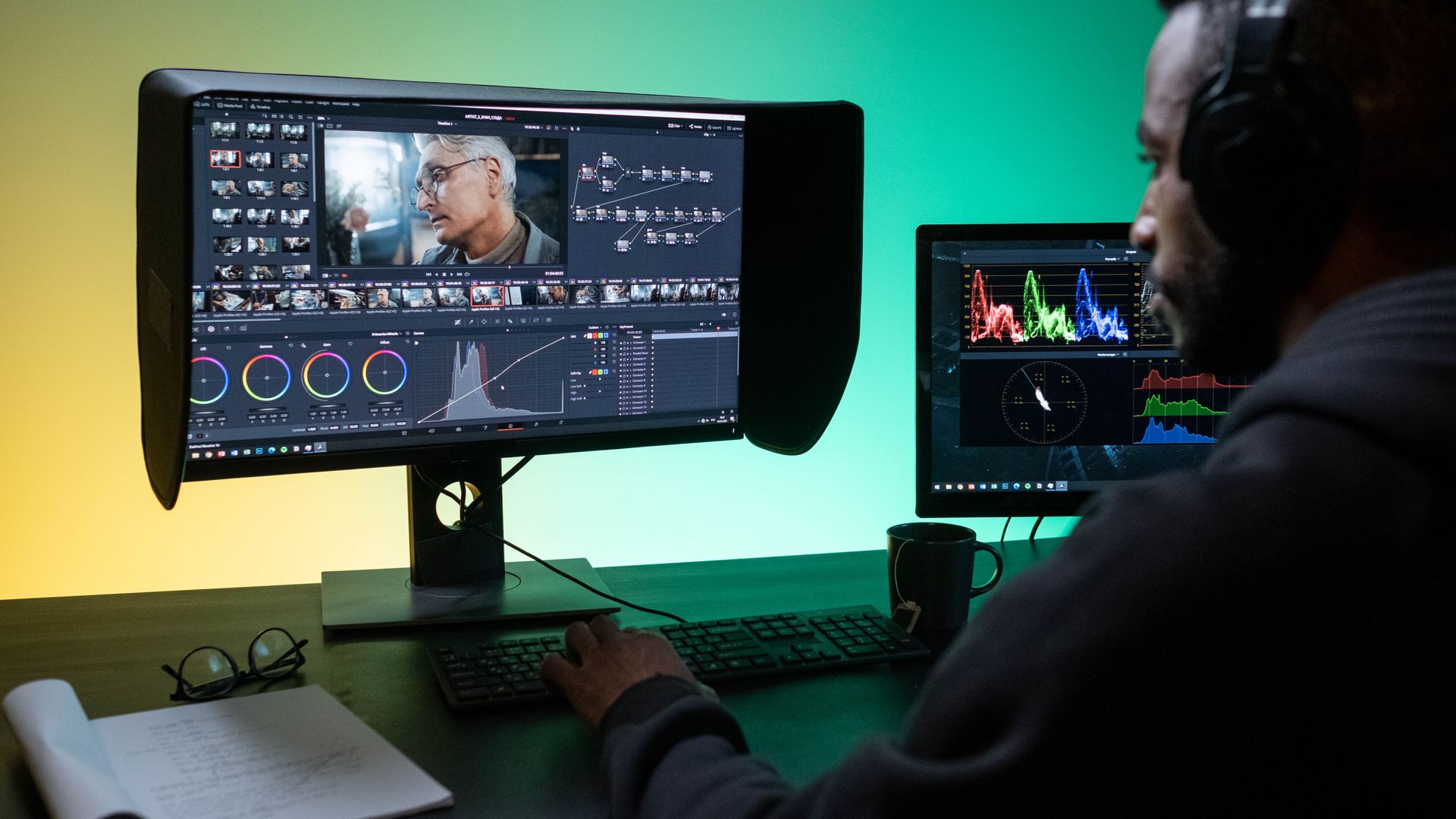
Video work pays well and eats time. These cover the whole job: cutting clips, editing a recording, and publishing it.
- CapCut Review 2026: Worth $19.99/Month for Video? — the editor for short-form video, at $19.99 a month in our review.
- OpusClip Review 2026: Worth $29/Month for Clips? — the clip tool that turns one long recording into short clips, at $29 a month. Buy it only if you sell clips as a service or publish short-form every week.
- Riverside Review 2026: Worth $29/Month? — the recording studio for interviews and podcasts, at $29 a month. If clients pay you to record remote conversations, this is the tool that makes the audio sound like you were in the same room.
- Descript Review 2026: Worth $24/Month for Editing? — the editor that lets you cut audio and video by editing the transcript, at $24 a month. The pick if you edit podcasts or talking-head video every week.
- HeyGen Review 2026: Worth $29/Month for AI Videos? — avatar videos from a script, at $29 a month. The pick for faceless explainers and translated versions of the same video.
- Runway Review 2026: Worth $12/Month for AI Video? — AI video generation, at $12 a month billed annually. The pick when the footage you need does not exist and a shoot is out of budget.
Do not buy all of these on day one. Start with the editor, add the clip tool when clipping becomes weekly work, and add the studio when a client asks you to record.
Task 5: Voice
Voice is the newest freelance task — voiceovers, narration, and cloned voices for creators — and the site already has a tool for it that costs nothing to try.
- AI Voice Cloner — our own free tool (tool #40 on the site): clone your voice in your browser, nothing uploaded. Use it for voiceovers and demos before you pay for a voice service.
- ElevenLabs Review 2026: Worth $22/Month for Voiceovers? — the leading voice platform, at $22 a month for the Creator plan. The step up when a client pays for studio-quality narration at volume.
- ElevenLabs November Update: Cheaper Transcription — the latest on the leading voice platform, including its cheaper transcription. Read this before paying for any voice subscription: the market moved in November and the prices in older guides may be stale.
Voice work is where freelancers most often overpay: try the free cloner first, prove a client will pay for voice work, then buy the professional platform.
Task 6: Money, admin, and getting paid
The unglamorous task that decides whether freelancing pays. AI now handles the paperwork freelancers hate: invoicing, expenses, tax prep, and proposals.
- The Freelancer’s Guide to Pricing AI-Powered Services — read this before any other link in this section. It sets the prices your tools have to earn back.
- ChatGPT for Accounting Just Landed in QuickBooks and Xero — the assistant now works inside the accounting tools your clients already use.
- Sell AI Tax Prep Services to Freelancers — the tax-prep workflow, which doubles as a service you can sell to other freelancers.
- Sell AI Invoice Reconciliation Services to Small Businesses — invoicing and reconciliation, the admin job that quietly eats a day a month.
- Sell AI Proposal Writing Services to Freelancers — proposals are the other half of getting paid: win the work first, then do it. This guide covers the proposal workflow as a service in its own right.
- Build a Custom GPT That Writes Client Proposals — train a custom GPT on your winning proposals and pricing, and turn hours of drafting into minutes.
- Sell AI Expense Management Services to Small Businesses — expense reports are where small firms leak money, and the workflow fixes them.
- Sell AI Late Payment Chasing Services to Small Businesses — most small businesses carry invoices 30+ days overdue. Chasing them is a service clients pay for because it is money they are already owed.
- Sell AI Contract Review Services to Small Businesses — contracts are the other half of getting paid safely: review them before you sign, not after something goes wrong.
- Otter.ai Review 2026: Worth $8.33/Month for Notes? — meeting notes and transcripts, at $8.33 a month billed annually. The admin tool for freelancers who spend half their week on calls.
The last few links are written as services you can sell, not just tools you can use — that is deliberate. The same AI workflow that fixes your own admin is a service other freelancers will pay for, and that is how a cost becomes income.
The free stack: all five tasks at $0
If your budget is zero, start here and add paid tools only when a paying job demands them:
- Writing: the free tier of your chosen assistant (Task 2) plus the free tools on this site.
- Design: the free tier of Canva.
- Video: the free tier of CapCut.
- Voice: our AI Voice Cloner — free in your browser.
- Money: the free tools at hustleprompt.com/tools/ — 40 free tools on the site, including the voice cloner, a QR generator, a word counter, and an image compressor.
The framework for the whole setup is the site’s stack guide: Why Every Freelancer Needs an AI Stack (And How to Build It). Read it once, then come back here for the specific tool per task.
Build your stack in one day
- Morning: pick your assistant (Task 2) and your writing tools (Task 1). Write one real client deliverable with them.
- Afternoon: set up design (Task 3) and the money workflow (Task 6). Send one real invoice through the new flow.
- Evening: record one voice sample with the free cloner (Task 5) and cut one short clip (Task 4). You now have demos for two services you can sell.
- Selling services instead of doing tasks? Read How to Start an AI Automation Agency — the same stack, packaged as a business that sells these workflows to other companies.
One day, five tasks, zero new subscriptions unless a job already justifies one. Add a paid tool the week a client pays for the work it does — never before.
Mistakes that waste a freelancer’s tool budget
- Paying for three tools that do the same job. One assistant, one writer, one designer. Duplicates are the most common waste in a freelancer’s stack.
- Buying before the first paying job. A tool bought “for someday” is a subscription, not an investment. Name the job first.
- Ignoring the free tier. Most freelancers can run the whole stack free for the first month. The paid tier should feel like a raise, not a gamble.
- Choosing on benchmarks instead of your work. A model that wins a leaderboard may be wrong for your clients. The comparisons linked above are judged on freelance tasks for exactly this reason.
- Forgetting the money task. The best writing tool in the world does not help if invoices go out late. Set up pricing and admin in the same week as the creative tools.
Frequently asked questions
What is the best AI tool for freelancers overall?
There is no single best tool — there is a best tool per task. Pick one general assistant, one writing tool, one design tool, and one money workflow. This guide names one per task so you do not have to compare forty tools yourself.
How much should a freelancer spend on AI tools per month?
Start at $0 with the free stack above. Most freelancers land between $20 and $60 a month once work is steady: one $20 assistant plus one task tool. Add a tool only when a paying job needs it.
Can I freelance with only free AI tools?
Yes, for the first clients. The free tiers cover writing, design, short video, voice cloning, and invoicing. Pay when a client asks for volume or quality the free tier cannot deliver — that is the moment the tool has already earned its price.
ChatGPT, Claude, or Gemini for freelance work?
It depends on the work: the comparison linked in Task 2 judges all three on freelance tasks, not benchmarks, and the DeepSeek comparison covers the budget option. Pick one and use it for a month before judging it.
Which AI tool should a freelancer buy first?
The one tied to the work you already sell. Writers buy the proofreader, video freelancers buy the editor, and everyone needs the pricing guide before any subscription. Never buy a tool for work you have not sold yet.
Do AI tools replace freelancers?
No — they replace the repetitive half of freelance work. Clients still pay for judgment, taste, and the relationship. The tools in this guide make one freelancer do the work of two; the freelancer still has to be the one the client trusts.