
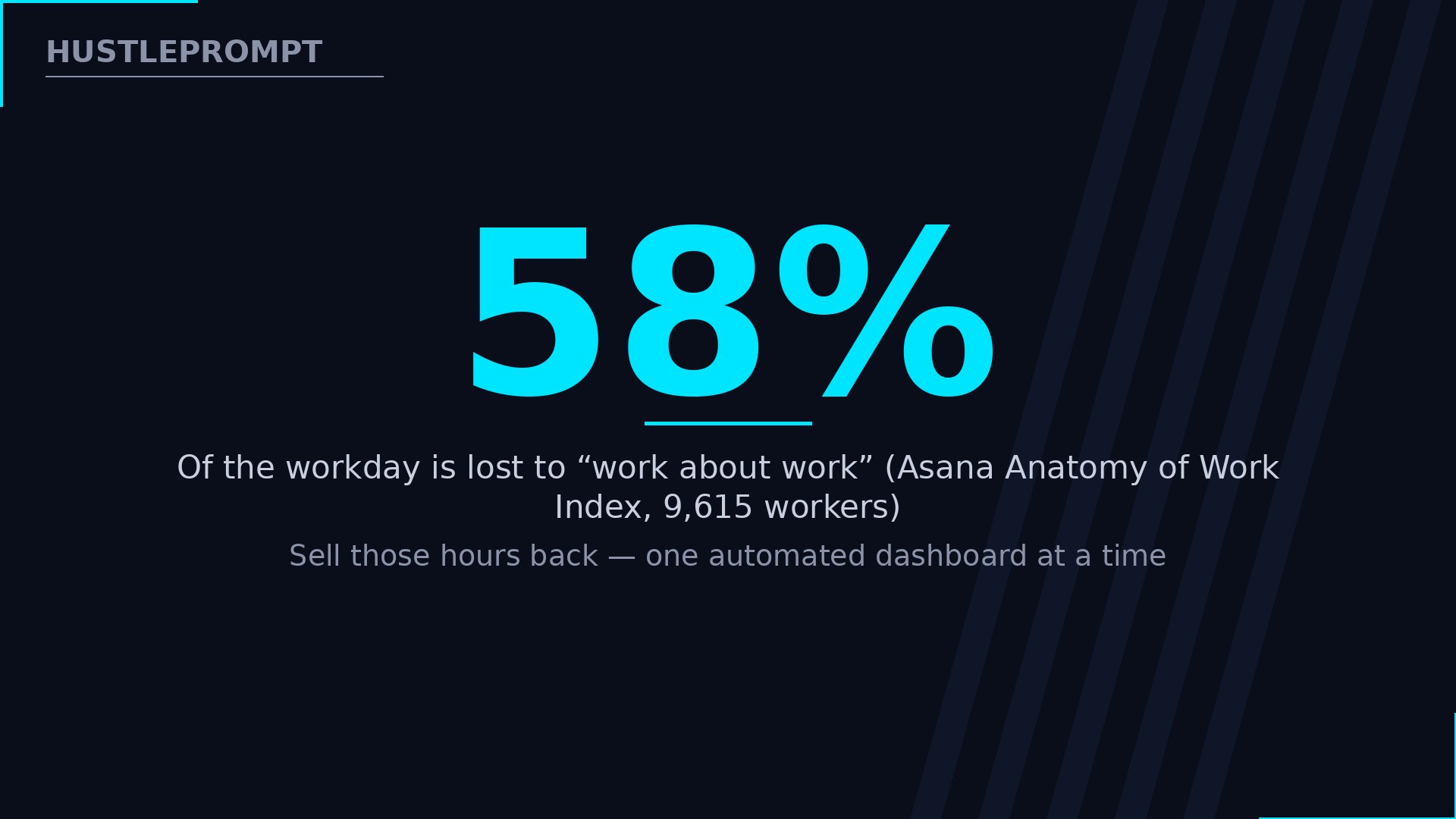
Knowledge workers lose 58% of their workday to “work about work” — copying data between apps, rebuilding the same reports every week, and hunting for files, according to Asana’s Anatomy of Work Index. That is exactly the pain AI spreadsheet automation kills, and small businesses will pay you real money to kill it for them.
Every agency, e-commerce store, and local business runs on Google Sheets or Excel workbooks that a human rebuilds by hand every Monday morning. With AI writing your formulas, cleaning your data, and building dashboards, you can deliver in hours what used to take a data analyst a week — and charge $300–$1,500 per project for it. Here is the complete service system.
Video: 10X Your Excel Skills with ChatGPT — Kevin Stratvert demonstrates exactly the core skill this service sells — using ChatGPT to generate Excel formulas, lookups, nested functions, and invoice macros — from one of the most established tutorial channels on YouTube. (Kevin Stratvert)
The pain clients will pay you to kill
A store owner spends her Sunday copying orders into a spreadsheet. An agency account manager burns three hours a week pasting ad data into client reports. These are not edge cases.
Asana surveyed 9,615 knowledge workers: 58% of the workday goes to work about work — duplicated work, unnecessary meetings, juggling apps — while only 33% goes to the skilled work they were hired for, via Asana’s Anatomy of Work Index.
Those workers estimate they would save 4.9 hours a week with better processes. Your service is that process, sold as a build plus a retainer.
Price against those hours, not your hours — you are selling back five hours a week to someone billing $50–$150 an hour.
Your AI spreadsheet tool stack
Five tools, most free to start: AI builders that write formulas and dashboards, plus connectors that pull live data in automatically.
| Tool | Free tier | Paid plan | Best use in your service |
|---|---|---|---|
| Rows | $0, 5 AI tasks/mo | Plus $8/user/mo (200 AI tasks); Pro $79/mo + $8/user (1,000 AI tasks) | Self-updating dashboards; data pulls from GA4, ad platforms |
| Coefficient | $0, 3 connectors forever | Starter $59/user/mo; Pro $99/user/mo (5 users) | Syncs Salesforce, HubSpot, Stripe into Sheets/Excel on schedule |
| Google Workspace | 14-day trial | Business plans from ~$7–$8/user/mo; Gemini now bundled | Gemini in Sheets: =AI() formulas, auto-fill, table generation |
| Microsoft 365 | 1-month trial | Business Basic $7/user/mo; Standard $14/user/mo | Excel Copilot formulas and VBA macros for Excel-only clients |
| ChatGPT / Claude | Free tiers | ~$20/mo per seat | Writes and debugs formulas, designs dashboard layouts, drafts scripts |
Tool pricing changes often — confirm current prices at checkout before quoting a client. Prices above were reported in October 2026.
Start on the free tiers — your first three projects should cost you $0 in tooling.
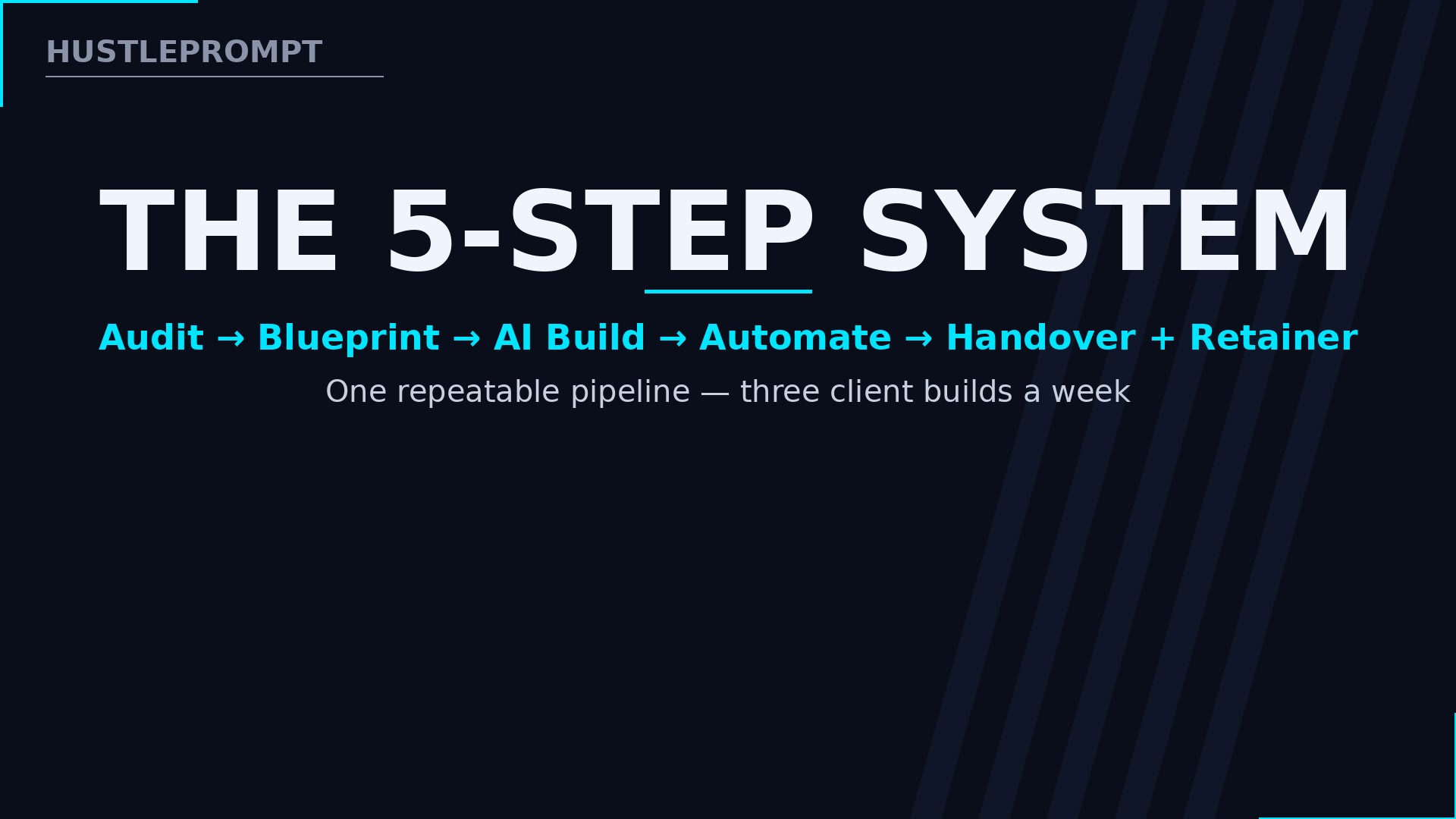
The 5-step delivery system
The same five steps run every project. Systematize them and you can ship three client builds a week.
Step 1 — Audit the mess (Day 1)
Screen-share the client’s workflow and time it. Count the copy-paste steps and weekly hours. This audit scopes your build and anchors your price to the hours you are about to eliminate.
Step 2 — Blueprint the dashboard (Day 1–2)
Sketch the end state before touching a formula: data sources, top KPIs, and who reads it. Prompt Claude: “Design a KPI dashboard for a [business type] tracking [metrics] — list data sources, key tables, and charts.” A 20-minute blueprint prevents a 5-hour rebuild.
Step 3 — Build with AI (Day 2–3)
Feed sample data to ChatGPT or Claude and ask for exact formulas: “Write a Google Sheets formula that categorizes column C by keywords in column B, handling blanks without errors.” Then verify every formula on real data — AI misses 5–10% of edge cases.
Step 4 — Automate the refresh (Day 3–4)
Connect data sources so the dashboard updates itself. Use Coefficient or Rows for scheduled imports from Stripe, HubSpot, or ad platforms — daily for sales, hourly for ad spend during launches.
Step 5 — Handover and retainer (Day 4–5)
Deliver a one-page runbook: what refreshes automatically, what stays manual, and who to call when a source breaks. Record a 10-minute walkthrough. Then attach your offer: a $150–$500/month retainer for monitoring and tweaks.
Pricing projects and retainers
Freelance data work splits into three tiers — transcription ($12–$22/hr), structured extraction ($35–$60/hr), and owned automation processes ($85+/hr or per-project). You sell tier three.
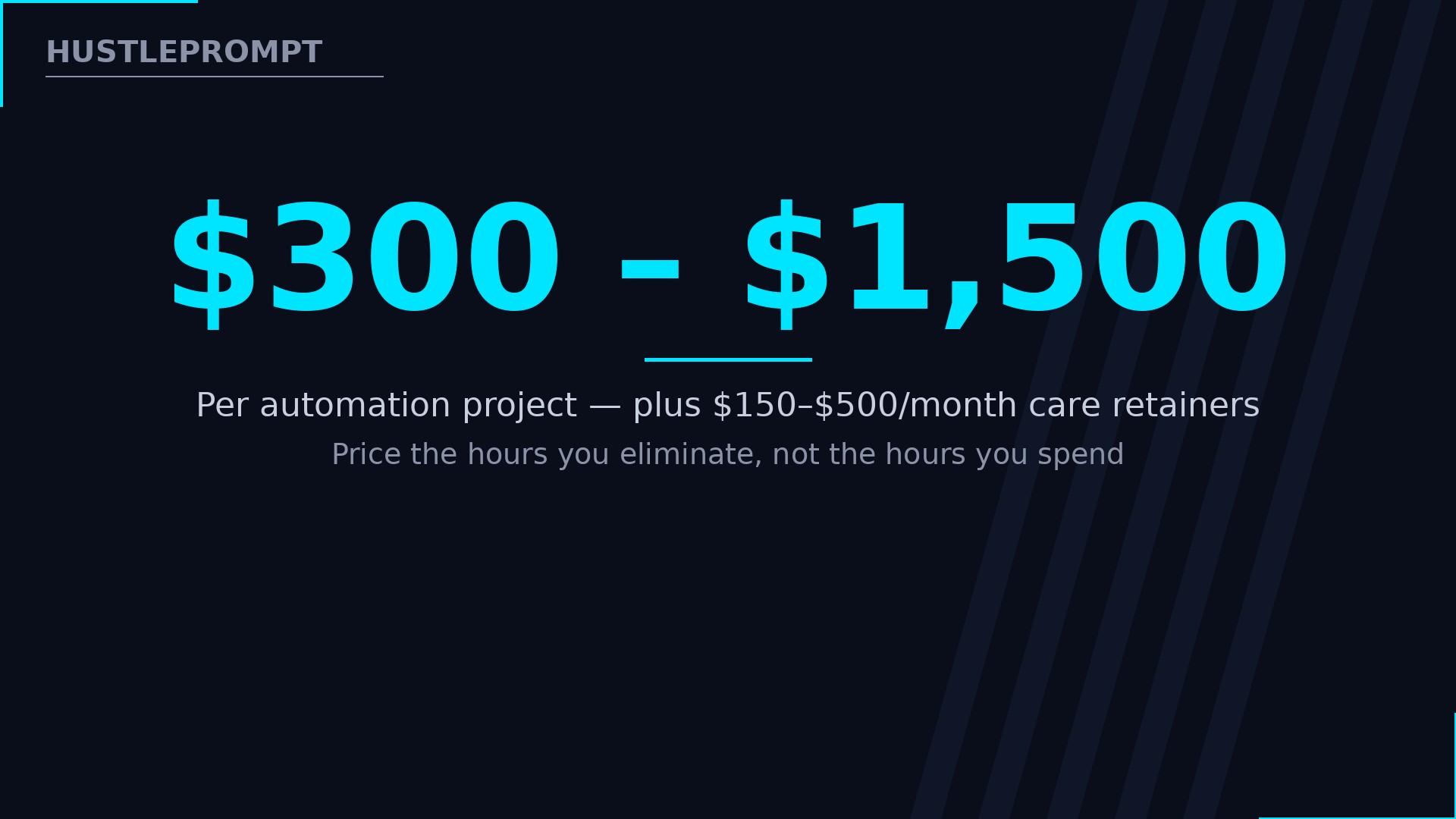
- Dashboard build — $300–$800. One auto-updating KPI dashboard for a small business. Two to four days of work.
- Reporting engine — $500–$1,500. Multi-source client reporting for agencies or e-commerce brands. The flagship offer.
- Data cleanup pipeline — $400–$700. One-time cleanup plus a self-cleaning import system the client reuses forever.
- Care retainer — $150–$500/month. Monitoring, new data sources, monthly tweaks. This is where the business compounds.
Run the arithmetic as an illustration — not a promise. Two reporting engines a month at $750 each is $1,500; three care retainers at $250 add $750/month recurring. Five steady retainers cover an income floor while projects stack on top.
Always quote project prices, never hourly. Hourly billing punishes you for being fast — and AI makes you very fast.
Outreach that lands clients
Target prospects who feel the pain weekly:
- Marketing agencies (10–50 people). They build client reports by hand every month. Message: “I turn monthly client reporting into a dashboard that updates itself — want a free demo on one client?”
- E-commerce stores ($20k–$200k/month). The owner checks five apps every morning. Offer a single morning-numbers dashboard.
- Local service businesses. Plumbers, roofers, and med spas drown in lead spreadsheets. Offer a self-cleaning lead pipeline.
Lead with a free mini-audit: 15 minutes spotting their manual steps beats fifty cold emails.
Templates that sell (recurring-report packages)
Productize three packages so clients buy outcomes, not hours:
- The Weekly Sales Pulse ($300–$500). Stripe/Shopify → auto-updating sales dashboard, delivered in 3 days. Upsell: daily refresh and Slack alerts.
- The Client Reporting Engine ($500–$800 + retainer). Ad platforms + CRM → one dashboard per client for agencies, delivered in 5 days. Upsell: $200–$300/month for new clients and sources.
- The Self-Cleaning Import ($400–$700). Messy CSVs → validated master sheet with import rules, delivered in 4 days. Upsell: quarterly data-health reviews at $150.
Name them, price them, and put them on a one-page PDF. Packaged offers close twice as fast as custom quotes because the client is choosing, not designing.
Mistakes to avoid
- Building on the wrong platform. If the client lives in Excel, deliver Excel — never force a Google Sheets migration mid-project.
- Skipping the backup. Copy the original data before your first cleanup run. One destructive formula without a backup ends the relationship.
- Handing over a black box. Undocumented dashboards break the first time a data source changes — and the client blames you, not the API.
- Quoting blind. Always quote from a sample of the real data — messy data takes triple the time clean data takes.
- Promising real-time sync. Most small-business sources refresh daily or hourly. Set the expectation in writing during the audit.
FAQ
How much can I charge for AI spreadsheet automation?
Market ranges: $300–$800 for a dashboard build, $500–$1,500 for reporting engines, $150–$500/month for care retainers. Price on the weekly hours you eliminate — AI makes builds fast, which is the point.
Do I need to know how to code?
No. AI writes the formulas, scripts, and even simple Apps Script for you. You need spreadsheet logic — VLOOKUP, pivot tables, data validation — and the discipline to test everything before delivery.
Should I build on Google Sheets or Excel?
Follow the client. Google Sheets wins for collaboration and live connectors; Excel wins for finance teams and macros. Learn both basics, master whichever your first clients use.
How do I handle a client’s sensitive data?
Ask for the minimum data you need, work on anonymized samples when possible, and never paste real customer data into a public AI chat without written OK. Offer an NDA before they ask — it signals professionalism.
What if the AI writes a wrong formula?
It will, on edge cases — which is why verification is a billed step. Test every formula against known-correct rows, check blanks and duplicates, and keep a test tab in every workbook.
How long does a typical project take?
Three to five days once the system is down: one day to audit and blueprint, two to build and verify, one to automate and hand over. Your first project takes twice that — quote accordingly.
Can this become recurring revenue?
Yes — that is the real model. Dashboards need new sources and tweaks as the business changes. A $200–$400/month care retainer per client turns one-time projects into compounding income.