
High-quality product photos convert 94% better than low-quality ones — and most small online stores still can’t afford a photographer. That’s the gap your AI product photography service fills.
Traditional product photography costs $25–$75 per image for basic listing shots and up to $500 per image for lifestyle work. With AI tools like Photoroom, Flair.ai, and Pebblely, you can produce studio-quality product shots for pennies per image — and sell packages to e-commerce stores at healthy margins.
In this tutorial, you’ll learn the exact tools, the step-by-step setup, and how to package and sell the service. No camera crew, no studio, no photography degree required.
Video: What is “Real-Time” AI Product Photography? — a look at real-time AI product photography in action. (Flair AI Product Photography)
Why Stores Pay for This: The Numbers
Store owners don’t buy “AI images.” They buy more sales. Here’s the evidence you can quote in your pitches:
- 75% of online shoppers rely on product photos to make purchasing decisions (GrabOn’s 2026 product photography statistics).
- Products with professional-quality photos see a 33% higher conversion rate on average than those with low-quality images, per a Shopify survey (Blend’s sales-data roundup).
- 56% of shoppers start exploring a product page by looking at the images first, according to Baymard Institute usability testing (traced research on DEV).
- 67% of consumers say image quality matters more than product descriptions or ratings (Spyne, via Ringly’s 2026 conversion stats).
- Brands spend $500–$2,000 per product photoshoot traditionally (ABNewswire, October 2026).
Your pitch writes itself: for a fraction of one photoshoot, you give a store a full catalog refresh every month.
The 2026 AI Product Photography Toolkit
You need one strong tool to start — not five. Each of these handles a slightly different job. Here are the real 2026 prices, verified this month:
| Tool | Free Plan | Paid (from) | Best For |
|---|---|---|---|
| Photoroom | $0 (limited) | $12.99/mo ($7.50/mo billed yearly); Max $34.99/mo; Ultra from $99/mo | Background removal, batch editing, AI backgrounds |
| Flair.ai | $0 (5 images/mo) | $8/mo (Pro); $26/mo (Pro+, 80 images, commercial license); $38/mo (Scale) | Staged lifestyle scenes, drag-and-drop canvas, on-model shots |
| Pebblely | $0 (40 images/mo) | $9/mo (30 images); $19/mo (200 images); $39/mo (500 images) | Fast themed backgrounds, one-click generation |
| Claid.ai | 50 free credits | From $15/mo ($9/mo billed yearly) | Fashion and on-model imagery, catalog-scale processing |
Pricing sources: Photoroom (checked Sept 2026), Flair.ai, Pebblely (2026 guide), Claid.ai (official blog). Always confirm the live price at checkout — monthly web prices vary by billing cycle and region.
Set Up Your Service in a Weekend
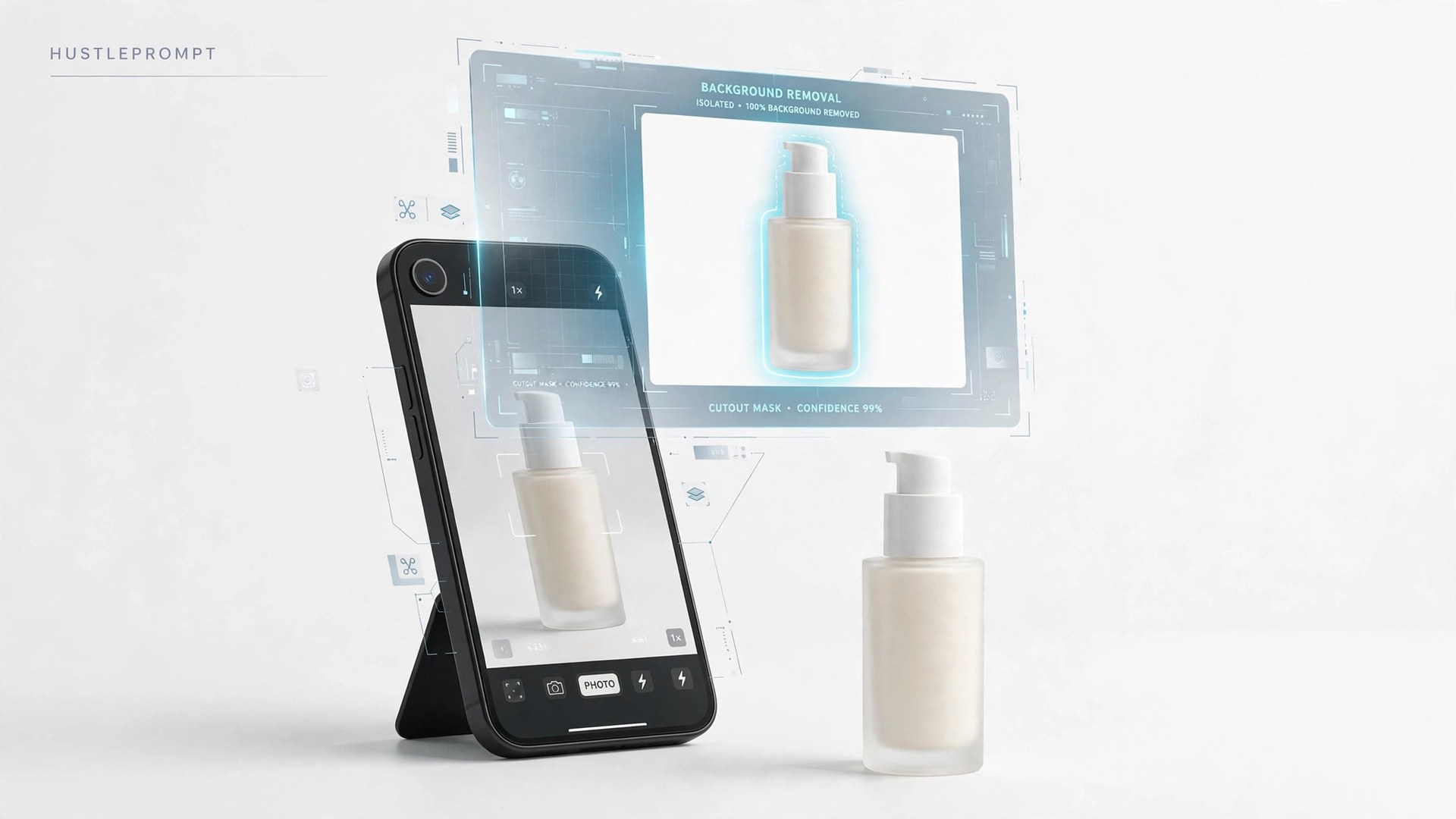
Pick one tool and master it before adding others. Photoroom is the fastest starting point for general products; Flair.ai wins for lifestyle scenes.
- Open a paid workspace. Start with the cheapest paid tier of your chosen tool. The free plans watermark images or limit commercial use — you can’t sell watermarked work.
- Build a style template. Define one repeatable look: same background type, same lighting mood, same shadow style. Clients pay for consistency across their catalog, not one lucky image.
- Run 10 test products. Use your own household items — a bottle, a shoe, a mug, a gadget. Generate 3 versions of each: white background, lifestyle scene, and detail close-up.
- Create a quality checklist. Before delivering any image, verify label spelling, logo shape, color accuracy, proportions, and shadows against the source photo. AI sometimes “invents” details — your eye is the product.
- Build a 15-image portfolio. Put your best 15 shots on a simple page (your site, Notion, or Behance). This is your entire sales asset.
- Set delivery standards. Decide: file formats (JPG + PNG), sizes (at least 2000px on the long edge), and turnaround (48 hours). Write them into a one-page service sheet.
How to Sell It: Packages, Pricing, and Outreach
Don’t sell “photos.” Sell monthly catalog refreshes on a retainer. That’s recurring revenue instead of one-off gigs.
Suggested starter packages
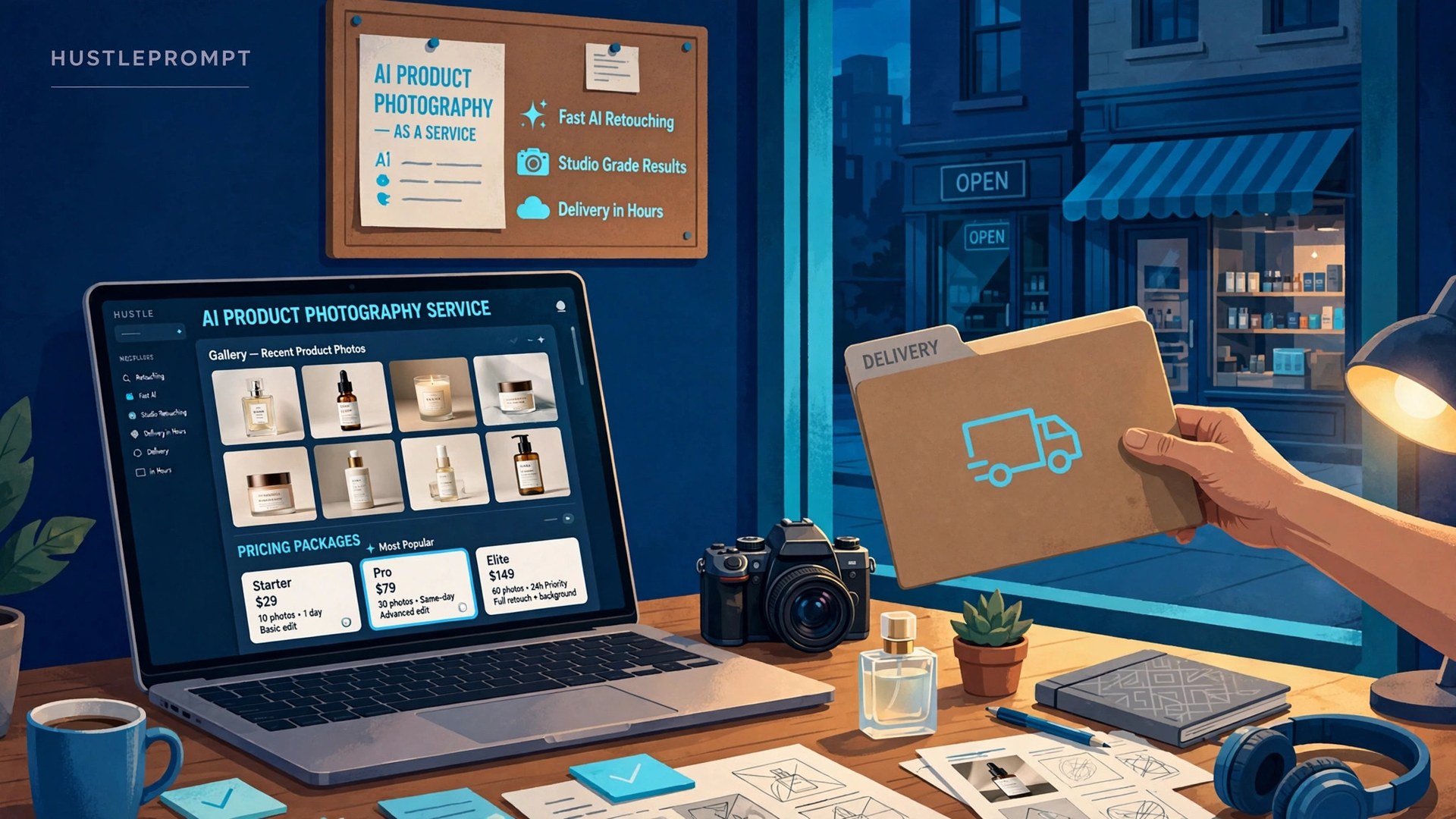
- Starter — $99: 10 product photos, white background + one lifestyle scene each, 48-hour turnaround.
- Growth — $249: 30 product photos, multiple scenes, on-model style shots where applicable, 2 revision rounds.
- Scale — $499/mo retainer: 100+ photos monthly, new scenes for seasonal campaigns, priority 24-hour turnaround.
For context, AI image gigs on Fiverr and Upwork run $60–$400 per gig (BetonAI, June 2026), while traditional freelancers charge $50–$150 per image (PackSnap 2026 guide). You sit comfortably in the middle: far cheaper than a studio, far better than DIY.
Get your first 3 clients
- Find 20 stores with weak images. Browse Shopify stores, Etsy shops, and Amazon sellers in one niche (skincare, pet products, kitchen gadgets). Look for blurry, inconsistent, or phone-photo listings.
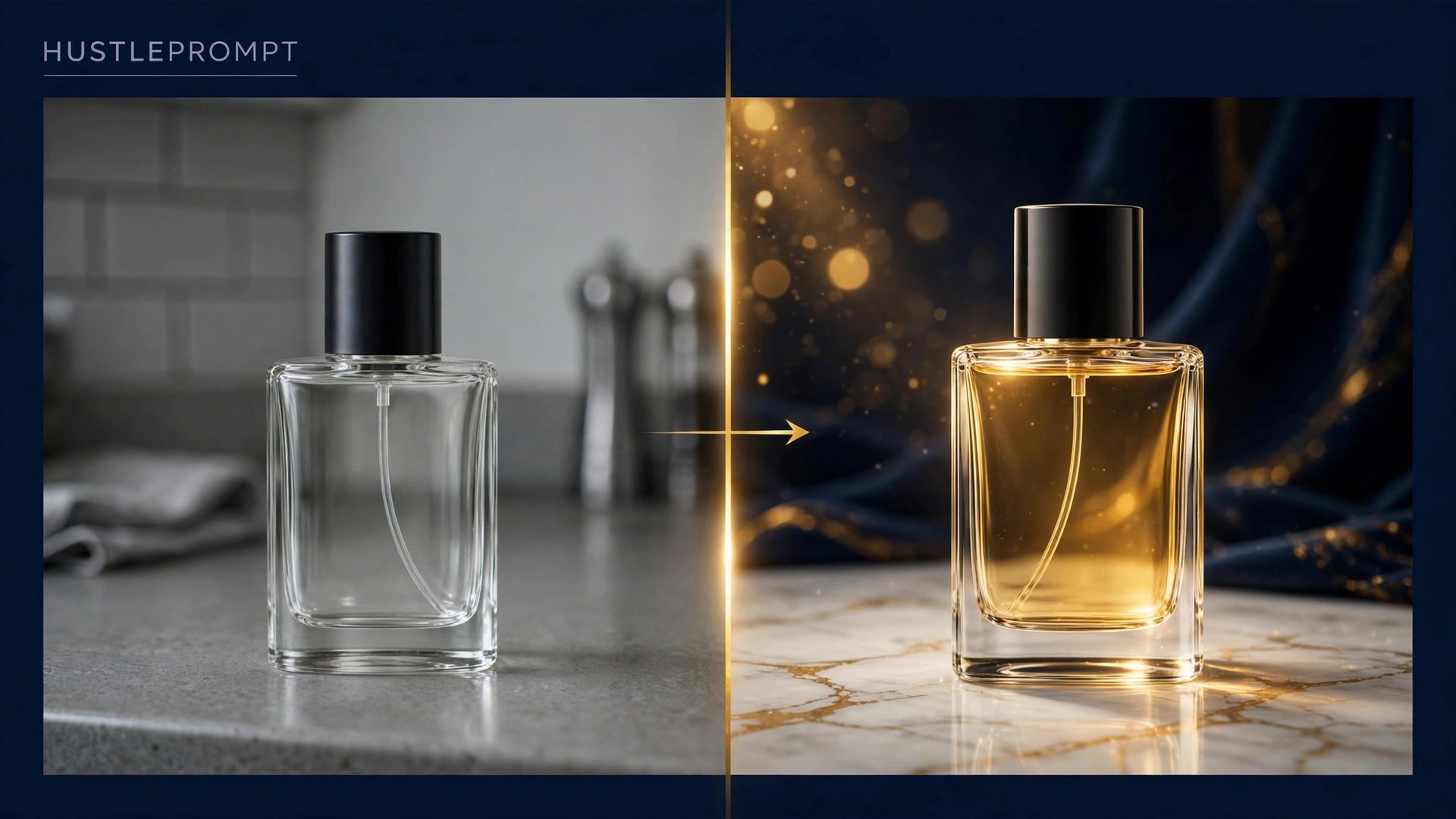
- Redo 3 of their photos for free. Take their actual product images and regenerate them with your toolkit. Send the before-and-after by email with one sentence: “I refreshed 3 of your product photos — want the full catalog done this week?”
- Close on the Starter package. The free sample does the selling. Offer the first month at Starter price, then upsell the retainer once they see the conversion lift.
Your Service Workflow
Every order runs through the same pipeline. Keep it boring and repeatable — that’s what makes it scalable.
One operator can run 30+ delivery slots per week on this pipeline.
AI vs. Traditional: The Cost Gap You’re Selling
Make this comparison part of every proposal. It reframes your price as a bargain, not an expense:
| Cost Item | Traditional Shoot | Your AI Service |
|---|---|---|
| Per basic image | $25–$75 | $0.08–$1.00 tool cost |
| Per lifestyle image | $100–$500+ | $0.08–$1.00 tool cost |
| Full-day studio rate | $1,500–$5,000 | $0 (your desk) |
| Turnaround | 1–3 weeks | 24–48 hours |
Traditional benchmarks: RemoveClothing’s cost calculator (rates verified July 2026) and PHLEARN’s 2026 photography rates. AI per-image costs derived from the tool plans above at full monthly use.
FAQ
Do I need a camera or studio to start?
No. Your clients supply the source photos (or you shoot them with a phone). The AI tools handle backgrounds, lighting, and staging. A clean source photo and a good eye for the final check matter more than gear.
Which tool should I pick first?
Photoroom if you want fast background removal and batch work; Flair.ai if you want styled lifestyle scenes with a drag-and-drop canvas; Pebblely if you want the simplest one-click themes. Master one, then add a second for clients with different needs.
Can clients tell the images are AI-generated?
Good ones can’t — and shouldn’t need to. The product itself is preserved from their real photo; only the scene changes. Always review every image against the physical product before delivery, and never alter what the product actually looks like.
How much can I realistically earn per month?
At Starter ($99) and Growth ($249) packages, 10 active clients land you around $1,500–$2,500/month with a few hours of work per client per month. Retainer clients at $499/mo are where it compounds — 5 retainers is $2,495/month of recurring revenue.
What about commercial usage rights?
Check your tool’s license before selling. Flair.ai, for example, lists a Company Commercial License on its Pro+ and Scale tiers. Free plans often exclude commercial use — one more reason to work on a paid tier.
What products are hardest for AI?
Reflective jewelry, transparent glass, fine print on packaging, and sheer fabrics. Test your 10 hardest products first. For regulated categories (supplements, medical devices), keep real photos for the main listing image and use AI for lifestyle variants.
How do I handle revisions?
Include 2 revision rounds in every package and price extra rounds at $25 each. Most revision requests are scene swaps, not product fixes — regenerating a scene takes minutes, so revisions are cheap for you and feel generous to the client.