
Here is a pricing gap you can build a business inside. A professional headshot session averages $304 in the US, per Thumbtack data — and most photographers need one to two weeks to deliver. An AI headshots service delivers studio-quality portraits the same day, at under $1 of production cost per image.
This guide shows you how to sell that service: the verified 2026 tool stack, a phone-shoot workflow, three profitable service tiers, and where to find your first paying clients this week.
Video: How to Generate Realistic AI Studio Photos | Free AI Tutorial — a free step-by-step tutorial on turning a simple photo into realistic AI studio portraits and headshots.
Why the AI headshot market is hot in 2026
Demand is not speculation. Meanwhile, only about 30% of LinkedIn users have what counts as a professional headshot — most of your future clients use a blurry selfie as their digital handshake.
The numbers behind the opportunity
- $304 — US average for a headshot session, typical range $216–$427, per Thumbtack’s national estimate, via Magic Hour (checked September 2026). Premium studio sessions in major metros run $500–$1,200.
- 21x more profile views and 36x more messages for LinkedIn profiles with professional photos (LinkedIn data), via Narkis AI.
- 65% of job seekers already use AI in their application process, with headshot generation among the top uses (Career Group Opportunities, 2025), via Narkis AI.
Realtors, consultants, coaches, job seekers, and small teams all face the same friction — $300 and two weeks — and you remove it.
The tool stack: real tools, real 2026 pricing
You need one generator and one retouching app. Prices below come from independent 2026 reviews that checked official pricing pages — confirm before you buy.
| Tool | Best for | Price (2026) | What you get |
|---|---|---|---|
| HeadshotPro | Volume and teams | $29 / $39 / $59 one-time | 40–70 headshots; $39 Professional tier: 50 headshots, edit credits, free redo; money-back guarantee |
| Aragon AI | Realism | $35 / $45 / $75 one-time | 40–100 headshots in 45 to 15 minutes; SOC 2 Type II; needs only ~6 source selfies |
| BetterPic | 4K quality + human edits | $35–$79 one-time | 4K output on every tier; human editor review available; $8 per extra human edit |
| Remini | Quick retouch add-on | $4.99/week | Polishes and enhances photos on your phone; not a trained-model generator, but great for final polish |
Sources: Dev.to and Magic Studio (Oct 2026), BetterPic and Photo AI Studio (2026) — each checked against official pricing. Note: one source lists Aragon Basic at 20 headshots; the two most recent list 40 — confirm at checkout.
Start with HeadshotPro: the $39 tier fits inside one client’s fee, and the free redo protects you when a batch comes back wrong.
Step 1: Get perfect input photos from a phone
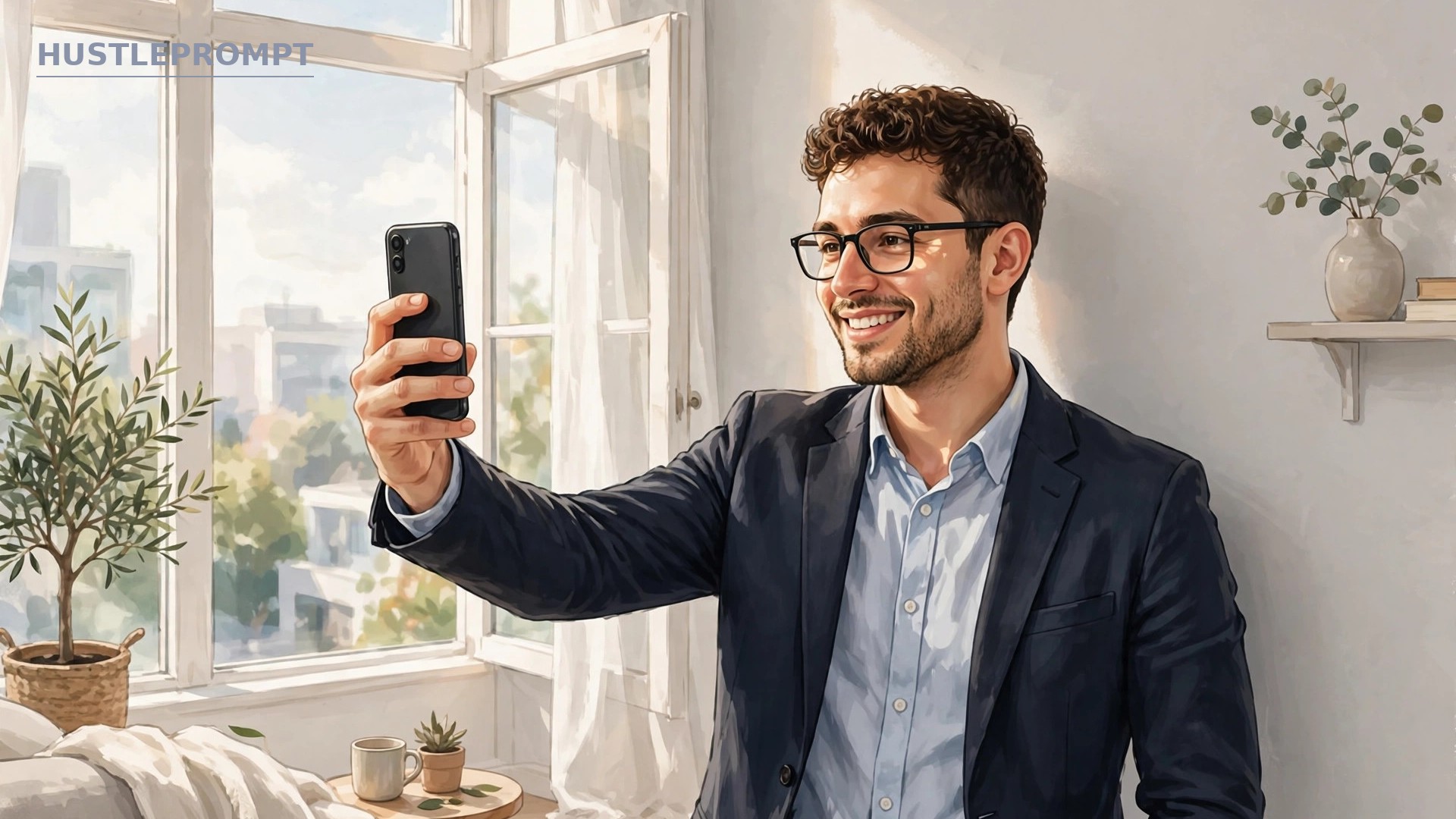
The AI only knows your client’s face from the selfies they upload — bad inputs produce strangers. Coach every client through a 10-minute phone shoot.
The phone-shoot playbook
Send this checklist before clients upload anything.
- Light first: soft window light on the face — overcast daylight is ideal.
- Plain background: a blank wall. Clutter confuses the AI.
- Eye-level camera: prop the phone at eye level. No low angles or mirror selfies.
- 10–20 photos: mix angles, expressions, and outfits — one smile, one neutral, one blazer shot.
- No filters, sunglasses, or hats.
Record yourself doing it once in a 60-second video and reuse it for every client.
Step 2: Generate, cull, and retouch
Run the same production line for every client.
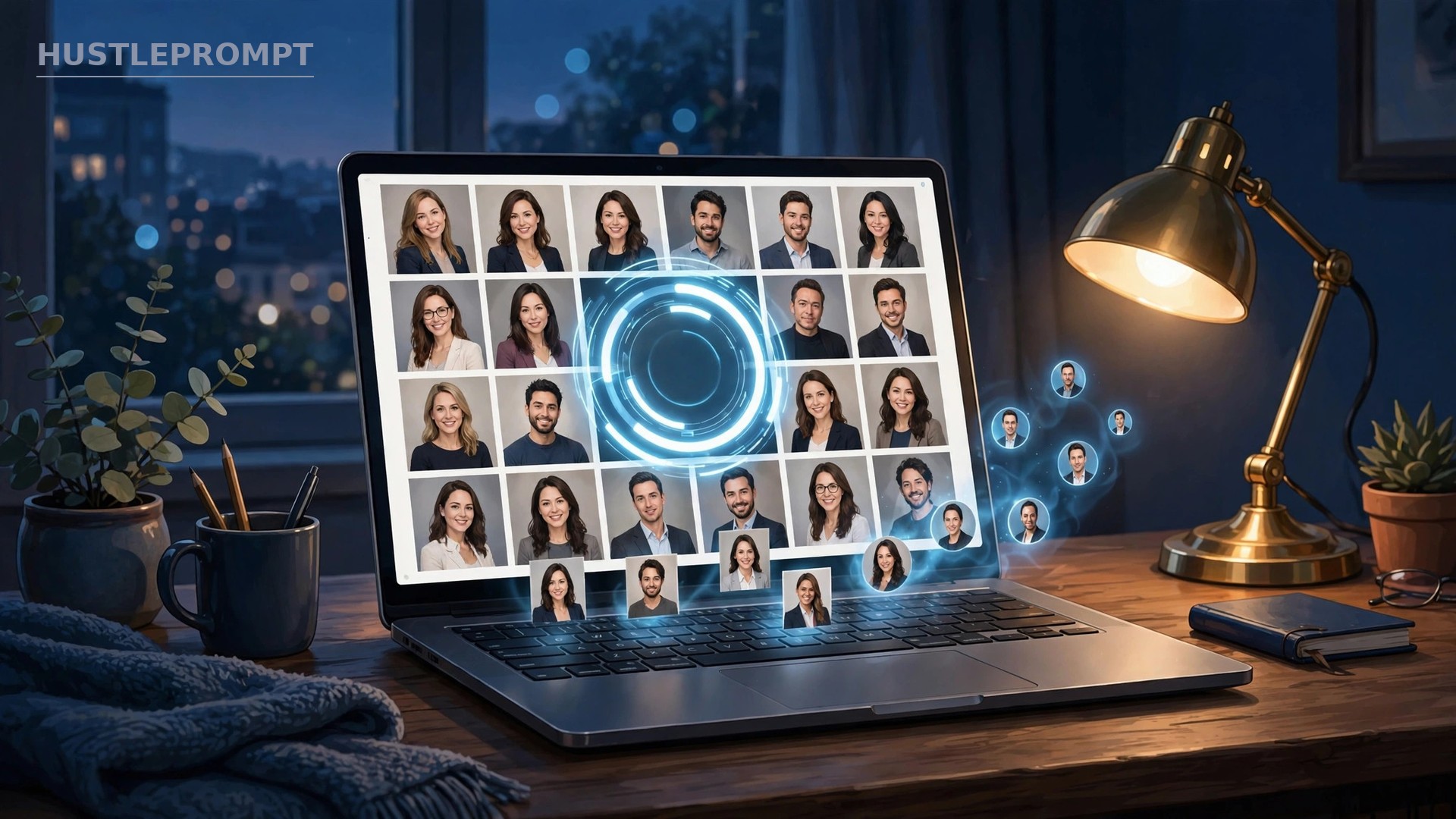
Run the generation
- Create one order per client — never mix clients in one batch.
- Upload their approved photos; pick 2–3 backgrounds and outfits that match their industry.
- Generate and wait: 15 minutes to 2 hours. Use the window to draft the delivery email.
Cull like an editor
Culling means keeping the winners and deleting the rest. Reject warped features, plastic skin, or faces that drifted from the client’s real look — a tight shortlist of 15–25 beats a 200-photo dump.
Apply light retouching only
Remove a stray blemish, even out lighting, sharpen the eyes — then stop. Over-smoothing is what makes AI headshots look fake. A quick Remini pass on your phone covers most finals.
Step 3: Package it into three service tiers
Sell packages, not favors — clear deliverables raise prices and kill scope creep:
- $49 — LinkedIn Refresh: 5 finals, 1 background style, 48-hour delivery, one revision round. The entry offer for job seekers.
- $99 — Professional (most popular): 15 finals across 3 backgrounds and outfits, 24-hour delivery, two revision rounds, plus LinkedIn banner and platform-sized crops.
- $149 — Executive: 30 finals in 4K, all styles, same-day rush, a 15-minute photo coaching call, one free re-shoot.
One generation costs $35–$39 plus about an hour of your time. The $99 tier leaves roughly $60 of gross margin per client.
Step 4: Find your first paying clients
You do not need ads. Show up where professionals already complain about photos.
Local Facebook groups
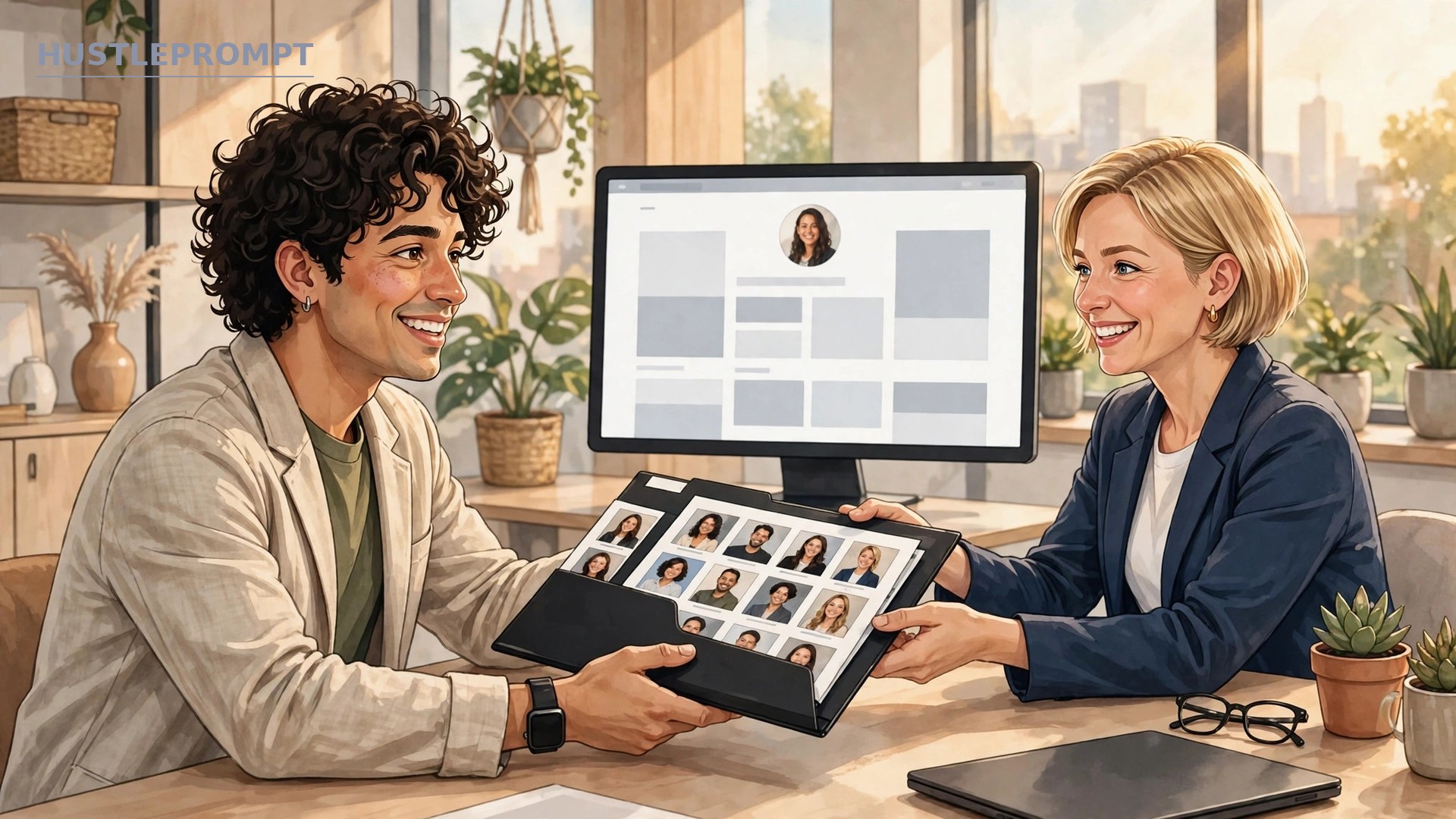
Join local business, realtor, and job-seeker groups, and post a before/after pair with a simple caption: “I turn phone selfies into professional headshots in 24 hours — $49 for the first 5 people.”
LinkedIn outreach
Find people in your city with blurry profile photos and send a short DM: one line on what you do, one before/after image, one clear price. Ten targeted DMs a day beats a hundred generic ones.
Realtor and team partnerships
Offer brokerages a team rate — say $39 per headshot for 5+ people — and the office manager becomes your recurring sales channel. One office can mean 20–40 headshots a quarter.
Your client workflow at a glance
How to profit from AI headshots
- Anchor on the $99 tier. Most buyers pick the middle. At ~$60 gross margin per client, 5 clients a week is roughly $1,200/month as a side income — an estimate, so track your own numbers.
- Upsell what costs you nothing. Rush delivery ($25), extra backgrounds ($15 each), a LinkedIn banner pack ($19), and annual “refresh” sessions turn one $99 client into a $150+ client.
- Go recurring with teams. One realtor office or startup staff page beats ten one-offs. Offer quarterly refreshes at the team rate and put them on a simple schedule.
- Reinvest in samples, not ads. Post two before/after transformations a week and the pipeline feeds itself.
FAQ
Is it legal to sell AI-generated headshots?
Yes — these tools grant commercial ownership, though exact terms vary by tier, so read the license at checkout. Tell clients the portraits are AI-generated; most simply do not care how they were made.
Do I need photography or editing skills?
No. The AI handles lighting, backgrounds, and wardrobe. Your skill is curation: spotting the keepers, rejecting the failures, and coaching clients on input photos. That is a checklist skill, not a talent.
What if the results don’t look like the client?
Usually from bad input photos. Reshoot the inputs and regenerate — HeadshotPro’s $39 tier includes a free redo. If the batch still fails, use the money-back guarantee and refund the client.
How fast can I deliver?
Generation takes 15 minutes to 2 hours. Promise 24–48 hours and you will look fast — photographers need 1–2 weeks. Same-day delivery is your premium upsell, not your default.
What should I charge starting out?
Start at $49 for your first five clients to collect reviews, then move to $99/$149. Never price below tool cost plus an hour of your time — $49 with a $39 generation cost leaves almost nothing, so treat it as a launch offer.
Will clients accept AI headshots, or is there stigma?
Acceptance is high and rising: 65% of job seekers already use AI in their applications. The clients who insist on a traditional photographer were never your market — let them pay $304.
Who owns the final photos?
Your client does, once delivered — the tools grant commercial ownership to the account holder, which transfers to the buyer. Keep copies only with written permission.