
What if your AI agent showed up to work with its own login, its own inbox, and a memory of everything it learned last week? On October 15, 2026, Microsoft announced Copilot Studio agent accounts — plus shared business process memory and automated triggers — turning Copilot Studio agents from personal chat assistants into persistent, organization-owned digital teammates.
For years, enterprise automation has been tethered to borrowed user accounts, unaudited service principals, or chat sessions that forget everything when a tab closes. Here is what Microsoft’s answer includes — and how freelancers and consultants can turn it into revenue.
What Microsoft announced
The announcement, published on the official Microsoft Copilot Blog on October 15, 2026, introduces three capabilities that extend Copilot Studio as the platform for building persistent, proactive agents in the flow of work:
These features are rolling out now through Microsoft’s Frontier early-access program, with more capabilities arriving soon. Underneath sits the GitHub Copilot harness, delivering deep reasoning, iterative execution, and cross-organizational skills.
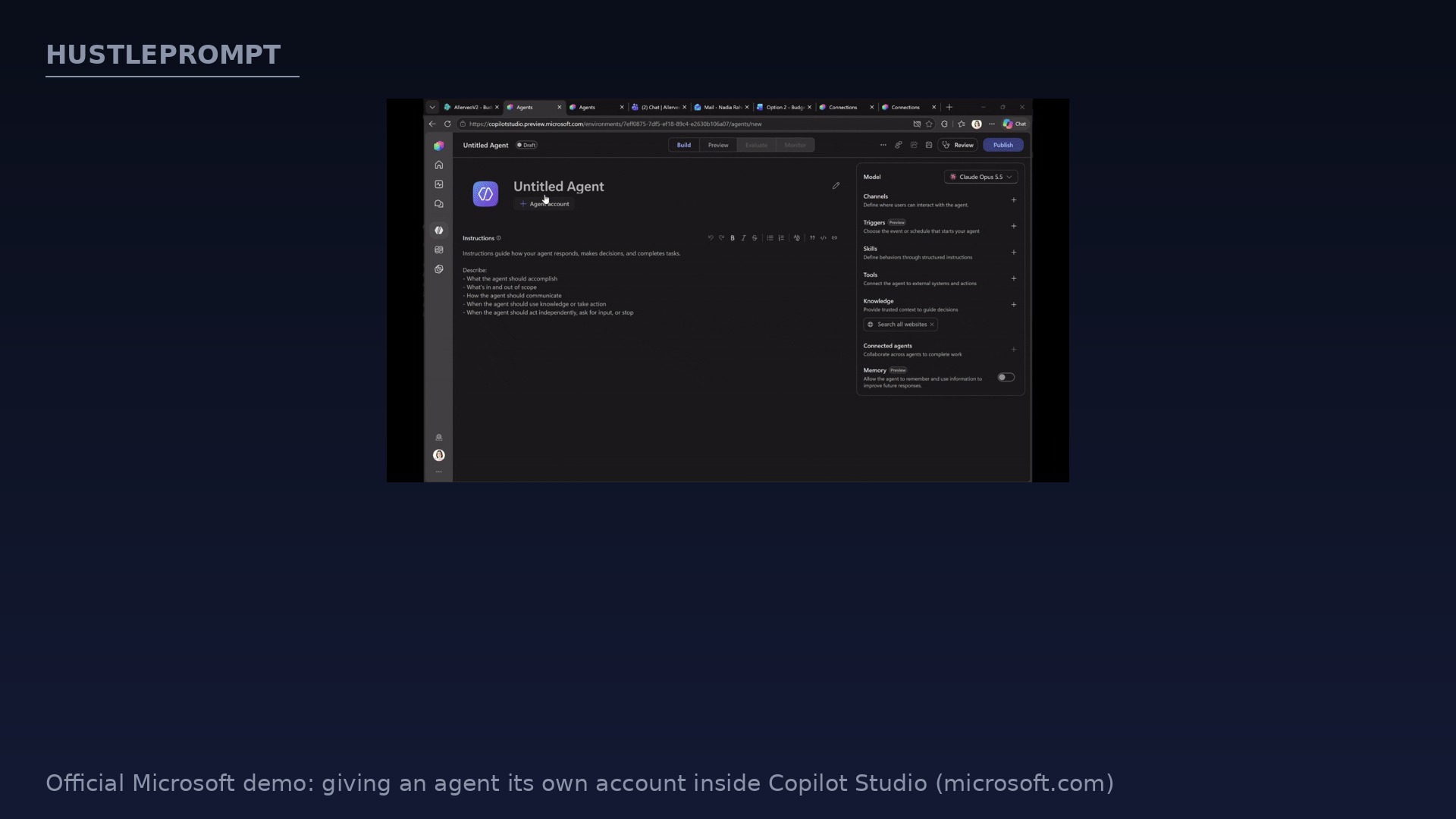
Agent accounts: an identity for every agent
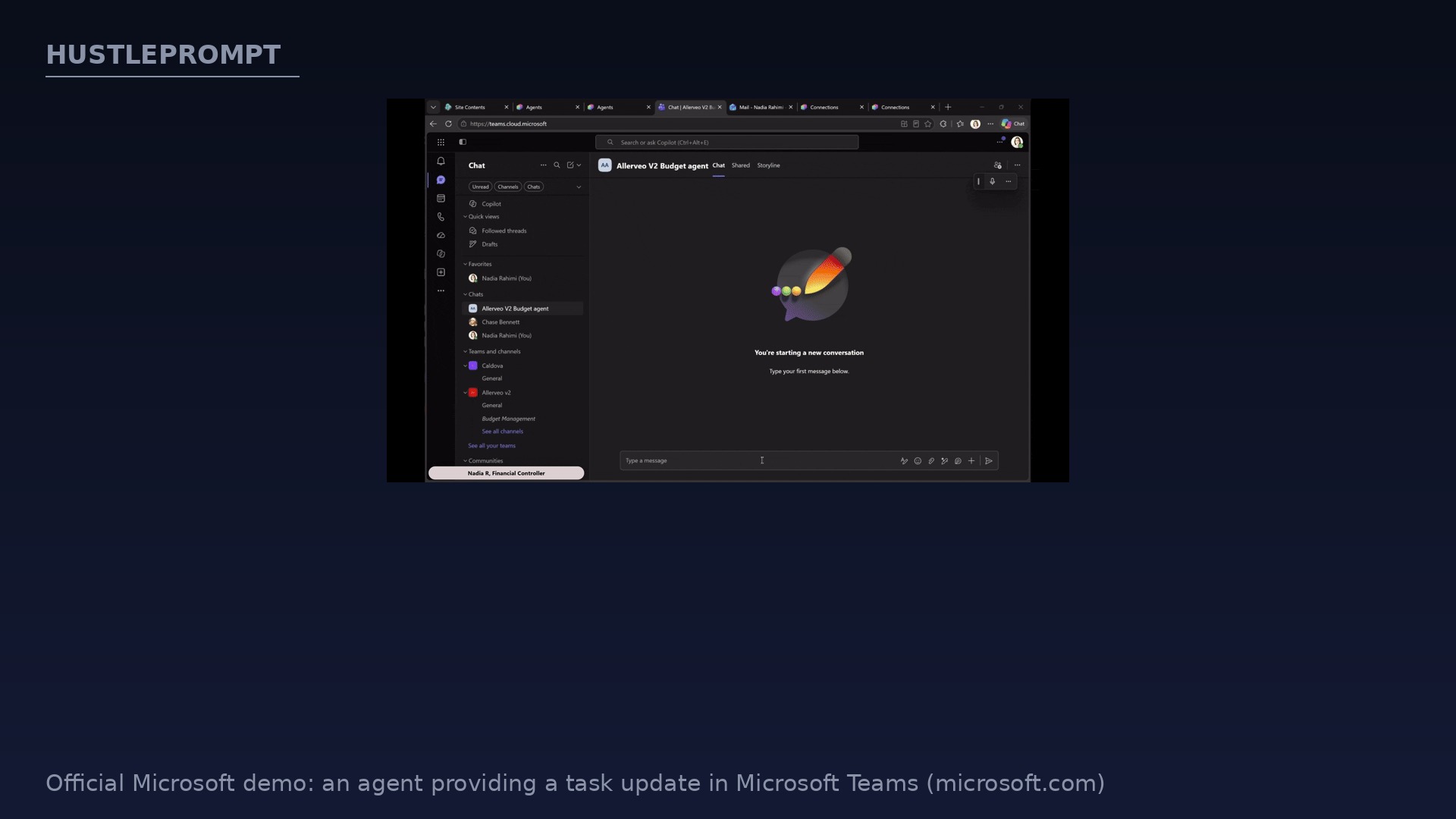
Agent accounts let agents work in Microsoft 365 with their own credentials, similar to how any person would. People can invoke the agent in Microsoft Teams and Outlook to ask questions, assign work, or contribute updates — without a separate agent chat for every task.
In practice: agents can be @mentioned in Word, Excel, and PowerPoint comments. Teams delegate via Teams or email while the agent keeps working with its own credentials and scoped permissions.
Admins get controls to scope access and manage lifecycle, with more access, quality, and cost controls planned. Process owners can finally see which actions were taken by agents and which by people.
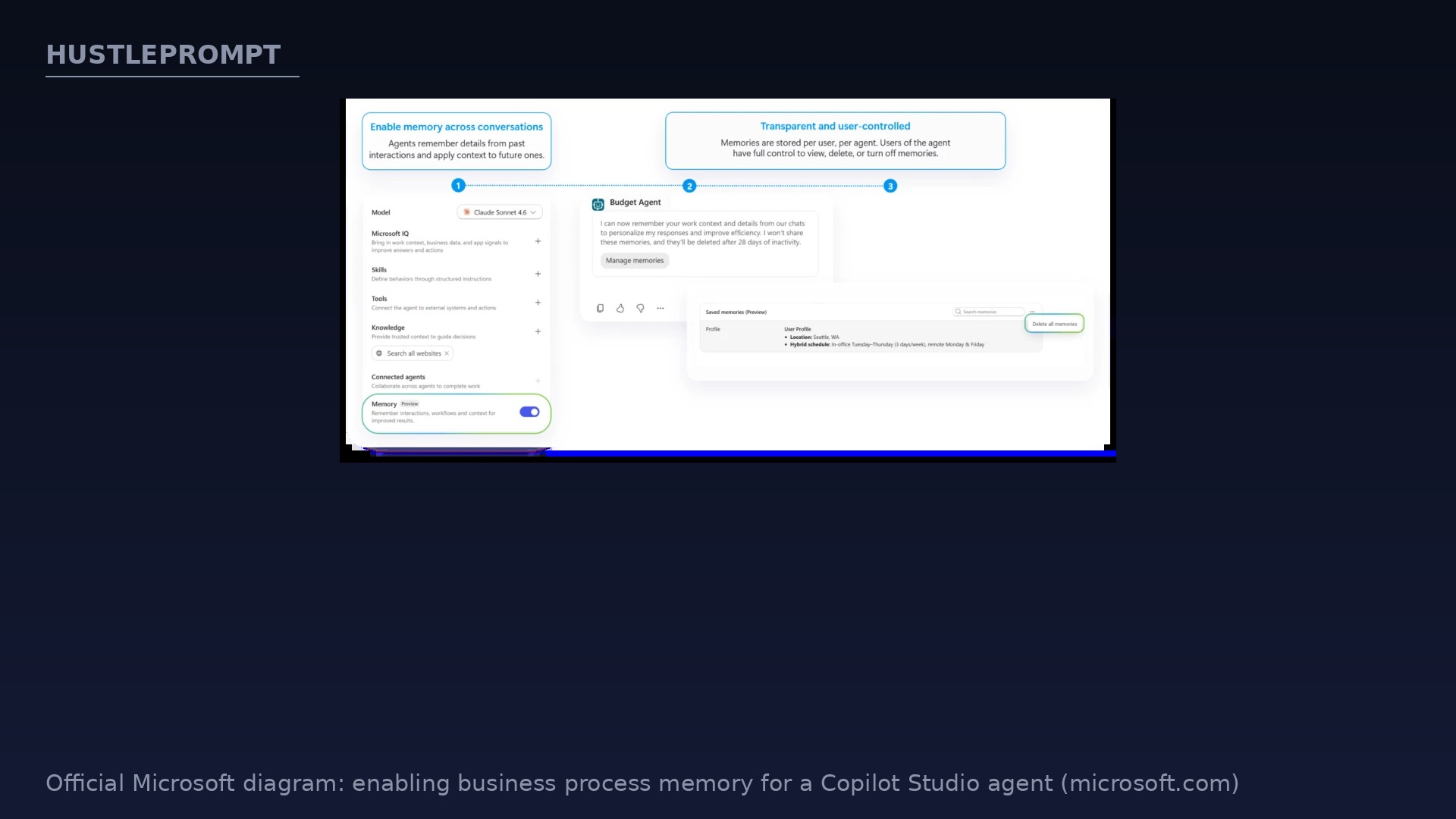
Business process memory: the agent that remembers
Recurring business processes rely on a continuous learning loop. Business process memory lets the agents running these processes carry forward users’ preferences and business-process context into each new cycle. Any idiosyncrasy of the process that one person raises to the agent becomes a shared resource everyone else benefits from.
Microsoft Learn confirms the mechanics: with Memory on, agents recall details from previous interactions and apply learned patterns to future ones. It is a controlled, agent-level capability — makers decide whether an agent uses it and designate which business records and policies are authoritative.
The money angle: memory cuts what people must restate — for a weekly process, that compounds into hours saved within a quarter.
Triggers and a real production example
Microsoft also announced triggers in the GitHub Copilot harness: an external signal (like an email) or a set cadence starts an agent’s cycle with no prompt required, so agents proactively run shared processes.
Microsoft’s example: a budget management agent that each Tuesday gathers planning records, compares forecasts with submitted explanations, and asks budget owners to clarify changes — carrying context forward while finance retains spending authority.
At Ooredoo Qatar, an executive business-case review agent in Copilot Studio already works across Outlook, Teams, and Word — reviewing proposals, applying company policy, and preparing decision-ready briefs.
How to profit: the consultant’s opening
A new enterprise primitive creates a services market. Where to position yourself:
- Sell Frontier readiness assessments: evaluate a company’s eligibility, tenant requirements, and which processes to pilot first.
- Design business process memory: audit processes and write the memory guidance — recurring work as processes evolve.
- Build trigger-based workflows: productize “always-on” agents for invoicing, reporting, review cycles, and intake.
- Own the governance story: design access policies and review attribution logs for agent accounts as rollouts scale.
Microsoft’s own advice is the pitch: start with one shared business process — one that recurs, has clear decision points, and currently relies on a few people remembering how it works.
Before vs after: agent accounts
Frequently asked questions
What are Copilot Studio agent accounts?
They give Copilot Studio agents their own credentials inside Microsoft 365. Agents can be invoked in Teams and Outlook, @mentioned in Word, Excel, and PowerPoint comments, and use their own scoped permissions.
What is business process memory?
Agents carry forward user preferences and process context into each new cycle. Per Microsoft Learn, makers turn it on and designate authoritative records.
How do triggers work?
An email or set cadence starts the agent’s cycle with no prompt required, so agents proactively run shared processes.
When can I use these features?
Rolling out now through Microsoft’s Frontier early-access program — including agent refinements and a future browser-enabled cloud computer.
Is any company using this in production?
Microsoft cites Ooredoo Qatar, where an executive business-case review agent works across Outlook, Teams, and Word — reviewing proposals, applying policy, and preparing decision-ready briefs.
How can consultants make money from this?
Four openings: Frontier readiness assessments, business process memory design, building trigger-based “always-on” workflows, and governance consulting around agent accounts, scoped permissions, and audit. Start clients with one recurring shared process.
Keep Reading
Official sources: Microsoft Copilot Blog: Delegate shared business processes to agents that are more persistent and proactive and Microsoft Learn: Memory (preview) in Microsoft Copilot Studio. All capability details are from these official Microsoft pages. No official Microsoft YouTube video matching this specific story was found, so none is embedded.