
Your campaign worked. Customers replied. And then nobody answered them.
That gap is exactly what EngageLab Agent Email targets. Announced by Aurora Mobile on October 23, 2026, it is infrastructure that lets AI agents receive, understand, and answer inbound customer email at scale.
Most email tools stop at the send button. This one starts after it.
What EngageLab Agent Email Actually Does
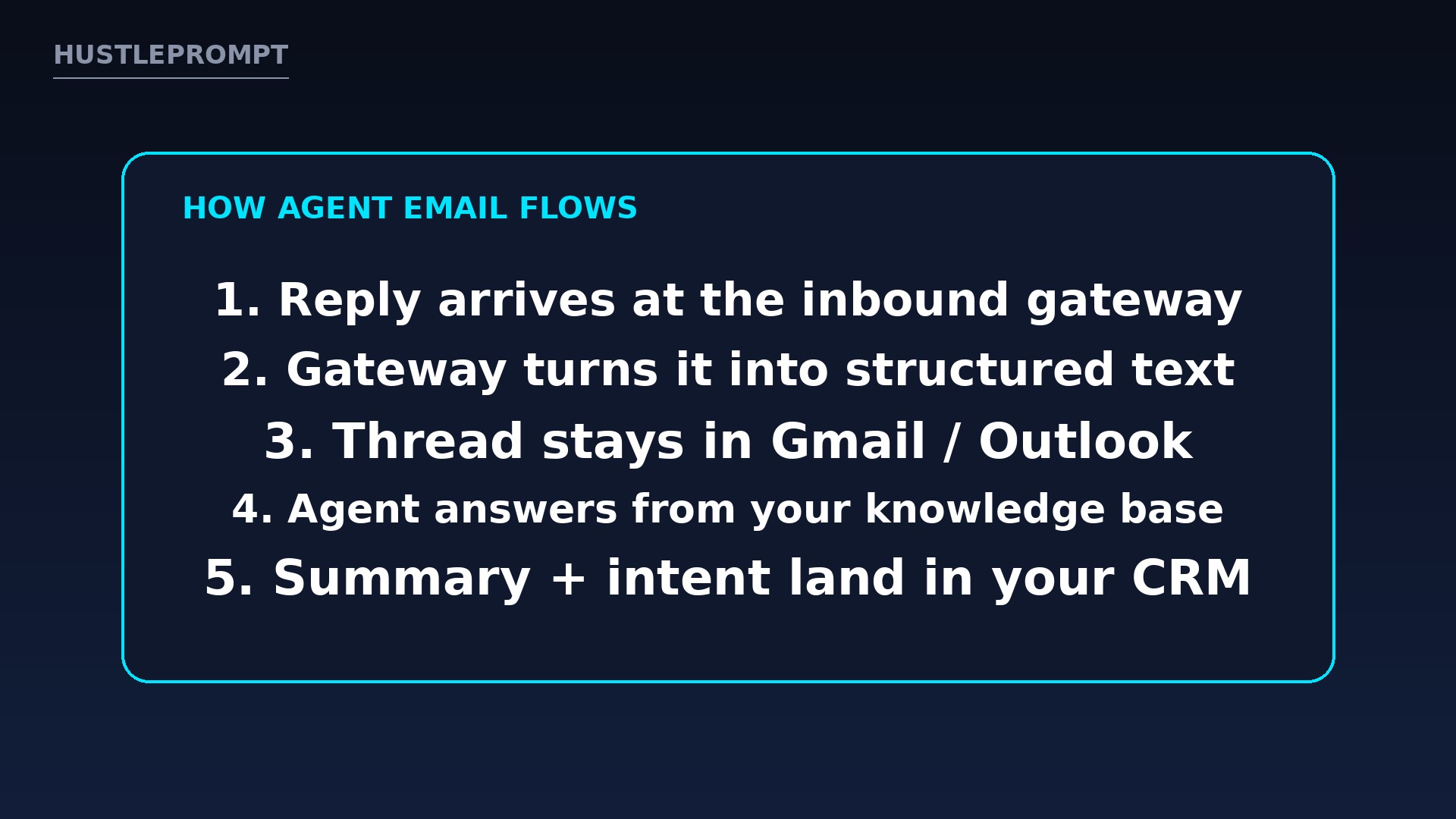
Agent Email gives AI agents a working inbox. When a customer replies to a campaign or an automated message, an inbound gateway captures the reply and converts it into structured text an agent can read.
The conversation stays threaded. Standard Message-ID, In-Reply-To, and References headers keep every reply folded into the original thread in Gmail and Outlook, so customers never see a broken, out-of-context exchange.
Agents then answer from the company’s own private knowledge base. They also push a structured summary and an intent signal into the CRM, so the business keeps a clean record of what each customer actually wanted.
The Evidence: What Aurora Mobile Announced
| Feature | What Aurora Mobile says it does |
|---|---|
| Inbound gateway | Captures replies and converts them into structured text agents can read |
| Threading | Message-ID, In-Reply-To, and References headers keep Gmail and Outlook threads intact |
| Answer grounding | Agents answer from the company’s private knowledge base, not generic web text |
| CRM output | Structured summaries and qualified intent signals written back into the CRM |
| Sending options | High-reputation shared sending domain or a custom domain, with an upgrade path |
| Developer tools | Natively compatible with Codex, Cursor, Claude Code, OpenClaw, and Hermes |
| Availability | Available now to enterprise customers, per the October 23, 2026 announcement |
That last row matters: this is a company announcement, so read its claims as company claims until independent customers publish results.
Aurora Mobile’s chairman and CEO, Weidong Luo, framed it this way: “Email value does not end at the send button. Our goal is to make sure every customer reply is understood and answered, turning one-way campaigns into conversations that actually move revenue.”
The Agent Email Reply Loop
A customer answers a welcome, renewal, cart-recovery, or campaign email.
The inbound gateway converts the reply into text an agent can process.
Standard headers keep the exchange inside the original Gmail or Outlook thread.
The agent replies using the company’s private knowledge base.
A summary and an intent signal are written back, ready for sales or support.
How It Works, Step by Step
- Connect the flow. Point the email flow at Agent Email so replies route through the inbound gateway instead of sitting in a shared inbox.
- Ground the agent. Load the knowledge base the agent may use: help docs, policies, pricing pages, and product notes.
- Define the handoff. Decide which intents the agent handles alone and which ones escalate to a human, such as refunds, cancellations, or legal complaints.
- Let it reply in-thread. Answers go back inside the original conversation, preserving context for the customer and the team.
- Read the CRM signals. Use the summaries and intent tags to prioritize follow-ups, spot buying signals, and find broken help content.
How Freelancers and Small Businesses Can Profit
The money angle is the unanswered inbox this fixes.
Many small businesses run email campaigns and then lose the replies. A freelancer can package this as a managed service with three clear parts.
- Audit the reply gap. Show the client how many replies currently wait days for an answer, or never get one at all.
- Build the reply playbook. Write the approved answers, the escalation rules, and the knowledge base the agent must use.
- Run it as a retainer. Charge monthly to maintain the knowledge base, review escalations, and report on intent signals from the CRM.
For creators, the same setup protects launches: fast, accurate answers to welcome, cart-recovery, and renewal replies can turn a refund request into a kept sale.
What to Watch Before You Buy
First, availability is enterprise-first. The announcement says Agent Email is available now to enterprise customers, so smaller teams should expect a sales conversation, not a self-serve signup.
Second, the shared sending domain is a shortcut, not a strategy. It helps teams without DNS, SPF, DKIM, or DMARC resources start fast, but brands with real volume should still plan the move to a custom domain.
Third, grounding is only as good as the knowledge base. Outdated help docs will produce confident, wrong answers at scale, so human review of escalations is not optional.
Frequently Asked Questions
What is EngageLab Agent Email?
AI-powered infrastructure from Aurora Mobile’s EngageLab platform that lets AI agents receive, understand, and answer inbound customer email at scale.
How does it keep conversations threaded?
It uses the standard Message-ID, In-Reply-To, and References email headers, so replies stay folded into the original conversation in Gmail and Outlook.
Where do the agent’s answers come from?
From the company’s private knowledge base. The agent also writes a summary and an intent signal back into the CRM.
What are the named launch use cases?
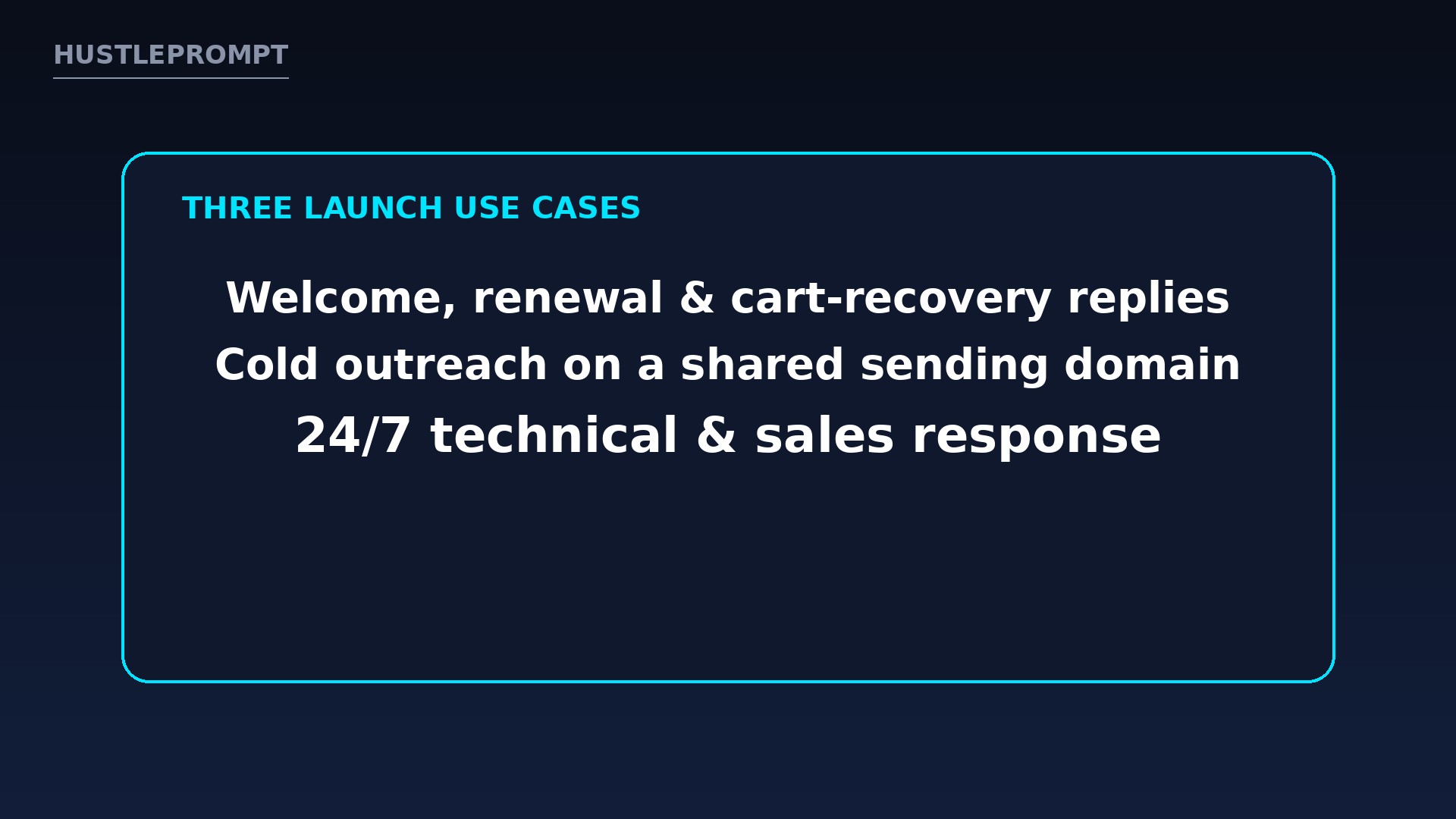
Welcome, renewal, and cart-recovery replies; cold-start outreach on the shared domain; and round-the-clock technical and sales response.
Can small teams use the shared sending domain?
Yes, per the announcement. The shared domain is aimed at teams without DNS, SPF, DKIM, or DMARC resources, with an upgrade path to a custom domain.
Is Agent Email available to everyone today?
No. The announcement states it is available now to enterprise customers, with access via EngageLab.
Keep Reading
Sources
- Aurora Mobile press release: EngageLab Brings AI Beyond the Send Button with Agent Email (GlobeNewswire, October 23, 2026)
- Aurora Mobile investor relations
All product claims in this article come from Aurora Mobile’s own announcement. Independent performance results were not available at publication time.