
Sell AI Amazon Listing Services to E-Commerce Sellers
Most Amazon sellers lose sales to a listing problem they cannot see. The title is too long for mobile, the backend keywords overflow Amazon’s limit, and the bullets read like a spec sheet instead of an answer to a buyer’s question. That gap is why AI Amazon listing optimization is a service sellers will pay for: you fix the words that decide whether a shopper clicks, in hours, not weeks.
An Amazon listing is the product page a shopper lands on: title, five bullets, description, images, and hidden backend search terms. When any field is weak, Amazon shows the product less often, and shoppers who arrive leave faster.
This tutorial covers the workflow, tools, pricing, and rules you must never break.
What the Service Actually Delivers
You are not selling “AI magic.” You are selling a finished, compliant listing package: rewritten title, five benefit-led bullets, refreshed description or A+ brief, backend keyword set, and an image brief for the seller’s designer.
Your client keeps control. You deliver copy in a document, the seller approves it, and the seller publishes it in Seller Central. You never need their Amazon login.
Small sellers with one to twenty products are the sweet spot: they know their product, not Amazon’s copy rules, and cannot justify an agency retainer.
The Rules You Must Build Around
Amazon enforces hard limits on every listing field; always check the client’s category style guide first.
Evidence: Amazon’s listing field limits in 2026
Amazon tightened title rules during 2026. Most categories cap titles at 75 characters, mobile shows roughly the first 60, and backend terms are measured in bytes — over the limit is ignored.
| Field | Limit | Service implication |
|---|---|---|
| Product title (most categories) | 75 characters | Brand, type, key attribute first |
| Mobile title display | ~60 characters | First 60 must sell alone |
| Bullet points | 5 bullets, ~255 chars each | Benefit first, feature second |
| Product description | 2,000 characters | Specs, materials, warranty |
| Backend search terms | 249 bytes | Synonyms only; no repeats |
Sources: Title limits 2026; Backend keyword rules; Title/description limits. Verify against the category style guide.
Two more rules shape the work. Keyword stuffing — repeating the same word in a title — can get a listing suppressed from search. And A+ Content, the rich modules replacing a plain description, is only for brands in Amazon Brand Registry, which requires a registered or pending trademark.
The 6-Step AI Listing Workflow
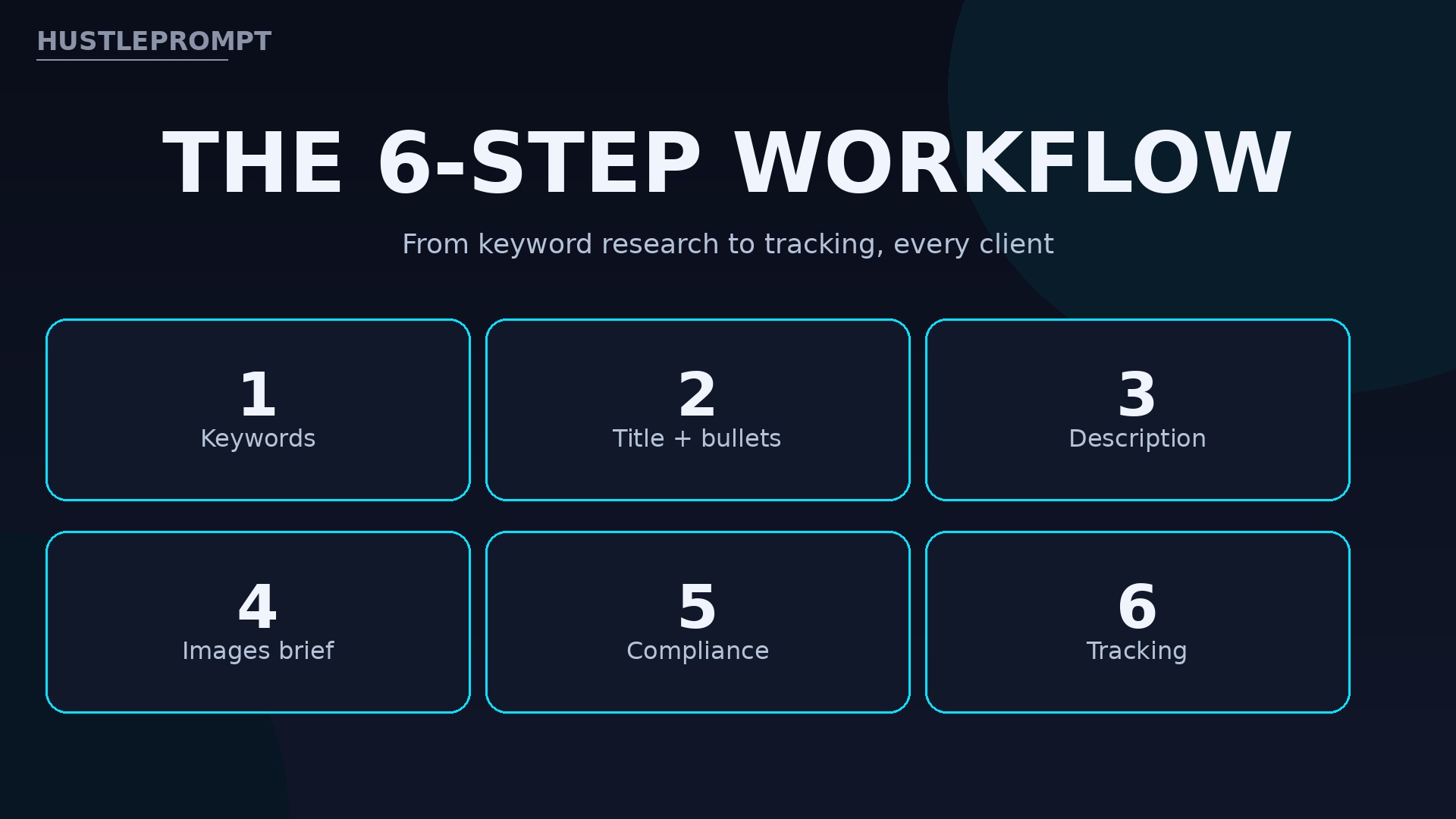
Same six steps, every client.
The workflow
1. Keywords
Seeds, ASINs, volume, relevance.
2. Title + bullets
75-char title, five benefit bullets.
3. Description / A+
Specs plus A+ brief if registered.
4. Images brief
Main image rules, shot list.
5. Compliance
Counts, claims, style guide.
6. Tracking
Baseline, then 2–4 week re-check.
- Keyword research. List what a buyer would type: product type, problem, material, size, use case. Expand it with a tool and competitor listings.
- Title and bullets. Draft the title first. Put brand, product type, and primary keyword in the first 60 characters. Then five bullets, each answering one buyer question, benefit first.
- Description and A+ Content. Plain description with specs, dimensions, and warranty. For Brand Registered clients, add an A+ brief: module order, headlines, image notes.
- Images brief. No design needed. Deliver a shot list: compliant main image, benefit infographics, lifestyle images, size graphics, in display order.
- Compliance check. Count every field against its limit. Remove repeated words, competitor brands, and unproven claims such as “#1.” Match the physical product exactly.
- Tracking. Record the baseline first: sessions and unit session percentage. Re-check after two to four weeks, changing one block at a time.
Keyword Research That Sellers Trust
A keyword is a word or phrase a shopper types into Amazon’s search bar. Your job is finding phrases with real demand that still describe this product honestly.
Pull keywords from three places:
- Amazon search suggestions: type a seed word, note the autocomplete phrases.
- Competitor listings: titles, bullets, and reviews of the top five products in the niche.
- A research tool such as Helium 10 or Jungle Scout, for volume and relevance data.
Then sort ruthlessly. Drop anything that does not describe the product, anything with no buyer intent, and any brand name that is not the client’s.
Use AI to cluster and draft, never to invent. Feed it your verified keywords, specs, and category limits, and ask for three title options and bullet drafts. Then edit every line: check counts, cut fluff, confirm each claim is true.
Tools and What They Cost
Start with free tools plus one paid research subscription. Buy the one producing the keyword data clients pay for; add tools only when volume justifies them.
Evidence: research tool pricing, checked October 2026
Helium 10’s cheapest paid plan is now Platinum; Starter was retired for new subscribers in January 2026. Jungle Scout’s entry plan is the cheaper on-ramp.
| Tool | Entry price | Best for |
|---|---|---|
| Helium 10 Platinum | $129/month, or $99/month billed annually | Keywords, listing builder, tracking |
| Jungle Scout Starter | $49/month, or $29/month billed annually | Research on a budget |
| Amazon search suggestions | Free | Real shopper phrasing |
| ChatGPT / Claude | Free tier available | Drafting from verified inputs |
Sources: Helium 10 pricing, Oct 10 2026; Starter retirement, Jungle Scout pricing. Confirm at checkout before quoting.
Your minimum toolkit: Amazon autocomplete, one research subscription, an AI assistant, and a character and byte counter.
Pricing Your Packages
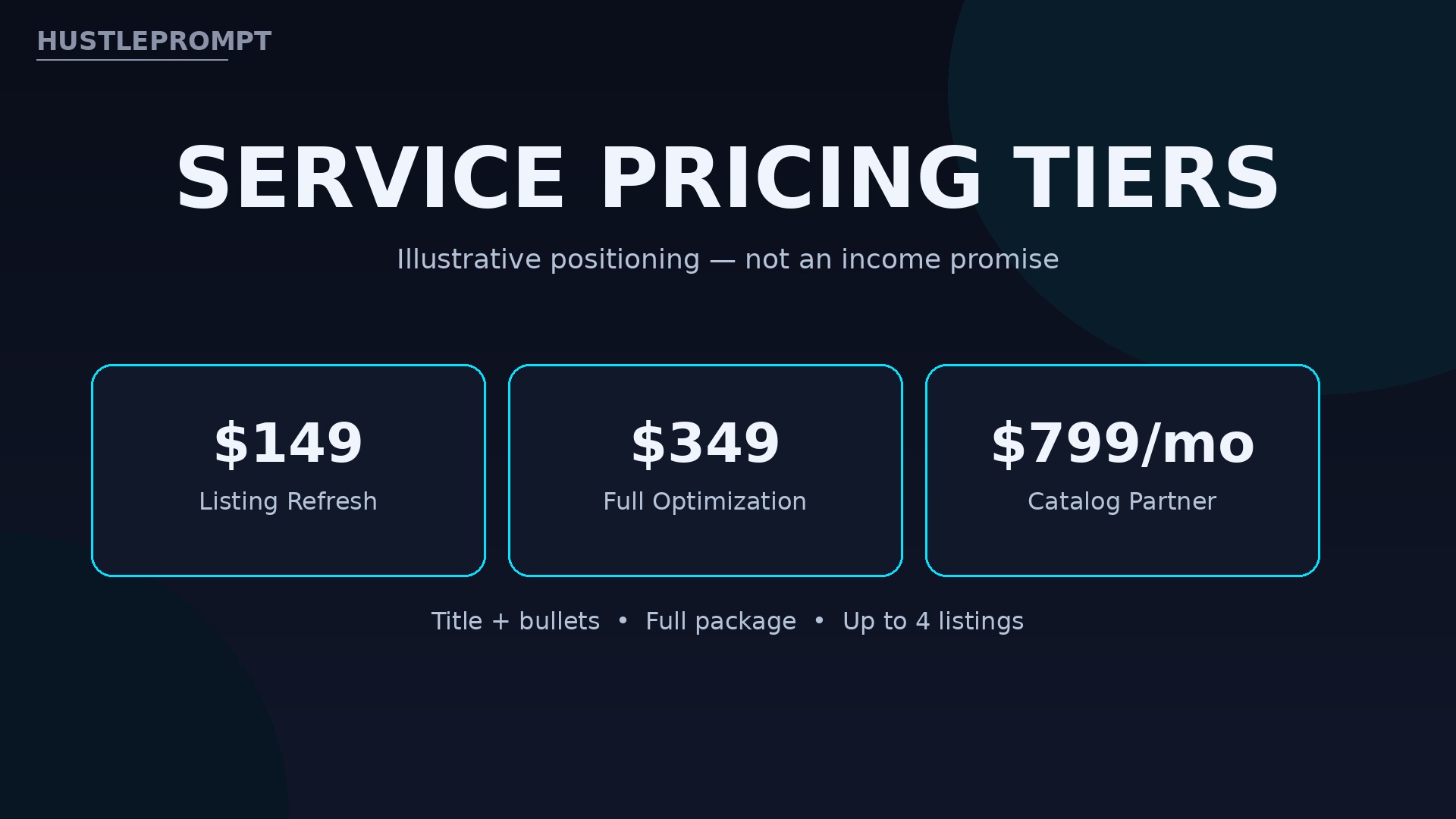
Price per listing, not per hour — it makes your offer easy to buy. The tiers below are illustrative positioning for a new freelancer, not an income promise.
| Package | Price (illustrative) | Includes |
|---|---|---|
| Listing Refresh | $149 | Title, bullets, backend terms, compliance |
| Full Optimization | $349 | Refresh plus description, A+ brief, image brief |
| Catalog Partner | $799/month | Up to 4 listings/month, tracking report |
Do the math before accepting a price. Four Full Optimization packages at $349 is $1,396 in gross revenue. Subtract your tool subscription and taxes, and the remainder is your real margin.
How to Profit: Your First 30 Days
Profit comes from a repeatable offer, not one big client:
- Build two sample rewrites. Two public Amazon listings in different niches, rewritten fully, before and after, in a one-page PDF.
- Offer three free audits. Find sellers in Facebook groups, seller subreddits, or Upwork; offer a one-page audit: three fixes for title, bullets, backend terms.
- Publish your workflow. Post the samples and a short case note on your site or LinkedIn. Sellers hire the person whose process they can see.
- Set weekly capacity. Two listings per week is a realistic start. Raise prices only after five paid deliveries with positive feedback.
- Add tracking as a retainer. After the rewrite, offer a monthly check: rank and conversion review plus one revision round.
Keep delivery time honest. A full optimization takes three to five focused hours once the workflow is set.
Marketplace Rules: The Honesty Line
Amazon’s rules are the line your service must never cross, even if a client asks you to. Breaking them risks the client’s account.
- Never fake reviews. Do not write, buy, or incentivize reviews, or offer “review generation.”
- Never stuff misleading keywords. Every term must honestly describe the product. Irrelevant high-volume keywords are misrepresentation.
- Never claim ranking guarantees. Promise compliant copy and a tracking report. Never promise page one or a sales figure.
- Never use a competitor’s brand name in visible copy or backend terms, and never copy a competitor’s text.
- Never make unproven claims about health, safety, or performance. If the product cannot prove it, do not say it.
Put these rules in your client agreement. Clients who accept them are the clients you want.
Watch: Listing Optimization Explained
Video: Amazon Listing Mastery: 8 Essential Tips to Boost Your Sales! — Marknology’s tutorial walks through titles, bullets, descriptions, search terms, visuals, category, pricing, and fulfillment — the same eight elements this listing-optimization service covers for sellers. (Marknology)
Marknology’s tutorial covers the same eight elements this service uses.
Frequently Asked Questions
Do I need to be an Amazon seller to offer this service?
No. Learn the listing rules and keyword research from public guides and practice rewrites. You never need the client’s login.
How long does one listing optimization take?
Three to five focused hours once your workflow is set: research, drafting, then compliance and formatting.
What if the client is not Brand Registered?
Skip A+ Content and deliver a stronger plain description. A+ requires Brand Registry enrollment.
Can AI write the whole listing?
AI can draft, but it cannot verify. It does not know the style guide, the real specs, or whether a claim is true. Your value is the research, editing, and compliance check.
How do I prove the work helped?
Record sessions and unit session percentage before publication, then re-check after two to four weeks. Report honestly, including flat results.
Should I specialize in one niche?
After your first ten listings, yes. A niche such as home goods lets you reuse keyword knowledge.
Keep Reading
- Sell AI Product Photo Services to Online Sellers
- Sell AI Spreadsheet Cleanup Services to Small Businesses
- Sell AI Cold Email Outreach Services to B2B Companies
Amazon rewards listings that help shoppers decide. Start with one sample rewrite this week and your first free audit.