
Sell AI Spreadsheet Cleanup Services to Small Businesses
Every small business has a spreadsheet it is afraid to open. Customer lists with three spellings of the same name, sales exports full of duplicates, and dates in four different formats. That mess is exactly why AI spreadsheet cleanup services sell: owners know their data is broken, but they do not have the hours to fix it.
You do not need to be a data analyst to offer this service. You need a repeatable process, a careful eye, and AI tools that turn messy rows into clean data.
This tutorial shows you how to package the service, price it, and deliver files a client can import and trust.
Why Small Businesses Pay for Clean Data
Small businesses live inside spreadsheets. They track customers, orders, inventory, and expenses in Excel or Google Sheets because those tools are cheap and familiar.
Over time, those sheets decay. Staff paste in exports, type names by hand, and merge lists without checking for duplicates.
The result is real damage: mailings go to the wrong people, reports double-count sales, and imports fail halfway through. A verified, import-ready file solves a problem owners already know they have.
What the Service Includes
- Diagnosis: a short report listing every problem found, from duplicates to broken dates.
- Deduplication: exact duplicates removed, and near-duplicates flagged for the client to confirm.
- Standardization: one format for dates, phone numbers, states, and categories across the whole sheet.
- Missing-data handling: blanks listed and filled only where the client approves a clear rule.
- Reconciliation: row counts and totals checked before and after, so nothing vanishes silently.
- Delivery files: a clean Excel or CSV file, plus a change log the client can audit.
How AI Cleanup Tools Work
AI spreadsheet tools work in two main ways. Some sit inside Sheets or Excel and generate formulas from plain English.
Others work as chat assistants: describe the mess, paste a small sample, and get the formula or steps to fix it.
Either way, the golden rule never changes. The AI proposes, and you verify. Never accept a cleaned file without checking counts, totals, and a sample of rows by hand.
Evidence: Messy Data Is Expensive
IBM estimated in 2016 that poor-quality data cost the United States $3.1 trillion per year, a figure DocSumo’s 2026 review traced to one writer’s rough extrapolation — treat it as an order-of-magnitude warning, not a precise forecast. Gartner’s widely quoted 2020 figure puts the average cost at $12.9 million per year per organization. Small businesses face smaller numbers, but the direction is the same. Sources: DocSumo: Cost of Bad Data Statistics (2026) and Enricher: The Cost of Incomplete Data.
The 6-Step Spreadsheet Cleanup Workflow
Use the same steps for every order. A repeatable process keeps quality high as you scale from one client to five.
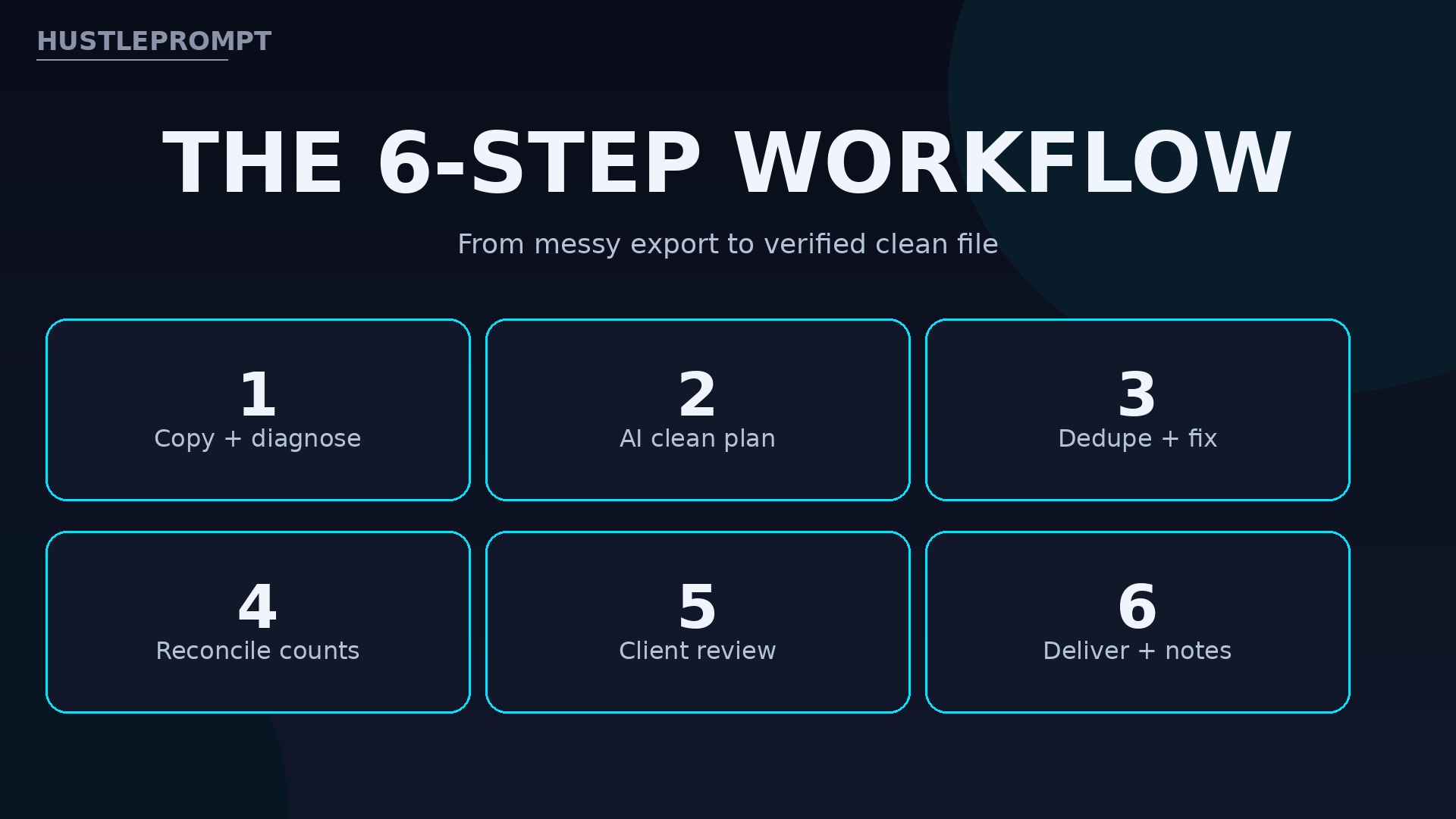
Copy + diagnose
AI clean plan
Dedupe + fix
Reconcile counts
Client review
Files + notes
Step 1: Copy the File and Diagnose the Mess
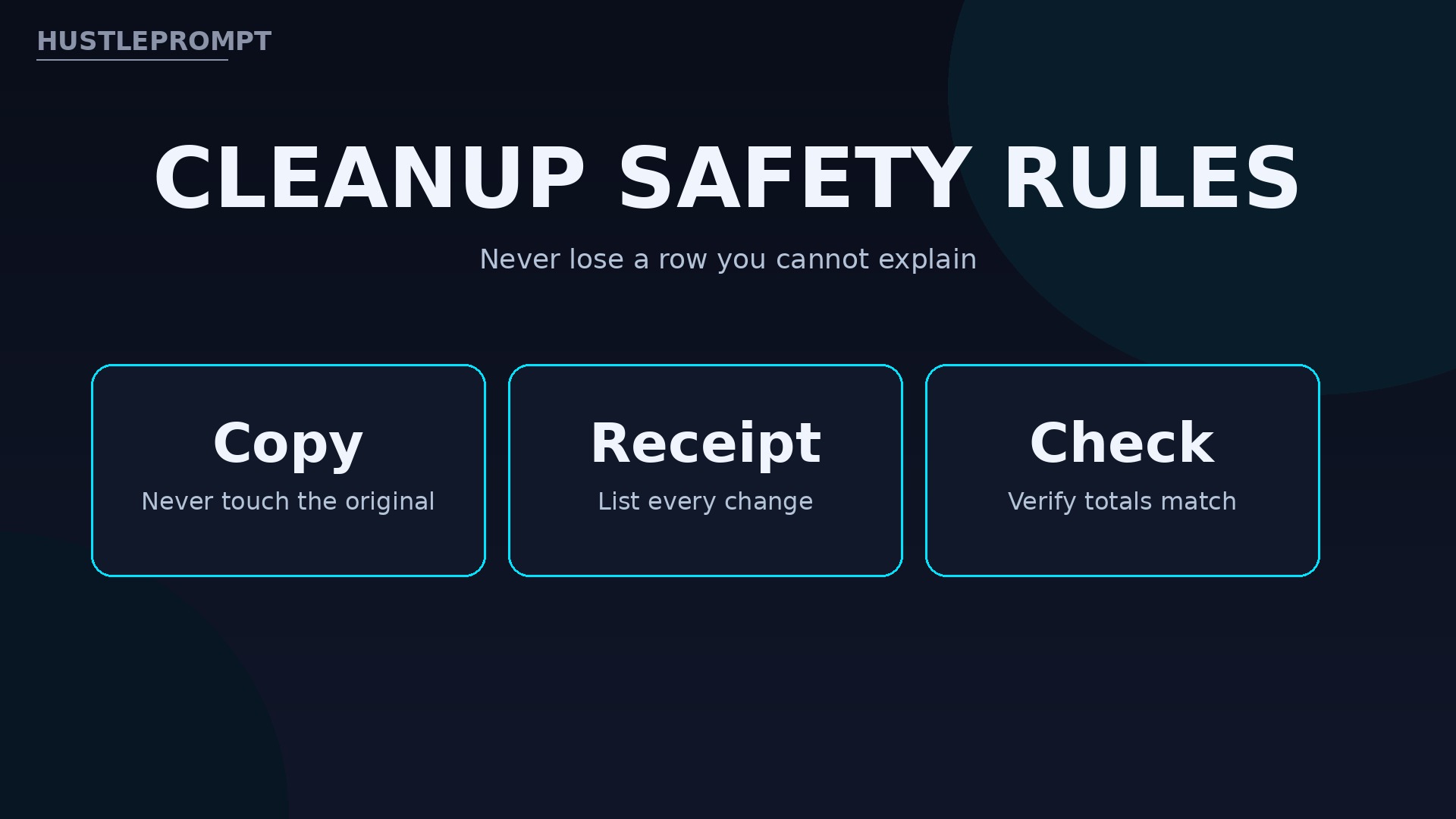
Never clean the only copy. Duplicate the file first, then count rows, list columns, and note every problem type.
Write the diagnosis down: “412 rows, 7 exact duplicates, dates in 3 formats, 14 blank emails.”
Step 2: Get an AI Cleanup Plan Before Changing Anything
Ask your AI tool for a plan first, not edits. Describe the columns and problems, and ask for steps in order.
Test the plan on 10 to 20 rows first. If it looks wrong, fix the plan before touching the full file.
Step 3: Dedupe and Standardize
Remove exact duplicates first, where every field matches. Then handle near-duplicates carefully, such as one email with two name spellings.
Standardize formats next: dates to YYYY-MM-DD, states to two-letter codes, categories to one approved list, and trim extra spaces.
Step 4: Reconcile Every Change
Reconciliation is what separates a professional from a risky amateur: count rows before and after, and explain every difference.
Check totals too. If the original summed to $48,300 in sales, the clean sheet must match, unless a removed duplicate explains the change.
Step 5: Review With the Client
Send the clean file with a change log: duplicates removed, dates fixed, and blanks still blank.
Ask the client to confirm judgment calls, such as merging two similar records. Never merge on a guess.
Step 6: Deliver and Document
Deliver the clean file as Excel plus CSV for import, with the change log. Keep the original, untouched, for at least 30 days for comparison.
Tools and Pricing Compared
| Tool / Plan | Price | Best For |
|---|---|---|
| GPT Excel Free | $0 | Learning formulas, light jobs |
| GPT Excel Pro | $6.30 / month, billed annually | Regular client work, higher limits |
| GPT Excel Pro Plus | $12.60 / month, billed annually | Heavy monthly volume, larger files |
| GPTSheet Starter | $19 / month or $99 / year | AI formulas inside Google Sheets |
| GPTSheet Premium | $35 / month or $199 / year | Chat agent and bulk sheet work |
| Google Workspace Business Standard | $14 / user / month, annual | Sheets with Gemini included |
Evidence: AI Spreadsheet Tool Pricing in 2026
GPT Excel lists a Free plan at $0, Pro at $9 per month or $6.30 billed annually, and Pro Plus at $18 per month or $12.60 billed annually. GPTSheet lists Starter at $19 per month or $99 per year and Premium at $35 per month or $199 per year, with unlimited usage and a bring-your-own-key model. An October 2026 comparison of official pricing pages lists Google Workspace Business Standard at $14 per user per month on annual billing. Confirm at checkout before quoting a client. Sources: AITools.fyi: GPT Excel Pricing, GPTSheet Official Pricing, and DEV: Best AI Spreadsheet Tool in 2026.
How to Profit: Pricing Your Service
Price by file size and messiness, not by hour. Clients understand “$149 for a multi-tab cleanup” far better than “$40 per hour, time unknown.”
The prices below are illustrative positioning only. They are not an income promise, and your local market may support higher or lower rates.
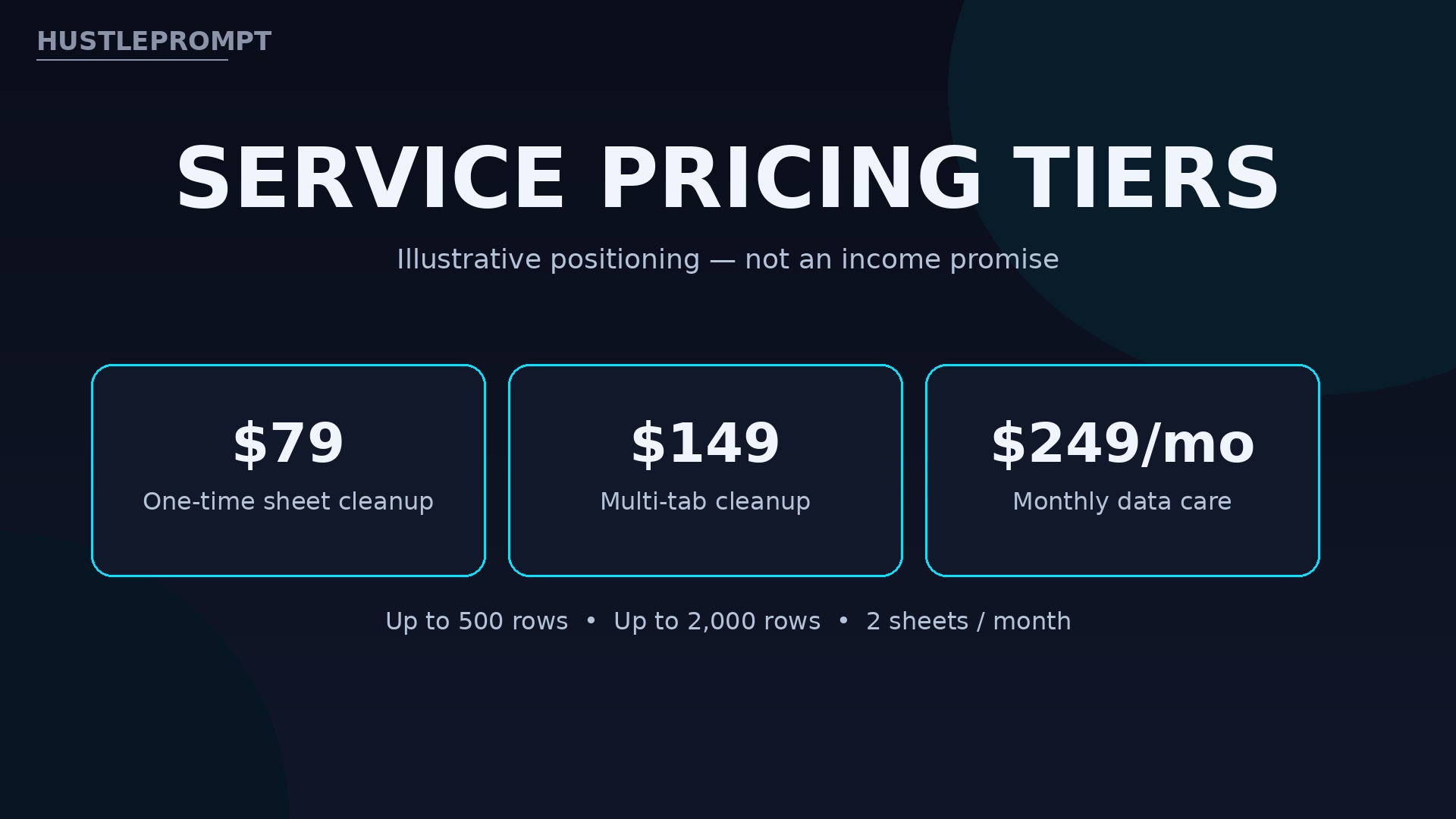
- One-time sheet cleanup: $79 for up to 500 rows, ideal for a single customer list.
- Multi-tab cleanup: $149 for up to 2,000 rows across tabs, ideal for sales exports.
- Monthly data care: $249 per month for 2 sheets, ideal for businesses with recurring exports.
Math example: 2 x $149 + $79 = $377 gross for three jobs in a month, before tool costs and taxes.
Pitching and Landing Your First Client
Your first client is usually a business that just failed an import. Ask local shops, gyms, and agencies whether their CRM or email tool ever rejected a list.
Offer a free diagnosis, not free work: diagnose 50 rows, show the problems, and quote the full cleanup.
Offer a small paid trial first. One list at your normal price is easier to say yes to than a monthly package.
Honesty, Privacy, and Safety
Spreadsheet work touches real customer data, so trust is the product. Treat privacy as a non-negotiable step, not a nice extra.
Never paste real names, emails, or payment details into a public chatbot. Use sample rows for AI help, or tools that run inside the sheet.
Never promise a perfect import. Promise a verified file, a change log, and a reconciliation the client can check. If a sheet holds financial or medical records, get clear written permission first, and ask the client to remove sensitive columns when in doubt.
Watch the Video
See the core technique before your first order. The tutorial below covers planning a cleanup, separating exact duplicates from real orders, and reconciling every removed row.
Video: Clean a Spreadsheet With AI Help—and Prove You Lost No Rows — AI at Work’s tutorial shows how to plan a spreadsheet cleanup with AI, separate exact duplicates from real orders, and reconcile every removed row — the core verification technique this service is built on. (AI at Work)
Frequently Asked Questions
Do I need to know Excel formulas to start?
No. Understand the mess, describe it clearly, and verify results. AI tools generate the formulas; your job is checking them.
What kinds of sheets do small businesses need cleaned?
Customer lists, sales exports, inventory sheets, and email lists are most common. Any sheet feeding a CRM, email tool, or accounting import is a candidate.
How do I prove I did not delete real data?
Report the starting row count, each removal with its reason, and the ending count, plus totals that still match.
What if two rows look like duplicates but might be separate orders?
Flag them, do not delete them. Ask the client to confirm, or keep both and note the uncertainty.
Can I clean sheets with sensitive customer data?
Only with clear permission and safe handling. Use sample rows for AI prompts, keep files private, and ask the client to strip sensitive columns.
How long does one cleanup take to deliver?
A clean 500-row list often takes one working day, including review. Larger files take longer, and rush delivery should cost extra.
Keep Reading
Build a wider service menu with these related tutorials: