
An experienced editor spends 45 to 60 minutes editing a single finished minute of video, per VeedYou’s 2026 survey of professionals. A 10-minute video can eat an entire workday.
A modern AI video editing workflow flips that math: transcription, silence removal, auto-captions, and generative b-roll compress the boring half of every edit into minutes. Below: the 7-stage workflow, real 2026 pricing, a timed test, and how to profit from speed.
Video: How to Edit VIRAL Instagram Reels Using Opus 5.5! (New Style in 2026) — a real-world demo of editing reels with AI — captions, animations, and sound design done the fast way.
The demand behind the opportunity
- 91% of businesses use video as a marketing tool in 2026, an all-time high, per Wyzowl’s survey via PitchAvatar.
- 84% of consumers want more video from brands in 2026 — strong for eight straight years, per Wyzowl.
- $310.37 billion — Grand View Research’s 2026 projection for the global creator economy, up from $252.33B in 2025, cited by Gigapay.
The 7-stage AI editing pipeline
Raw footage in, published video out, AI doing the heavy lifting between. Human judgment stays where it matters — story, pacing, polish.
Step 1: Rough cut by editing text, not waveforms
Transcript editing — cutting video by deleting words in a written transcript — is the biggest time saver in modern editing. Descript pioneered it; CapCut and Premiere now offer their own versions.
Import your footage, let the tool auto-transcribe it, then delete unwanted sentences — the video cuts itself. Two hours of scrubbing becomes a 30-minute read-through.
- Cut mistakes and tangents in text first — touch the timeline after.
- Rearrange paragraphs to restructure the argument.
- Save the transcript: it becomes your captions and show notes.
Step 2: Remove silences and filler words automatically
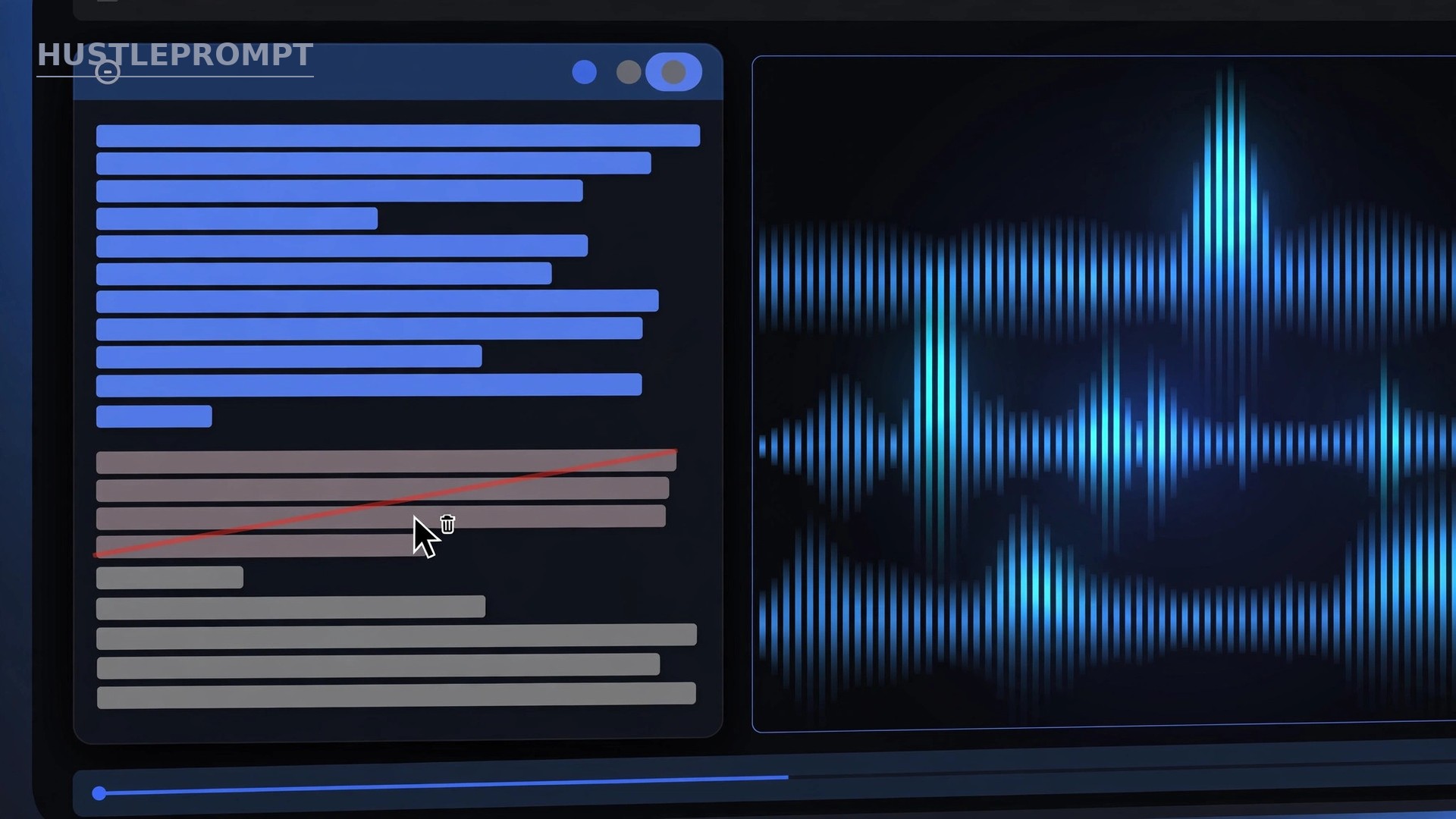
Run silence removal to tighten pauses, then filler-word removal to sweep the “ums” and “uhs.” Review the removals — five minutes of review beats a re-export.
- Set the silence threshold at 0.8–1.2 seconds; dramatic pauses are intentional.
- Remove silences before captions: cleaner timing means better subtitle sync.
Step 3: Generate captions in one click
Auto-captions — subtitles generated from your transcript — are no longer optional. About 85% of mobile videos are watched without sound (Facebook Business data via Shno).
Generate captions from the cleaned transcript, fix the names AI misheard, then save one caption style as a preset. Every future video then matches in two clicks.
- Fix proper nouns first: names, places, brands — AI misspells these most.
- Check numbers, prices, and dates. Errors here cost credibility.
- Export an .SRT file with every video: YouTube, TikTok, and Instagram all accept it.
Step 4: Add AI b-roll and cutaways

B-roll — supporting footage over your talking head — keeps viewers watching.
Stock matched by AI
CapCut, Descript, and Opus Clip match stock clips to your script automatically. Review every match — one literal-but-wrong shot breaks trust faster than no b-roll.
Generative b-roll
Runway’s Gen-4.5 generates footage from a text or image prompt: product animations, cinematic cutaways. On the $15/month Standard plan, cutaways cost well under a dollar each (Rangy, 2026). Use it where stock can’t go: branded scenes, visuals nobody has filmed.
Step 5: Enhance audio, grade color, and export everywhere
Run audio enhancement — Descript’s Studio Sound or Premiere’s Enhance Speech — before locking the cut. It removes hiss, echo, and uneven levels in one pass. Viewers forgive mediocre video; never bad audio.
For color, save a grading preset (a LUT — a “look-up table” that remaps colors) after your first video and apply it to the whole series.
Set export presets per platform: 16:9 4K for YouTube, 9:16 1080p for Shorts/Reels/TikTok, 1:1 for feeds. Auto Reframe recrops one timeline to every ratio. Export once, publish everywhere.
The AI video editing stack: real 2026 pricing
Four tools cover every stage. US prices verified in 2026 — confirm at checkout, since promotions shift them.
| Tool | Best for | Key AI features | Real 2026 price |
|---|---|---|---|
| CapCut | Beginners & short-form | Auto-captions, text-based editing, auto-reframe | Free; Pro $19.99/mo ($179.99/yr) |
| Descript | Talking-head & podcasts | Transcript editing, Studio Sound, filler-word removal | Free (60 min/mo); Hobbyist $24/mo ($16 annual); Creator $35/mo ($24 annual) |
| Opus Clip | Repurposing long videos | AI clip selection, Virality Score, auto-captions, AI b-roll | Free (60 min/mo); Starter $15/mo; Pro $29/mo (annual discount at checkout) |
| Premiere Pro | Professional finish | Text-based editing, Enhance Speech, Auto Reframe, Firefly generative b-roll | $22.99/mo single app (annual plan billed monthly) |
Sources: Costbench (Oct 2026), 1of10 (Sep 2026), Castmagic (Aug 2026), JustWebWorld (Oct 2026) — each checked against the official pricing page.
Total stack: $0 to $57/month. One outsourced long-form video costs $200–$600 — the stack pays for itself on the first edit you keep in-house.
Before vs after: a timed 10-minute video edit

I timed both approaches on the same 10-minute talking-head video. My own example, not a study:
| Task | Manual edit | AI workflow |
|---|---|---|
| Rough cut | 2 hrs 30 min | 45 min (transcript edit) |
| Silence + filler removal | 45 min | 10 min (auto + review) |
| Captions | 1 hr 30 min (manual) | 20 min (auto + fix names) |
| B-roll | 1 hr (stock search) | 15 min (AI-matched stock) |
| Audio + color + export | 1 hr 15 min | 20 min (enhance + presets) |
| Total | ~8 hours | ~2.5 hours |
8 hours down to 2.5 — roughly 3x faster. AI does the volume; your review does the judgment.
How to profit from a faster workflow
Speed is a product. Editors who sell 48-hour turnaround barely compete on price.
- Sell the turnaround, not the hours. Add a 48-hour delivery tier priced 25–50% above standard. Clients paying for speed barely negotiate.
- Price per project, not per hour. Per finished minute is the market norm: $50–$150/min for baseline work, $200–$600 per long-form video, $80–95 per vertical short, per Create & Delate’s 2026 rate guide. Keep the margin AI creates.
- Convert projects into retainers. Offer 4 videos/month, fixed price, 5-day turnaround, 2 revision rounds. Subscription editing runs $495–$2,749/month in 2026 — predictable income for you.
- Upsell the caption pack. Charge $30–$50 per video for styled captions, an .SRT file, and a captioned cut per platform. Your cost: 20 minutes with auto-captions.
- Upsell repurposing. One long video becomes 5–10 vertical clips in under an hour with Opus Clip. Sell a “repurposing add-on” at $100–$200 per video — near-automated revenue for you.
FAQ
Which tool should a beginner start with?
CapCut. The free tier covers auto-captions, text-based editing, and reframing. Move to Descript Creator when talking-head content becomes your main income; add Premiere Pro only when clients demand professional-grade finishing.
Are AI captions accurate enough for clients?
Yes on clear speech — but always do the 20-minute fix pass. Transcription runs 95%+ on clean audio (per AI Video Picks); proper nouns, brand names, and numbers still need human eyes.
Will AI video editing replace freelance editors?
No — it replaces the slowest parts of the job, not the judgment. Retention editing (pacing that keeps viewers watching), storytelling, and brand consistency still need a human. The risk falls on editors who refuse the tools, not on the role.
How much does the stack really cost?
$0 to about $57/month. One outsourced long-form video costs $200–$600 — the stack pays for itself on the first edit you keep in-house.
Does faster editing hurt quality or watch time?
Only if you skip the human review passes. AI output is a draft at machine speed; your 20-minute review of each stage keeps it professional. Faster turnaround often improves quality, because you can afford a second pass instead of shipping a rushed first cut.