
Sell AI Help Center Writing Services to SaaS Firms
Two out of three customers would rather find the answer themselves than talk to a support agent. That single preference is why AI help center writing is a service SaaS companies will pay for right now.
Most software companies know their help center is thin. Their support team answers the same ten questions every day, yet nobody has time to turn those answers into clear, searchable articles.
That gap is your business. You use AI to draft articles fast, verify every step against the real product, and publish polished help content that cuts support tickets.
Why SaaS Companies Pay for Help Center Writing
A help center is not a nice extra for a software company. It is the first place frustrated customers go, and the last chance to keep them before they cancel.
When articles are missing or outdated, tickets pile up. Agents repeat the same answers, response times stretch, and customers leave angry.
The demand for self-service is real
Zendesk research cited by Document360 finds that 67% of customers prefer self-service over speaking to a company representative.
Harvard Business Review research reports that 81% of customers try to solve a problem themselves before reaching out to a live representative.
Gartner figures quoted in self-service guides put a live phone interaction at about $8.01, against roughly $0.10 for a self-service interaction.
Sources: Document360, self-service statistics and Eesel, Zendesk deflection and self-service guide.
Deflection is the industry word for this. It means a customer gets what they need without opening a ticket at all.
What the Service Actually Includes
You are not selling generic blog posts. You are selling a working help center that reduces support load.
A typical engagement covers:
- Audit of recent support tickets to find the questions customers ask most
- A prioritized list of missing or outdated articles, ranked by ticket volume
- Draft articles written with AI, then edited for clarity and tone
- Accuracy review with the client, so every click path matches the live product
- Publishing inside the client’s help center tool, with categories and tags
- A simple report showing ticket deflection and article views after launch
The 6-Step Help Center Workflow
Follow the same workflow for every client. Consistency is what lets you deliver fast without sacrificing accuracy.
Step 1: Run a Support-Ticket Audit
Ask the client to export the last 60 to 90 days of tickets. Most help desk tools export to a spreadsheet in a few clicks.
Group tickets by question, not by customer. You are looking for repeats: password resets, billing changes, integration setup, permission errors, and export problems.
Count how often each question appears. The top ten questions usually explain a huge share of total volume, and they become your first article list.
Step 2: Prioritize Articles by Impact
Sort your list by ticket count first, then by pain. A question asked 200 times a month beats a question asked twice, even if the second one sounds more interesting.
Agree the first batch with the client before you write a word. Ten articles is a sensible first batch for most small SaaS teams.

Step 3: Draft with AI, Then Edit Like a Human
Feed the AI one ticket cluster at a time, plus the client’s product docs and any existing replies. Ask for a single-task article with a short answer first, then numbered steps.
Step 4: Accuracy Review with the Client
This step is non-negotiable. Never publish product steps you have not verified.
Send drafts to the client’s support lead and ask them to test each step against the live product. Button labels, menu names, and settings paths change constantly, and only the client can confirm the current truth.
Step 5: Publish in the Help Center Tool
Publish directly in the client’s tool when they give you access. Zendesk Guide, Help Scout Docs, Intercom Articles, and Freshdesk all support categories, tags, and article search.
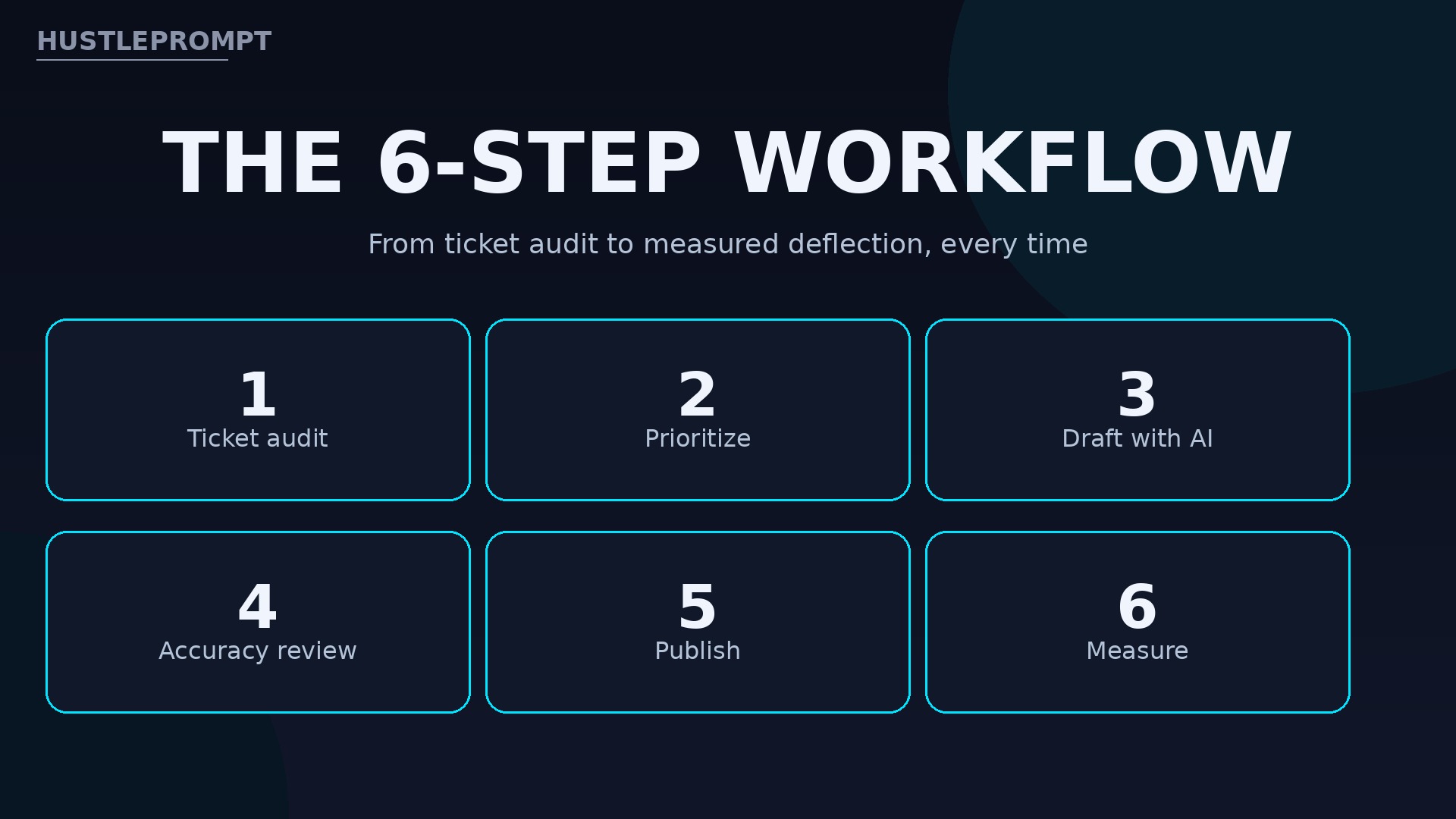
Step 6: Measure Deflection and Improvement
Thirty days after launch, compare ticket volume for the topics you covered against the pre-launch baseline. Report the change honestly, including topics that did not move.
Help Center Tools You Will Publish In
Learn the big three before you pitch. Clients usually already have one, so your job is to work inside it, not to sell them a new tool.
| Tool | Help center product | Good to know |
|---|---|---|
| Zendesk | Guide (Help Center) | Knowledge base, community, and customer portal in one; Zendesk docs confirm article creation, formatting, and management permissions |
| Help Scout | Docs | Docs site included on Plus and Pro; a $10 per user add-on on Standard, per 2026 pricing summaries |
| Intercom | Articles | Articles feed Intercom’s AI answers and in-app help; confirm the client’s plan before quoting work inside it |
What help center tools cost your clients
Help Scout’s published pricing, as summarized in October 2026, runs Free for up to 5 users, then $25, $45, and $75 per user per month billed annually for Standard, Plus, and Pro.
Help Scout’s AI Answers add-on is metered at $0.75 per AI-resolved conversation on top of seat prices.
Salesforce’s knowledge base guide reports that using knowledge base articles can lead to 33% faster resolution times for support teams.
Sources: Gleap, Help Scout pricing 2026, Salesforce, how to write a knowledge base article, and Zendesk, creating articles in the knowledge base. Confirm tool prices at checkout; vendors change plans.
How to Profit from AI Help Center Writing
Price per article batch, not per hour. Clients buy outcomes: fewer tickets and happier customers, not your time.
The package prices below are illustrative positioning to help you set your own rates. They are not an income promise, and the math is gross revenue before tool costs and taxes.
| Package (illustrative) | What it includes | Price |
|---|---|---|
| Starter batch | Ticket audit + 10 articles | $1,200 |
| Full help center | Audit + 25 articles + categories and tags | $2,800 |
| Monthly refresh | 4 new or updated articles + deflection report | $600/month |
Do the math on a realistic month. Two starter batches at $1,200 plus one refresh retainer at $600 equals $3,000 gross in a month.
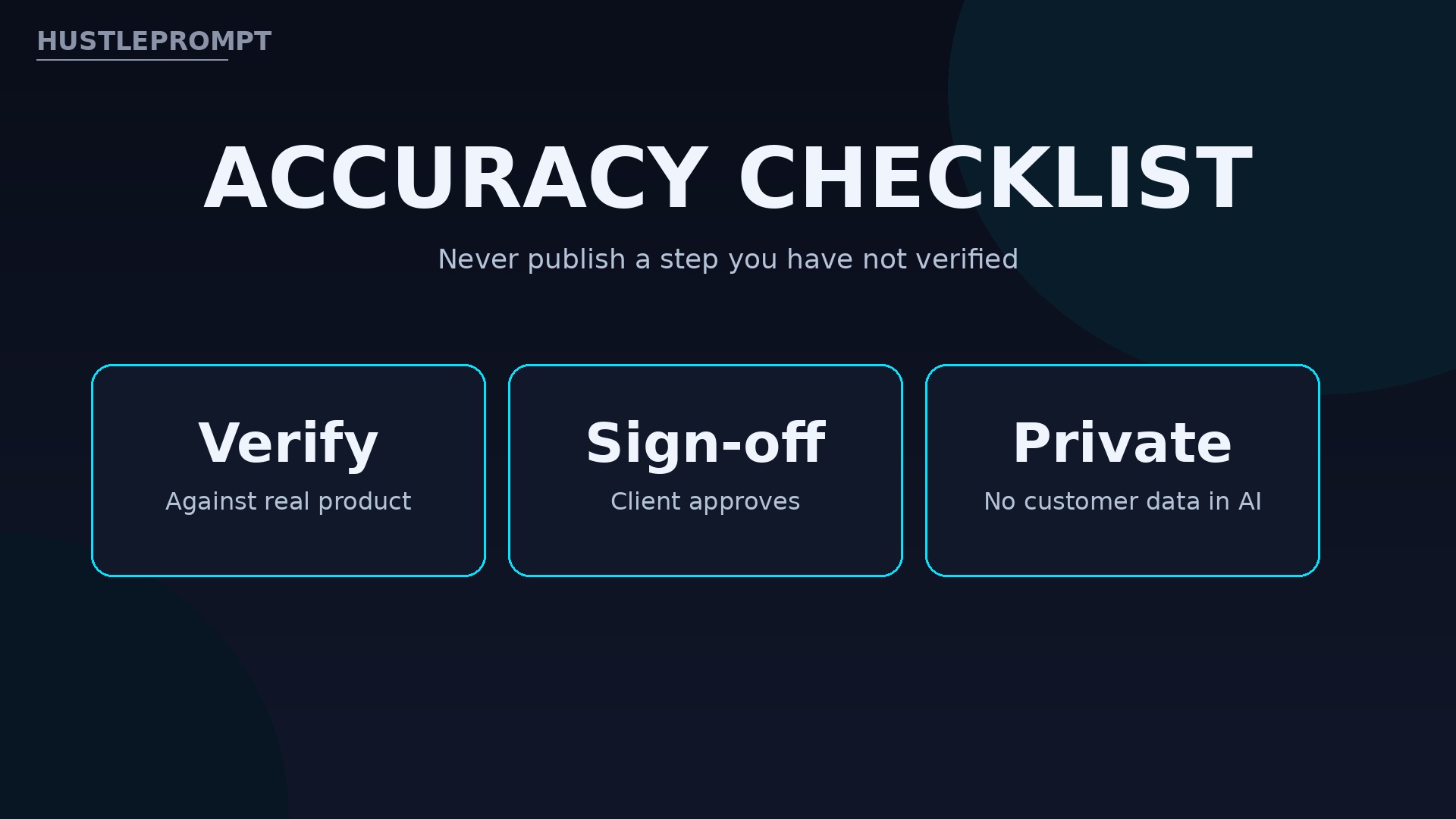
Accuracy Rules That Protect You and the Client
AI drafts fast, but AI also invents confidently. A wrong help article is worse than no article, because customers follow it and fail.
- Never publish product steps you have not verified against the real product or client sign-off
- Test every click path yourself when you have access, or get written confirmation from the client
- Never paste real customer data from tickets into public AI tools; anonymize examples first
- Flag steps that depend on the client’s plan, role, or settings, and state the requirement in the article
- Date-stamp articles and schedule a review whenever the product ships a major update
Video: The Top Knowledge Sharing Techniques for 2024 (Tettra) — Tettra’s official video on knowledge-sharing techniques, embedded in Tettra’s own guide to writing great knowledge base articles — it covers the audience-first, step-by-step article craft this help center service sells. (Tettra)
Frequently Asked Questions
What is AI help center writing?
It is a service where you use AI tools to draft help center articles quickly, then edit and verify them before publishing. The AI speeds up drafting; you supply judgment, structure, and accuracy.
Do I need to know how to code?
No. You need clear writing, basic help desk tools, and the discipline to verify steps. Publishing in Zendesk, Help Scout, or Intercom uses their editors, not code.
How do I find SaaS clients?
Search for software companies with thin help centers, check their support pages, and pitch a free article sample. Freelance platforms, LinkedIn outreach, and support-manager communities are all productive channels.
How long does a 10-article batch take?
Plan on one to two weeks including client review. AI drafting takes hours; the accuracy review with the client is what sets the real timeline.
What if the client’s product changes after I publish?
That is exactly why you sell a monthly refresh retainer. Products evolve, articles rot, and keeping content current is ongoing work clients happily outsource.
Can AI write the whole article without editing?
No, and promising that is how you lose clients. AI drafts well but invents button labels and steps. Every article needs human editing and client sign-off before it goes live.
How do I prove the service works?
Compare ticket volume for covered topics before and after launch, and report article views and failed searches. A simple one-page monthly report keeps retainers renewing.
Keep Reading
- Sell AI Product Photo Services to Online Sellers
- Sell AI Spreadsheet Cleanup Services to Small Businesses
- Sell AI Cold Email Outreach Services to B2B Companies
Start with one SaaS help center, deliver ten verified articles, and let the ticket drop do your selling for you. The demand is already there: customers want answers without waiting, and companies will pay the person who gives them those answers.