
Sell Shopify Product Description Services With AI
Most Shopify store owners hate writing product descriptions, and that is why Shopify product description services are such a practical freelance offer. A store with fifty products needs fifty unique, search-friendly descriptions.
This guide shows you how to research products, write SEO descriptions with AI, format them for Shopify, deliver in bulk, and price packages — for Shopify store owners only.
Why Shopify Store Owners Pay for Descriptions
Every product page has two jobs: convince a shopper to buy, and help search engines understand the product. A one-line description gives shoppers no reason to trust the product and search engines almost nothing to rank.
Writing is slow, and a founder juggling inventory, ads, and support will happily outsource it to someone with a clear system.
Shopify’s SEO overview in the Help Center recommends title tags under 60 characters, meta descriptions under 160 characters, and keywords placed naturally in titles, descriptions, and image alt text. Build those rules into every delivery.
Know Your Client Before You Write a Word
Target stores that already sell but have weak copy. Look for signs such as:
- Product pages with fewer than three sentences of description.
- Identical supplier text repeated across many products.
- No benefits, specs, or FAQs on the product page.
- New products added weekly, which means ongoing writing work.
Your First Client Conversation
Ask for a simple export: product names, variants, prices, supplier details, and photos. Ask who buys this, what problem it solves, and what customers keep asking. The answers become your benefits, FAQ, and tone.
Offer a paid sample of three descriptions before any bulk deal. A sample proves your quality without discounting a full catalog.
Research Each Product in 10 Minutes
AI writes faster, but it cannot invent facts. Research protects you from errors and refund requests. For each product, collect:
- Verified facts: materials, dimensions, weight, colors, sizes, and what is included in the box, taken from the supplier page or packaging.
- Buyer language: phrases from real reviews and questions, rewritten in your own words, never copied.
- Competitor gaps: what rival listings explain that this store does not, such as care or fit guidance.
- One primary keyword: the phrase a buyer would type, such as “ceramic pour-over coffee set,” plus two related terms.
Keep a one-row fact sheet per product. If a fact is missing, flag it for the owner instead of letting AI guess.
Write SEO Descriptions With AI, Then Edit Hard
Use AI as a drafting assistant, not as the author. Try: “Write a 150-word Shopify description for [product] for [buyer]. Lead with the main benefit, use [primary keyword] once naturally, turn features into benefits, and do not invent specs. Facts: [paste your fact sheet].”
Edit every draft against a checklist:
- Does the first sentence state the benefit?
- Is the keyword present once, naturally, near the start?
- Are all specs from the fact sheet, not invented?
- Would a skeptical shopper believe every claim?
Rewrite anything generic. “High-quality materials” means nothing; “food-grade stainless steel that survives daily dishwasher use” means something.
The Shopify Description Format That Converts
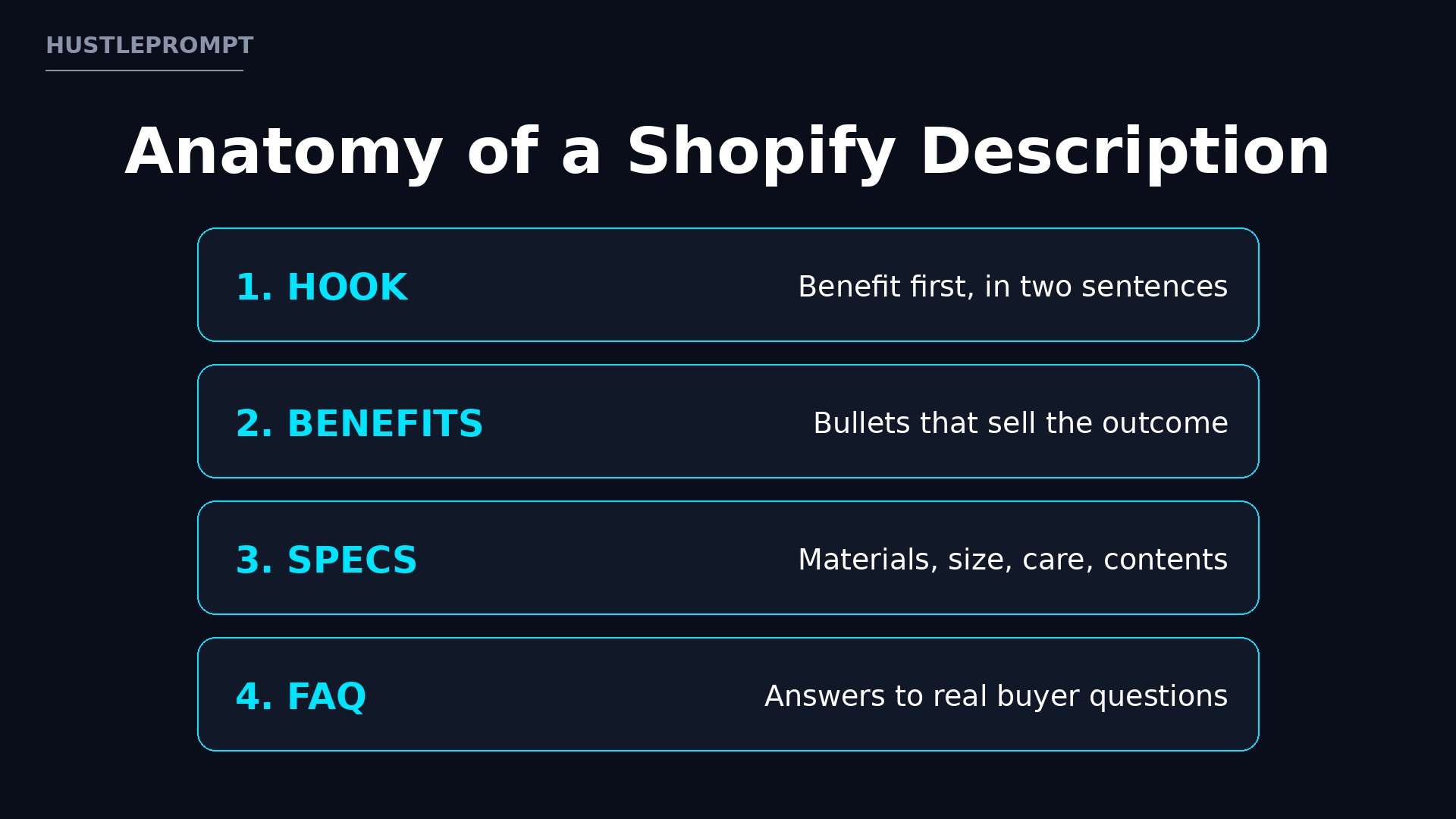
Use the same structure on every product so clients can review quickly and shoppers can scan:
- Benefit-led opening: two short sentences on the outcome the buyer gets.
- Benefits bullets: four to six bullets turning features into benefits.
- Specs table: materials, dimensions, care, and contents.
- Short FAQ: three questions buyers ask, answered briefly.
- Search fields: a page title under 60 characters and a meta description under 160, ready to paste.
Deliver copy in a shared document or spreadsheet with one row per product, plus search title and meta description in their own columns.
From Blank Page to Bulk Delivery
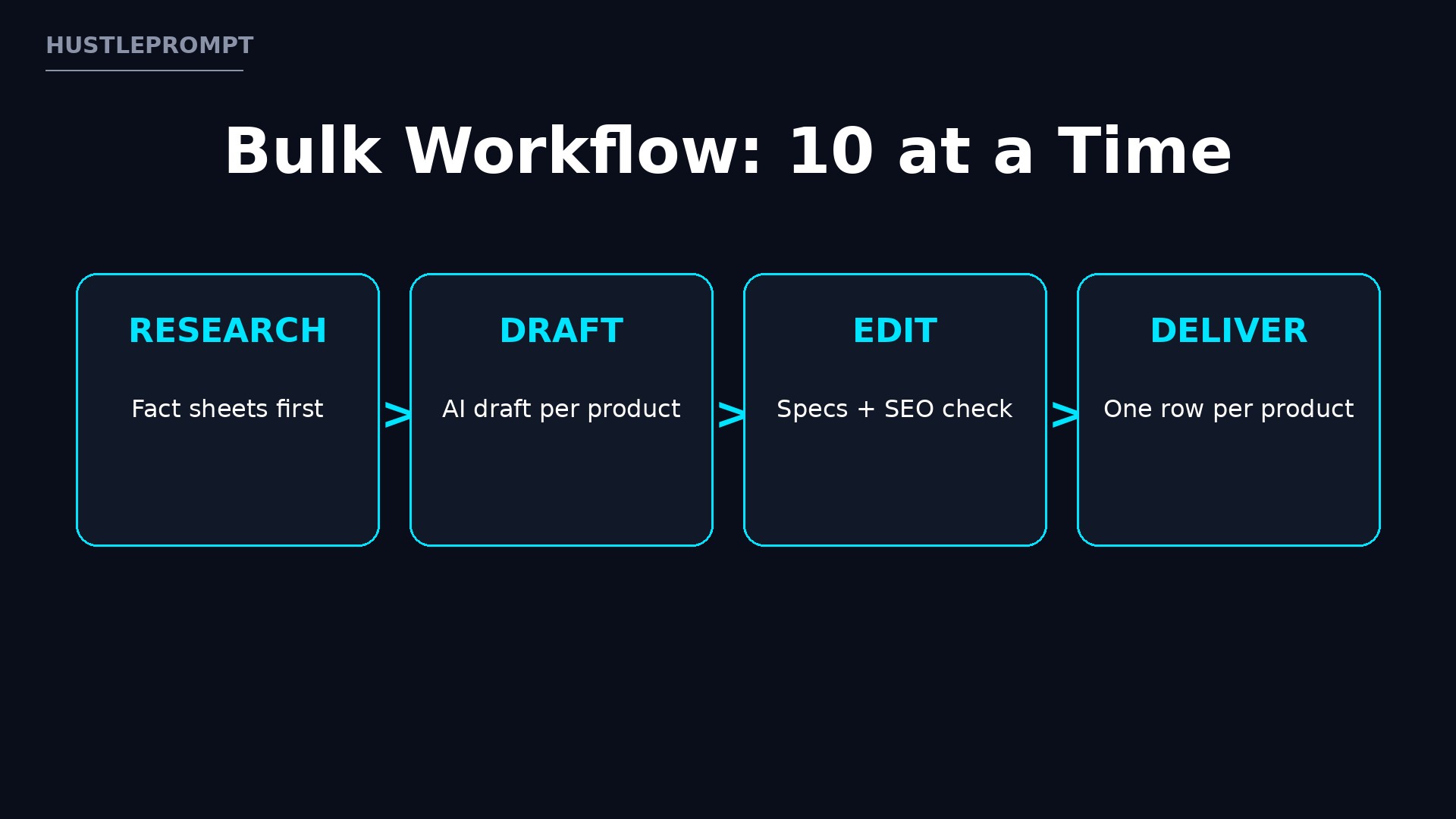
Fact sheet + keyword + buyer language
AI draft from verified facts only
Benefits, specs check, SEO fields
One row per product, ready to paste
Skipping step 1 or 3 is how AI errors reach a live store.
What Shopify Costs Your Clients (and Why It Helps You)
A store owner already pays a monthly subscription before selling a single item, so better product pages are a small extra cost that helps every product they list.
The table below shows Shopify’s monthly-billing plan prices for US stores, as reported from its pricing page in October 2026. Prices change, so confirm current figures on Shopify’s official pricing page before quoting them.
| Shopify plan | Monthly billing (US) | Online card rate with Shopify Payments | Best for |
|---|---|---|---|
| Basic | $39 per month | 2.9% + 30¢ | Solo entrepreneurs and new stores |
| Grow | $105 per month | 2.7% + 30¢ | Small teams scaling up |
| Advanced | $399 per month | 2.5% + 30¢ | High-volume, multi-market stores |
| Plus | From $2,300 per month | 2.25% + 30¢ | Complex, large businesses |
Source: Shopify pricing figures as summarized in October 2026 by GetKanal’s Shopify pricing guide. Yearly-billing equivalents differ across secondary summaries, so this article lists monthly billing only.
Stat highlight: On Basic, Shopify Payments charges 2.9% + 30¢ per online card transaction, and stores using a third-party provider pay an additional 2% Shopify fee. Every sale already carries processing costs before profit.
Stat highlight: New Shopify stores start with a 3-day free trial, followed by $1 per month for the first 3 months on standard plans, per October 2026 pricing summaries. New stores need product copy fast, right when they launch.
Stat highlight: Shopify’s Help Center recommends title tags under 60 characters and meta descriptions under 160 characters. Delivering both fields turns “writing” into a complete, paste-ready package.
Price Packages That Scale
Charge per product, not per hour. It rewards your speed and lets owners budget a catalog rewrite exactly. The packages below are illustrative, shown gross before AI tool costs and taxes. They are not income promises.
| Package | What is included | Illustrative price |
|---|---|---|
| Starter (10 products) | Description, benefits bullets, specs table, search title, meta description | $250–$400 total |
| Growth (50 products) | Everything in Starter, plus a 3-question FAQ per product and a keyword sheet | $1,000–$1,750 total |
| Catalog (100+ products) | Everything in Growth, plus monthly new-product slots and a style guide | Custom quote, from $1,800 |
Ask for 50% upfront on first orders. Offer a monthly retainer only after a successful first batch, for a fixed number of new or refreshed products each month.
Deliver in Bulk Without Losing Quality
Bulk delivery fails when speed tempts you to skip checks. Protect quality with a simple pipeline:
- Batch research first: complete all fact sheets before drafting, so repeated products share consistent facts.
- Draft in batches of ten: review each batch the same day, while details are fresh.
- Run a duplicate check: search for repeated phrases across the catalog; every product needs unique copy.
- Client review in one document: let the owner approve per product, then apply all edits in one revision round.
- Deliver paste-ready files: one spreadsheet row per product, with description, bullets, specs, FAQ, and search fields in separate columns.
State your revision policy in writing: one revision round included, extra rounds billed.
Find Clients and Keep Them
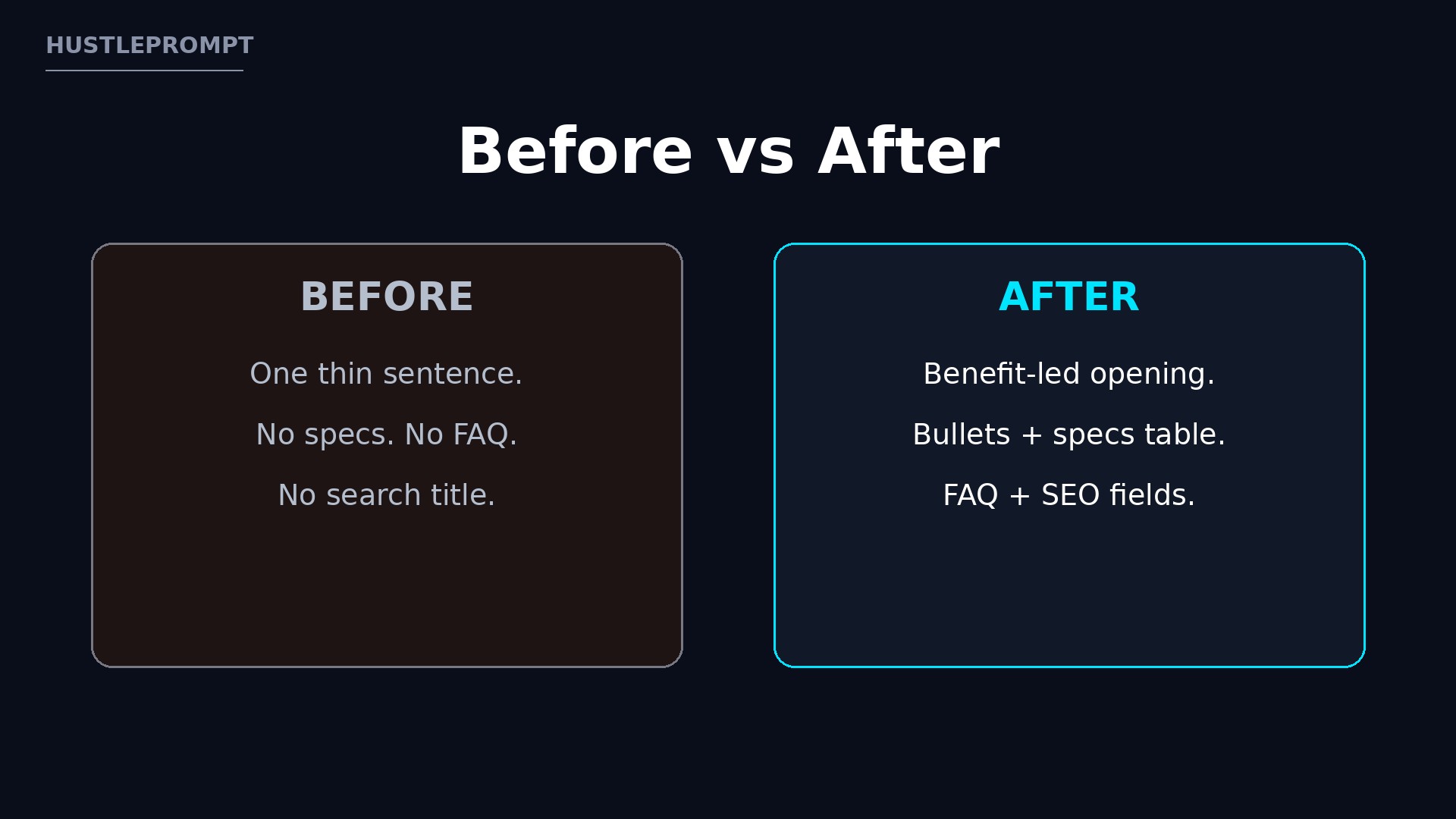
Start with a portfolio of five rewritten descriptions for demo products, showing before and after. Then reach out where Shopify owners gather: freelancer platforms, community spaces, and direct messages to stores with visibly weak copy.
Your outreach message should name one real problem you spotted, such as “your bestseller has two sentences and no specs,” and offer the paid sample. Specific pitches get replies.
Keep clients by reporting what changed: products delivered and search fields completed. A short monthly note makes renewing the retainer an easy yes.
Watch the Video: Shopify Product Page SEO
See how strong product pages combine titles, descriptions, specs, benefits, and FAQs:
Frequently Asked Questions
Do I need a Shopify store of my own to offer this service?
No. Learn Shopify’s product fields from its Help Center and the walkthrough above. Most clients give you a spreadsheet to fill, not admin access.
How is this different from Amazon listing services?
Shopify pages live on the owner’s own store, with its own brand voice, search fields, and FAQs. This service is built only for Shopify’s format, not for any marketplace’s rules.
How long does one product description take?
With a fact sheet ready, a polished description with bullets, specs, FAQ, and search fields usually takes 20 to 40 minutes. Batches get faster as templates improve.
What AI tools should I use?
Use any general AI writing tool you already pay for, plus a spreadsheet for delivery. Confirm current tool prices on each tool’s official pricing page before buying.
What if the client’s product facts are incomplete?
Flag the gaps in writing and ask the owner to confirm. Never invent materials, dimensions, or claims. A short delay beats a live page with wrong specs.
Should I offer revisions?
Yes, include one revision round per batch. Put it in your agreement, with payment terms and delivery format, so both sides know what “done” means.