
Solana just removed the most expensive part of learning to build on its blockchain: the setup. On November 27, 2026, Solana introduced Solana Playground AI, a browser-based environment where you learn, build, and deploy Solana programs with an AI agent working beside you. There is nothing to install and no paid toolchain standing between you and your first deploy.
For freelance developers, that changes the math. Solana work used to start with hours of local setup before a single line of paid work. Now the whole workflow lives in one browser tab. This article shows what the tool does, what it cannot do yet, and how to turn it into paid client work.
What Solana Playground AI actually is
Solana Playground is a browser-based development environment for Solana programs, the on-chain code that powers Solana apps. The new version adds an integrated AI agent to the editor. You type a question or an instruction in plain language, and the agent explains a block of code or proposes a change in the same workspace.
The announcement came from Solana’s main account on X on November 27, 2026: “Introducing Solana Playground – where you learn, build and deploy Solana programs right in your browser. An AI agent explains the code and edits it with you.” The developer account had posted the same introduction two days earlier, on November 25, and credited developer Hoodies (@Hoodies_crypto) with building the platform.
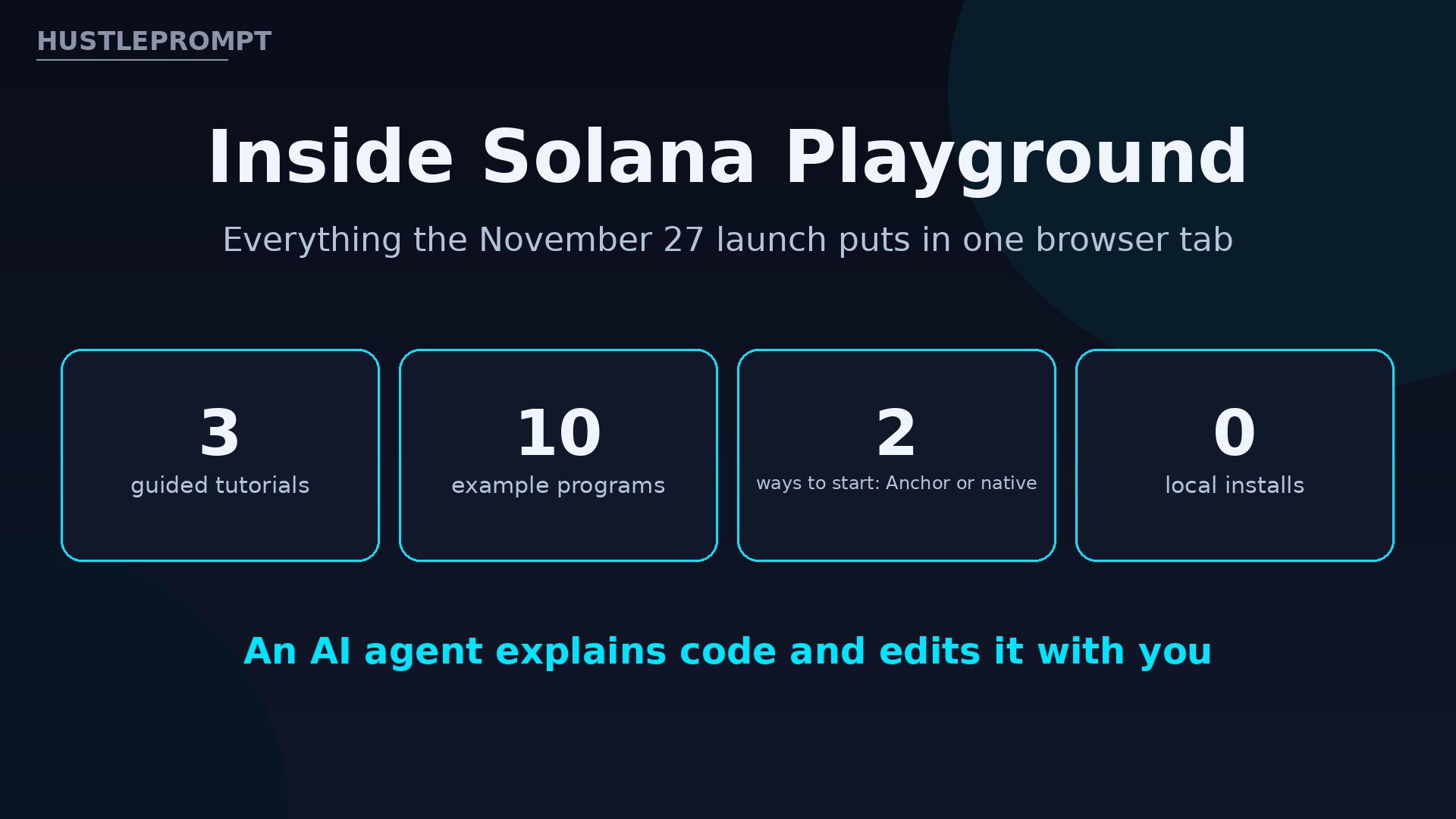
Three things come with it. First, a conversational AI agent inside the editor. Second, three guided learning paths, including Hello Anchor for beginners and Lumberjack for intermediate builders. Third, ten example programs to open, study, and modify. Start with Anchor, the framework that simplifies Solana program development, or with native Solana programming for direct control.
What the AI agent does, and what it does not do
The agent’s job is to explain and edit, not to build alone. Ask it what a function does, and it answers in plain language. Ask it to change a value, rename a variable, or restructure a block, and it proposes the edit inside your workspace.
That distinction matters for client work. The agent is a pair programmer, not a replacement developer. You still decide what ships, review every change, and own the result. Hands-on checks report that proposed edits appear as diffs and apply only when you approve them, and that builds and deploys each need your explicit approval.
The agent also cannot make your code secure by itself. A program that works on devnet, Solana’s free test network, can still hide a logic flaw. Nothing in the announcement promises audits or security review, so treat AI-written code the way you would treat any junior developer’s first draft: useful, fast, and in need of review.
Evidence: Playground vs. a local Solana setup. The comparison below uses Solana’s own docs and announcement. The local-setup column describes the standard workflow the Playground replaces.
| Step | Solana Playground AI | Local setup |
|---|---|---|
| Install | Nothing to install; opens in the browser | Install Rust, the Solana CLI, Anchor, and Node |
| AI help | Built-in agent explains code and edits it with you | Bring your own coding assistant and configure it |
| Learning | 3 guided tutorials and 10 example programs | Docs and sample repos you find yourself |
| Testing | Devnet with a free faucet for test SOL | Configure your own wallet and faucet access |
| Deploy | Deploy from the same browser tab | Deploy from the command line |
Sources: Solana on X, November 27, 2026; Solana developer docs quickstart.
How it works: from zero to a deployed program
The workflow is short enough to finish in one sitting. Here are the steps:
- Open playground.solana.com in your browser. No install, no download, no account needed to look around.
- Pick a starting point. Choose Hello Anchor, Lumberjack, one of the ten example programs, or a blank Anchor or native project.
- Ask the agent to explain the code. Start with the parts you do not understand yet, and let it walk you through them.
- Tell the agent what to change. Review the proposed edit before you apply it, and test after every change.
- Test on devnet, then deploy. Use free test SOL from the faucet, confirm the program behaves as expected, and deploy from the same tab.
Solana’s quickstart confirms this shape: it runs on devnet from your Playground wallet, with nothing to install, and links you to the free faucet for devnet SOL. The full quickstart takes about eight minutes.
How to profit: turning free practice into paid work
The tool is free to open and the practice is free to run, which makes it a low-risk way to add a billable skill. Here is a practical path from first tutorial to first invoice:
- Finish Hello Anchor, then Lumberjack. Two guided projects give you real code to show a client.
- Build one demo on devnet. Pick a small, common client need: a token program, a simple payment flow, or a basic mint.
- Record a short walkthrough of the demo. Clients buy what they can see working.
- Package fixed-scope offers. A token launch, a payment integration, or a program review each has a clear deliverable and a clear price.
- Use the agent to move faster, not to skip review. Quote the time you save, and spend part of it checking the code.
Price the work by the project, not by the hours you spent learning. The client pays for a working program, and the Playground cut your learning cost to zero. Keep first offers small and move to mainnet only after the client has tested the result.
From idea to paid delivery in 5 steps
Open playground.solana.com. Zero installs.
Finish Hello Anchor, then Lumberjack.
Explain the code, then request edits.
Run it on devnet with free test SOL.
Deploy, demo it, and invoice the client.
What it cannot do yet
Honest limits protect your reputation. The AI agent does not audit code, does not guarantee mainnet safety, and does not replace Solana knowledge. Solana has also not published which model powers the default AI backend, or any pricing or usage limits for the agent.
Hands-on reporting adds two practical details. The default AI backend asks you to sign in with GitHub, and you can also connect your own model credentials, with Anthropic, OpenAI-compatible endpoints, Gemini, and OpenRouter listed as options. Treat those details as reported, not official: they come from an independent check of the live interface, not from Solana’s announcement.
The wider context helps too. The launch follows Solana’s November 23 launch of solana.ai, a hub for AI agents that trade, pay, and manage wallets, plus updated developer docs with setup instructions for AI coding agents, including an official MCP server and skill. More than 120 teams are building AI products on Solana, according to the Solana Foundation at Breakpoint 2026.
Evidence: what is verified, what is reported, and what is still unknown.
| Claim | Status | Source |
|---|---|---|
| AI agent explains code and edits it with you | Confirmed | Solana on X, November 27, 2026 |
| Anchor and native project starts | Confirmed | Solana on X, November 27, 2026 |
| 3 guided tutorials and 10 example programs | Confirmed | Solana on X, November 27, 2026 |
| Free devnet testing with a faucet, nothing to install | Confirmed | Solana developer docs quickstart |
| AI coding agent setup docs (MCP server and skill) | Confirmed | Solana developer docs, agent setup |
| Default backend uses GitHub sign-in; own-model options listed | Reported | CoinScreamer hands-on check |
| Which model powers the default backend | Not disclosed | No official statement found |
| Pricing or usage limits for the AI agent | Not published | No official statement found |
Frequently asked questions
Is Solana Playground AI free?
The Playground opens in your browser, and testing on devnet uses free test SOL from the faucet, according to Solana’s official docs. Solana has not published any pricing or usage limits for the AI agent itself.
Do I need to install anything to use it?
No. Solana’s quickstart states that the Playground runs in your browser with nothing to install. You only need a browser and an internet connection.
What can the AI agent actually do?
It explains code, answers questions about unfamiliar sections, and proposes edits inside the same workspace. Hands-on checks report that edits appear as diffs and apply only when you approve them.
What is Anchor?
Anchor is a framework that simplifies building Solana programs by handling boilerplate around program structure, accounts, and validation. The Playground offers it as one of two starting points, alongside native Solana programming.
Can I build real client work with it?
Yes, for prototypes and devnet demos. For mainnet delivery, test thoroughly, have the client review the result, and never promise audited security unless a real audit exists.
How is this different from the old Solana Playground beta?
The new Playground builds on SolPg, an open-source beta running since late 2022. The difference is the official home at playground.solana.com and the integrated AI agent at the center of the workflow.
Keep Reading
- The Review Bottleneck: AI Writes Code, Humans Gate It – why every AI edit still needs a human review before it ships.
- Pydantic Pax: A Terminal Coding Agent You Can Rebuild – a coding agent you can run and rebuild yourself.
- The Agent Economy’s Dirty Secret: 200M Tiny Payments – how agent payments work at scale, and where the money flows.
Sources
- Solana Playground – the official browser IDE (Solana).
- Solana on X – official announcement of Solana Playground, November 27, 2026.
- Solana developer docs: Quickstart – devnet, free faucet, nothing to install, about 8 minutes.
- Solana developer docs: Set up a coding agent for Solana – official MCP server and solana-dev skill.
- solana.ai – Solana’s AI hub, launched November 23, 2026.
- crypto.news – report quoting the November 27 announcement and the guided tutorials.
- CoinScreamer – hands-on check of the live Playground interface (reported backend details).