
On October 7, 2026, a desktop app took the #1 spot on Product Hunt with a promise no automation tool had ever kept: show it your workflow once, and it runs it for you forever.
The product is IrisGo for Solopreneurs — an “AI operating system” that records what you do across your apps, learns the pattern, and replays it with new inputs, with your approval gating every run. It finished with 443 votes and 38 comments — the clearest market signal yet that we have entered the AI OS era: automation by demonstration, not configuration.
What is trending: the “show it once” moment
Do your morning routine once — triage the inbox, pull the numbers, send follow-ups — while the agent watches. From then on, it does that routine. Here are the verified launch facts:
| Launch fact | Detail | Source |
|---|---|---|
| Product Hunt result | #1 Product of the Day, Oct 7, 2026 — 443 votes, 38 comments | PH daily leaderboard |
| Tagline | “AI workflow automation: show it once, let it run” | Product Hunt |
| Headline feature | Watch & Learn — demonstrate once, replay with new inputs, adapt to change; plus daily briefs, email triage, “My Radar” to-dos, meeting summaries | Product Hunt |
| Price | Free during public beta | irisgo.ai |
| Platforms | Windows 11 (64-bit) and Apple Silicon Macs | irisgo.ai |
| Backing | Andrew Ng’s AI Fund led the seed round | OpenAIMaster |
| Architecture | Hybrid on-device — data stays local; cloud only when explicitly authorized (per TechCrunch, May 2026) | OpenAIMaster |
443 votes — IrisGo’s winning margin on Oct 7, 2026, ahead of GenPage 3.0 (418) and Velozity (416), per the Product Hunt daily leaderboard. (ai-product-radar)
$0 beta — free during the public beta removes the price objection entirely, so the launch tested the idea on pure merit: people want AI that executes workflows, not AI that answers questions. (irisgo.ai)
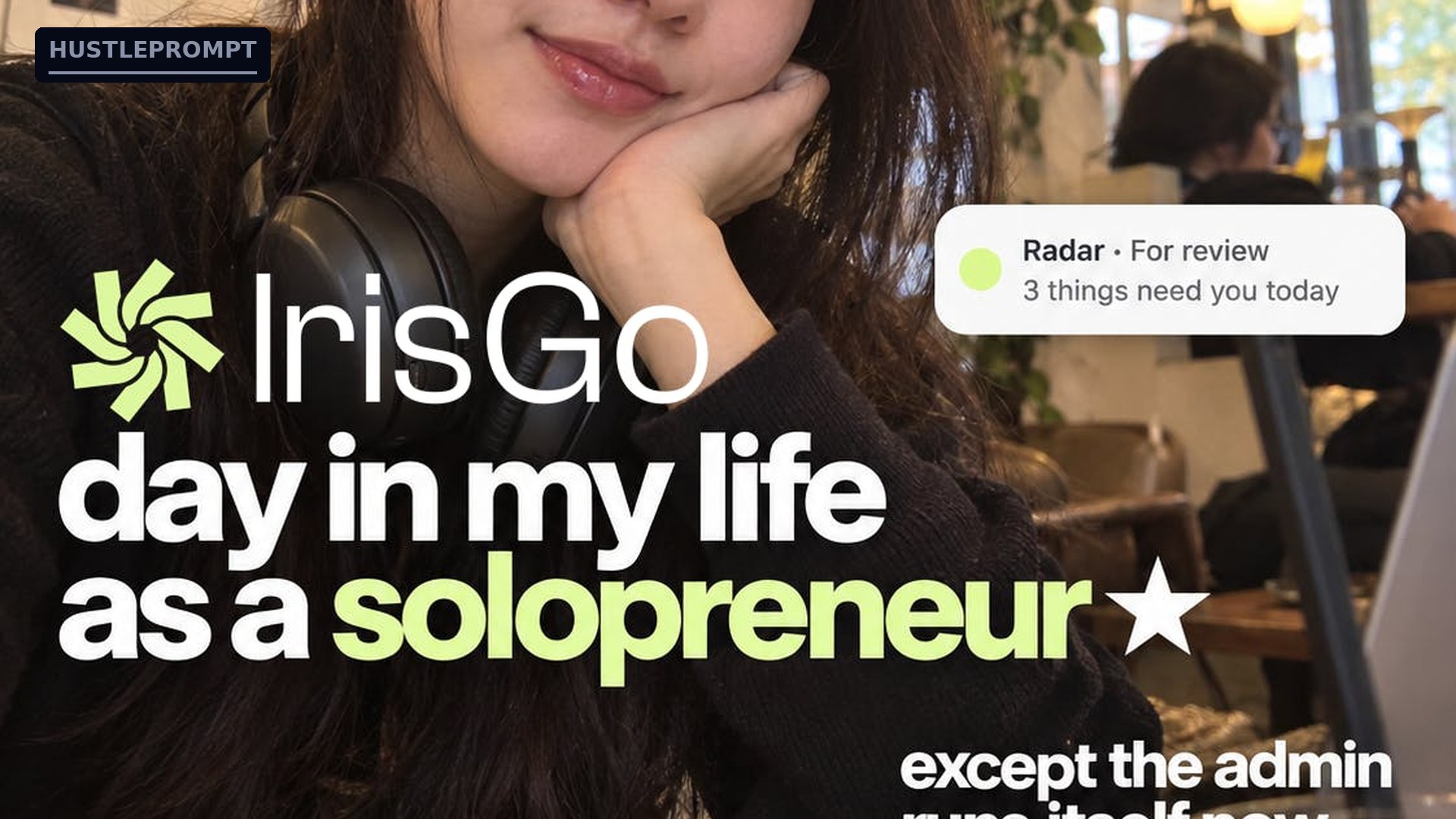
Source: irisgo.ai / official Product Hunt launch page — the “My Radar” to-do notification from IrisGo’s launch creative.
Deep analysis: why demonstration beats configuration
Every automation wave before this one asked you to become a programmer first. Macros recorded brittle clicks. RPA (robotic process automation — bots mimicking your clicks) made it enterprise-grade but enterprise-expensive. Zapier and Make let you wire apps together, yet every workflow still had to be configured: triggers, conditions, field mappings, error paths.
That configuration tax is the bottleneck. Small businesses run thousands of workflows too specific for templates and too small for RPA consultants. Demonstration flips the interface: you do the job, the agent learns it.
The maker’s own Product Hunt comment captures the shift: IrisGo treats a demonstration as a pattern and adapts when something changes, “much closer to how you’d delegate to a teammate.”
The three generations of automation
| Dimension | Macros / scripts | RPA / Zapier-style | Watch-and-learn OS agents |
|---|---|---|---|
| How you build it | Record clicks or write code | Configure triggers and fields | Demonstrate once; AI generalizes |
| When the UI changes | Breaks | Breaks | Adapts via pattern recognition |
| Skill needed | Scripting | Workflow design | None — just do your job |
| Scope | Single app | Apps with APIs/connectors | Any app, including legacy tools |
| Trust model | You wrote it | You configured it | You approve it per run |
Why now: three forces converging
Agentic models got reliable enough. “Agentic” means AI that takes multi-step actions. Computer-use models finally handle real desktops — dynamic lists, popups, dialogs — well enough for supervised replay.
On-device compute removed the privacy blocker. “On-device” means processing happens on your computer, not a remote server. Workflows stay local, cloud only when you authorize it.
Solopreneur admin pressure peaked. Inbox triage, follow-ups, meeting notes, scheduling — the admin tax on one-person businesses has never been higher, with no IT department to hand it to.
How it works: watch once, replay forever
1
Demonstrate
Do the workflow once while the agent watches your screen.
2
Agent learns pattern
Not a click recording — the pattern behind the task.
3
You approve
Nothing runs without your sign-off. You stay the boss.
4
Replays forever
Runs with new inputs — different emails, new rows, fresh data.
5
Handles change
UI moved? List grew? The agent adapts instead of breaking.
Concept diagram based on the Watch & Learn workflow described on the IrisGo Product Hunt page.
How to profit: the long-tail automation gold rush
Every automation wave created a service economy. RPA consultants charge six figures per engagement. But demonstration-based automation creates a bigger, more accessible one: the workflows too small and too specific for anyone to have automated before. Every dental clinic, law office, real-estate agency, and Shopify store has 20–40 recurring workflows that exist only in someone’s head. That is the long tail — and watch-and-learn agents are the first tool cheap enough to harvest it.
1. Sell automation sprints to SMBs
The offer: shadow the staff for a day, record the 10–15 most repetitive workflows, and hand back a business that runs half its admin on autopilot.
- Price it as a sprint, not hourly. A one-week sprint at $1,500–$5,000 beats selling hours. The ROI sells itself: a workflow eating 5 hours a week costs the business roughly $15,000 a year in salary.
- Start with email triage and follow-ups. Every owner drowns in these. A recorded morning-triage workflow is your demo, your deliverable, and your testimonial.
- Sell the recording, not the tool. The tool is free in beta. Your value is knowing which workflows to record and how to handle the exceptions.
2. Productize and niche down by vertical
After recording invoicing for three dental clinics, the fourth is 80% the same. Package vertical playbooks — “the 12 workflows every real-estate team needs” — and sell fixed-scope implementations plus a monthly retainer that keeps recordings current. Vertical specialists win: workflows repeat, referrals compound, and nobody else in that niche understands the tooling yet.
~260 hrs/year — a single recorded triage workflow at 5 hours a week gives a business back roughly 260 hours a year. Price your sprints against that math, not your hours. (Illustrative estimate.)
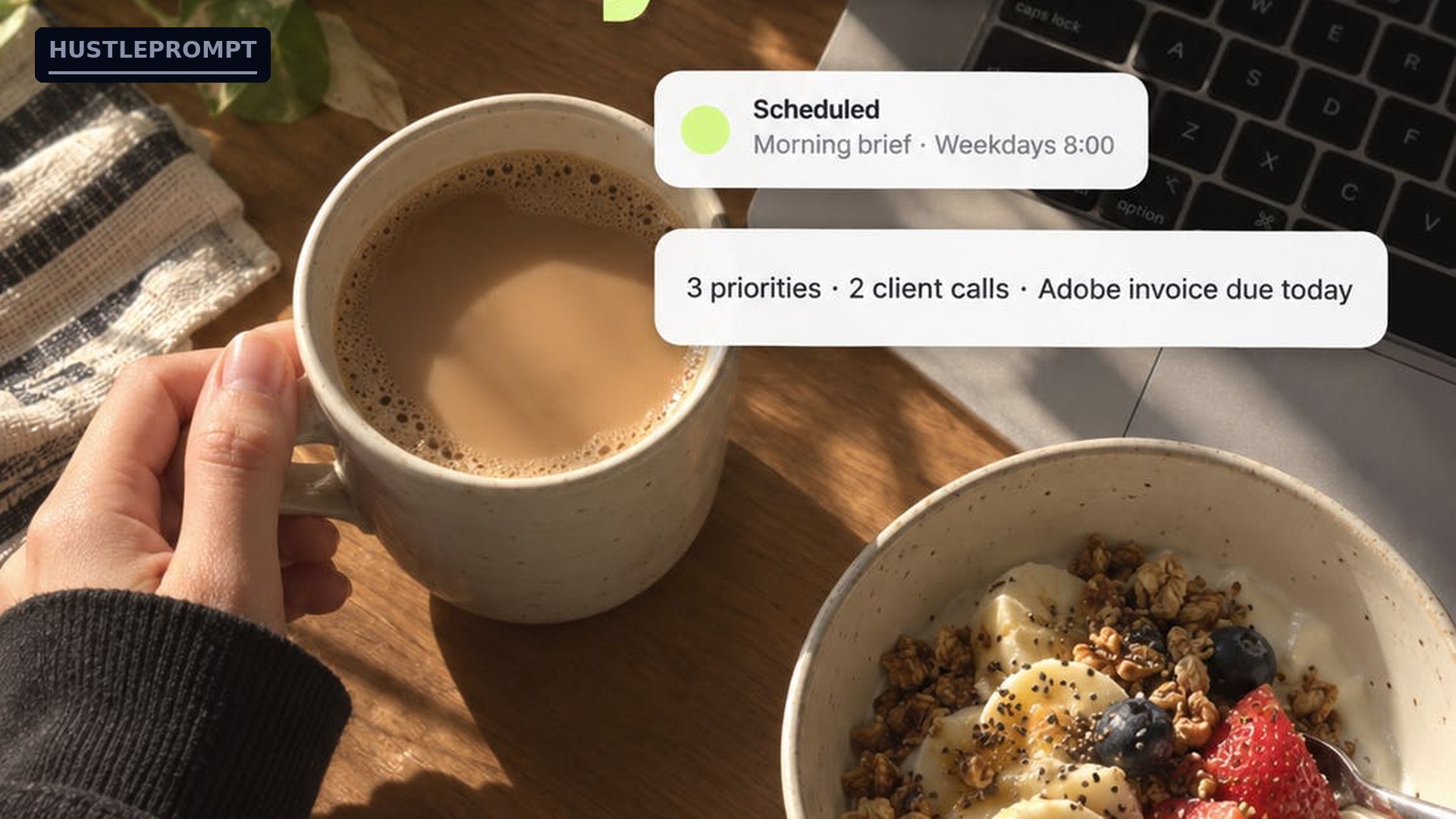
Source: irisgo.ai / official Product Hunt launch page — the morning daily-brief notification from IrisGo’s launch creative.
What to do now: five moves this month
- Install the beta yourself. Free on Windows 11 and Apple Silicon Macs. You cannot sell what you have not run.
- Record three of your own workflows. Email triage, invoicing, meeting notes. Time before and after — that is your sales deck.
- Shadow one friendly business owner for a day. List every repetitive task. Pick the three juiciest.
- Price your first sprint. Fixed $1,500–$3,000 for a one-week pilot. Fixed pricing removes the buyer’s fear of an open meter.
- Document everything. Screenshots, time logs, one testimonial. Your second sale costs a tenth of your first once you have proof.
Where this is heading: three predictions
1. Every OS ships an agent layer. Expect OS-native “watch me” automation within two years — which makes now the window for independents, before the platform owners arrive.
2. The moat moves from tooling to workflow libraries. When the tool is free, value concentrates in the best pre-built workflow recordings per vertical. Whoever builds those libraries today owns distribution tomorrow.
3. Approval-first becomes the trust standard. The “you approve every run” gate is what makes this safe to sell to cautious owners — expect every serious agent product to copy it.
Keep Reading
- The AI Orchestrator: Why Freelancers Now Earn 34% More
- Copilot Notebooks Automations: October 2026 Update Guide
- The Freelancer’s Guide to Pricing AI-Powered Services
FAQ
What is the AI OS era? Desktop AI agents — exemplified by IrisGo for Solopreneurs, #1 on Product Hunt on Oct 7, 2026 — that automate work by watching you do it once, then replaying the pattern with new inputs.
How is this different from Zapier or RPA? Zapier needs manual configuration between apps. RPA bots replay rigid clicks that break when the UI changes. Watch-and-learn agents learn the pattern and adapt, with your approval gating each run.
Is IrisGo free? Yes, during the public beta — on Windows 11 (64-bit) and Apple Silicon Macs, per the official site. Pricing may change when the beta ends.
Is it safe to let an AI see my screen? The company claims hybrid on-device architecture: data stays on your machine, cloud only when explicitly authorized (per TechCrunch, May 2026, via OpenAIMaster). Never record workflows containing credentials you cannot rotate.
Can I really sell automation sprints as a freelancer? Yes — the core business model of this trend. Package a fixed-price, one-week sprint ($1,500–$3,000 to start) and price against the hours you give back.
What are the risks? Recordings are only as good as the demonstration; big UI overhauls can still break patterns; and Microsoft or Apple may absorb the category. Specialize in a vertical and keep recordings re-demonstrable.
What should I do first? Install the free beta, record three of your own workflows, and time the before-and-after. That gives you the demo and the pricing evidence for your first client.